A crane sits idle on a Tuesday. Nobody scheduled it. The dispatcher had the job in a text thread, the operator thought it was cancelled, and the maintenance log lived in a binder in the shop. That idle crane is not a hardware problem. It is an information problem.
Most crane operators do not lose money because their equipment is bad. They lose it because scheduling lives in one place, inspections in another, and invoicing somewhere else entirely. Utilization drops, downtime creeps up, and the paperwork trail that proves compliance goes missing right when an auditor asks for it.
The category built to fix this is growing fast. The global crane monitoring and management system market is projected to rise from USD 1.60 billion in 2025 to USD 3.50 billion by 2035, an 8.1% CAGR, according to WiseGuyReports (2025). That growth is not about buying more cranes. It is about running the ones you already own with fewer blind spots.
This guide walks through the tools that close those gaps. Each one connects some combination of scheduling, dispatch, fleet tracking, maintenance, safety compliance, and invoicing into a single operating picture. If you are evaluating crane rental software, overhead crane management software, or a broader field service platform for crane work, the four below cover the range of workflows you are likely running.
What's inside
This guide is for operations managers, fleet owners, and dispatchers evaluating crane management software for rental fleets, overhead crane operations, or jobsite lift coordination. It is a shortlist, not a feature encyclopedia.
We chose the four tools based on four criteria that matter when software has to run real crane work:
- Workflow coverage across scheduling, dispatch, maintenance, and invoicing
- Fleet visibility into asset location, utilization, and service history
- Safety and compliance depth, including inspections, checklists, and signatures
- Field and mobile access so crews can update jobs from the site, not the office
Each item section covers who it fits, its strengths, and its pricing model as verified from the vendor.
TL;DR
- Best for rental-heavy operators: Fleet Cost & Care connects quoting, dispatch, maintenance, and invoicing for crane and rigging fleets that live or die on utilization.
- Best for end-to-end field execution: RapidWorks runs the full quote-to-schedule-to-invoice flow with mobile job tickets and billing automation.
- Best for inspection-heavy field service: crewOS handles work orders, inspections, time tracking, and offline field updates for industrial crews.
- Best for jobsite lift scheduling: Voyage Control coordinates crane bookings, deliveries, and on-site logistics across multiple stakeholders.
- The right pick depends on whether you are rental-led, dispatch-led, inspection-led, or scheduling-led. Match the tool to the workflow gap that is costing you the most.
What is crane management software?
Crane management software is a system that connects crane scheduling, dispatch, equipment tracking, maintenance, safety compliance, and invoicing into one operating platform, so operators can run jobs and fleets without stitching together spreadsheets and disconnected tools.
Think of it as the control layer over a crane operation. Instead of tracking availability in a whiteboard, inspections in paper binders, and billing in accounting software that never talks to dispatch, the platform holds it all in one place and keeps the data connected.
Core modules you will find across most tools:
- Scheduling and dispatch: Assign cranes, operators, and jobs against real-time availability, and coordinate crews without double-booking equipment.
- Equipment and fleet tracking: See where each crane is, what condition it is in, and how heavily it is being used.
- Maintenance and service history: Log preventative maintenance, track repairs, and keep a full service record per asset.
- Inspections and safety docs: Run digital checklists, capture signatures, and store inspection logs for audit readiness.
- Reporting and analytics: Measure utilization, downtime, and profitability across the fleet.
- Invoicing and billing: Turn completed jobs into invoices without re-keying data from the field.
The distinction that matters: crane rental management software leans harder into dispatch, fleet utilization, and quote-to-invoice billing. Broader crane service management software adds work orders, field service management, and inspection-heavy workflows. Cloud based crane management software adds real-time sync so the office and the field see the same data at the same time.
When to use crane management software
Not every operation needs a full platform on day one. Here is how to tell when the switch pays off.
Reduce dispatch chaos
If your scheduling still lives in spreadsheets, group texts, and a dispatcher's memory, you are leaking utilization. Cranes sit idle because nobody knew they were free. Jobs get double-booked because two people scheduled the same asset. Centralized crane scheduling software fixes this by putting every crane, operator, and job on one live board. The dispatcher sees availability in real time, and crews get the assignment without a phone call chain.
Improve fleet visibility and uptime
When maintenance schedules, service history, and asset location are scattered, downtime becomes a surprise instead of a plan. A crane fails an inspection you did not see coming, and now a booked job needs a scramble. Crane fleet tracking software and crane maintenance software give you the full picture: what is due for service, what broke last quarter, and which assets are pulling their weight. That visibility turns reactive firefighting into capacity planning.
Tighten compliance and job paperwork
Safety documentation is only useful if you can find it. When inspections, job hazard analyses, and operator signatures live on paper or across three systems, a missed step becomes a liability, and an audit becomes a search party. Digitizing the paperwork means every lift has a checklist, every checklist has a signature, and every record is one search away when you need to prove it.
Comparison table
The four tools below are ordered by how directly they map to core crane management workflows. Use this to spot the difference at a glance before reading the full breakdowns.
| # | Product | Intent | Key use case | Pricing | G2 rating |
|---|---|---|---|---|---|
| 1 | Fleet Cost & Care | Crane rental and fleet operations | Quote-to-invoice for crane, rigging, and heavy equipment fleets | Custom quote | 5.0/5 |
| 2 | RapidWorks | End-to-end field execution | Booking, dispatch, field ops, and billing for heavy equipment | Custom quote | Not available |
| 3 | crewOS | Industrial field service management | Work orders, inspections, and time tracking for field crews | Not publicly listed | Not available |
| 4 | Voyage Control | Jobsite lift and delivery scheduling | Crane booking and on-site logistics coordination | Not publicly listed | Not available |
Item sections
1. Fleet Cost & Care
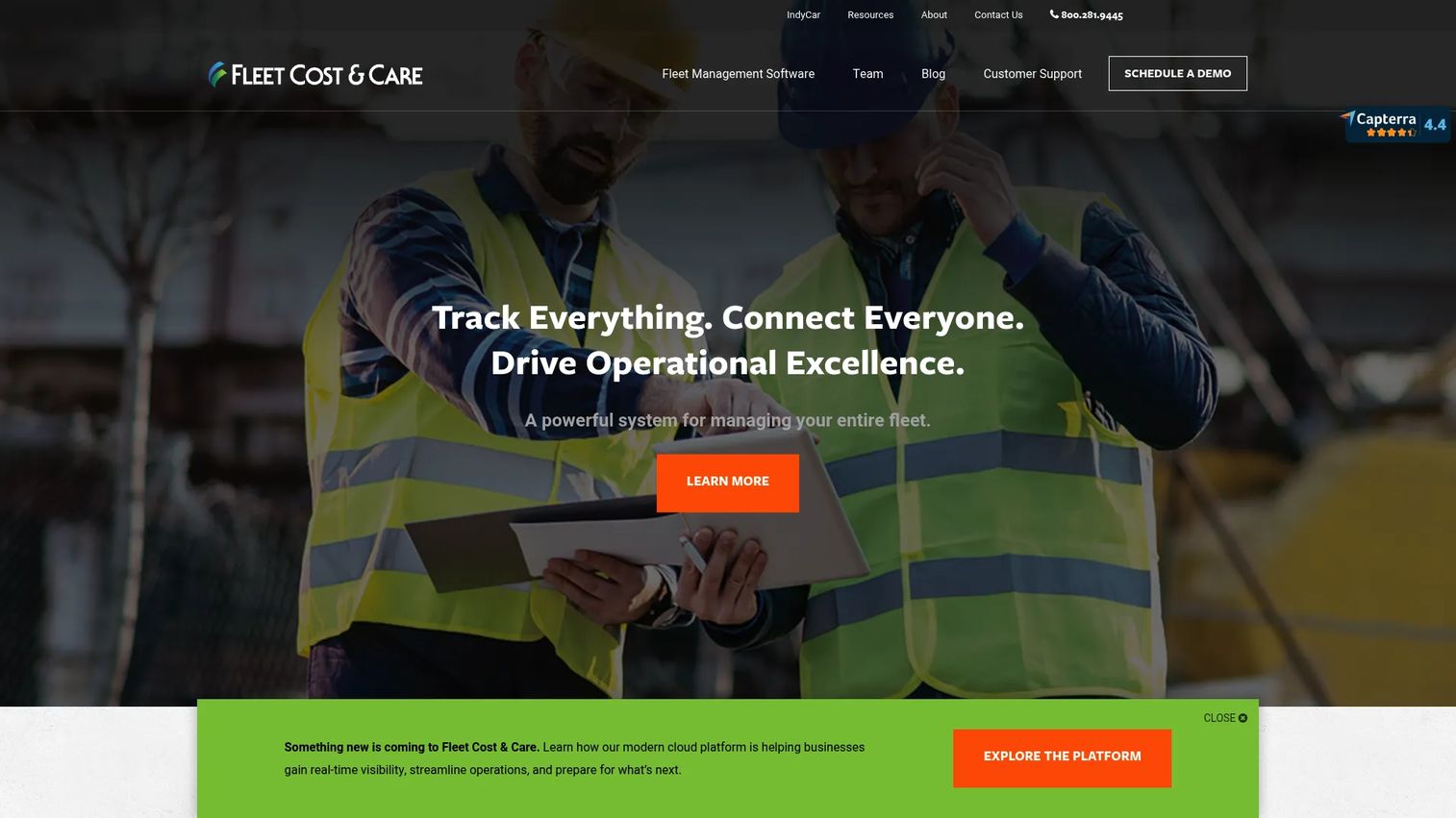
Fleet Cost & Care is built for construction, crane, rigging, and heavy equipment rental operations that need quoting, scheduling, dispatch, service, and invoicing in one connected system. It positions itself as fleet management software for operators whose profitability tracks directly to how well they utilize expensive assets. This is the option for a rental-led business that wants the full commercial workflow, from the first quote to the final invoice, running on one platform.
The software pairs office operations with field execution through a mobile app that handles safety inspections, signatures, and job tickets. Equipment maintenance, inventory tracking, and accounting integrations round out the picture, so the data that starts on a jobsite flows through to billing without being re-entered by hand.
Best for: Companies in heavy equipment, crane, rigging, and construction fleets that need integrated operations management tied to utilization and profitability.
Key strengths
- Quote-to-invoice workflow: Connects quoting, scheduling, dispatching, service, and invoicing so nothing falls through the cracks between the field and the office.
- Mobile field execution: A mobile app captures safety inspections, signatures, and job tickets from the site in real time.
- Maintenance and accounting integrations: Equipment maintenance, inventory tracking, and accounting connections keep asset and financial data aligned.
Why choose Fleet Cost & Care: If your operation is rental-heavy and your margin lives in utilization, this is the tool that treats the whole commercial cycle as one connected process. It fits operators who are tired of quoting in one place, dispatching in another, and reconciling invoices from a third. The trade-off is depth over simplicity, so it rewards teams ready to run their whole operation through a single system.
Fleet Cost & Care pricing: Pricing is not publicly listed. The company states that cost depends on licenses, Atom use, training, custom work, and the number of users, and directs prospects to request a demo for specifics. On G2, its seller profile shows a 5.0/5 rating.
2. RapidWorks
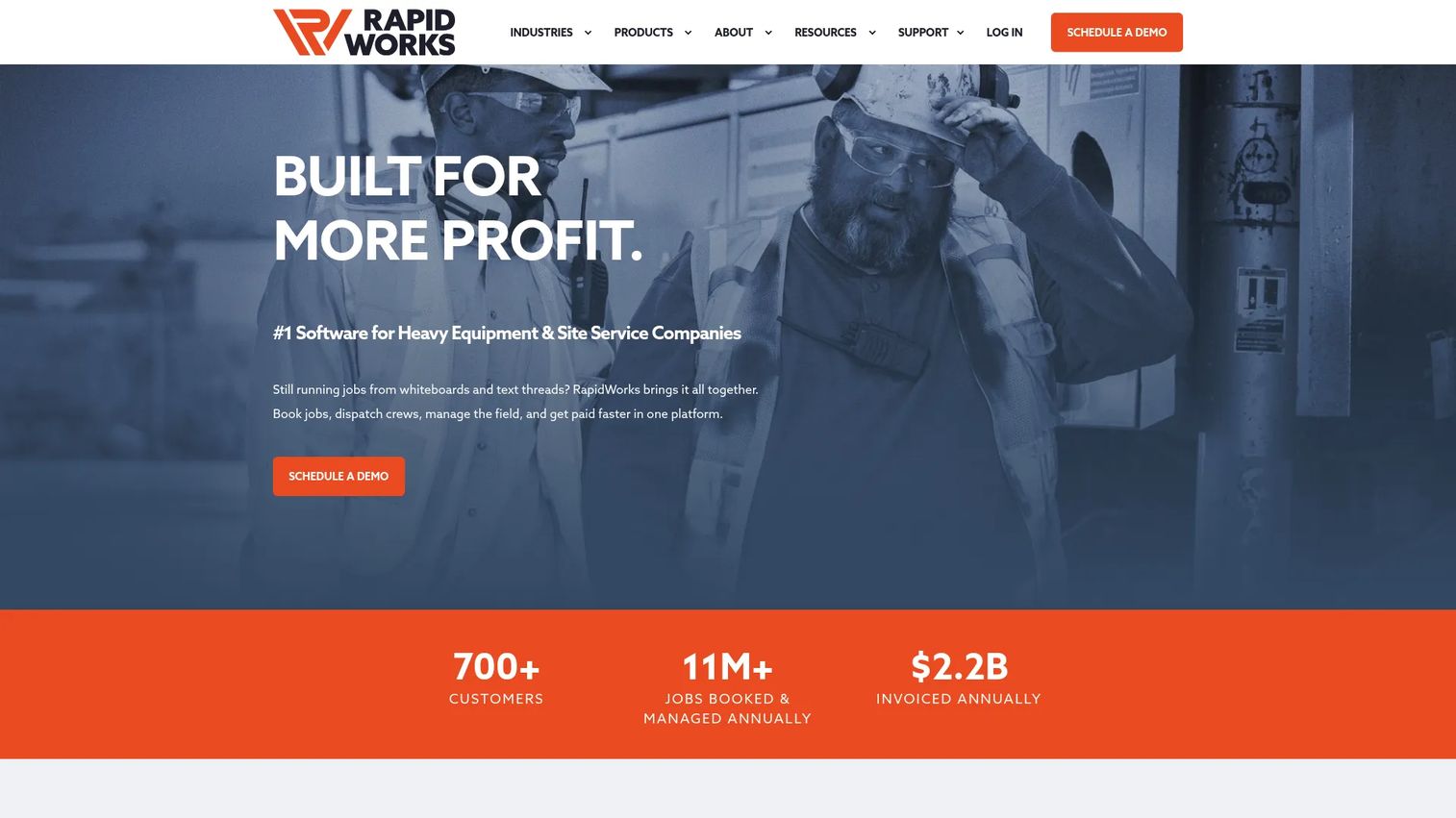
RapidWorks is heavy equipment field management software built around the full operational flow: booking, dispatching, field operations, billing, and payments. It positions itself as an all-in-one platform for heavy equipment and site service companies, which makes it a strong fit for crane operators who want one system to carry a job from first request to paid invoice.
Where Fleet Cost & Care leans rental-commercial, RapidWorks leans execution. The story is the workflow itself: quote a job, schedule the crane and crew, dispatch them to the site, capture the work on a mobile job ticket, then automate the billing. For teams whose pain is the handoff between the office and the field, that connected flow is the draw.
Best for: Heavy equipment and site service companies that want an all-in-one operations platform covering the whole job lifecycle.
Key strengths
- Job booking and scheduling: Manage bookings and schedule crews and equipment against real demand.
- Crew and equipment dispatching: Send the right crane and operator to the right job with a clear dispatch view.
- Field management and payments: Run field operations and close the loop with integrated billing and payments.
Why choose RapidWorks: Choose it when your bottleneck is the seam between selling a job and getting paid for it. The connected quote-to-payment flow benefits operators who lose time re-keying data between systems or chasing invoices that lag the work by weeks. It suits teams that want field execution and billing to feel like one motion rather than two departments.
RapidWorks pricing: Pricing is quote-only. The pricing page asks prospects to get in touch for a custom quote and does not list public prices or plan tiers. G2 does not currently show enough reviews to provide a verified rating.
3. crewOS
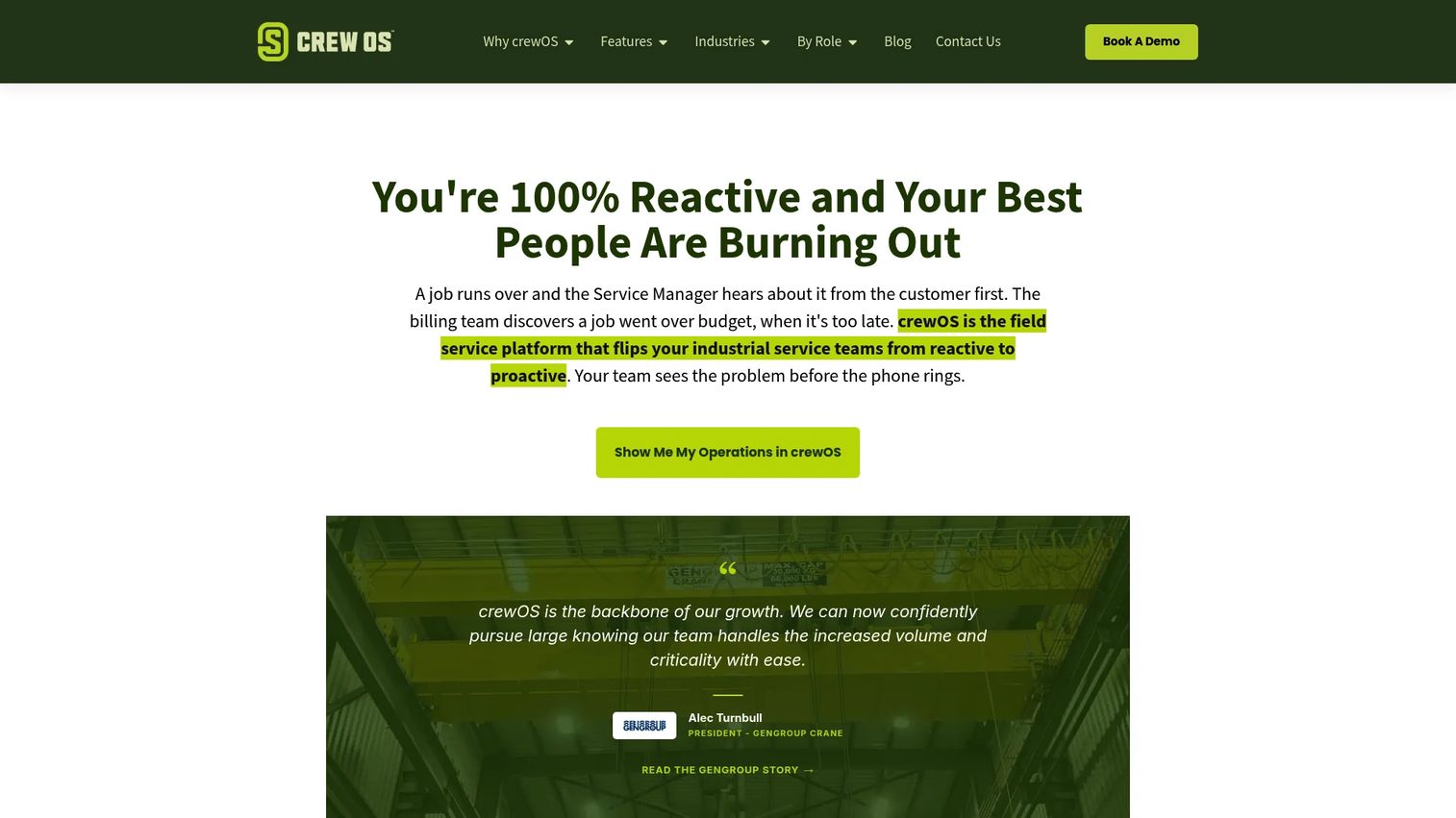
crewOS is industrial field service management software covering scheduling, inspections, time tracking, work orders, and related field operations. For overhead crane management software needs, its strength is the field service backbone around the crane work: the inspections, the work orders, and the crew accountability that keep an industrial operation compliant and on schedule.
This is the option for teams whose crane work sits inside a broader field service reality. If your crews are running inspections, closing work orders, and logging time across sites, crewOS is built to hold that operational control in one place rather than splitting it across a scheduling tool, a checklist app, and a timesheet.
Best for: Industrial field service teams that need an all-in-one operations platform around inspection-heavy crane and equipment work.
Key strengths
- Scheduling: Coordinate crews, jobs, and equipment from a central operational view.
- Inspections: Run structured inspections in the field to keep equipment and safety compliance current.
- Time tracking: Capture crew time against jobs for accurate labor accounting and payroll inputs.
Why choose crewOS: It fits teams that think in work orders and inspections, not just dispatch. If your operation is defined by field service management around crane equipment, and adoption across crews matters as much as the office view, crewOS is built for that operational control. It suits inspection-heavy workflows where the paper trail and the crew accountability are the point.
crewOS pricing: No public pricing page or visible prices were found on the brand site. The site prompts visitors to book a demo or contact sales for details. A current G2 star rating was not available at the time of writing.
4. Voyage Control
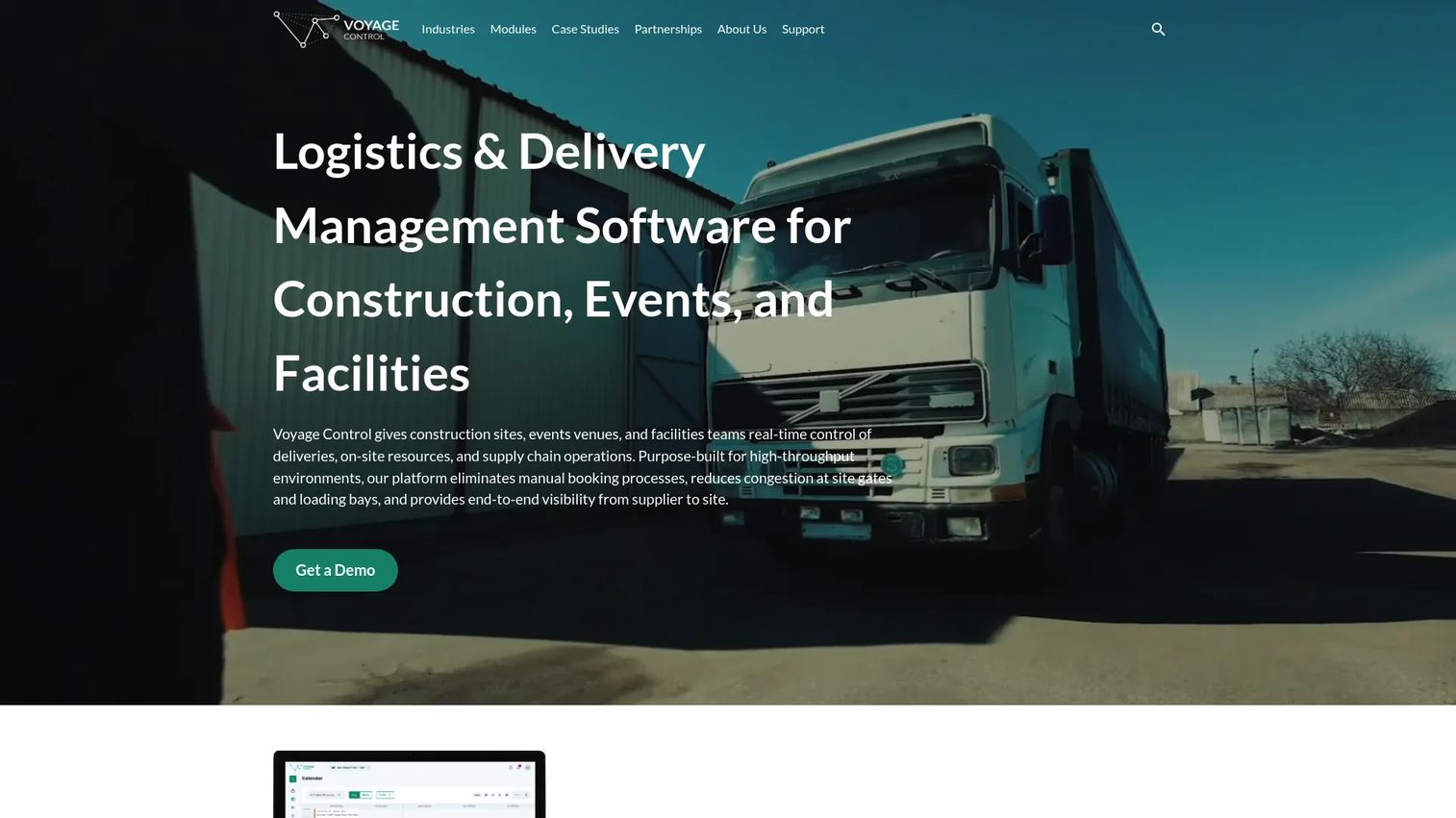
Voyage Control is logistics and delivery management software for construction, events, ports, and facilities, with real-time delivery and booking management at its core. In a crane context, its value is jobsite coordination: scheduling lifts, booking equipment windows, and keeping multiple stakeholders aligned on who is on site and when. This is the crane dispatch software angle for complex jobsites where the crane is one moving part among many.
Its scope is narrower than the full rental or field service platforms above, and that focus is the point. On a busy construction site, the hard problem is not invoicing, it is coordination: sequencing crane lifts against deliveries, managing site access, and giving every stakeholder the same live view of the schedule. Voyage Control specializes in that logistics layer.
Best for: Teams that need delivery scheduling and on-site logistics coordination across construction, event, or port environments.
Key strengths
- Real-time delivery and booking management: Coordinate crane lifts, deliveries, and equipment windows on a live schedule.
- Site, event, and port logistics visibility: Give every stakeholder a shared view of what is happening on site and when.
- API and integrations marketplace: Connect the scheduling layer to the other systems running a jobsite.
Why choose Voyage Control: Choose it when your problem is jobsite coordination rather than fleet ownership or billing. It fits construction and infrastructure teams juggling crane lifts alongside deliveries and site access across many parties. The specialization is the value: it does scheduling and logistics visibility well, so it pairs naturally with a rental or field service system that handles the commercial side.
Voyage Control pricing: No public pricing page or visible price was found on the brand site. Pricing is handled through direct contact. A public G2 star rating was not available at the time of writing.
Considerations before you buy
Before you shortlist, run each tool against the operational realities that will make or break adoption.
Workflow fit over feature count
The tool that wins is the one that matches how your operation actually runs, not the one with the longest feature list. Map your current process from quote to dispatch to invoice, then check which platform covers your specific gaps. A rental fleet and a jobsite scheduling team need different things.
Field and mobile reliability
Crews do not work at desks. Verify that field updates, job tickets, and inspections work smoothly on mobile, and ask specifically about offline mode. If a crane sits in a canyon with no signal, the app still needs to capture the inspection and sync it later.
Compliance and audit readiness
Digital inspections, signatures, and service history only pay off if they hold up when someone asks for proof. Confirm how each tool logs and retrieves inspection records, and whether it timestamps signatures. Audit readiness is a feature, not an afterthought.
Integration with accounting and payroll
The data starting on a jobsite should flow to billing and payroll without re-entry. Check which accounting systems each tool integrates with, and whether time tracking feeds payroll cleanly. Every manual re-key is a chance for an error and a delay.
Adoption across the team
A platform crews refuse to use is a spreadsheet with a login screen. Weigh how easily dispatchers, field crews, and admins can learn it. Ask each vendor about onboarding and training, since the fastest path to ROI is a team that actually uses the tool.
Conclusion
The best crane management software depends entirely on what is costing you the most right now. If your margin lives in utilization and you run a rental-heavy operation, Fleet Cost & Care connects the full commercial cycle. If your pain is the seam between selling a job and getting paid, RapidWorks runs the whole quote-to-payment flow. If your crane work sits inside inspection-heavy field service, crewOS gives you work orders, inspections, and crew accountability in one place. And if the hard problem is coordinating lifts on a busy jobsite, Voyage Control specializes in that scheduling and logistics layer.
The pattern is simple. Rental-led, dispatch-led, inspection-led, or scheduling-led. Name your dominant workflow, then match the tool to the gap.
Your next step: shortlist two of these tools, map them against your current workflow from quote to invoice, and book demos with the specific gaps in mind. Bring your worst week to the call, the one with the idle crane and the missing inspection, and ask each vendor to show you how their platform would have caught it.
FAQs
Crane management software is used to run crane operations from one connected platform instead of scattered tools. It handles scheduling and dispatch, equipment and fleet tracking, maintenance and service history, safety compliance, and invoicing. The goal is higher utilization, less downtime, and a clean audit trail, so operators can plan capacity instead of firefighting.
They overlap but are not identical. Crane rental software focuses more heavily on dispatch, fleet utilization, and the quote-to-invoice billing cycle that a rental business depends on. Broader crane management software adds field service management, work orders, and inspection-heavy workflows. If you rent cranes, rental-focused tools map more directly to your revenue.
The features that matter most are dispatch and scheduling, real-time asset tracking, inspections, maintenance and service history, reporting on utilization and downtime, and mobile access for field crews. Together these give you visibility into where every crane is, what condition it is in, and how well it is earning. Reporting turns that data into capacity and profitability decisions.
It replaces paper and scattered files with digital checklists, timestamped signatures, inspection logs, and complete service history per asset. Every lift gets a recorded checklist, and every record is searchable when an auditor asks. That reduces liability from missed steps and makes audit readiness a byproduct of daily work rather than a fire drill.
Look for reliable offline access, real-time sync when the connection returns, field updates, and mobile job ticketing. Crews often work in low-signal environments, so the app has to capture inspections and job data locally and sync later without losing anything. Ease of use on a phone matters more than desktop feature depth for the people in the field.
Dispatchers use it to schedule cranes and crews, fleet managers use it to track utilization and maintenance, and field crews use it to log jobs, inspections, and time on mobile. Operations managers rely on the reporting to plan capacity and profitability, while admins and billing staff use the invoicing and payroll data. It connects everyone who touches a job from booking to payment.