Your help center has 40 articles. Customers still open tickets asking the same three questions.
You wrote the doc. You added screenshots. You linked it from the footer. And the queue keeps filling with "how do I reset my password" and "where do I change my billing email." Text-heavy documentation gets skipped. Screenshots go stale the week after a UI change. Agents type the same multi-step walkthrough for the hundredth time.
The problem is not that people ignore help. It's that email-only intake and static docs put the burden on the customer to find [the answer, then describe their issue from scratch when they can't.
A help widget changes where support starts. Instead of a customer hunting for your contact page, the widget sits on every screen, captures context automatically, and routes the issue into a ticket with the page URL and account data already attached. The global help desk software market was worth USD 11.85 billion in 2023 and is expected to reach USD 29.40 billion by 2033, a 9.51% CAGR, according to Spherical Insights (2024).](https://www.sphericalinsights.com/press-release/help-desk-software-market) Support intake is getting more structured, not less.
This guide compares seven help widget software tools by the things support teams actually weigh: setup speed, ticket routing, customization, and analytics.
What's inside
This guide is for support leaders, support ops managers, and SaaS teams adding a support entry point to their website or app. We picked tools that capture issues at the point of need and turn them into trackable work, not just another contact form.
We scored each tool on four criteria:
- Setup speed: how fast you go from install to live ticket capture
- Ticket routing: how well the widget creates tickets, tags origin, and links returning users
- Customization: branding, form fields, triggers, and CSS control
- Analytics: origin pages, response times, and widget engagement data
You'll get a comparison table, per-tool breakdowns, a buyer's checklist, and answers to common questions.
TL;DR
- Best for fast setup and email-first ticketing: Jitbit Helpdesk. One-line install, returning visitor linking, origin tagging.
- Best for ticketing-first structure: HelpDesk. Tight shared inbox, automation rules, and reporting.
- Best free on-site widget suite: OpenWidget. Contact form, FAQ module, and reviews widget at no cost.
- Best for building a custom support app: Appsmith. Drag-and-drop UI on top of your own data and APIs.
- Best for chat plus tickets in one: HelpCrunch. Live chat, shared inbox, and knowledge base together.
- Best for omnichannel automation: Support Board. Chatbots, ticket conversion, and messaging channels.
What is help widget software
Help widget software is a website or in-app widget that lets users request help, submit tickets, start a chat, or find answers without leaving the page they're on.
Instead of routing customers to a separate contact page or a support email, a customer support widget embeds directly into your product or site. It captures the issue where it happens, attaches context like the page URL and account data, then pushes it into your support workflow as a ticket or chat thread.
Common capabilities of a helpdesk widget software layer include:
- Ticket creation: turn a form submission into a structured support ticket
- Live chat to ticket handoff: move a real-time chat into a tracked thread when it needs follow-up
- Form fields: collect the exact context you need before an agent touches it
- Knowledge base routing: surface help center articles before the ticket opens
- Origin capture: tag the page URL and referrer automatically
- Widget analytics: measure engagement, submissions, and deflection
- Custom triggers: show the widget based on behavior, page, or user state
A ticketing widget sits at the front of your support stack. It's the entry point that decides whether an issue gets deflected, self-served, or handed to a human with full context.
When to use help widget software
Deflect repetitive tickets before they hit the queue
A website support widget works better than an email address alone when the same questions arrive daily. Surface the top three help articles inside the widget before the form opens. Customers who just needed the password reset steps get them without filing anything. The ones who still need help arrive with context. This is where ticket deflection actually happens: at the moment of intent, not buried three clicks deep in a footer link.
Capture context at the moment of need
Embedded widgets shine when users are already on a product page or checkout screen. The widget captures the page URL, tags the origin, and can prefill fields with account data. An agent opening the ticket sees exactly where the user was and what they were doing. No back-and-forth asking "which screen were you on?" That's the difference between a support intake widget and a generic website contact form widget.
Route live chat and form submissions into one workflow
Support teams juggling chat, email, and forms lose issues in the gaps. A help desk widget unifies live chat to ticket handoff, form intake, and follow-up under one thread. When a chat needs escalation, it converts to a ticket without losing history. One workflow, one source of truth, fewer dropped issues.
Comparison table
The list below compares each tool on intent, key differentiator, pricing, and G2 rating. Ratings and pricing were verified against each vendor's site and current G2 listing. Use it to shortlist two or three before reading the full sections.
| # | Product | Best for | Key differentiator | Pricing | G2 rating |
|---|---|---|---|---|---|
| 1 | Jitbit Helpdesk | Email-first ticketing with cloud or self-hosted | Returning visitor linking and origin tagging | From $24/month | 4.3/5 |
| 2 | HelpDesk | Ticketing-first structure and automation | Configurable shared inbox with AI assist | From $19/user/mo | 4.6/5 |
| 3 | OpenWidget | Free on-site widget suite | Contact form, FAQ module, reviews widget, free | Free | 4.8/5 |
| 4 | Appsmith | Building a custom support app | Drag-and-drop UI on your own data | Free; Business $15/user/mo | 4.6/5 |
| 5 | Widgit | Symbol-based communication materials | 100,000+ symbols for accessible content | From £9/month | Not listed |
| 6 | Support Board | Omnichannel chat, tickets, and automation | AI chatbot with human takeover | From $5/month cloud | Not listed |
| 7 | HelpCrunch | Chat plus ticket intake in one place | Live chat, shared inbox, knowledge base | Free trial available | 4.7/5 |
Best help widget software for support teams
1. Jitbit Helpdesk
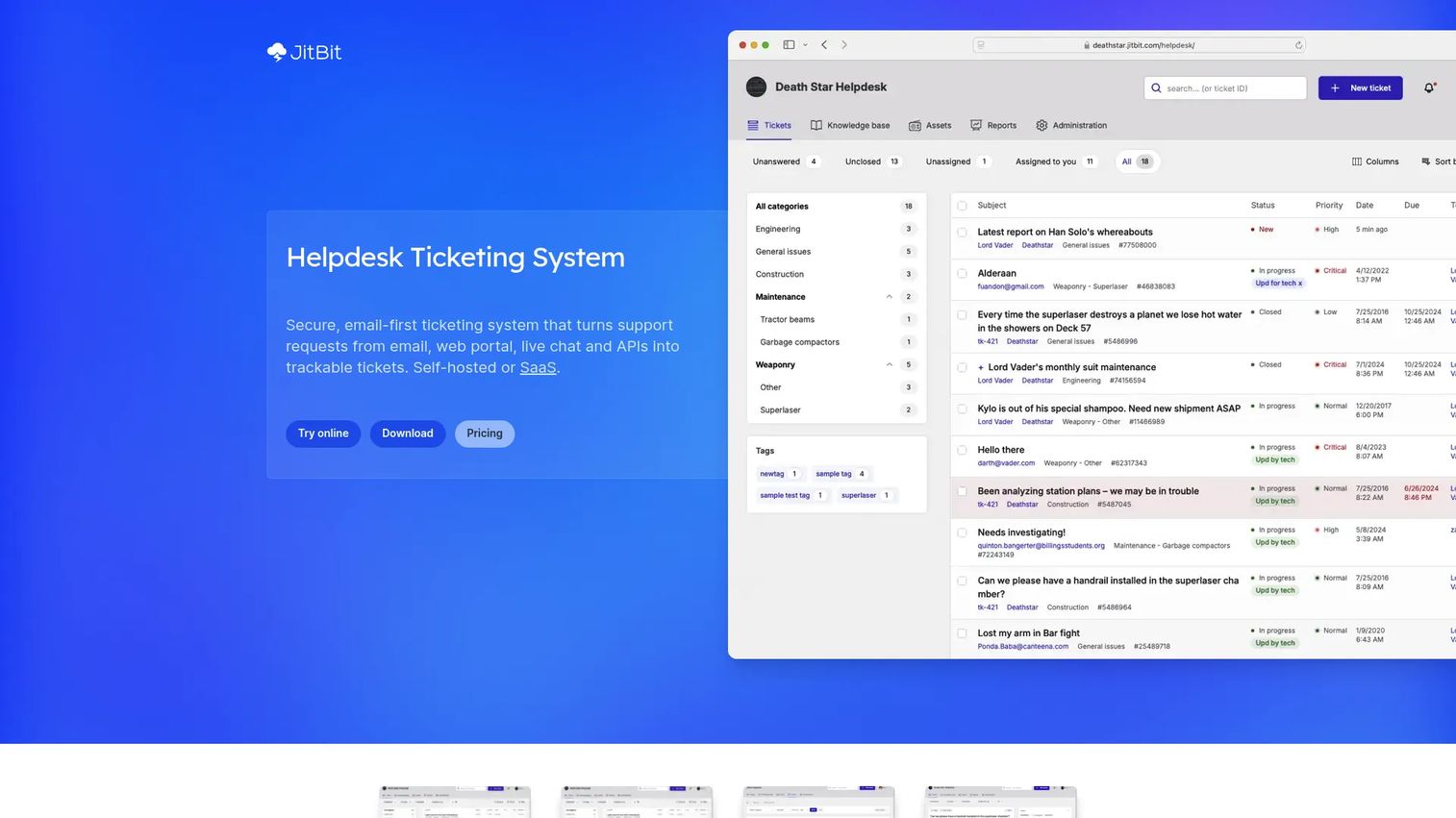
Jitbit Helpdesk is a help desk ticketing system built around email-first ticketing, with both SaaS and self-hosted deployment options. Its widget adds a support entry point to your site that turns questions into tickets fast. For teams that want direct ticket creation without a heavy rollout, it's one of the most setup-focused options here.
The widget links returning visitors to their existing threads, so a customer who comes back doesn't start from zero. Origin tagging captures where the request came from, giving agents context before they reply.
Best for: Smaller support teams wanting a lightweight help desk with strong email workflows and a choice of cloud or self-hosted deployment.
Key features
- Email ticketing from email, web portal, live chat, API, and WhatsApp
- Knowledge base and self-service portal
- Automation rules, AI, SLAs, and integrations
- Returning visitor linking and origin tagging
- Active Directory, Teams, Slack, Jira, and GitHub integrations
Why choose Jitbit Helpdesk: If you want a ticketing widget live quickly without provisioning a large platform, and you value the option to self-host, Jitbit fits. It suits teams that live in email and want that channel tightly tied to ticket creation.
Jitbit Helpdesk pricing: SaaS starts at $24/month. Self-hosted perpetual licenses are Small at $2,199, Company at $3,799, and Enterprise at $6,499, each including one year of upgrades and support. A self-hosted AI add-on is $999.
2. HelpDesk
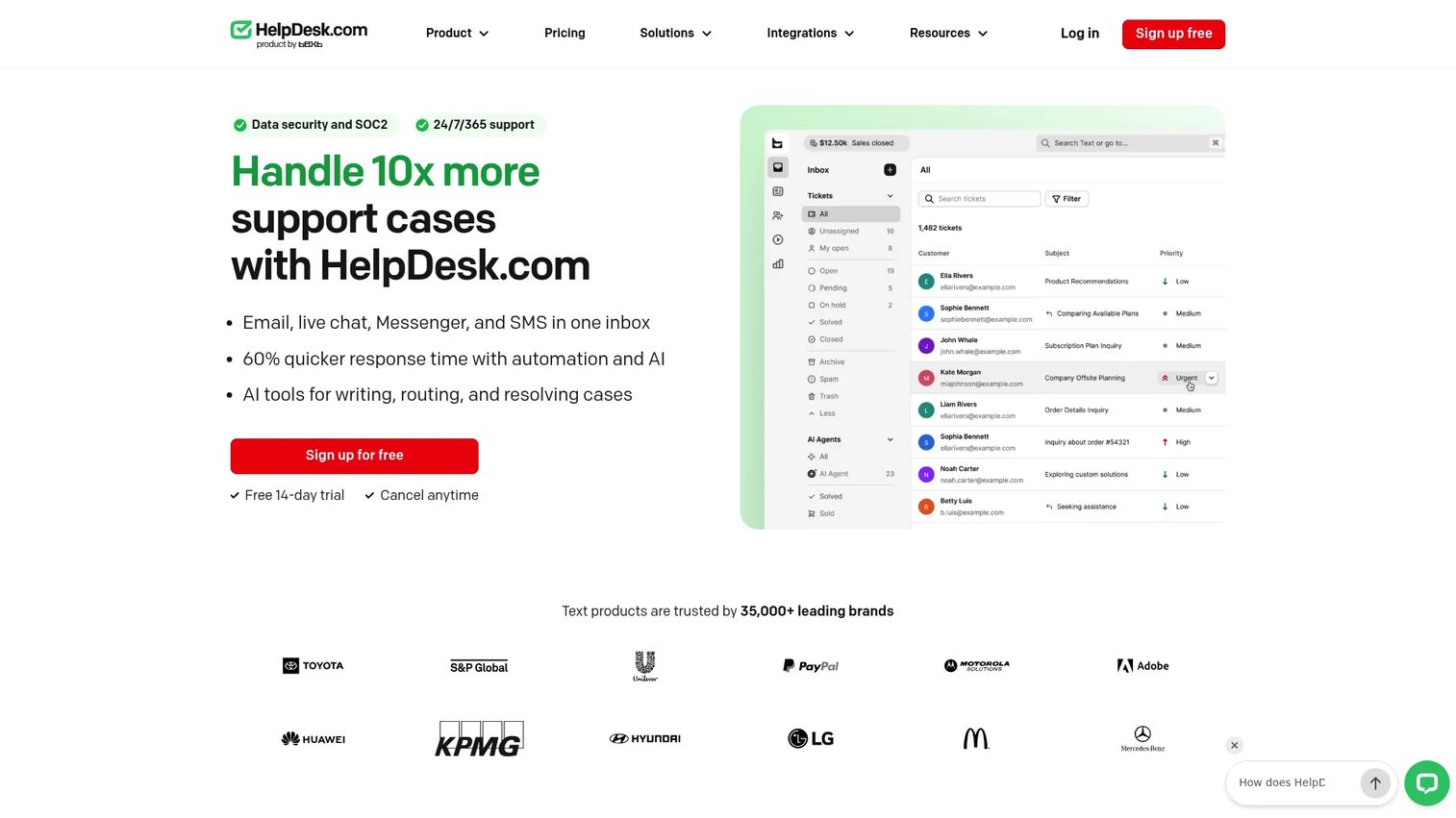
HelpDesk is help desk and ticketing software for managing customer support across email, chat, and messaging. It's the ticketing-first option: the widget feeds a structured system rather than a loose contact form. Teams choose it when they want intake tightly bound to ticket management, routing, and reporting.
Support intake lands in a shared inbox, then automation rules move it where it needs to go. Canned responses cut repeat typing. Analytics show how the queue is performing.
Best for: Teams that want a configurable, AI-assisted ticketing system with a shared inbox and automation.
Key features
- Ticketing and shared inbox
- Automation rules and canned responses
- Analytics and reporting
- Multi-channel intake across email, chat, and messaging
- AI-assisted responses
Why choose HelpDesk: Pick HelpDesk when the widget is one input into a broader ticketing operation, and you want workflow centralization from day one. It rewards teams that want structure over a bare contact form.
HelpDesk pricing: Essential is $19 per user/month billed annually. Growth is $79 per user/month billed annually. Enterprise is custom. A 14-day free trial is offered.
3. OpenWidget
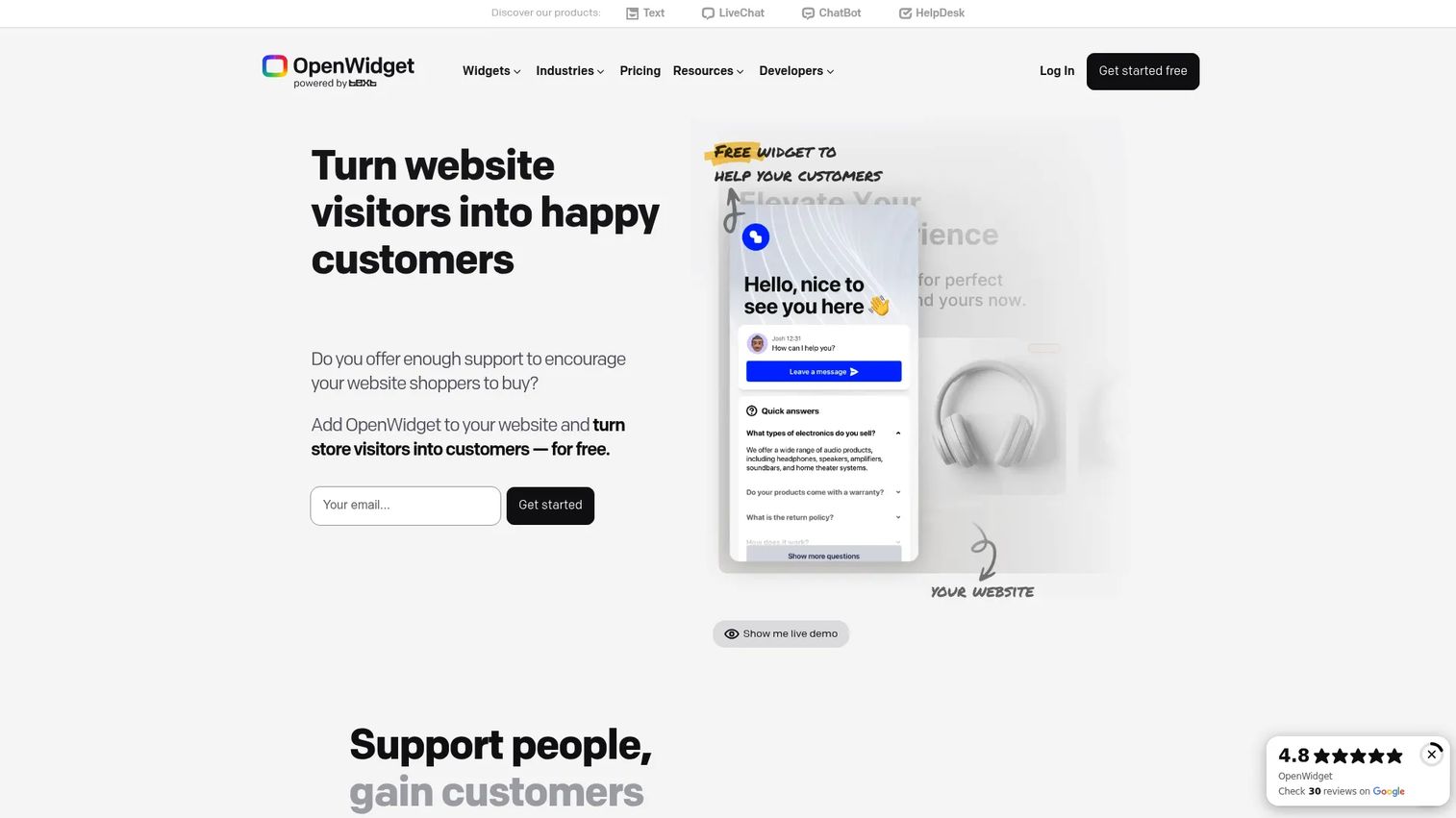
OpenWidget is a free website widget platform for customer engagement and support. It's the integration-led pick: a suite of on-site widgets you can drop onto common website platforms without a bill. For teams that want a support entry point connected to other tooling, it's a low-commitment start.
The contact form captures intake, the FAQ module deflects common questions before a ticket forms, and the Google Reviews widget adds social proof. Everything runs free.
Best for: Ecommerce and support teams wanting a free on-site widget suite.
Key features
- Contact form for support intake
- FAQ module for deflection
- Google Reviews widget
- Compatibility across common website platforms
- Plugin-style setup
Why choose OpenWidget: If you want to add a customer support widget without a procurement cycle, OpenWidget lets you test the pattern for free. It fits teams validating whether an on-site widget moves their deflection numbers.
OpenWidget pricing: Free. OpenWidget states all features are free of charge.
4. Appsmith
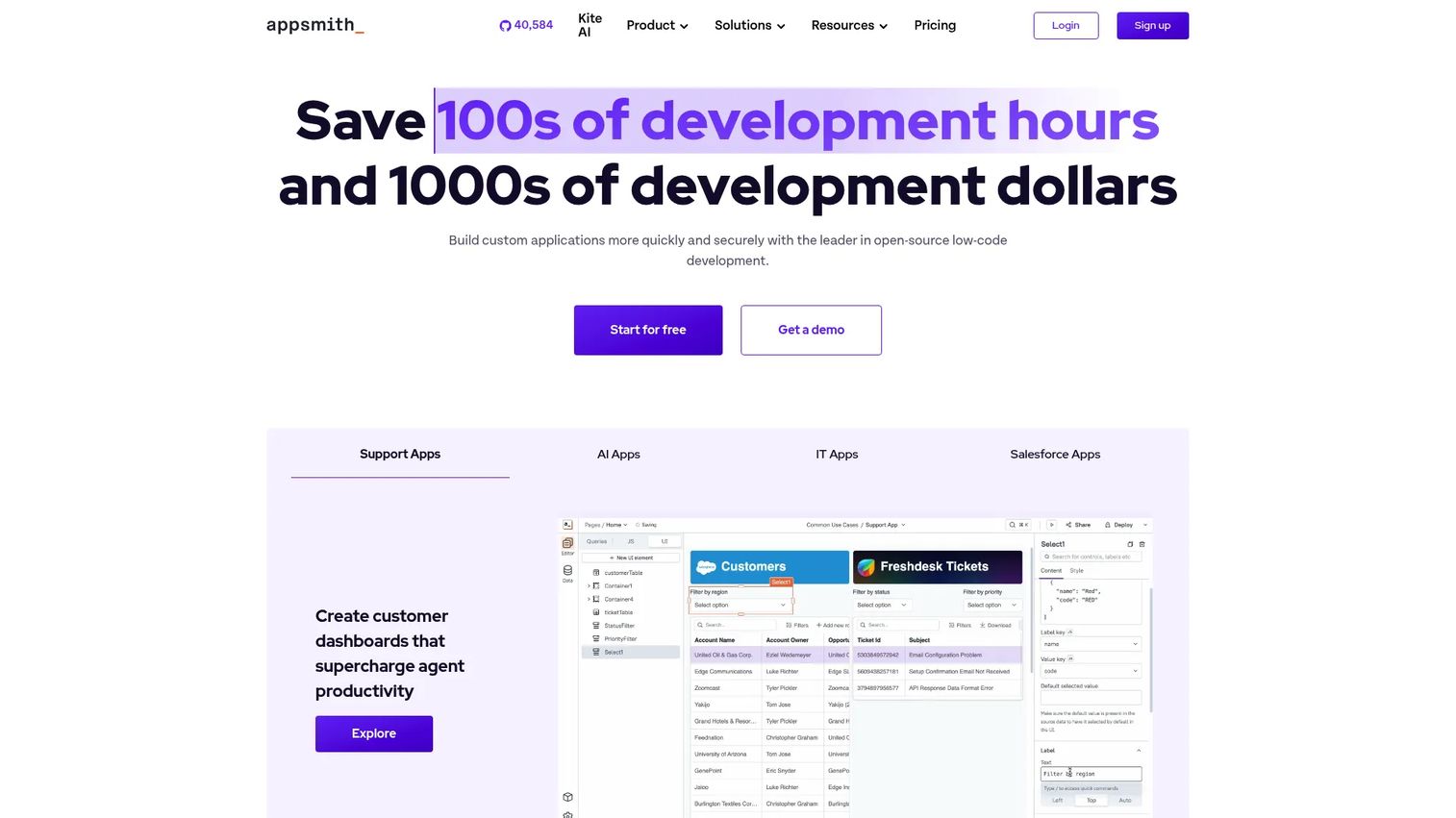
Appsmith is an open-source low-code platform for building internal tools and business apps. It's the build-your-own option: instead of a packaged widget, you construct a custom support app or intake surface on top of your own data and APIs. Teams with technical resources use it to shape support flows exactly.
Drag-and-drop UI, pre-built widgets, and connectors let you wire intake into your existing systems. Git-based version control keeps changes tracked.
Best for: Teams building internal tools, admin panels, and data-driven apps quickly.
Key features
- Drag-and-drop UI builder
- Connects to databases, APIs, and SaaS apps
- Git-based version control and deployment
- Pre-built widgets and connectors
- Custom support flow construction
Why choose Appsmith: Choose Appsmith when a packaged widget can't match your workflow and you have engineering time to build. It suits teams that want deep control over how intake maps to their stack rather than a fixed form.
Appsmith pricing: Free plan available. Business is $15 per user/month. Enterprise is $2,500/month for 100 users.
5. Widgit
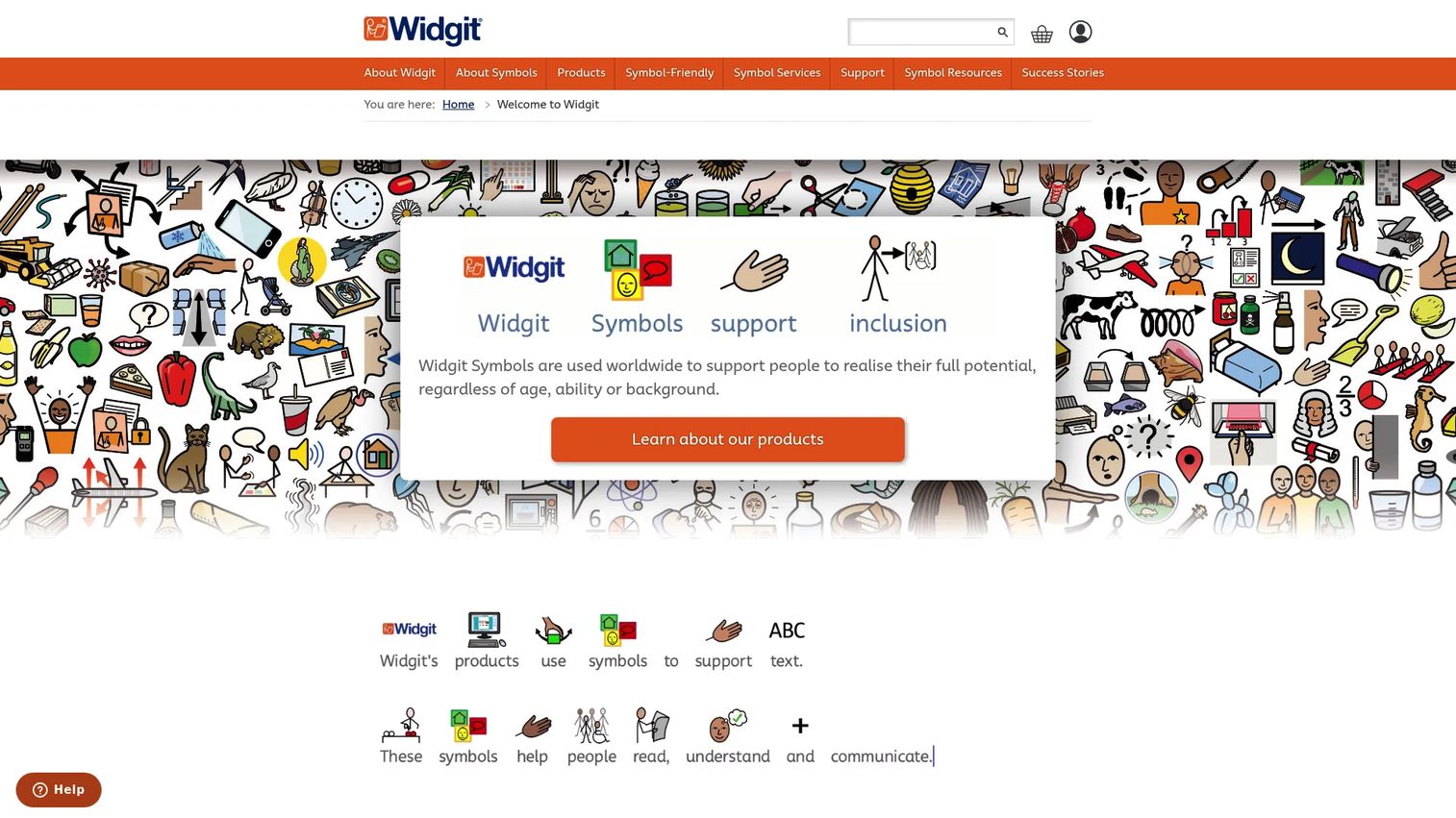
Widgit is symbol-based communication software for education, care, and accessible materials. It's the outlier here. Widgit is less a classic ticketing widget and more a communication support tool built on symbols and accessibility. Include it if your organization needs to make support content accessible, not if you need standard ticket intake.
The platform offers 100,000+ symbols, automatic symbolisation, and export tools for building symbol-supported resources.
Best for: Schools, therapists, and care teams needing symbol-supported communication materials.
Key features
- 100,000+ symbols and templates
- Automatic symbolisation with context-sensitive symbols
- Widgit Writer for iOS and online sharing
- Accessible resource creation
- Export and sharing tools
Why choose Widgit: Consider Widgit when accessibility and symbol-based communication matter more than ticket routing. It serves organizations that support users who benefit from symbol-supported materials, an adjacent need to a standard help center widget.
Widgit pricing: Widgit Online plans start at £9/month (Home), with Basic at £14, Standard at £29, Plus at £45, and Pro at £95 per month. An Enterprise plan is custom. A 21-day free trial is offered.
6. Support Board
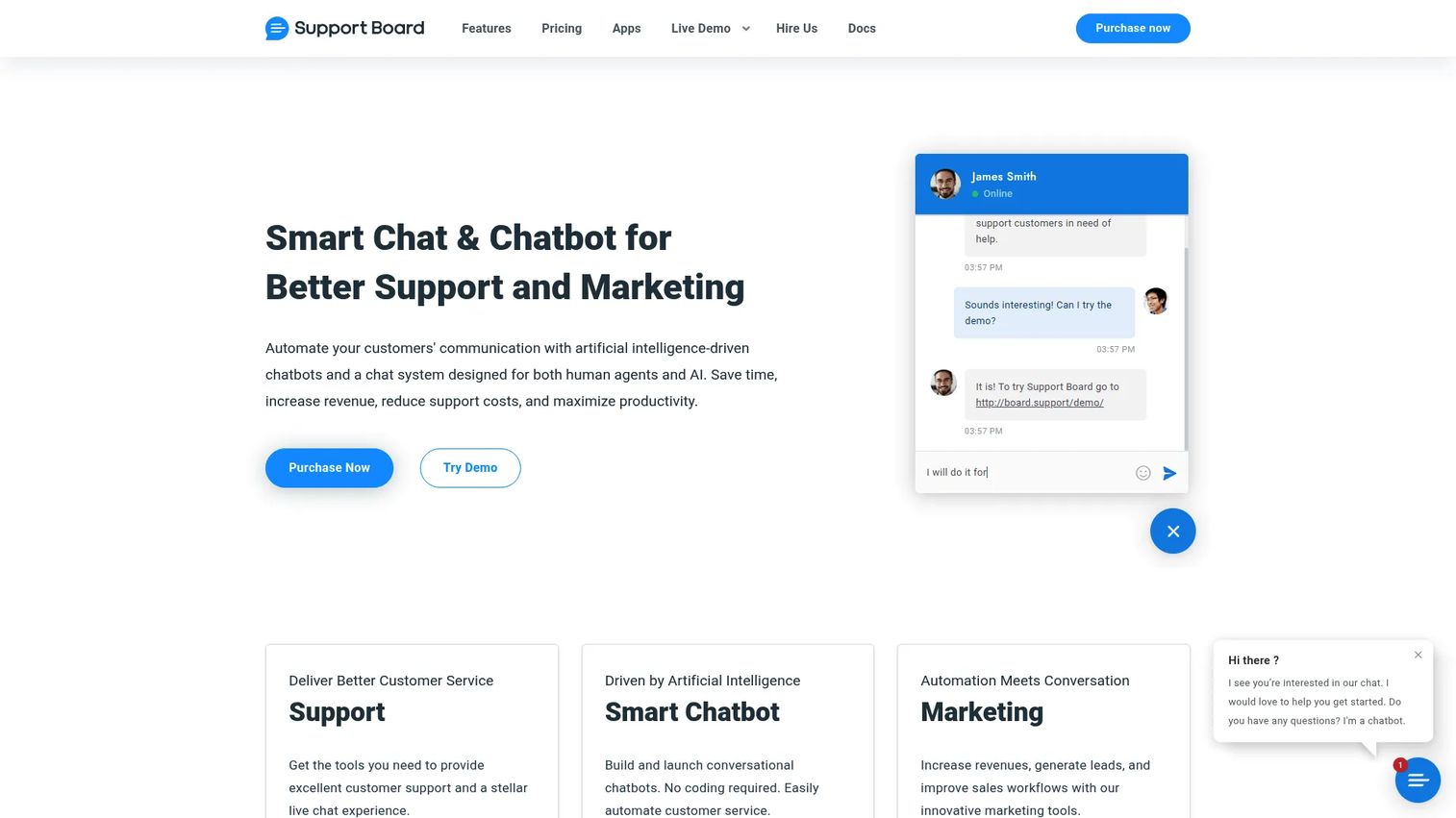
Support Board is omnichannel customer support and chatbot software that combines live chat, tickets, and AI automation. Its widget is visible, interactive, and paired with automation, which makes it a strong fit for teams that want intake plus a chatbot in one surface.
Omnichannel messaging pulls WhatsApp, Messenger, Telegram, email, and text into one place. The AI chatbot answers questions, hands off to humans, and converts conversations into tickets. Routing and agent assignment keep the workflow centralized.
Best for: Businesses that want a self-hosted or cloud support inbox with an AI chatbot and omnichannel messaging.
Key features
- Omnichannel messaging across WhatsApp, Messenger, Telegram, email, and text
- AI chatbot with OpenAI-powered Q&A, flows, and human takeover
- Tickets, routing, and agent assignment
- Offline messages and message rewriting
- Live web search in chatbot flows
Why choose Support Board: Pick Support Board when you want a visible widget plus support workflow automation and a chatbot that can deflect before a human steps in. It fits teams centralizing several messaging channels.
Support Board pricing: Self-hosted PHP and WordPress licenses are $49 one-time each. Cloud plans start from $5/month, with a promotional cloud plan at $20/month. A free cloud membership is also available.
7. HelpCrunch
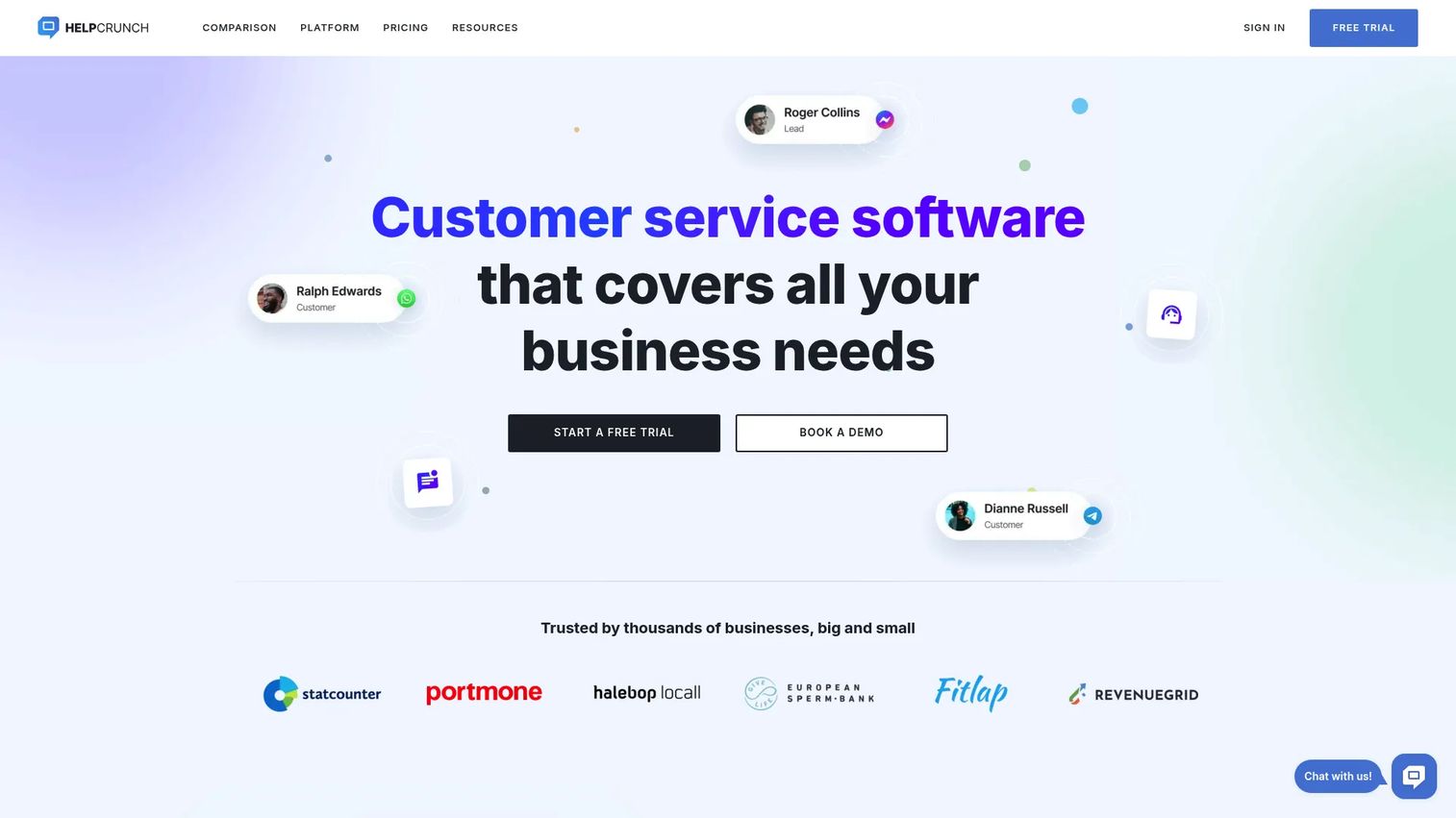
HelpCrunch is a customer communication platform with live chat, shared inbox, knowledge base, and email automation. It's the chat-plus-tickets pick: a support widget that combines a multi-channel entry point with ticket intake in one place. SaaS support teams use it when they want chat and structured tickets under one roof.
Proactive messaging and popups engage users before they file. The shared inbox and knowledge base tie self-serve and human-handled issues together. Analytics show what's working.
Best for: Teams needing an omnichannel customer support and engagement tool with live chat plus email and a knowledge base.
Key features
- Live chat and shared inbox
- Knowledge base
- Email marketing and marketing automation
- Popups and proactive messaging
- Mobile apps, SDK, and integrations
Why choose HelpCrunch: Choose HelpCrunch when you want proactive chat and a support ticket widget working together, backed by a knowledge base for self-serve. It fits SaaS teams that want engagement and intake in one platform.
HelpCrunch pricing: HelpCrunch offers Pro and Unlimited plans, billed monthly or annually, with a free trial and no credit card required.
Considerations
1. How fast is setup?
Check where the script or widget lives and how much admin work stands between install and live ticket capture. Some tools drop in with a one-line snippet. Others need form building and routing rules configured first. Support teams want the shortest path to capturing real issues, so confirm the install method before you commit.
2. How well does it route into tickets?
This is the core check for the category. Verify how the tool creates tickets, tags origin, and links returning users to existing threads. Look at whether it surfaces context like the page URL and account data to the agent. Weak routing turns a widget into a glorified contact form. Strong routing feeds a real workflow.
3. How much customization do you need?
Branding, CSS control, trigger behavior, and form fields matter more for some teams than others. If the widget has to match your product exactly and only appear on certain pages, confirm that control exists. Not every team needs deep customization, but support teams often need control over what the widget asks and when it shows.
4. What does the analytics layer show?
If the goal is deflection and queue reduction, analytics are not optional. Verify what the tool reports on: origin pages, page URLs, response times, and widget engagement. Look for signals that tell you which pages generate the most tickets. That's how you find the doc gap or UI issue driving repeat questions.
5. Does it fit your support stack?
Confirm helpdesk, chat, CRM, and knowledge base compatibility before you buy. A widget that doesn't talk to your existing tools becomes another disconnected surface to manage. Check the integration list against what you already run, so intake flows into one system instead of fragmenting across three.
Conclusion
The right help widget depends on what you're optimizing for.
If you want fast setup and email-first ticketing, Jitbit Helpdesk gets you live quickly with returning visitor linking and origin tagging. If you want intake bound tightly to a structured ticketing operation, HelpDesk leads on shared inbox and automation. If you want a free on-site suite to test the pattern, OpenWidget costs nothing to start. Teams with engineering time and a need for deep control should look at Appsmith. For chat and tickets in one platform, HelpCrunch fits SaaS support. And Support Board suits teams that want a visible widget plus chatbot automation across messaging channels.
The support problem underneath all of these is the same: repetitive questions and stale docs that put too much work on the customer. A help widget reduces friction at the point of contact, captures context automatically, and moves issues into a workflow that actually reduces queue load through better routing and support workflow automation.
Pick based on your priority: fast setup, tight ticketing, or deep customization. Then measure deflection and response time against your baseline before and after.
FAQs
A help widget is the broader entry point. It can include live chat, ticket creation, and self-serve article routing in one surface. Live chat is only one part of that experience. If you install a help widget, chat is a feature inside it, alongside forms, knowledge base links, and ticket intake.
Yes, when it's paired with the right setup. A widget that surfaces relevant help articles before the form opens deflects repetitive questions. Clear form fields and knowledge base routing catch the "how do I" issues that don't need a human. The reduction comes from good routing and article surfacing, not the widget alone.
Some tools match visitor data, email, or account context to existing threads. When a returning user opens the widget, the tool recognizes them and connects the new message to their history. That matters for support continuity, so the agent sees prior context instead of treating a repeat issue as brand new.
Track origin page, submission source, response time, and deflection indicators. Origin page tells you which screens generate the most tickets, pointing to doc gaps or UI issues. Response time measures how fast the queue moves. Deflection indicators show how many users found an answer without filing. Tie every metric back to queue reduction.
Many do. A help center widget can surface articles or autoresponders before opening a ticket. When a user starts typing a question, the widget suggests relevant docs. This supports self-serve by giving customers the answer at the moment of intent, before an issue ever reaches an agent.
Evaluate setup speed, routing behavior, analytics, customization, and support stack fit. Confirm how fast you go from install to live capture, how the tool creates and tags tickets, what its analytics report, how much control you have over branding and triggers, and whether it integrates with your helpdesk, CRM, and knowledge base. Ground the decision in your actual support workflow.