Too many email newsletter platforms. Not enough honest answers.
There are over 400 email marketing tools on the market right now. Most comparison articles skim feature pages, rearrange bullet points, and call it a review. That's not what you're getting here.
What's inside
We signed up for, built templates in, and sent test campaigns from 15 email newsletter software platforms. This article covers what each tool actually does well, where it falls short, and - most importantly - which one fits your specific situation.
Whether you're a solopreneur sending your first newsletter or a marketing manager outgrowing your current email marketing platform, you'll find a clear recommendation below. We've organized everything by use case, not by some arbitrary ranking, because the "best" newsletter software depends entirely on what you need it to do. If you're also exploring the broader email marketing software landscape, we have a dedicated comparison for that too.
TL;DR
- Best all-around: Mailchimp - massive integration library, mature feature set, but pricing climbs fast
- Best value: MailerLite - generous free plan, clean interface, strong deliverability
- Best free plan: Sender - 2,500 subscribers and 15,000 emails/month at $0
- Best for creators: Kit (formerly ConvertKit) - built for bloggers, YouTubers, and digital product sellers
- Best for e-commerce: Omnisend - deep Shopify/WooCommerce integrations with pre-built automation
- Best for automation: ActiveCampaign - the most powerful visual automation builder available
Quick picks - the best email newsletter software at a glance
| Tool | Best For | Starting Price | Free Plan | Standout Feature |
|---|---|---|---|---|
| Mailchimp | All-around marketing | $13/mo | Yes (500 contacts) | 300+ integrations |
| MailerLite | Simplicity and value | $10/mo | Yes (1,000 subs) | Generous free tier |
| Brevo | Transactional + newsletters | $25/mo | Yes (300 emails/day) | Unlimited contacts |
| Kit | Content creators | $25/mo | Yes (10,000 subs) | Creator Network |
| beehiiv | Newsletter businesses | $39/mo | Yes (2,500 subs) | Built-in monetization |
| ActiveCampaign | Advanced automation | $29/mo | No | Visual automation builder |
| Constant Contact | Small business events | $12/mo | No | Event management tools |
| GetResponse | Webinars and funnels | $15.60/mo | Yes (500 contacts) | Built-in webinar hosting |
| Omnisend | E-commerce stores | $16/mo | Yes (250 contacts) | Product recommendation blocks |
| Moosend | Budget-friendly option | $9/mo | No (30-day trial) | Affordable automation |
| AWeber | Reliability | $14.99/mo | Yes (500 subs) | 25+ years deliverability focus |
| Benchmark Email | Multilingual newsletters | $13/mo | Yes (500 contacts) | 9-language interface |
| Sender | Startups on a budget | $15.83/mo | Yes (2,500 subs) | Most generous free plan |
| Flodesk | Beautiful design | $38/mo flat | No (30-day trial) | Flat-rate unlimited pricing |
| HubSpot | CRM-integrated email | $20/mo | Yes (2,000 emails/mo) | Full CRM ecosystem |
Keep reading for our detailed breakdown of each platform, including features, pricing tiers, and who each tool is best suited for.
How we tested and selected these platforms
We didn't just read feature pages. We created accounts on all 15 newsletter platforms, built email templates, configured automation workflows, and sent test campaigns. Here's what we evaluated:
- Ease of use: How quickly can a beginner create and send their first newsletter?
- Template quality: Are the designs modern, responsive, and customizable?
- Automation depth: Can you build multi-step workflows with conditional logic?
- Deliverability reputation: Does the platform have a track record of landing in inboxes, not spam folders?
- Pricing transparency: How does the cost scale as your list grows from 1,000 to 10,000 to 50,000 subscribers?
- Free plan generosity: What can you actually accomplish without paying?
- Integration ecosystem: Does it connect to your existing tools - Shopify, WordPress, Zapier, CRMs?
- AI features: Does the platform offer AI subject lines, content generation, or send-time optimization?
Now, let's get into the tools.
Email newsletter software comparison table
| Tool | Free Plan | Paid From | Automation | A/B Testing | SMS | Templates | AI Features |
|---|---|---|---|---|---|---|---|
| Mailchimp | 500 contacts / 1,000 sends | $13/mo | ✓ | ✓ | ✓ (add-on) | 100+ | ✓ |
| MailerLite | 1,000 subs / 12,000 emails | $10/mo | ✓ | ✓ | ✗ | 90+ | ✓ |
| Brevo | 300 emails/day, unlimited contacts | $25/mo | ✓ | ✓ | ✓ | 40+ | ✓ |
| Kit | 10,000 subs (limited) | $25/mo | ✓ | ✓ | ✗ | Minimal | ✓ |
| beehiiv | 2,500 subs | $39/mo | ✓ | ✓ | ✗ | 20+ | ✓ |
| ActiveCampaign | ✗ | $29/mo | ✓✓✓ | ✓ | ✓ | 250+ | ✓ |
| Constant Contact | ✗ | $12/mo | ✓ | ✓ | ✗ | 200+ | ✓ |
| GetResponse | 500 contacts (limited) | $15.60/mo | ✓ | ✓ | ✓ | 200+ | ✓ |
| Omnisend | 250 contacts / 500 emails | $16/mo | ✓ | ✓ | ✓ | 130+ | ✓ |
| Moosend | ✗ (30-day trial) | $9/mo | ✓ | ✓ | ✗ | 80+ | ✓ |
| AWeber | 500 subs / 3,000 emails | $14.99/mo | ✓ | ✓ | ✗ | 600+ | ✓ |
| Benchmark Email | 500 contacts / 3,500 emails | $13/mo | Basic | ✓ | ✗ | 80+ | ✓ |
| Sender | 2,500 subs / 15,000 emails | $15.83/mo | ✓ | ✓ | ✓ | 60+ | ✗ |
| Flodesk | ✗ (30-day trial) | $38/mo flat | ✓ | Limited | ✗ | 50+ | ✗ |
| HubSpot | 2,000 emails/mo (branded) | $20/mo | ✓ | ✓ | ✓ | 20+ | ✓ |
Pricing accurate as of early 2026. Check each provider's website for the latest.
1. Mailchimp - best all-around email newsletter software
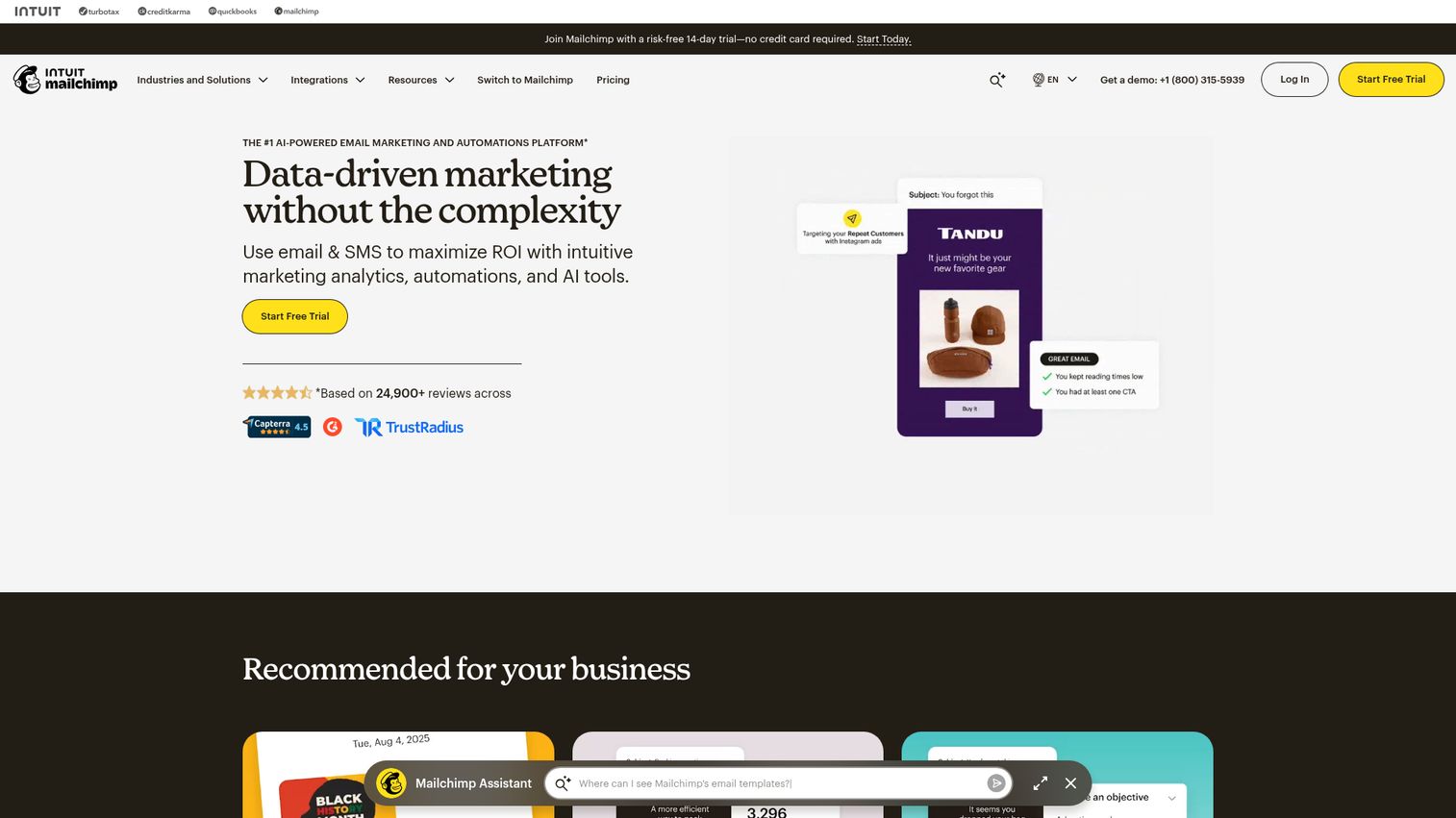
Mailchimp is the most widely recognized email marketing platform in the world, with over 300 integrations and a feature set that covers nearly every email marketing need. You can explore the platform yourself through this interactive Mailchimp demo.
If you want one platform that handles newsletters, automations, landing pages, social ads, and analytics without hunting for third-party add-ons, Mailchimp is the default starting point. Its ecosystem is unmatched. But that breadth comes at a cost - literally.
Best for: Businesses wanting a mature, full-featured email newsletter service with the widest integration library.
Key strengths
- 300+ integrations covering nearly every SaaS tool
- AI-powered Creative Assistant and Send Time Optimization
- Robust audience segmentation and behavioral targeting
- Built-in landing pages, surveys, and social posting
- Detailed analytics with revenue attribution tracking
Pricing: Free plan covers 500 contacts and 1,000 sends/month. Standard plan starts at $13/month for 500 contacts. Premium starts at $175/month.
Here's the honest trade-off: Mailchimp's free plan used to be the most generous in the industry. It's not anymore. At 10,000 subscribers, you're looking at roughly $100/month on the Standard plan. That's 5-10x what MailerLite or Brevo would charge for the same list size. Many long-time users are migrating away specifically because of this pricing trajectory.
The AI features are a genuine strength, though. Content Optimizer analyzes your drafts against industry benchmarks and suggests improvements. The Creative Assistant generates on-brand design assets. These aren't gimmicks - they tend to save 15-20 minutes per campaign.
2. MailerLite - best for simplicity and value
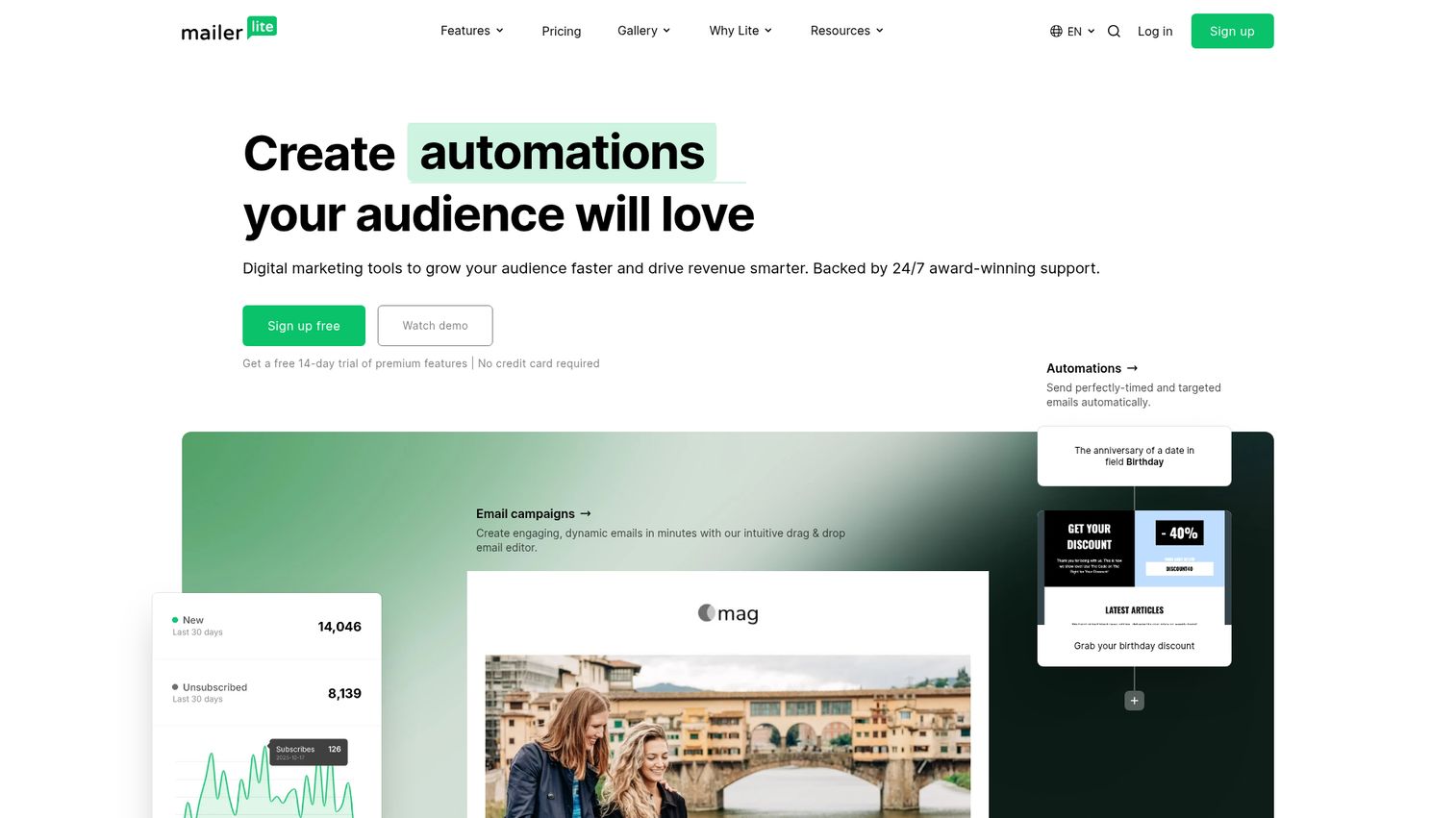
MailerLite is a clean, intuitive email newsletter platform that consistently delivers more features per dollar than almost any competitor. See how the interface works with this MailerLite interactive demo.
For anyone who finds Mailchimp's interface overwhelming or its pricing aggressive, MailerLite is the obvious alternative. The drag-and-drop editor is genuinely enjoyable to use, and the free plan - 1,000 subscribers and 12,000 emails/month - remains one of the most competitive in the newsletter software space.
Best for: Beginners, bloggers, and small businesses prioritizing ease of use and affordability.
Key strengths
- Free plan with 1,000 subscribers and 12,000 monthly emails
- Drag-and-drop editor plus website and blog builder
- Strong deliverability reputation across shared IP pools
- Automation workflows available even on lower tiers
- Landing pages and embedded forms on all plans
Pricing: Free for up to 1,000 subscribers. Growing Business plan starts at $10/month. Advanced plan starts at $20/month.
One friction point worth knowing: MailerLite reviews every new account before activation. This approval process typically takes 24-48 hours and can reject accounts that don't meet their sending standards. It's annoying if you need to start immediately, but it's actually a good sign - it means they're protecting their sender reputation, which directly benefits your deliverability.
At 10,000 subscribers, MailerLite costs roughly $50/month on the Growing Business plan. Compare that to Mailchimp's $100/month for the same list size, and the value proposition becomes clear.
3. Brevo (formerly Sendinblue) - best for transactional + newsletter emails
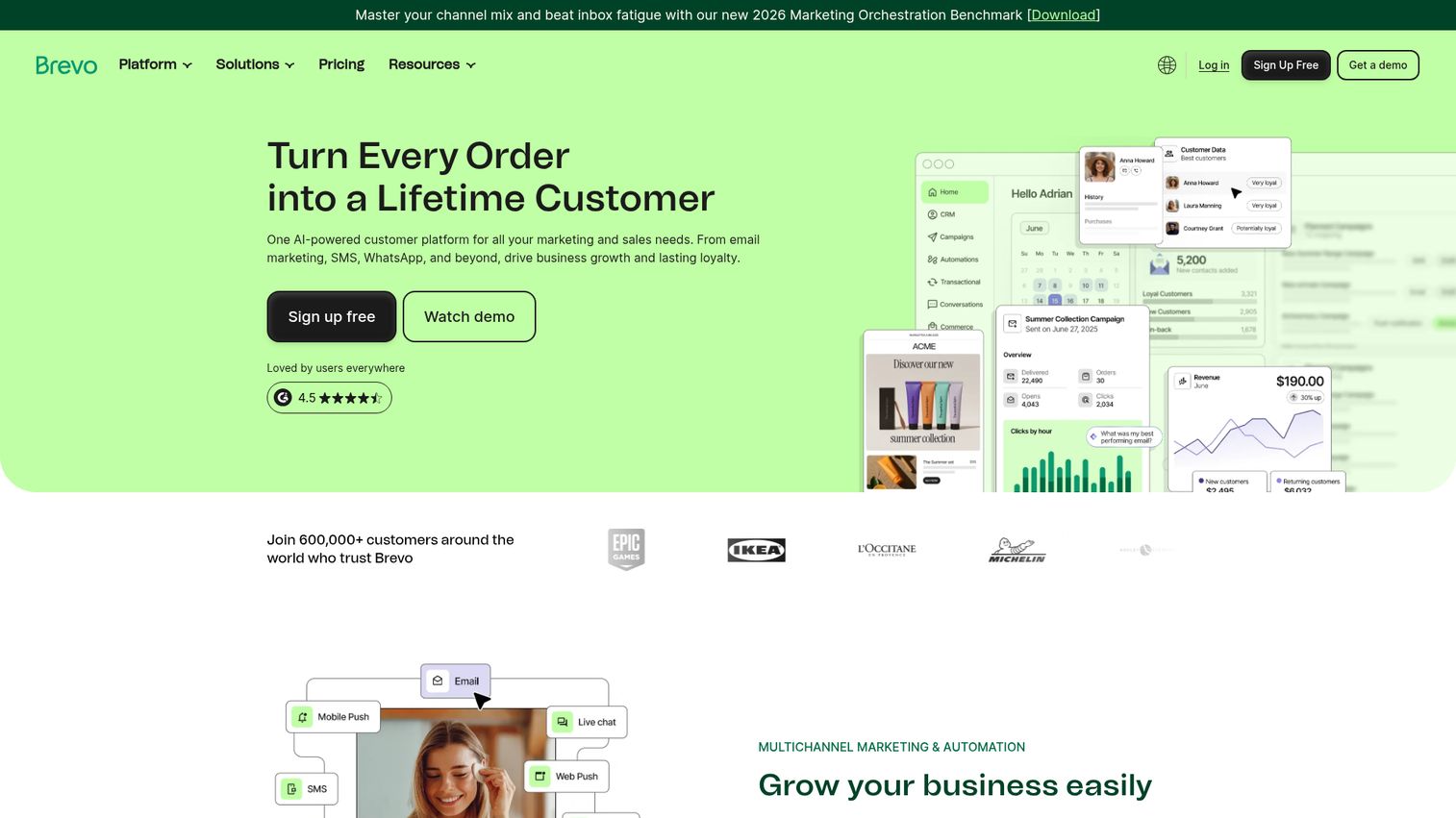
Brevo is the only major email marketing platform that charges by emails sent rather than contacts stored - meaning unlimited contacts on every plan, including free. Take a closer look at the platform with this Brevo interactive demo.
This pricing model is Brevo's defining advantage. If you have a large contact list but send infrequently, Brevo could save you hundreds per month compared to per-subscriber platforms. It also combines marketing newsletters and transactional emails (order confirmations, password resets, shipping notifications) in a single platform - something most competitors require separate tools for.
Best for: Businesses with large contact lists and e-commerce stores needing transactional email alongside newsletters.
Key strengths
- Unlimited contacts on all plans including free
- Combined transactional and marketing email in one platform
- Built-in CRM at no extra cost
- SMS and WhatsApp marketing channels included
- Pay-per-email pricing keeps costs predictable
Pricing: Free plan allows 300 emails/day with unlimited contacts. Starter plan begins at $25/month for 20,000 emails. Business plan starts at $65/month.
The built-in CRM is a notable bonus. Most email marketing tools either don't include a CRM or charge extra for it. Brevo's CRM isn't as deep as HubSpot's, but for basic contact management and deal tracking, it's more than adequate. If you're evaluating CRM options more broadly, check out our roundup of the best CRM software.
The trade-off is template design. Brevo's template library (around 40 options) is smaller and less polished than Mailchimp's or MailerLite's. If visual design is your priority, you'll want to look elsewhere.
4. Kit (formerly ConvertKit) - best for content creators
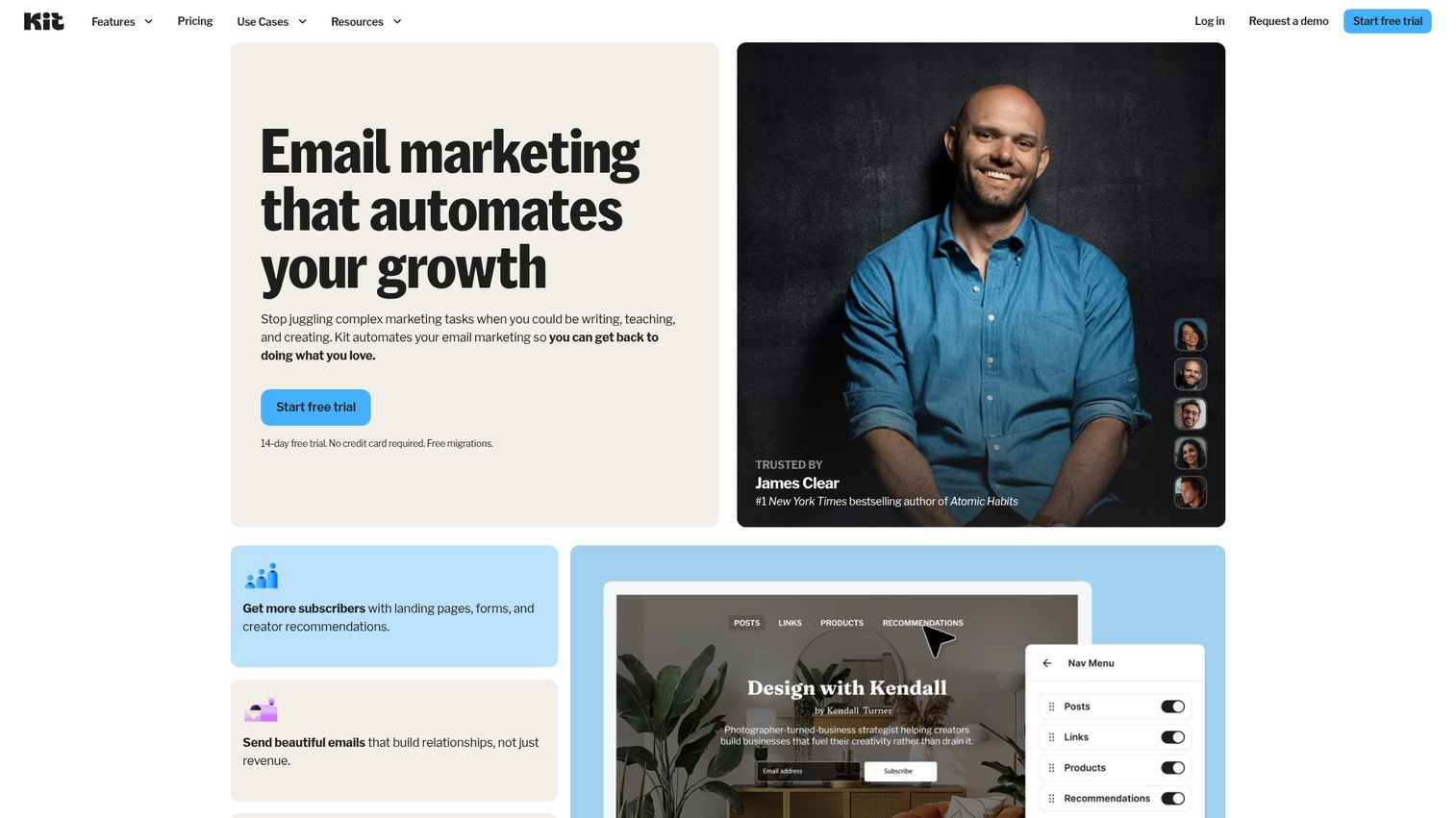
Kit is an email newsletter platform designed from the ground up for creators - bloggers, YouTubers, podcasters, and anyone selling digital products.
Unlike general-purpose email marketing tools that bolt on creator features as an afterthought, Kit's entire architecture revolves around building and monetizing an audience. The visual automation builder is intuitive. The subscriber tagging system is flexible. And the Creator Network - a built-in cross-promotion feature where newsletters recommend each other - is something no other platform offers.
Best for: Bloggers, YouTubers, podcasters, and digital product sellers who want a creator-native platform.
Key strengths
- Creator Network for organic cross-promotion and growth
- Visual automation builder with subscriber tagging
- Sell digital products and paid subscriptions directly
- Plain-text-first email design for higher deliverability
- Free plan supports up to 10,000 subscribers
Pricing: Free plan covers up to 10,000 subscribers with limited automation. Creator plan starts at $25/month. Creator Pro starts at $50/month.
Kit's email philosophy leans heavily toward plain-text styling. Emails look like they came from a person, not a marketing department. This works particularly well for creators building personal relationships with their audience. But if you need heavily designed, image-rich newsletters, Kit isn't the right fit - consider Flodesk or Mailchimp instead.
The free plan's 10,000-subscriber limit is remarkably generous, though it restricts access to automation and integrations. Most creators will need the paid Creator plan fairly quickly.
5. beehiiv - best for newsletter-first businesses
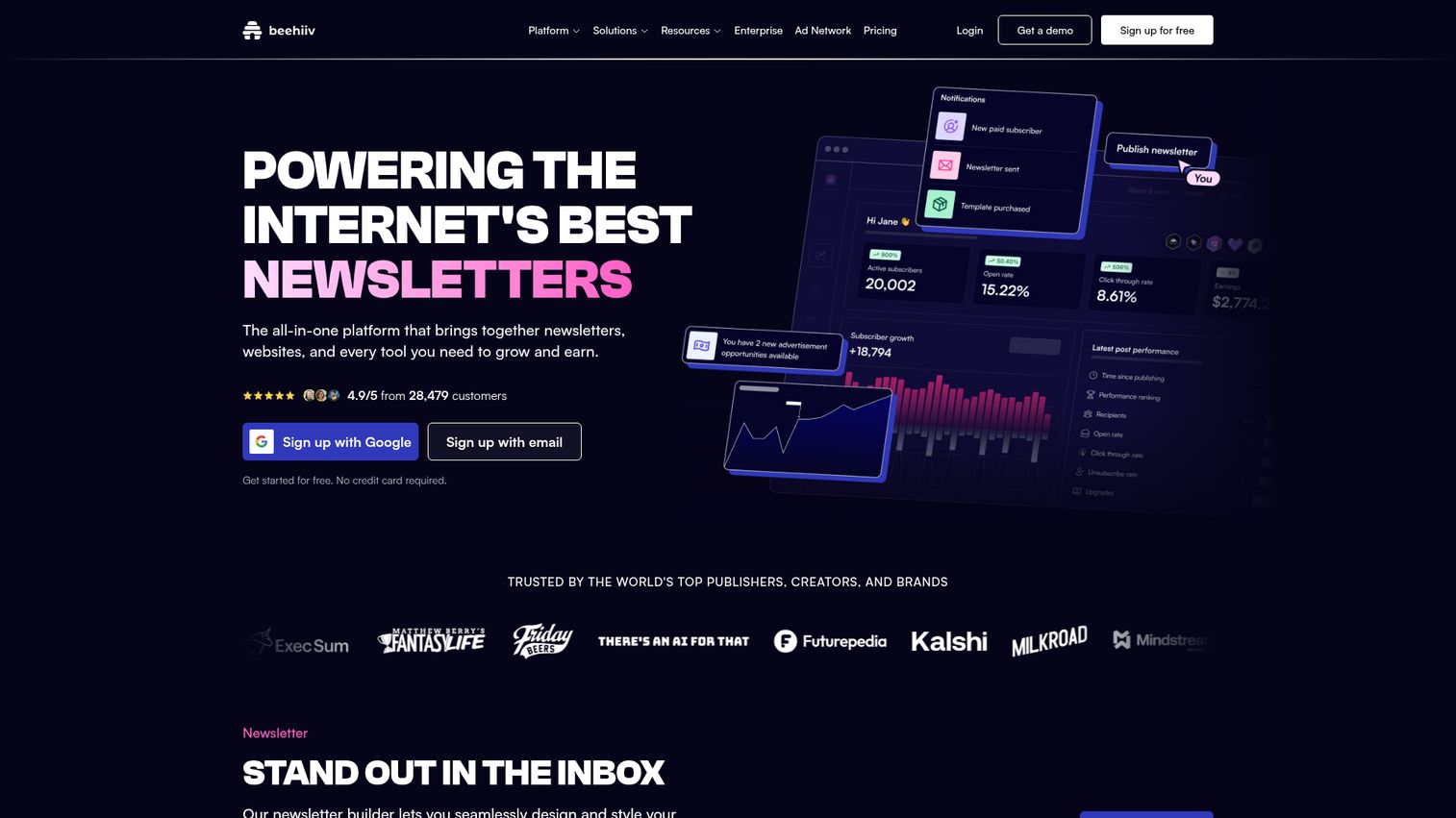
beehiiv is the platform for people who see their newsletter as the business, not just a marketing channel for something else.
Built by early Morning Brew employees, beehiiv treats newsletters the way Shopify treats e-commerce stores - as standalone businesses that need growth tools, monetization infrastructure, and audience analytics. The beehiiv Ad Network connects you with advertisers. Boosts let you earn money by recommending other newsletters. Paid subscriptions let readers pay you directly.
Best for: Independent newsletter operators, media companies, and anyone building a newsletter as a primary revenue source.
Key strengths
- Built-in monetization via ad network, boosts, and subscriptions
- SEO-optimized web hosting for newsletter archives
- Referral program to incentivize subscriber growth
- Detailed audience analytics and engagement scoring
- Free plan supports up to 2,500 subscribers
Pricing: Free plan for up to 2,500 subscribers (no monetization features). Scale plan starts at $39/month. Max plan starts at $99/month.
How does beehiiv compare to Substack? Both let you run paid newsletters, but beehiiv gives you more control over design, doesn't take a revenue cut on the Scale plan, and offers significantly better growth tools. Substack is simpler to start with. beehiiv is where you go when you're serious about building a media business.
The platform is newer than most on this list, so its integration ecosystem is still maturing. If you need deep connections to a CRM, e-commerce store, or dozens of third-party tools, Mailchimp or ActiveCampaign will serve you better.
6. ActiveCampaign - best for advanced automation
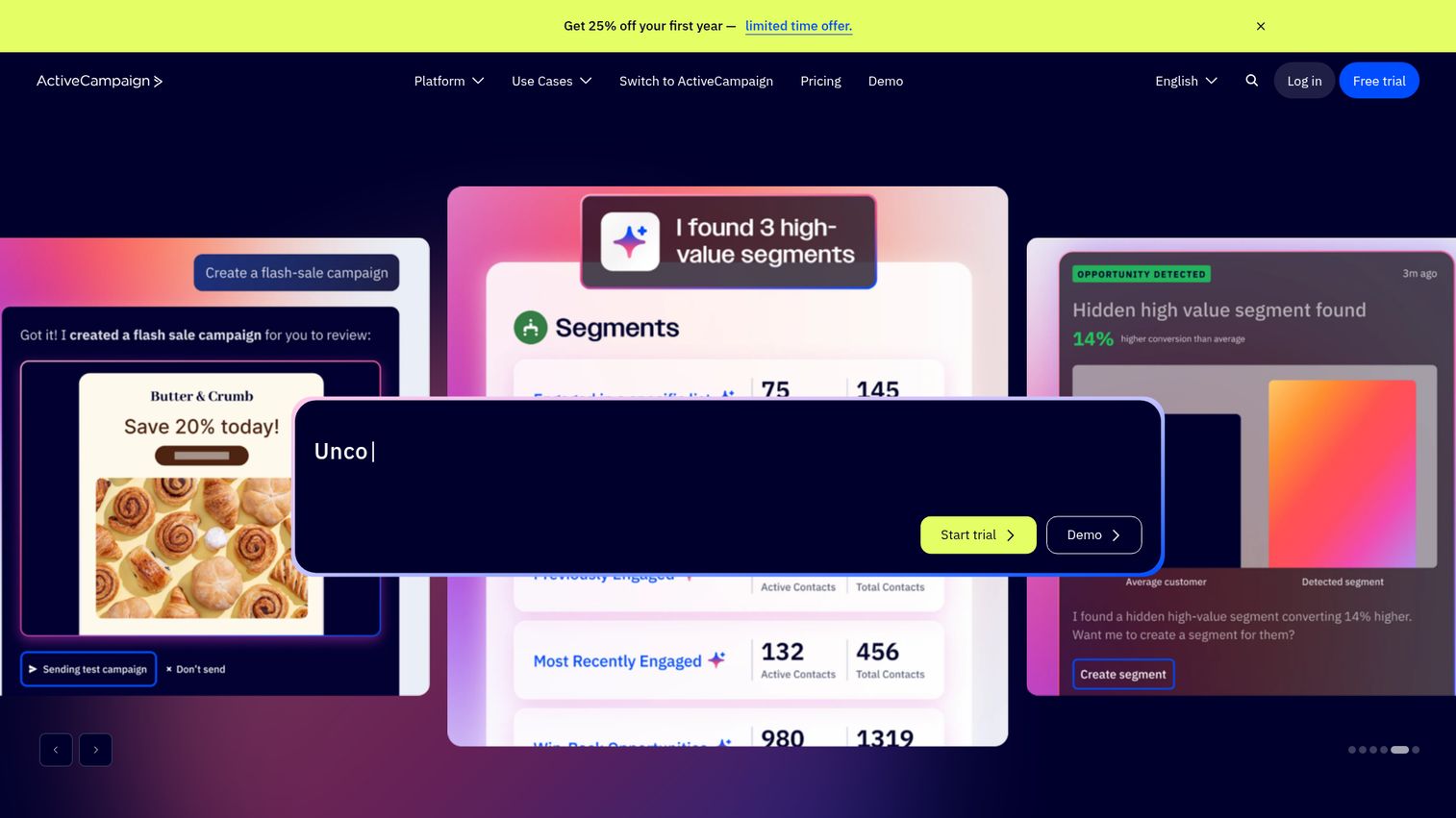
ActiveCampaign has the most powerful visual automation builder in the email marketing software category - and it's not particularly close. Explore the platform through this ActiveCampaign interactive demo.
This is the platform you graduate to when MailerLite or Mailchimp automations start feeling limiting. Conditional logic, split actions, lead scoring, site tracking, predictive sending, CRM pipeline management - ActiveCampaign handles complex, multi-step workflows that would require duct-taping three tools together on other platforms. If you're evaluating broader marketing automation software, ActiveCampaign consistently ranks at the top.
Best for: Growing businesses with complex automation needs, B2B companies, and marketing agencies managing multiple client accounts.
Key strengths
- Most advanced visual automation builder available
- Built-in CRM with sales pipeline management
- Predictive sending and machine learning content optimization
- 900+ integrations across marketing and sales tools
- Conditional content blocks for personalized newsletters
Pricing: No free plan. Starter plan begins at $29/month for 1,000 contacts. Professional plan starts at $149/month. Enterprise plan requires custom pricing.
Let's be direct: ActiveCampaign is not for beginners. The learning curve is real, and you'll spend your first week just understanding the automation builder's capabilities. But if you're a marketing manager who's been manually segmenting lists and building workaround automations in simpler tools, ActiveCampaign will feel like a genuine upgrade.
The lack of a free plan is a notable gap. At 10,000 contacts, expect to pay around $180/month on the Professional plan - significantly more than MailerLite or Brevo. You're paying for power, not simplicity.
7. Constant Contact - best for small business events and social
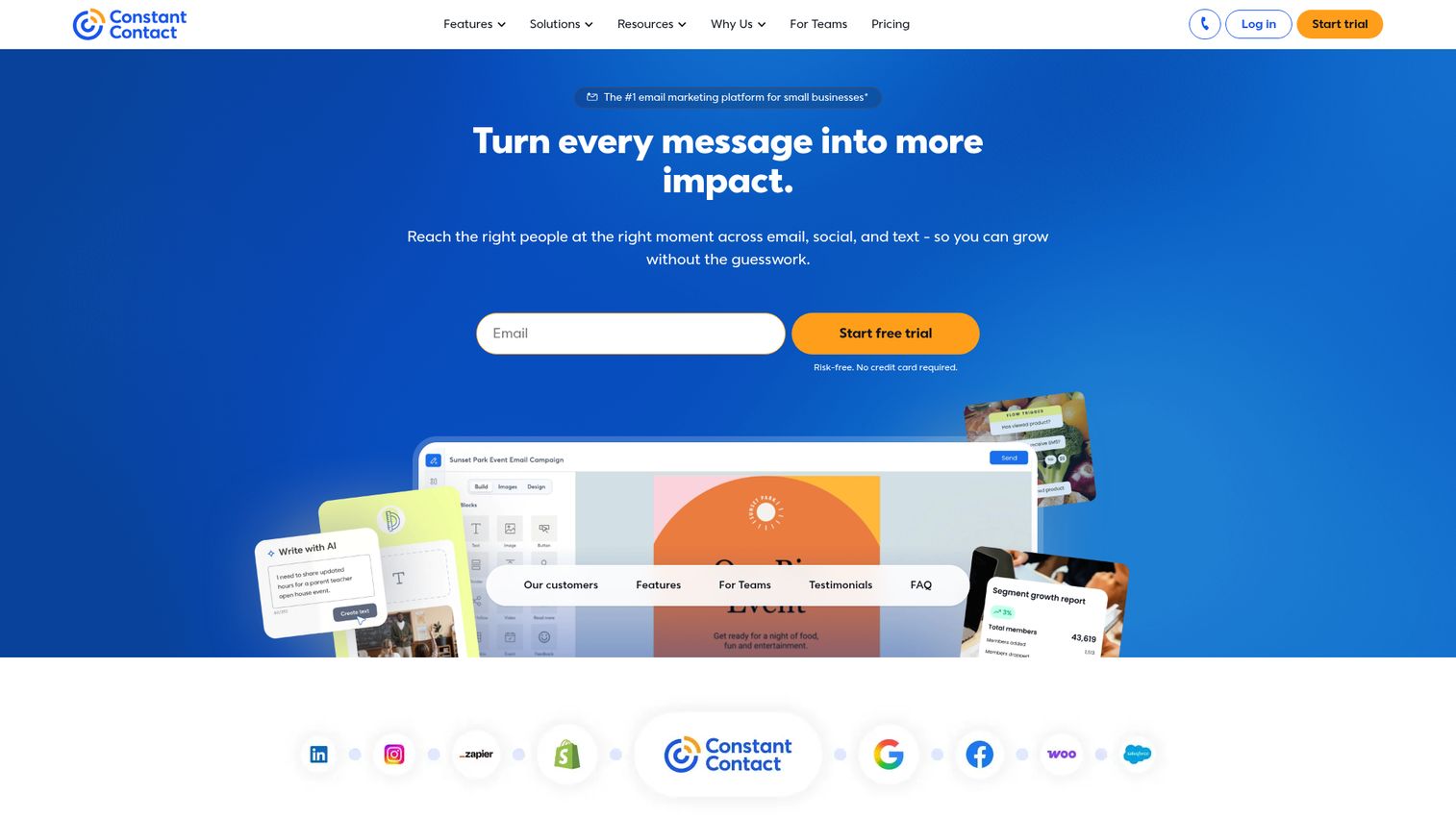
Constant Contact is the long-tenured email newsletter service that's been serving small businesses since 1995, with a unique edge in event management and social media integration. You can preview the platform with this Constant Contact interactive demo.
If you run a local business, nonprofit, or community organization that hosts events, Constant Contact is worth a serious look. Its built-in event management tools - RSVP tracking, ticketing, registration pages - are features you won't find in any other newsletter platform on this list. For a deeper dive into dedicated solutions, see our list of the best event management software. The social media posting and ad creation tools round out a genuinely all-in-one small business marketing hub.
Best for: Small businesses that host events, nonprofits, and local organizations wanting email plus social in one platform.
Key strengths
- Built-in event management with RSVP and ticketing
- Social media scheduling and ad creation tools
- 200+ email templates with drag-and-drop editor
- AI content generation for email copy
- Strong phone, chat, and email customer support
Pricing: No free plan. Lite plan starts at $12/month. Standard starts at $35/month. Premium starts at $80/month.
The honest assessment: Constant Contact's interface feels dated compared to MailerLite or beehiiv. The template designs lean traditional rather than modern. And pricing at higher subscriber counts isn't competitive - at 10,000 contacts, you're paying around $80/month on the Standard plan for fewer features than ActiveCampaign offers at a similar price.
But the customer support is genuinely excellent. Phone support is available, which is increasingly rare among email marketing platforms. For less tech-savvy business owners, that alone might justify the premium.
8. GetResponse - best for webinars and funnels
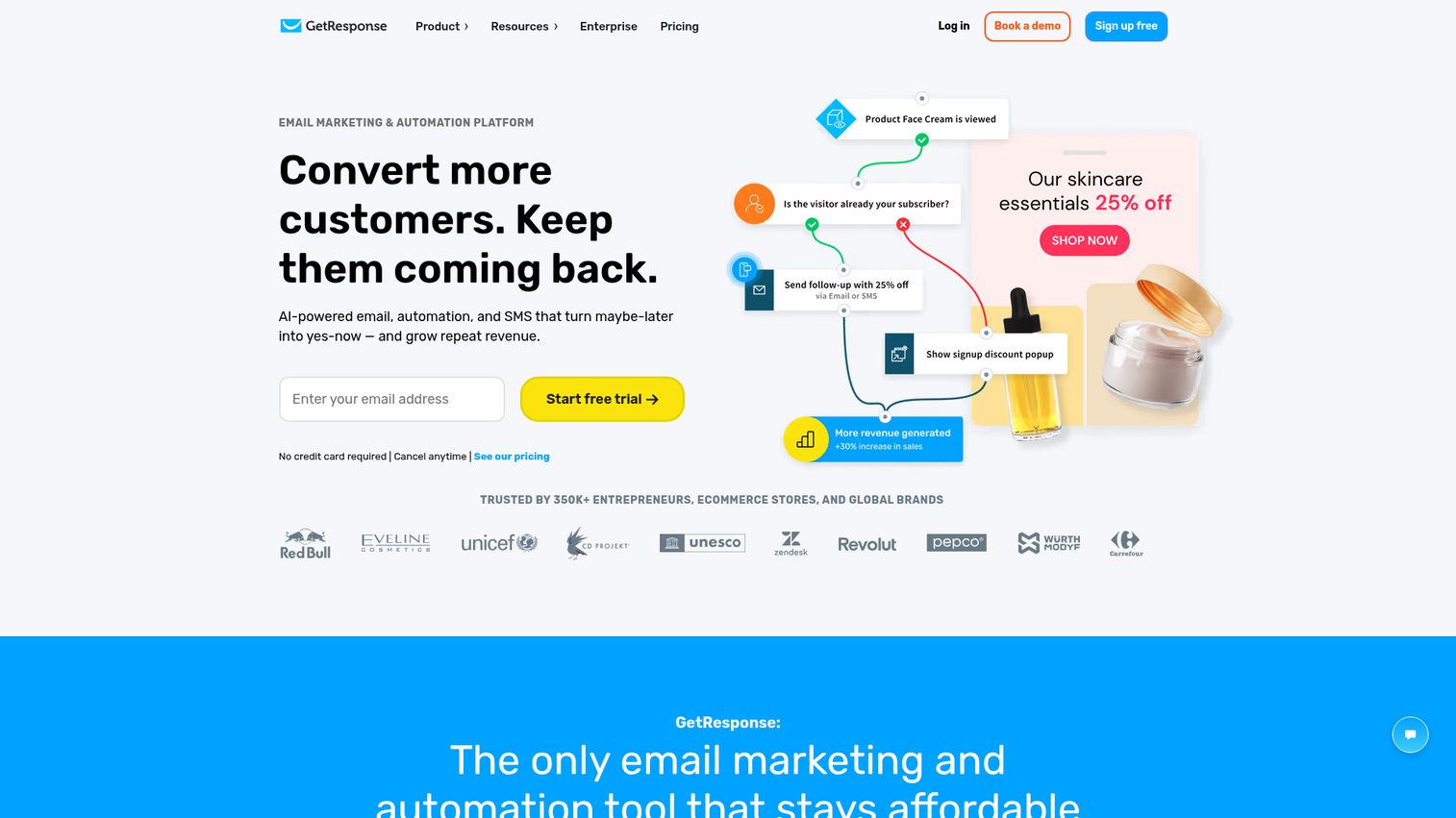
GetResponse is the only major email marketing platform with built-in webinar hosting, making it a unique pick for businesses that use webinars as a lead generation channel. If webinars are a core part of your strategy, you may also want to explore the best webinar platforms for dedicated options.
Beyond webinars, GetResponse offers conversion funnels - pre-built sequences that guide visitors from landing page to email signup to purchase. The AI email generator can draft complete campaigns from a prompt. The website builder lets you create full sites without a separate tool. It does a lot of things.
Best for: Online educators, course creators, and businesses using webinars for lead generation and sales.
Key strengths
- Built-in webinar hosting with up to 1,000 attendees
- Pre-built conversion funnels for leads and sales
- AI email generator and campaign builder
- Landing page creator with 200+ templates
- Autoresponder sequences with timing controls
Pricing: Free plan covers 500 contacts with limited features. Email Marketing plan starts at $15.60/month. Marketing Automation starts at $48.40/month.
The trade-off with GetResponse is the jack-of-all-trades dynamic. The webinar tool is solid but not as feature-rich as dedicated platforms like Zoom Webinars. The email editor is capable but not as polished as MailerLite's. The funnels work but aren't as flexible as dedicated funnel builders.
If webinars are central to your marketing strategy, though, the convenience of having everything in one platform often outweighs those individual feature gaps. You're saving both money and the headache of connecting three separate tools.
9. Omnisend - best for e-commerce newsletters
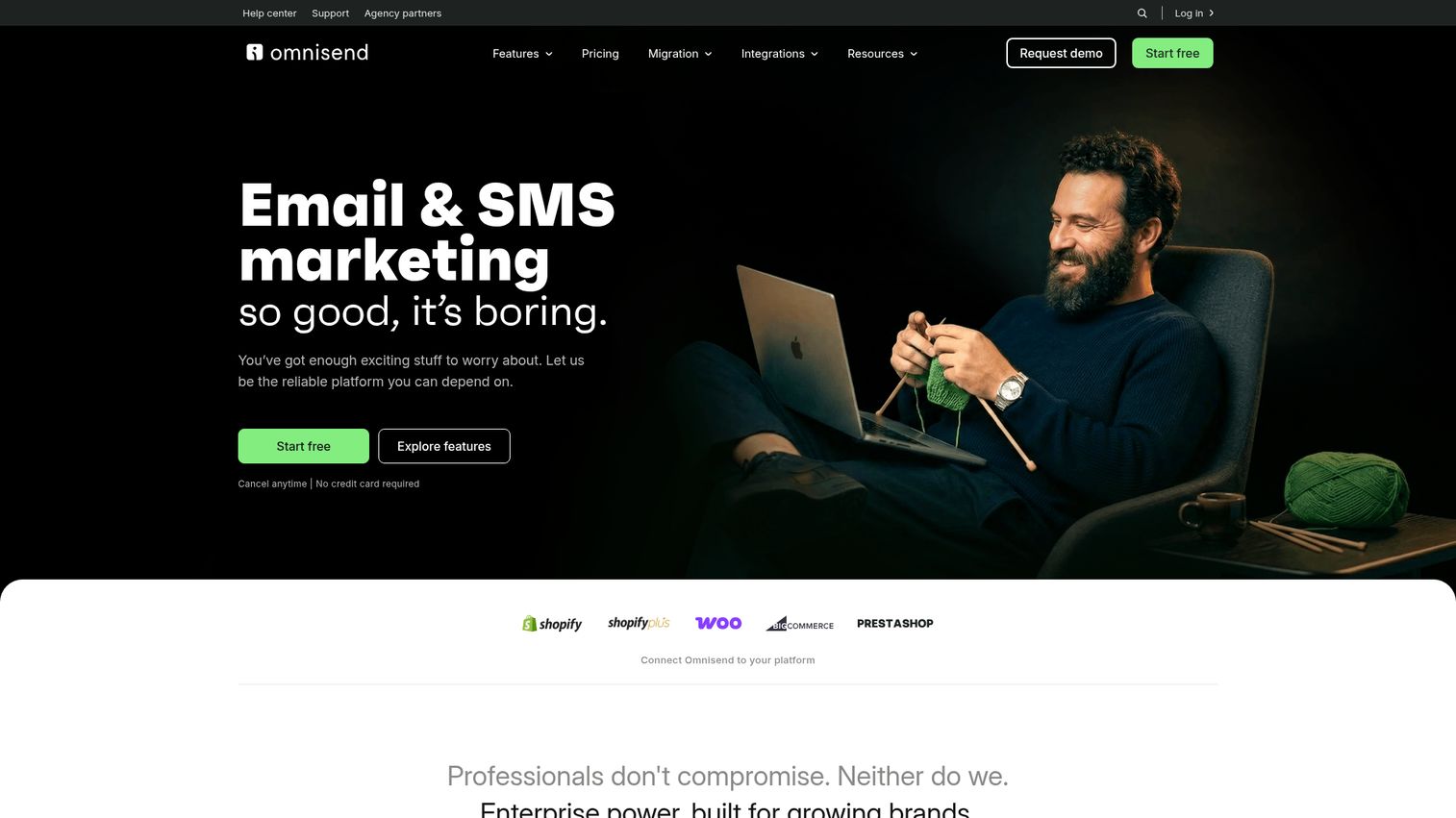
Omnisend is email newsletter software built specifically for online stores, with deep native integrations for Shopify, WooCommerce, and BigCommerce that general-purpose platforms can't match. See it in action with this Omnisend interactive demo.
The pre-built e-commerce automation workflows are where Omnisend shines. Cart abandonment, browse abandonment, order confirmation, shipping updates, post-purchase follow-ups, win-back campaigns - they're all ready to activate with a few clicks. The product picker lets you drag items directly from your store catalog into email designs. No manual image uploads or link copying.
Best for: Shopify, WooCommerce, and BigCommerce store owners who want email and SMS in one e-commerce-focused platform.
Key strengths
- Pre-built e-commerce automation workflows ready to activate
- Product picker pulls items directly from your store
- SMS marketing included in paid plans, not a separate add-on
- Segmentation based on purchase behavior and browsing history
- Revenue attribution tracking per campaign and automation
Pricing: Free plan covers 250 contacts and 500 emails/month. Standard plan starts at $16/month. Pro plan starts at $59/month.
How does Omnisend compare to Mailchimp for e-commerce? Mailchimp connects to Shopify, but the integration isn't as deep. Omnisend's segmentation based on purchase frequency, average order value, and product browsing history is significantly more granular. If you're a Shopify store owner sending 2 newsletters per week to 5,000 subscribers, Omnisend's Standard plan at roughly $65/month will deliver more e-commerce-specific value than Mailchimp's Standard plan at a similar price. For stores also looking at SMS marketing software, Omnisend's built-in SMS is a major convenience.
10. Moosend - best budget-friendly option
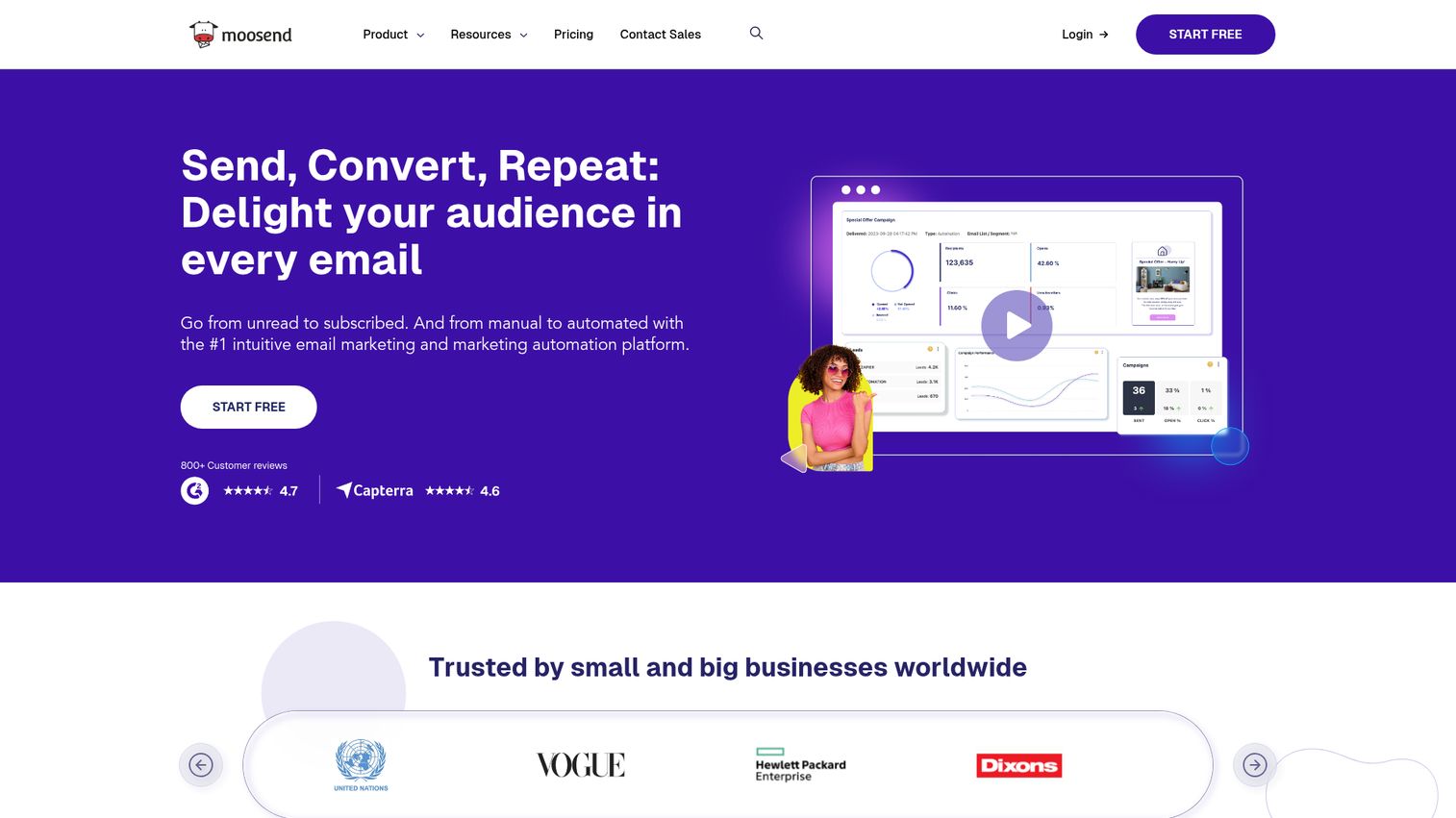
Moosend starts at $9/month for up to 500 subscribers, making it one of the cheapest email marketing tools that doesn't sacrifice core functionality.
At that price, you still get a drag-and-drop editor, 80+ templates, automation workflows, landing pages, and real-time analytics. The automation capabilities are surprisingly robust for a budget platform - conditional workflows, triggers based on user behavior, and pre-built automation recipes that cover common scenarios.
Best for: Budget-conscious small businesses and startups wanting automation without the price tag.
Key strengths
- Starting price of $9/month for full-featured email marketing
- Automation workflows with conditional logic and triggers
- 80+ responsive email templates included
- Landing pages and subscription forms on all plans
- Real-time analytics with click heatmaps
Pricing: No free plan (30-day free trial only). Pro plan starts at $9/month for up to 500 subscribers. Scales to $315/month for 50,000 subscribers.
The lack of a free plan is the obvious downside. If you need to start at $0, MailerLite, Sender, or Brevo are better options. Moosend's 30-day trial gives you time to evaluate, but you'll need a credit card on day 31.
Moosend was acquired by Sitecore, which adds enterprise-level infrastructure and reliability behind the scenes. The template library is smaller than Mailchimp's or Constant Contact's, but the designs are clean and modern. For the price, it's hard to complain.
11. AWeber - best for reliability and deliverability
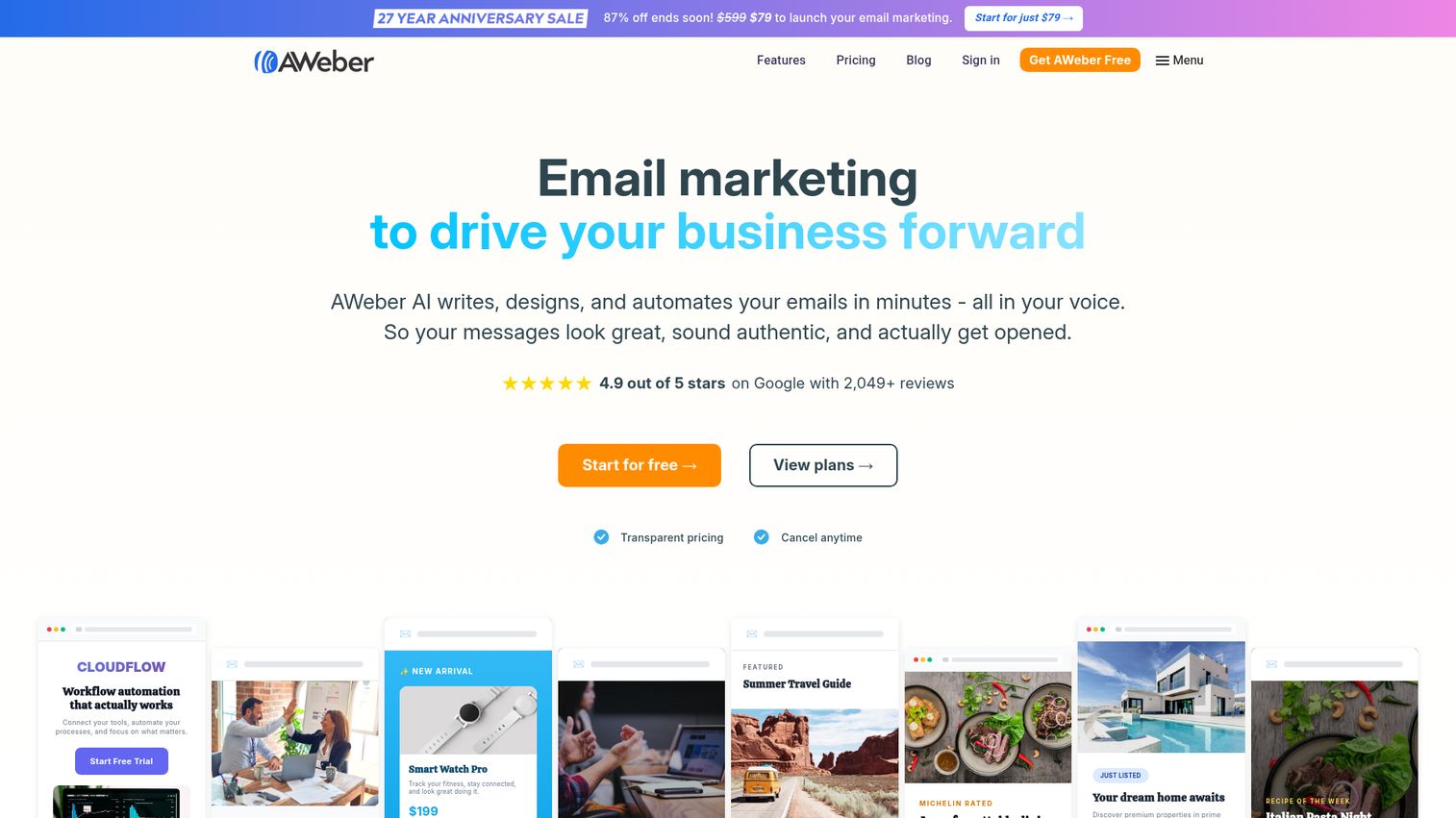
AWeber has been optimizing email deliverability since 1998, giving it one of the longest track records of any email newsletter platform still operating. If deliverability is your top concern, our guide to email deliverability tools covers additional solutions worth exploring.
Deliverability isn't a glamorous feature, but it's arguably the most important one. An email that lands in spam is an email that doesn't exist. AWeber's 25+ years of sender reputation management, dedicated IP options, and strict list hygiene practices mean your newsletters tend to reach inboxes at consistently high rates.
Best for: Established businesses prioritizing inbox placement and affiliate marketers who need reliable deliverability.
Key strengths
- 25+ years of deliverability optimization and sender reputation
- AMP email support for interactive in-email experiences
- AI-powered design assistant for template creation
- Web push notifications as an additional channel
- 600+ email templates across industries
Pricing: Free plan covers 500 subscribers and 3,000 emails/month. Lite plan starts at $14.99/month. Plus plan starts at $29.99/month.
The honest downside: AWeber's interface and template designs feel less modern than newer competitors like MailerLite or Flodesk. The drag-and-drop editor works fine, but it lacks the polish and fluidity you'll find in tools built in the last five years.
AWeber also supports AMP emails - interactive emails where subscribers can RSVP, fill out surveys, or browse product carousels without leaving their inbox. It's a niche feature, but if you're looking for newsletter apps that push the boundaries of what email can do, AWeber is one of the few platforms supporting it.
12. Benchmark Email - best for multilingual newsletters
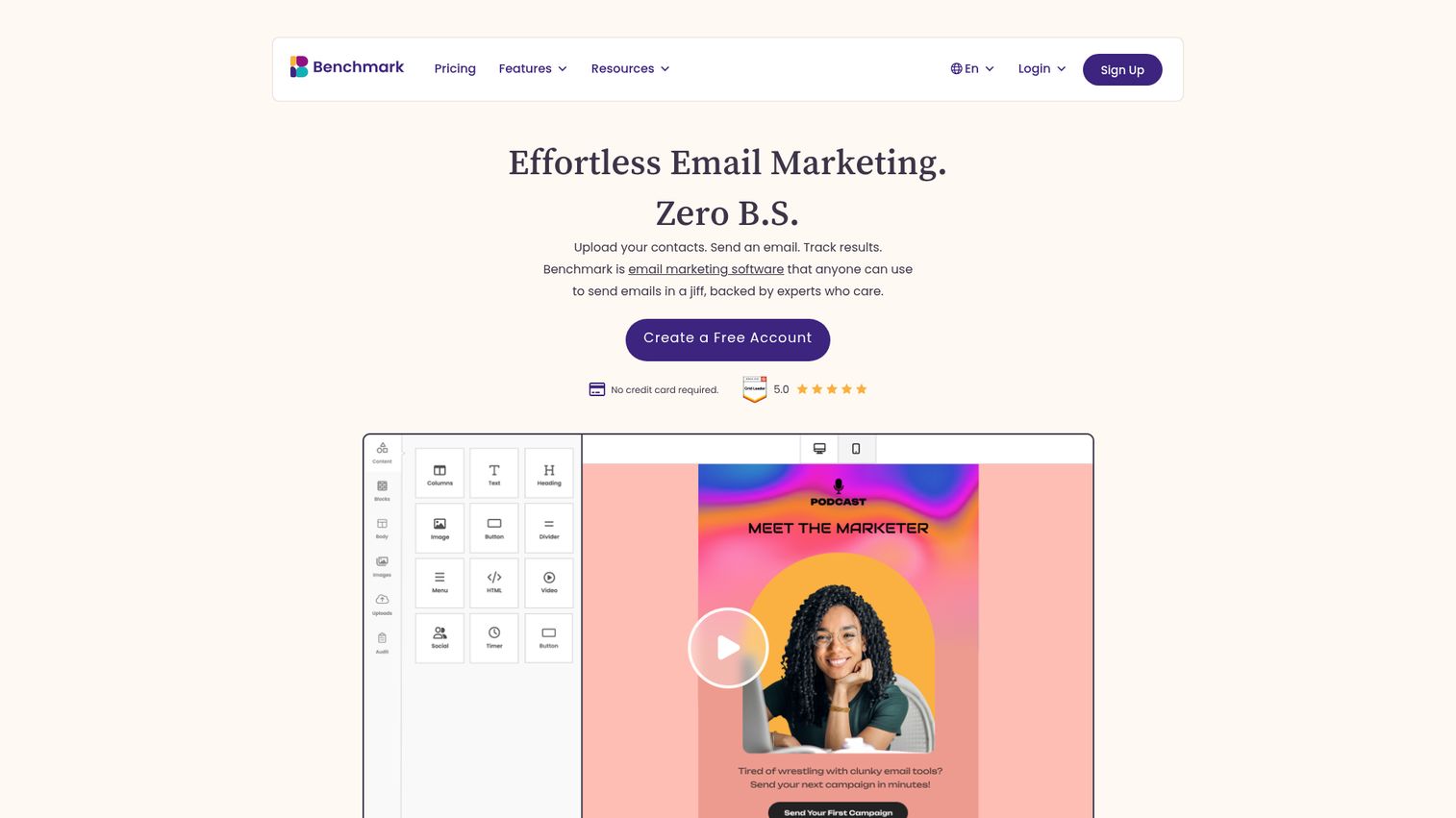
Benchmark Email supports 9 languages in its interface, making it one of the few email newsletter platforms with a genuinely international focus.
If your team operates across multiple countries or you send newsletters in several languages, Benchmark removes the friction of working in a platform that only speaks English. The editor is clean and accessible. The built-in photo editing tool - rare among email marketing services - lets you crop, filter, and adjust images without leaving the platform.
Best for: International businesses, multilingual teams, and beginners wanting a straightforward, globally accessible tool.
Key strengths
- Interface available in 9 languages for global teams
- Built-in photo editor within the email designer
- Responsive templates with drag-and-drop customization
- A/B testing and basic automation workflows
- Surveys and polls embedded directly in emails
Pricing: Free plan covers 500 contacts and 3,500 emails/month. Pro plan starts at $13/month. Enterprise pricing is custom.
The trade-off is automation depth. Benchmark's automation capabilities are basic compared to ActiveCampaign, GetResponse, or even MailerLite. If you need multi-step conditional workflows, you'll outgrow Benchmark quickly.
For straightforward newsletter sending to an international audience, though, it's a solid pick that often gets overlooked in favor of bigger names.
13. Sender - best free plan for startups
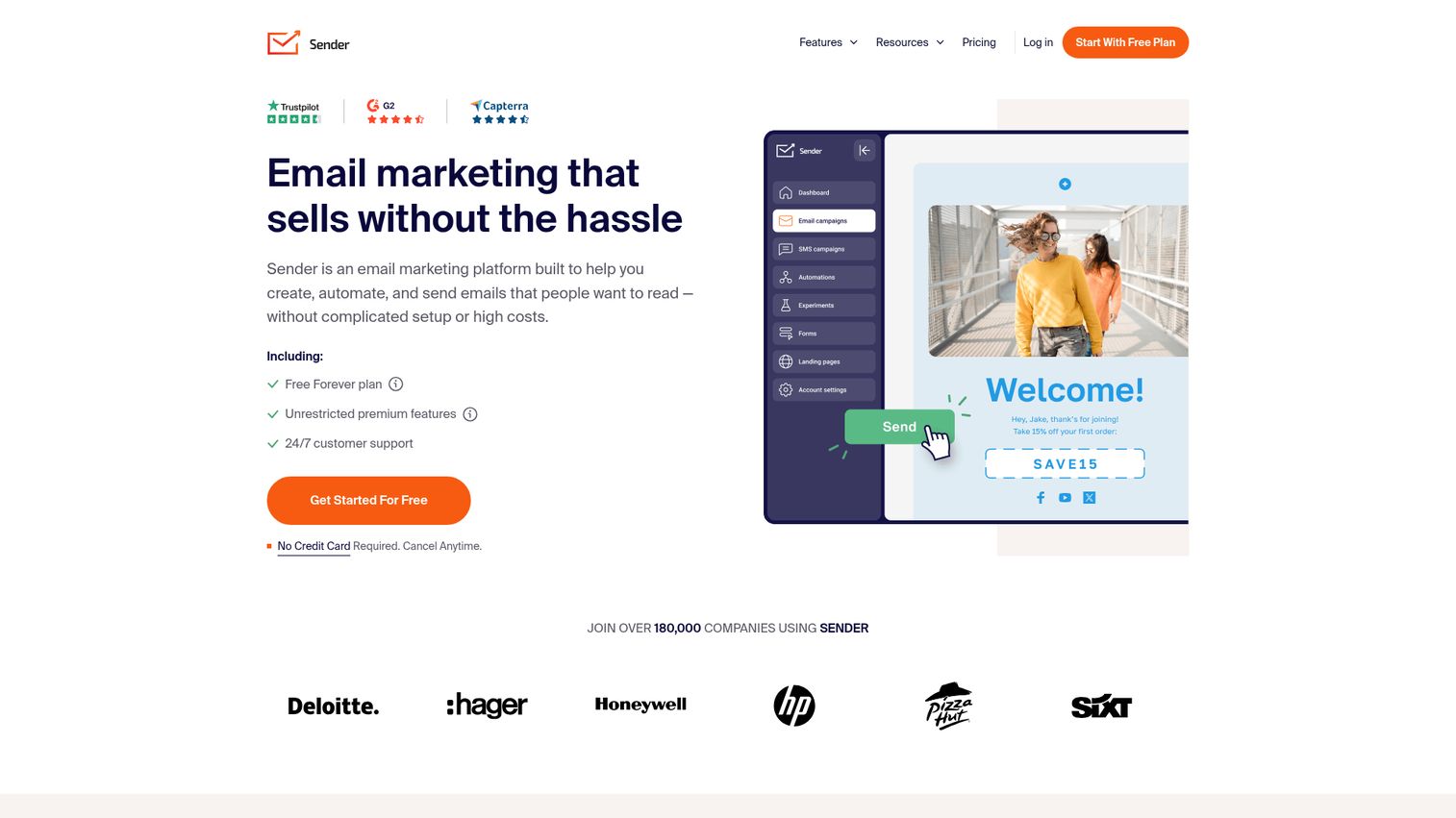
Sender offers 2,500 subscribers and 15,000 emails/month on its free plan - the most generous free tier of any email newsletter software we tested.
That's not a typo. Most free plans cap you at 500 contacts or restrict you to a few hundred emails per day. Sender gives you enough room to run a real newsletter operation for months before you'd need to upgrade. The platform also includes automation workflows, pop-up forms, and SMS marketing on its paid plans, which start at $15.83/month.
Best for: Startups and small businesses wanting maximum free plan value before committing to a paid email marketing platform.
Key strengths
- 2,500 subscribers and 15,000 emails/month free
- Automation workflows with behavioral triggers
- SMS marketing available on paid plans
- Pop-up and embedded form builder included
- E-commerce integrations for Shopify and WooCommerce
Pricing: Free plan covers 2,500 subscribers and 15,000 emails/month. Standard plan starts at $15.83/month. Professional plan starts at $29.17/month.
Sender is less well-known than Mailchimp or MailerLite, and that shows in a few areas. The template library is smaller and less polished. The brand recognition means fewer tutorials and community resources. And the design options, while functional, won't win any awards.
But if you're bootstrapping a business and need to send newsletters without spending money for as long as possible, Sender is the clear winner. The free plan alone is worth testing before you commit to any paid tool.
14. Flodesk - best for beautiful design
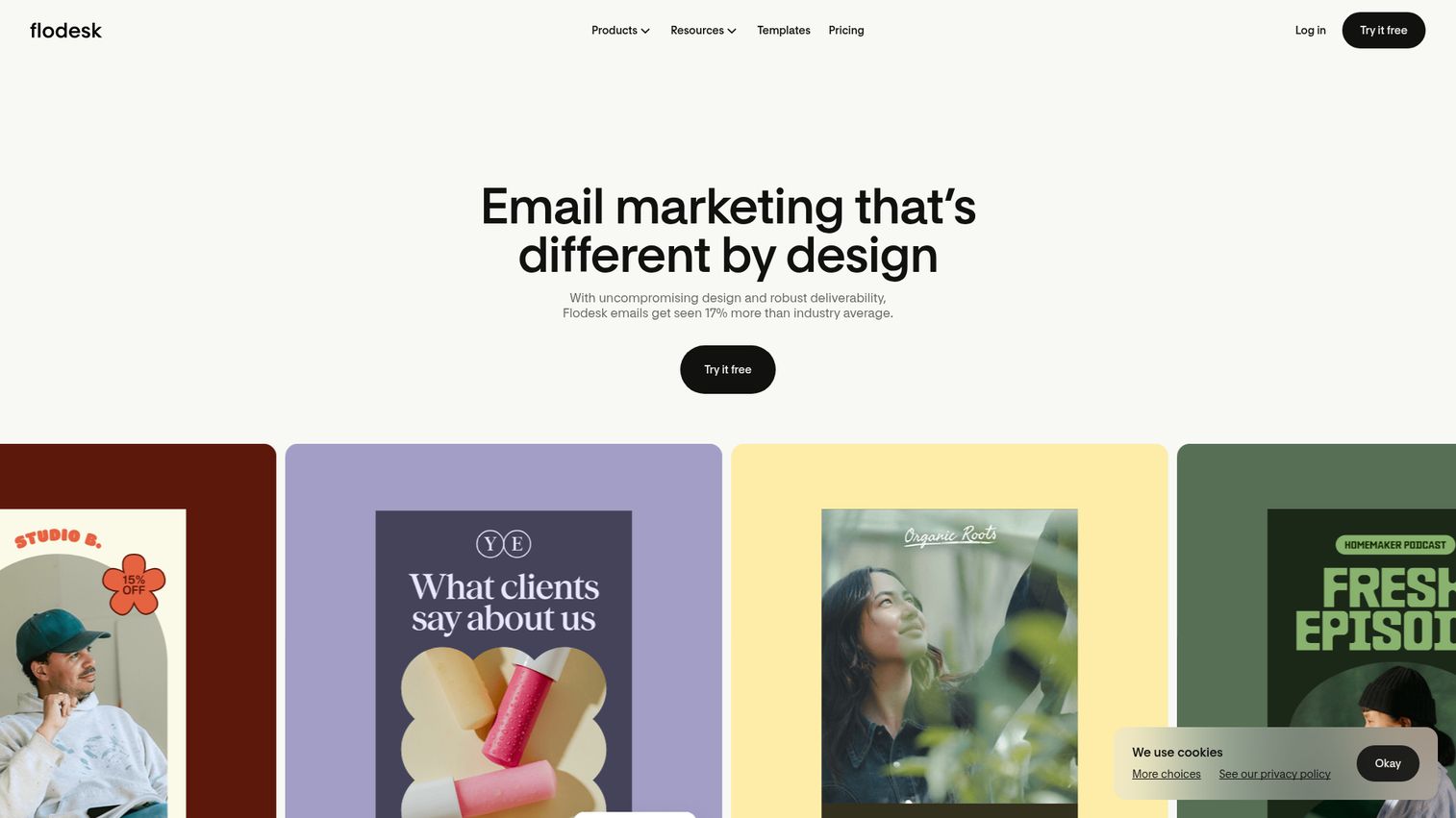
Flodesk produces the most visually stunning email templates in the newsletter software category, paired with a flat-rate pricing model that ignores your subscriber count entirely.
That pricing model is worth repeating: $38/month for unlimited subscribers and unlimited emails. Whether you have 500 subscribers or 50,000, you pay the same amount. For growing businesses, this becomes incredibly cost-effective at scale - a 50,000-subscriber list on Mailchimp's Standard plan would cost over $350/month.
Best for: Designers, photographers, creative entrepreneurs, and anyone who prioritizes visual aesthetics in their email newsletters.
Key strengths
- Visually stunning templates designed for creative brands
- Flat-rate $38/month regardless of list size
- Visual workflow builder for automation sequences
- Link-in-bio pages and checkout pages included
- Strong brand community among creative entrepreneurs
Pricing: No free plan (30-day trial). Flat rate of $38/month for unlimited everything. Annual billing drops it to $35/month.
The trade-offs are real. Flodesk has fewer integrations than Mailchimp or ActiveCampaign. Segmentation options are more limited. A/B testing capabilities are restricted on some plans. And there's no free plan - just a 30-day trial.
If you're choosing between Flodesk and MailerLite, it comes down to priorities. MailerLite gives you more features per dollar and a free plan. Flodesk gives you significantly better design templates and predictable pricing as your list grows. For creative businesses where brand aesthetics directly impact revenue, Flodesk's visual quality often justifies the premium.
15. HubSpot - best for CRM-integrated newsletters
HubSpot's email marketing isn't a standalone newsletter tool - it's a component of the most comprehensive CRM ecosystem available, and that's precisely its advantage. Explore the platform with this HubSpot interactive demo.
Every email you send through HubSpot connects to a contact record that tracks website visits, form submissions, deal stages, support tickets, and sales conversations. Personalization tokens pull data directly from CRM fields. Smart content blocks show different content to different segments within the same email. If your sales and marketing teams need to work from the same data, HubSpot is the natural choice.
Best for: B2B companies, sales-driven organizations, and businesses already using HubSpot CRM who want email marketing in the same ecosystem.
Key strengths
- Deep CRM integration with full contact activity history
- Smart content blocks for dynamic personalization
- Free CRM plus free email marketing tier
- A/B testing with statistical significance reporting
- Detailed analytics tied to revenue and deal pipeline
Pricing: Free plan includes 2,000 emails/month with HubSpot branding. Marketing Hub Starter begins at $20/month. Professional starts at $890/month.
That Professional plan price isn't a typo. HubSpot's costs escalate dramatically once you move beyond Starter. The free and Starter tiers are genuinely useful for small businesses, but the jump to Professional - where most of the advanced features live - is steep.
As a pure email newsletter tool, HubSpot's editor and template library are less robust than dedicated email marketing platforms like Mailchimp or MailerLite. The value is in the ecosystem, not the email features alone. If you're not using HubSpot's CRM, there's little reason to choose it for newsletters.
How to choose the right email newsletter software
With 15 strong options on the table, the decision comes down to your specific situation. Here's a framework.
Define your budget and subscriber count
Email marketing platforms use three different pricing models, and the one you choose directly impacts your costs as you grow.
| Subscribers | Mailchimp (Standard) | MailerLite (Growing) | Brevo (Starter) | Flodesk |
|---|---|---|---|---|
| 1,000 | $13/mo | $10/mo | $25/mo (20K emails) | $38/mo |
| 5,000 | $55/mo | $32/mo | $25/mo (20K emails) | $38/mo |
| 10,000 | $100/mo | $50/mo | $25/mo (20K emails) | $38/mo |
| 50,000 | $350/mo | $239/mo | $65/mo (40K emails) | $38/mo |
Notice how the math shifts at scale. Brevo and Flodesk become dramatically cheaper for large lists. Mailchimp becomes the most expensive option. MailerLite stays competitive throughout.
If you're just starting out with under 1,000 subscribers, cost differences are minimal. Pick the platform with the features you need. If you're planning to grow past 10,000 subscribers within a year, pricing model matters a lot.
Match features to your use case
Skip the feature comparison matrix and think about what you actually need:
- Running a Shopify store? Omnisend. Its e-commerce automations and product picker are purpose-built for online retail.
- Hosting webinars? GetResponse. It's the only platform with built-in webinar hosting.
- Building a newsletter business? beehiiv. Monetization tools are baked into the platform.
- Need complex automation? ActiveCampaign. Nothing else comes close for multi-step workflows.
- Design matters most? Flodesk. The templates speak for themselves.
- Want the best free plan? Sender. 2,500 subscribers and 15,000 emails for $0.
- Need multilingual support? Benchmark Email. Nine languages in the interface.
Consider deliverability and reputation
Deliverability is the percentage of your emails that actually reach the inbox instead of the spam folder or promotions tab. It's the most underrated factor in choosing newsletter mailing software.
Platforms with strict account approval processes (MailerLite, AWeber) tend to have better deliverability because they filter out spammers before they can damage shared IP reputations. Newer or cheaper platforms sometimes have lower deliverability because they're less aggressive about list hygiene enforcement.
AWeber, MailerLite, and ActiveCampaign consistently rank among the top platforms for deliverability. If inbox placement is your priority, these three deserve extra attention.
Plan for growth and migration
Switching email marketing platforms is painful. You'll need to export your subscriber list as a CSV, re-import it, rebuild automation workflows from scratch, re-verify your sending domain, and warm up your new IP address gradually to avoid deliverability dips.
Some platforms make this easier than others. ActiveCampaign and Mailchimp offer migration assistance for qualifying accounts. MailerLite has a straightforward import process. But no migration is truly painless.
The practical advice: choose a platform you can grow with for at least 2-3 years. If you're a solopreneur today but plan to build a team and run complex campaigns within a year, starting with ActiveCampaign might save you the headache of migrating later - even if it feels like overkill right now.
Our top picks for 2026
The right newsletter platform depends on your needs, but if you want a shortcut, here's where we'd start:
- Best overall value: MailerLite - the strongest combination of features, pricing, and ease of use for most people
- Best free plan: Sender - 2,500 subscribers and 15,000 emails/month without paying a cent
- Best for creators: Kit - purpose-built for bloggers, YouTubers, and digital product sellers
- Best for e-commerce: Omnisend - deep store integrations and pre-built revenue-generating automations
- Best for automation power users: ActiveCampaign - the most capable automation builder on the market
Most of these platforms offer free plans or trials - sign up for 2-3 that match your needs, send a test newsletter, and see which one feels right. And if you're looking to showcase your own SaaS product to prospects, consider creating interactive product demos that let people experience your platform before they sign up.
FAQs
Sender offers the most generous free plan: 2,500 subscribers and 15,000 emails/month. MailerLite is a close second with 1,000 subscribers and 12,000 emails/month, plus a more polished template library. Brevo takes a different approach with unlimited contacts and 300 emails/day on its free tier. All three include branding on the free plan and limit access to some advanced features like automation and A/B testing.
The terms are largely interchangeable in 2026. "Email newsletter software" tends to emphasize content delivery and subscriber engagement - think regular updates to an audience. "Email marketing software" often implies broader capabilities like CRM integration, SMS marketing, sales funnels, and transactional emails. Most modern platforms, including Mailchimp, MailerLite, and Brevo, do both.
Free plans are available from many providers. Paid plans typically start between $9 and $25/month for 500-1,000 subscribers. At 10,000 subscribers, expect $50-$100/month depending on the platform. Flodesk is an outlier with flat-rate pricing at $38/month regardless of list size. ActiveCampaign and HubSpot tend to be the most expensive options at scale.
Yes. Nearly every platform lets you export your subscriber list as a CSV file and import it into a new tool. The bigger risk is deliverability - your new platform uses different sending infrastructure, and email providers may treat your messages with more scrutiny initially. Warm up your new account gradually by sending to your most engaged subscribers first, then expanding to your full list over 2-4 weeks.
Yes. Gmail and Outlook aren't designed for bulk sending. They lack templates, automation, analytics, unsubscribe management, and list segmentation. More critically, sending bulk emails through a personal email client will likely trigger spam filters and could get your domain blacklisted. Dedicated newsletter platforms handle deliverability, CAN-SPAM and GDPR compliance, and subscriber management - things that are functionally impossible in Gmail.
Start with the essentials: a drag-and-drop editor, responsive templates, automation workflows, audience segmentation, A/B testing, analytics, and integrations with your existing tools. Deliverability reputation matters more than most feature lists suggest. If you're a beginner, prioritize ease of use over feature count - a powerful tool you can't figure out is worse than a simple one you'll actually use consistently.
Mailchimp remains the most recognized name with the largest integration ecosystem. But its free plan has shrunk significantly (now 500 contacts, down from 2,000), and pricing has increased across all tiers. MailerLite offers better value for most small businesses. beehiiv is stronger for newsletter-first businesses. Sender has a more generous free plan. Mailchimp is still a strong choice if you need 300+ integrations or are already embedded in its ecosystem, but it's no longer the automatic default.