



Your AP team keys invoice line items by hand. A claims processor squints at a low-resolution scan trying to read a policy number. Onboarding stalls because a form field routed to the wrong queue.
That is what document-heavy work actually feels like. Not one big problem, but a thousand small delays that stack up across finance, operations, and customer teams.
Intelligent document processing software attacks that friction by classifying, extracting, validating, and routing data from structured, semi-structured, and unstructured documents. Instead of a person reading every page, machine learning does the first pass and humans handle exceptions.
The category is growing fast. Grand View Research valued the global intelligent document processing market at USD 2.30 billion in 2024, projected to reach USD 12.35 billion by 2030 at a 33.1% compound annual growth rate. That growth reflects a simple reality: manual document handling does not scale, and buyers are actively replacing it.
This guide ranks eight platforms so you can shortlist faster.
What's inside
This guide is built for the people who own document workflows and have to defend the tooling decision.
- Who it's for: product managers, operations leaders, RevOps and finance automation owners, and technical evaluators comparing IDP platforms
- How tools were chosen: we prioritized extraction accuracy, workflow automation depth, deployment flexibility, human review support, and integration breadth
- What you get: a TL;DR by buyer type, a clean definition of the category, a side-by-side comparison table, eight detailed tool breakdowns, and a buyer's checklist
The goal is not to crown one winner. It is to match the right platform to your document mix, your stack, and your governance needs.
TL;DR
- Best for enterprise governance: ABBYY Vantage
- Best for low-code document workflows: Rossum
- Best for automation-heavy teams: UiPath Document Understanding
- Best for flexible mid-market automation: Nanonets
- Best for cloud-first API teams: Google Document AI
- Best for AWS-native teams: AWS Textract
- Best for Microsoft-centric organizations: Microsoft Azure AI Document Intelligence
- Best for high-compliance back office use cases: Hyperscience
If you want one heuristic: cloud API services (Google, AWS, Microsoft) fit teams building pipelines, while platforms (ABBYY, Rossum, UiPath, Nanonets, Hyperscience) fit teams that want extraction plus workflow and review in one place.
What is intelligent document processing software
Intelligent document processing software is a category of tools that classify, extract, validate, and route data from documents using OCR, machine learning, natural language processing, and workflow automation. It turns unstructured input like PDFs and scans into structured data that downstream systems can use.
Plain OCR reads characters. IDP software goes further: it understands document types, pulls the right fields, scores its own confidence, and hands low-confidence cases to a human. That distinction is the whole reason the category exists.
Core capabilities you should expect:
- Document ingestion across PDFs, scans, images, and email attachments
- Field extraction and document classification for structured, semi-structured, and unstructured files
- Confidence scoring and human review so uncertain results get a second look
- Workflow orchestration and system integration to route data into ERP, CRM, or databases
- Low-code and API-based deployment options depending on team skill and control needs
The best ai document processing platforms combine these into one loop: ingest a document, classify it, extract the fields, check confidence, escalate exceptions to a reviewer, then push clean data to the system of record. Everything else is variation on that pattern.
For product and operations teams, the real evaluation question is not "can it read a document." Most tools can. It is whether the extraction stays accurate across your document variety, and whether the review and routing fit how your team already works.
When to use
Automate invoice and AP intake
Manual invoice entry breaks down once volume crosses a few hundred documents a month. Line items, tax fields, and vendor details all need keying, and errors compound into reconciliation headaches. Document extraction software matches fields to your ERP or finance workflow, so approved data flows in without a person retyping it. This is the most common first use case for a reason: the ROI is easy to measure.
Reduce manual claims or onboarding review
Insurance claims, loan applications, and customer onboarding all involve forms that a human has to triage and verify. IDP software reads the form, checks required fields, and flags only the cases that need judgment. Reviewers stop processing every document and start handling exceptions, which cuts turnaround time without adding headcount.
Standardize extraction across multiple document types
Teams handling a mix of contracts, receipts, IDs, and semi-structured forms need more than a single OCR engine. Different layouts require classification first, then the right extraction model per type. Intelligent document processing tools handle that routing automatically, so one pipeline covers many document formats instead of a brittle rule set per template.
Comparison table
This list balances enterprise governance depth, low-code usability, and cloud integration fit. Enterprise platforms lead for regulated, high-volume workflows. Cloud API services rank high for teams building custom pipelines. Pricing models vary widely, from annual platform contracts to pay-per-page usage, so read the pricing column alongside the differentiator.
| # | Product | Best for | Key differentiator | Pricing | G2 rating |
|---|---|---|---|---|---|
| 1 | ABBYY Vantage | Enterprise document operations | Low-code IDP with deep governance and analytics | Custom pricing | 4.2/5 |
| 2 | Rossum | Low-code invoice workflows | Usable review flows plus workflow automation | From $18,000/year | 4.5/5 |
| 3 | UiPath Document Understanding | Automation-heavy teams | IDP inside a broader RPA and AI platform | From $25/month | 4.6/5 |
| 4 | Nanonets | Flexible mid-market automation | Fast model training and usage-based pricing | Free tier, then usage-based | 4.7/5 |
| 5 | Google Document AI | Cloud-first API teams | Processor library plus BigQuery integration | From $0.10/document | Not listed |
| 6 | AWS Textract | AWS-native teams | Pay-as-you-go OCR and structured extraction | From $0.0015/page | 4.3/5 |
| 7 | Microsoft Azure AI Document Intelligence | Microsoft-centric organizations | Prebuilt and custom models across cloud and edge | Free tier available | 4.4/5 |
| 8 | Hyperscience | High-compliance back office | Human-in-the-loop supervision at scale | Custom pricing | 4.6/5 |
Best intelligent document processing software for 2026
1. ABBYY Vantage
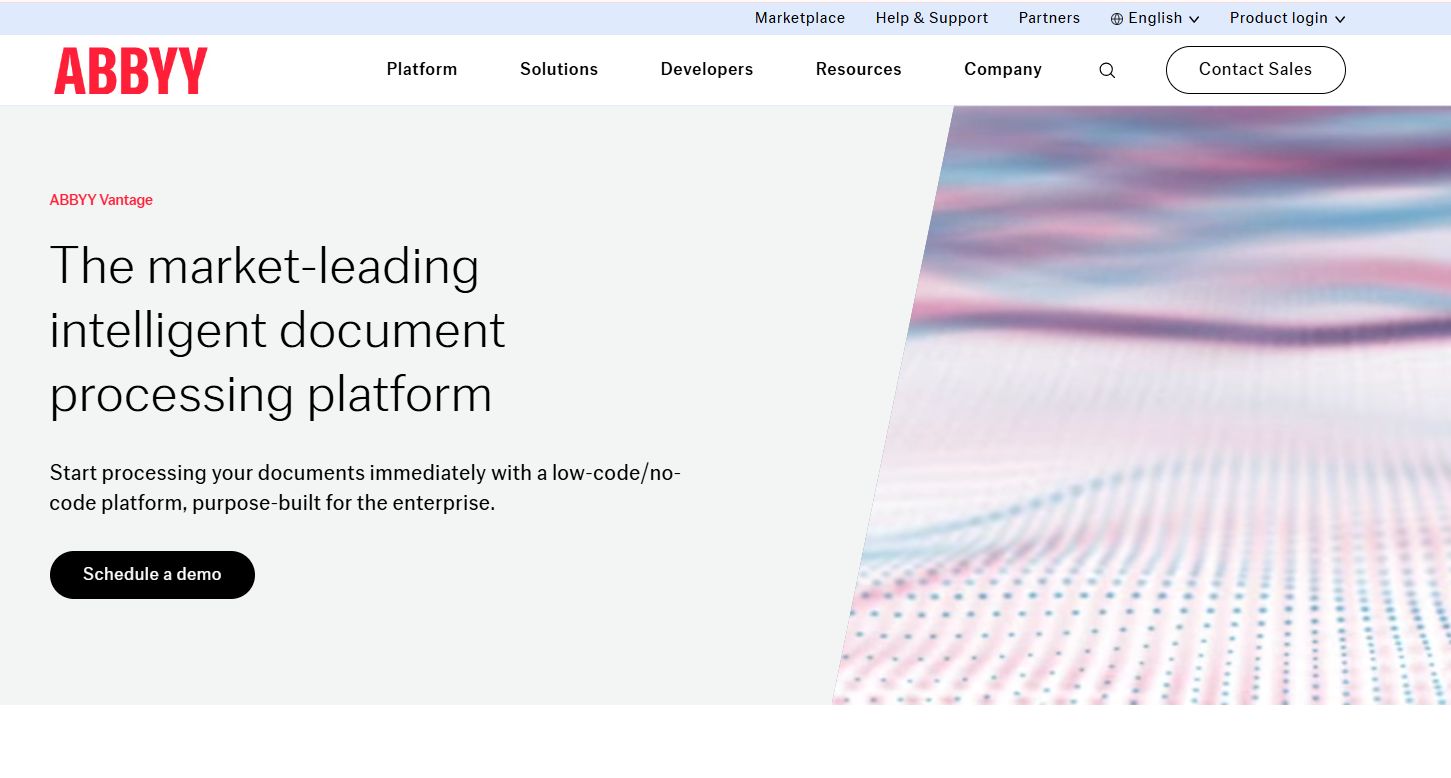
ABBYY Vantage is a low-code and no-code intelligent document processing platform built for enterprise document automation. It combines OCR and ICR, document classification and splitting, extraction, and validation into skills that teams assemble without heavy engineering. For regulated industries, the appeal is control: extraction plus quality analytics plus enterprise integrations in one governed platform.
Best for: Enterprises automating document-heavy workflows that need extraction accuracy and strong governance.
Key strengths
- Document input from multiple sources
- OCR and ICR for print and handwriting
- Document classification and splitting
- Data extraction and validation
- Quality analytics and REST API integrations
Why choose ABBYY Vantage: Choose it when accuracy and auditability matter more than getting started in an afternoon. The skill-based, low-code model lets ops teams build document workflows while IT keeps control over data and integrations.
ABBYY Vantage pricing: ABBYY does not publish public pricing for Vantage. Engagement is demo and subscription based, so you request a quote scoped to your document volume and deployment.
2. Rossum
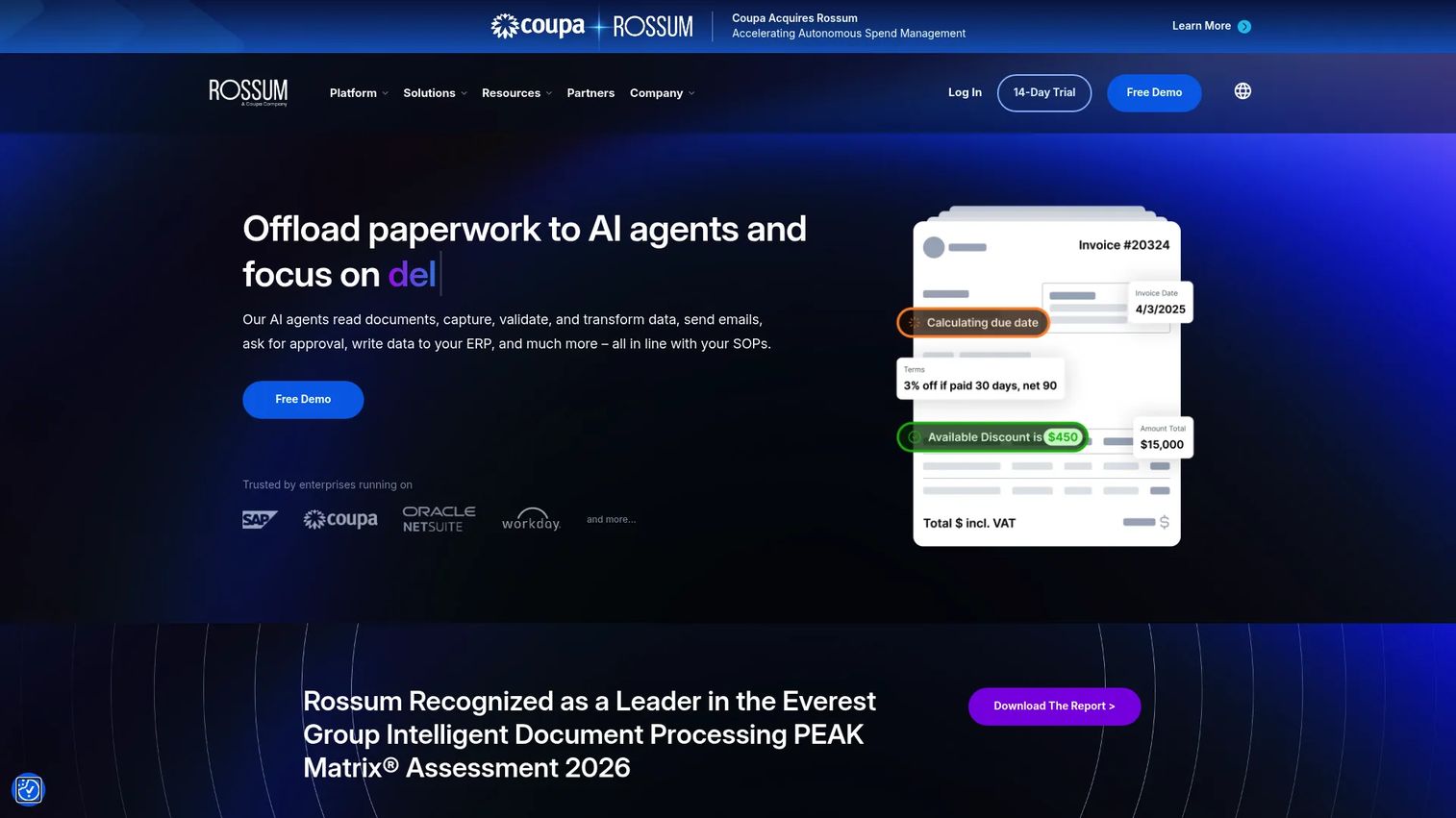
Rossum is an AI document processing platform focused on automating transactional workflows, especially invoice-heavy ones. It ingests documents via email, API, or manual upload, extracts data with AI, and pairs that with a human-in-the-loop validation interface that operations teams actually find usable. The review experience is a genuine differentiator here.
Best for: Mid-market and enterprise teams automating invoice and document workflows with fast deployment.
Key strengths
- Document ingestion via email, API, or upload
- AI-based extraction with human-in-the-loop validation
- Usable review and correction interface
- Workflow automation for enterprise systems
- Integrations with downstream finance tools
Why choose Rossum: Pick Rossum when your team wants low-code deployment and a review flow that non-technical staff can run daily. It fits operations owners who care about throughput and correction speed, not just raw extraction.
Rossum pricing: The Starter plan begins at $18,000 per year, billed annually. Business, Enterprise, and Ultimate tiers are quote-based. Rossum also lists a 14-day free trial.
3. UiPath Document Understanding
UiPath Document Understanding brings IDP into a broader automation platform. It combines RPA and AI to digitize, classify, extract, and validate documents, handling structured, semi-structured, and unstructured formats. The value is orchestration: extracted data flows straight into automations that touch other systems, without a separate handoff layer.
Best for: Teams automating high-volume invoice, form, and unstructured-document processing end to end.
Key strengths
- Combines RPA and AI for automatic processing
- Digitization, classification, extraction, validation
- Handles structured, semi-structured, unstructured docs
- Pro-code and low-code build options
- Native fit with the wider UiPath platform
Why choose UiPath Document Understanding: Choose it if you already run UiPath or plan end-to-end automation where documents are one step in a longer workflow. The platform balance suits teams that need both citizen-developer speed and pro-code depth.
UiPath Document Understanding pricing: UiPath lists a Basic plan starting at $25 per month. Standard and Enterprise plans are contact-sales. Note that public pricing is platform-level, so plan mapping to this specific product may vary.
4. Nanonets
Nanonets is an AI-driven IDP and OCR platform for extracting structured data from unstructured documents like invoices, receipts, POs, and forms. It leans into practical automation: advanced OCR, document classification and splitting, and workflow automation with integrations. Teams like it for fast model training that does not demand a heavyweight implementation project.
Best for: Teams that need adaptable extraction and quick automation without a long rollout.
Key strengths
- Advanced OCR and data extraction
- Document classification and splitting
- Workflow automation and integrations
- Fast, flexible model training
- Usage-based pricing that scales with volume
Why choose Nanonets: Pick it when you want to move quickly and adapt models to your own document types. The usage-based model and free starting tier make it a low-commitment way to validate IDP against a real document set.
Nanonets pricing: Nanonets uses pay-per-use pricing. The Starter tier is free with $50 in credits to begin. Growth is volume-based and quote-driven, and Enterprise is custom to your volume.
5. Google Document AI
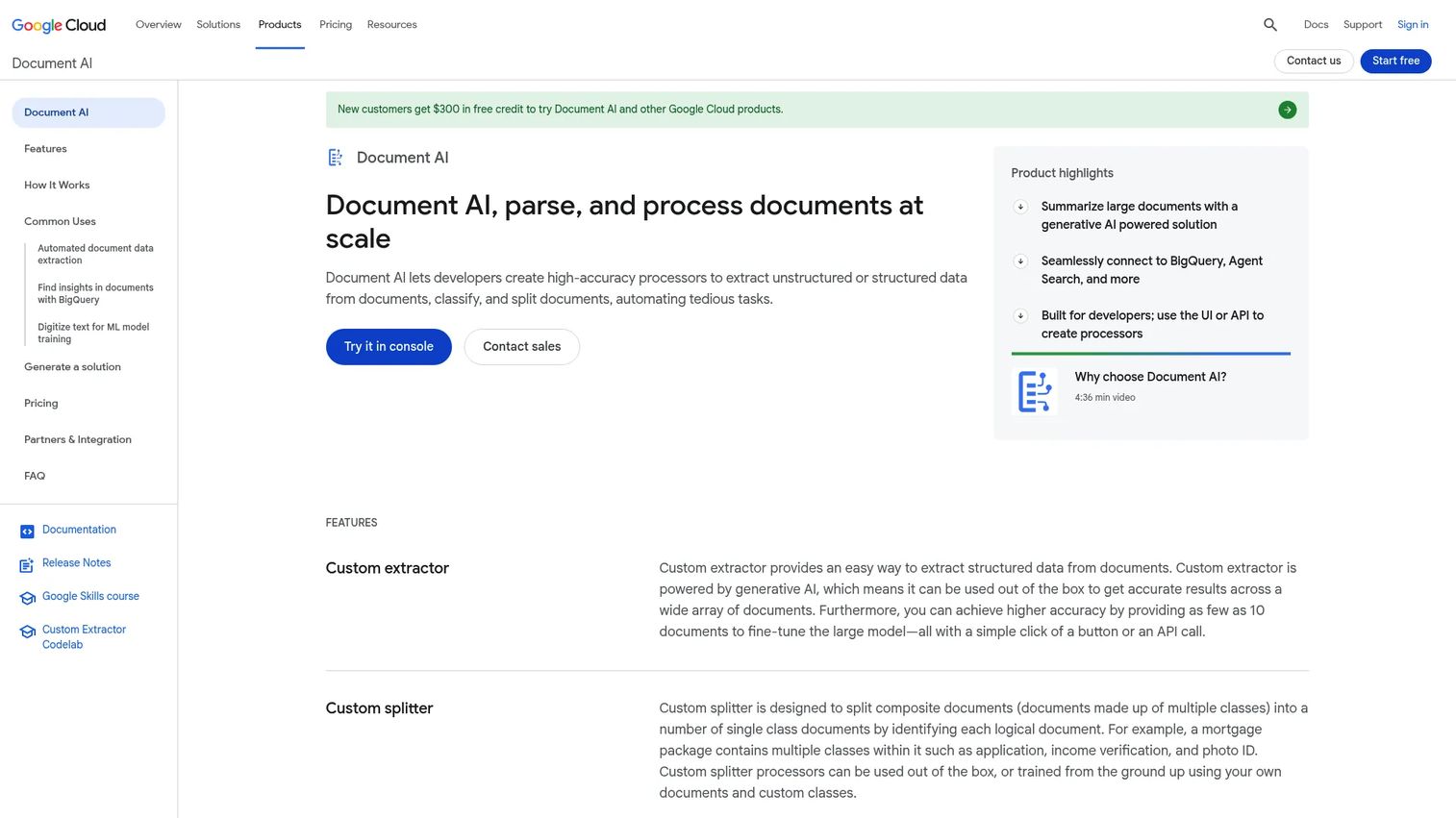
Google Document AI is a cloud-native service for parsing, classifying, splitting, and extracting data from documents at scale. It offers a library of processors, from Enterprise Document OCR to custom extractors, splitters, and classifiers. For developer teams, the draw is API-first document intelligence plus tight BigQuery integration for downstream analytics.
Best for: Technical teams building document pipelines on Google Cloud.
Key strengths
- Enterprise Document OCR for text and layout
- Custom splitter and custom classifier
- Prebuilt processors for common document types
- BigQuery integration for extracted metadata
- Pay-as-you-go usage model
Why choose Google Document AI: Choose it when you want to compose your own pipeline and control each processing step through APIs. It fits engineering-led teams over ops teams that want a packaged review interface.
Google Document AI pricing: Pricing is pay-as-you-go per unit. Enterprise Document OCR runs $1.50 per 1,000 pages, custom extractors and form parser run $30 per 1,000 pages, and some parsers like identity proofing are $0.10 per document. New Google Cloud customers get $300 in free credit.
6. AWS Textract
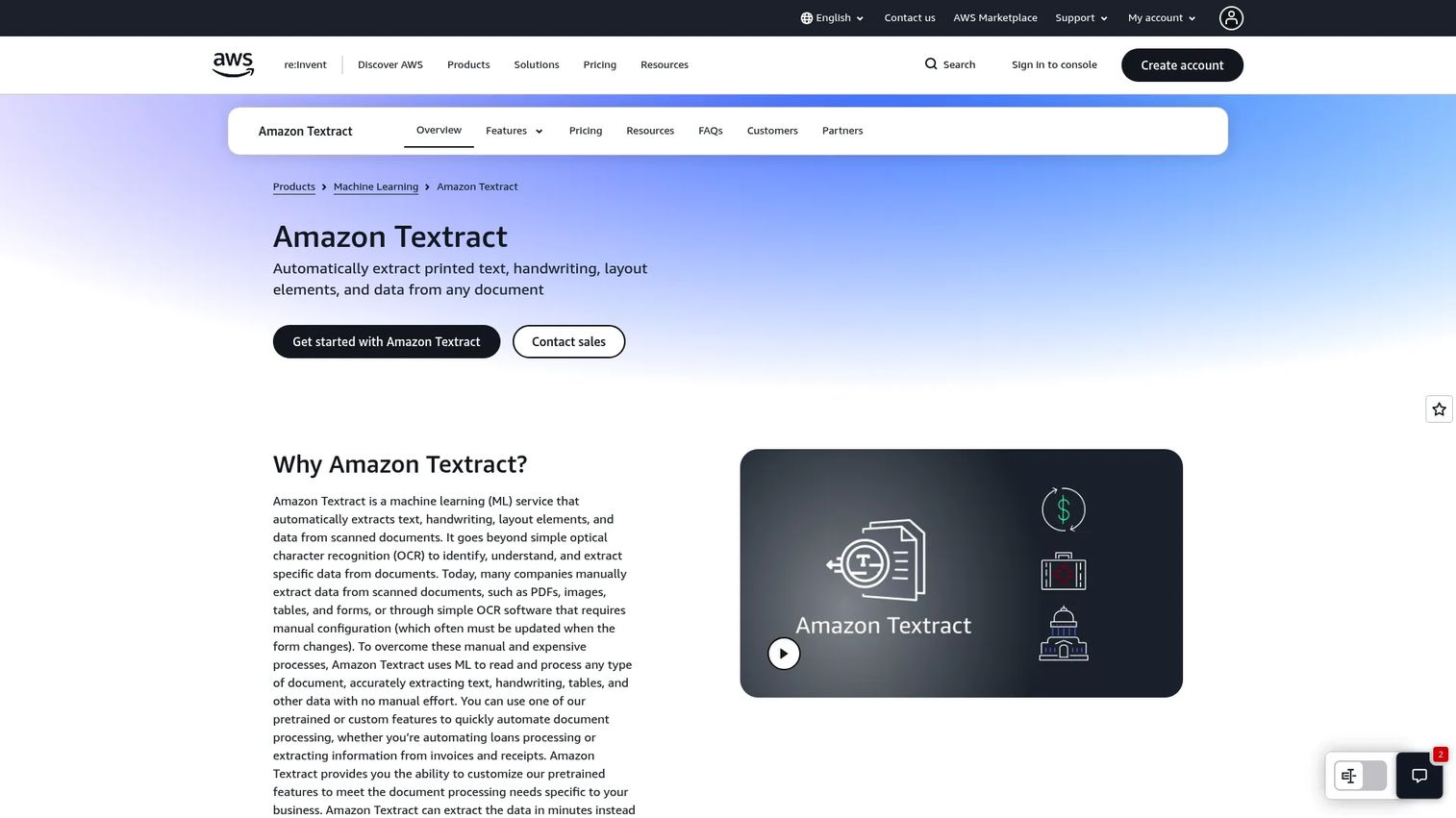
AWS Textract is an AWS machine learning service that extracts text, handwriting, layout, and structured data from documents. It reads printed text and handwriting, pulls forms, tables, queries, and signatures, and adds specialized APIs for IDs and lending documents. If your stack lives on AWS, Textract slots into existing pipelines with minimal glue.
Best for: Teams already standardized on AWS infrastructure.
Key strengths
- OCR for printed text and handwriting
- Forms, tables, queries, and signature extraction
- Analyze ID and Analyze Lending APIs
- Layout element detection
- Native integration with AWS services
Why choose AWS Textract: Choose it when you want extraction primitives to build on rather than a packaged workflow product. It suits developers who already run on AWS and want per-page pricing with no upfront commitment.
AWS Textract pricing: Textract is pay-as-you-go with no minimum fees. Detect Document Text starts at $0.0015 per page, Analyze Document runs $0.0035 to $0.07 per page, Analyze Expense is $0.01 per page, and Analyze ID is $0.025 per page. AWS offers a 3-month free tier with page allowances.
7. Microsoft Azure AI Document Intelligence
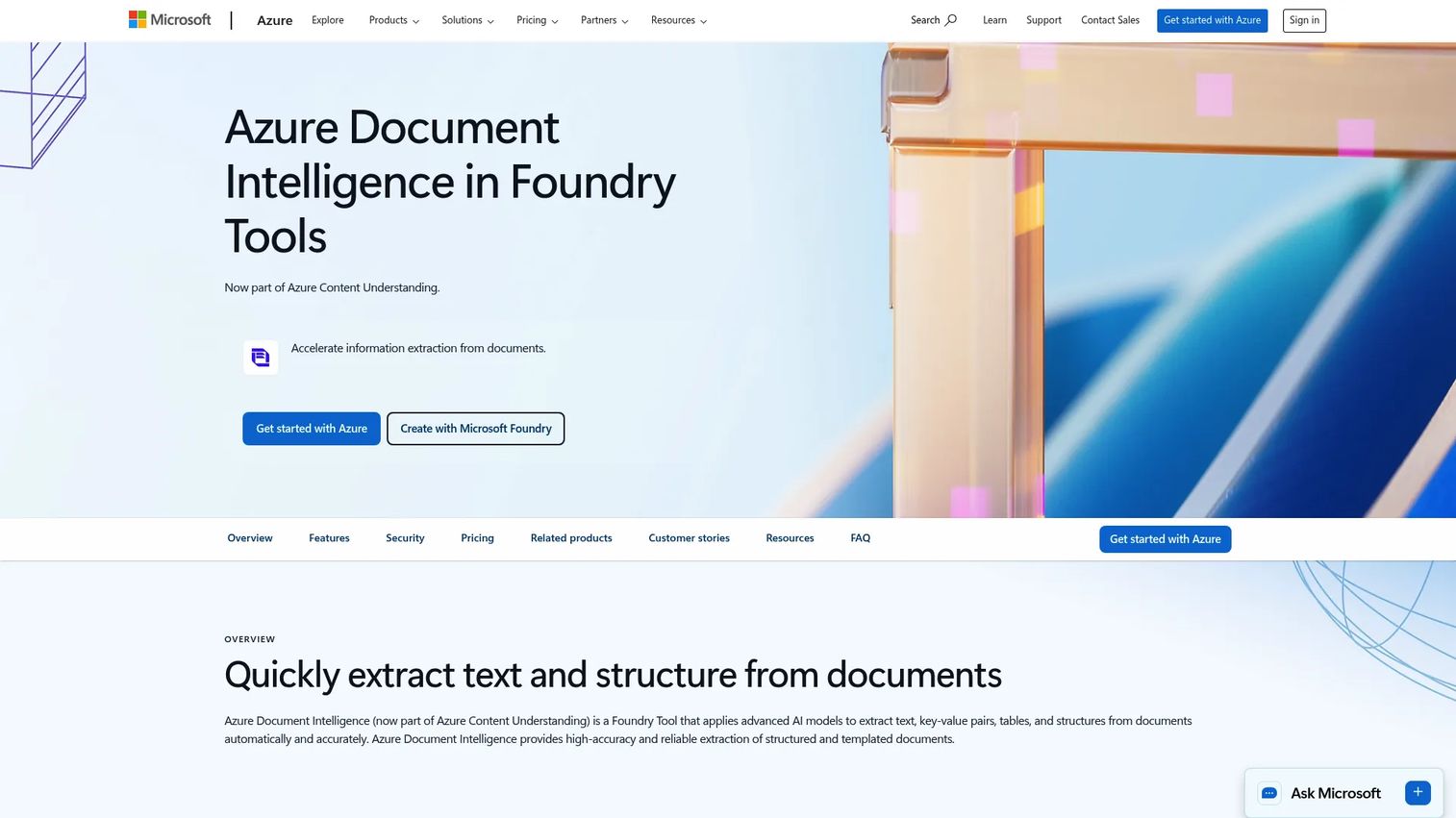
Microsoft Azure AI Document Intelligence turns PDFs, forms, images, and receipts into structured data. It extracts text, key-value pairs, tables, and document structure using prebuilt and custom models. The standout is deployment flexibility: it runs in the cloud, on-premises, and at the edge in containers, which matters for governance-sensitive teams.
Best for: Teams that need scalable document extraction inside the Microsoft and Azure ecosystem.
Key strengths
- Extracts text, key-value pairs, and tables
- Prebuilt and custom model support
- Cloud, on-premises, and edge deployment
- Fits Power Platform and Microsoft 365 workflows
- Low-code and API paths
Why choose Microsoft Azure AI Document Intelligence: Choose it if your organization already runs on Azure, Power Platform, or Microsoft 365. The container and edge options give governance teams control over where documents get processed.
Microsoft Azure AI Document Intelligence pricing: Microsoft offers a free tier (F0) and commitment-based pricing for large workloads. The first-party pricing page does not display a public numeric starting price, so request a quote for volume-based commitment tiers.
8. Hyperscience
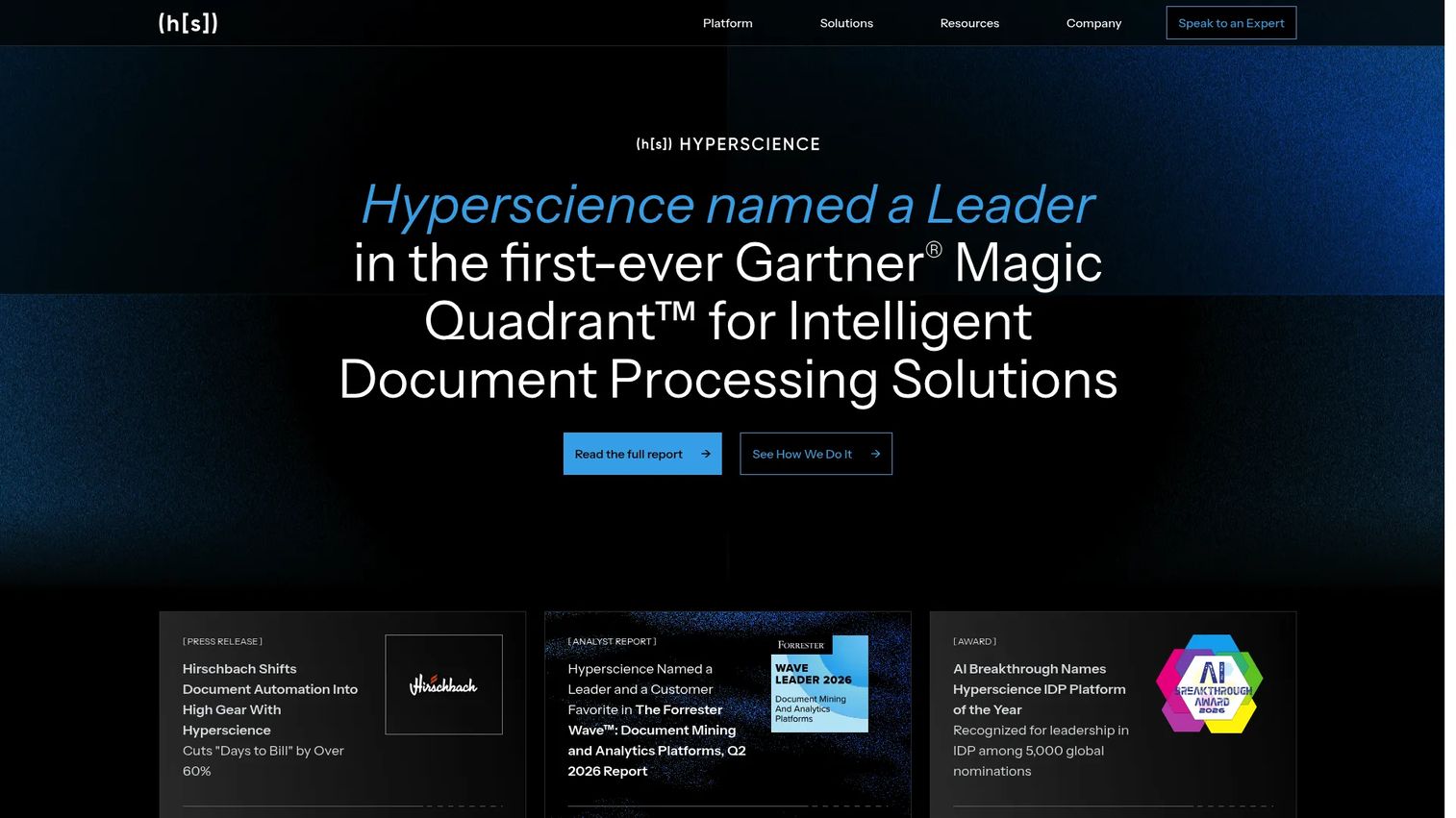
Hyperscience is AI-driven IDP software built for high-volume, high-complexity back-office document work. It pairs strong extraction with human-in-the-loop supervision and document drift management, so accuracy holds up as layouts change over time. For regulated, sensitive, or mixed-format document sets, that combination is the core selling point.
Best for: Enterprise teams automating high-volume document extraction and review in sensitive or regulated environments.
Key strengths
- Intelligent document processing at scale
- Human-in-the-loop supervision
- Document drift management and layout triage
- Handles mixed-format document sets
- Built for regulated back-office operations
Why choose Hyperscience: Choose it when volume is high, documents are messy, and compliance requires a strong review layer. The supervision model suits back-office operations where extraction errors carry real cost.
Hyperscience pricing: Hyperscience does not publish public pricing. It uses license-based packages, so you contact a representative for pricing scoped to your workflow and volume.
Considerations
Before you commit, run every shortlisted tool through the same checklist against the same document set. This is where a demo turns into a real decision.
Accuracy and confidence thresholds
Extraction accuracy is not one number. It varies by document type, layout quality, and field. Ask how each tool scores confidence, and how you set the threshold that decides what gets auto-approved versus routed to a human. Test on your worst scans, not your cleanest samples.
Workflow fit and review experience
The extraction engine matters less than the loop around it. Look at the human review interface, how exceptions surface, and how corrections feed back into the model. Operations teams live in that screen daily, so usability directly affects throughput.
Deployment model
Cloud, on-premises, API-only, and edge options carry different governance implications. Regulated teams may need on-prem or container deployment. API-first services give engineering control but expect you to build the review layer. Match the model to your control requirements.
Integration requirements
Extracted data has to land somewhere. Confirm native connectors or API depth for your ERP, CRM, or database. A tool that extracts perfectly but cannot push clean data into your system of record just moves the manual work downstream.
Governance, security, and ownership
Decide who owns the pipeline: IT, ops, or a shared model. Check security posture, data residency, audit trails, and how model changes are tracked. For sensitive documents, governance is a purchase blocker, not a nice-to-have.
Conclusion
There is no single best intelligent document processing software. There is the best fit for your document mix, your stack, and your governance bar.
If you need enterprise governance and analytics, ABBYY Vantage and Hyperscience lead for regulated, high-volume work. If low-code usability and a strong review flow matter most, Rossum fits invoice-heavy operations, and Nanonets fits teams that want fast, flexible automation. For automation-first orgs, UiPath Document Understanding folds IDP into a wider platform. And if you build pipelines, the cloud API services line up by ecosystem: Google Document AI for Google Cloud, AWS Textract for AWS, and Microsoft Azure AI Document Intelligence for Microsoft shops.
The practical next step is simple. Pick two or three of these intelligent document processing solutions and run them against the same batch of your real documents, including the messy ones. Measure extraction accuracy, review effort, and integration lift. The tool that handles your hardest documents with the least manual cleanup is your answer.
FAQs
OCR converts images of text into machine-readable characters and stops there. Intelligent document processing adds classification, field-level extraction, confidence scoring, human review, and workflow routing on top of OCR. Put simply, OCR reads the page while idp software understands the document and acts on it.
IDP handles structured documents like standardized forms, semi-structured documents like invoices and receipts, and unstructured documents like contracts and letters. Semi-structured, high-volume documents such as invoices usually deliver the fastest ROI. Very low-quality scans and highly variable layouts are harder but improve with model training.
The system extracts data and assigns a confidence score to each field. Results above your threshold auto-process, while low-confidence or missing fields route to a human reviewer. The reviewer corrects the extraction, and many platforms feed those corrections back to improve the model over time.
Both are well served, just differently. Low-code platforms like Rossum, ABBYY Vantage, and Nanonets give operations teams packaged workflows and review interfaces. API-first document intelligence services like Google Document AI and AWS Textract give developers building blocks to assemble custom pipelines. Match the model to who will own and maintain it.
Yes. Most intelligent document processing tools offer native connectors, workflow automation, or APIs to push extracted data into ERP, CRM, and database systems. Confirm your specific system is supported before buying, since integration depth varies. Weak integration moves manual work downstream instead of removing it.
Run a pilot on your own documents, including your worst scans and most variable layouts. Measure field-level extraction accuracy, not just document-level pass rates. Track how many documents auto-process versus route to review, and how much manual cleanup each tool needs. Benchmark two or three tools on the identical batch.
Product and operations teams should weigh extraction accuracy across their real document mix, the human review experience, deployment and governance fit, and integration breadth into the existing stack. Maintainability matters too, since document layouts change and models drift. The best document processing software fits how your team already works, not just how it demos.










