Your team has completed the training modules. Certifications are logged. And yet the presales engineer still stumbles when a prospect asks about the Kubernetes configuration. The support rep escalates a ticket that a more technically fluent colleague would have resolved in five minutes.
This is the gap that skills development software is supposed to close. But most organizations treat completion as the finish line, which is where the problem starts.
According to LinkedIn Learning's 2025 Workplace Learning Report, 91% of L&D professionals say continuous learning is more important than ever for career success. Meanwhile, 49% report that executives are already concerned employees lack the skills to execute business strategy. The pressure is landing on enablement managers who need their sellers, SEs, and CS teams to hold their own on technical topics without pulling engineers into every conversation.
This guide compares 11 technical skills development platforms across course libraries, hands-on labs, learning management system tools, and workforce upskilling approaches. Each entry covers verified pricing, G2 ratings, and the specific scenarios where each platform fits best.
What's inside
This guide is for sales enablement managers, L&D leaders, RevOps teams, and technical managers evaluating workforce upskilling software in 2026.
Tools were selected based on:
- Curriculum depth: Does the platform cover the technical skills your teams actually need?
- Assessment and measurement: Can you track readiness, not just completion?
- Learner adoption: Does the format fit how busy technical and sales teams actually learn?
- Enterprise administration: Governance, reporting, integrations, and access controls at scale
TL;DR
- Best for structured technical learning: Coursera offers university and company-backed curricula with recognized credentials
- Best for career-track programs: Udacity structures learning around project-based Nanodegrees with real deliverables
- Best for engineering teams: Pluralsight provides Skill IQ assessments and role-based paths for software, cloud, and security
- Best for hands-on DevOps labs: KodeKloud puts learners in browser-based environments for Kubernetes, Docker, and Linux
- Best for frontline operational training: SafetyCulture delivers mobile-first training tied directly to workplace execution
- Best for enterprise learning governance: Valamis combines LMS, LXP, skills management, and compliance tracking in one environment
What is technical skills development software?
Technical skills development software helps organizations assess, teach, practice, and measure job-specific technical capabilities across employees, candidates, or learners.
The category covers a range of tools and formats:
- Online technical courses: Structured video and text-based programs covering programming languages, SQL, cloud platforms, cybersecurity fundamentals, APIs, DevOps tools, data foundations, and AI basics
- Hands-on lab platforms: Browser-based environments where learners practice commands, deployments, and workflows without a local setup
- Skill assessments: Benchmarking tools that measure proficiency before and after training, often by role or domain
- Learning paths: Sequenced curricula that guide a learner from foundational to advanced skills in a defined area
- Certification tracking: Records of credential completion tied to individual learner profiles
- LMS and LXP tools: Administrative platforms for delivery, enrollment, reporting, and compliance; a learning management system handles the logistics while a learning experience platform adds discovery, recommendations, and personalization
- Course authoring tools: Editors for building proprietary internal training from SME knowledge and existing slide decks
- Microlearning platforms: Short, repeated knowledge checks designed to combat forgetting after initial training
Core capabilities to look for:
- Role-based learning paths for technical, sales, presales, and support teams
- Skill-gap analysis and benchmark assessments
- Progress tracking tied to specific certifications or competency levels
- Manager dashboards showing readiness by cohort or team
- Integrations with CRM, HRIS, and communication tools
The important distinction for enablement managers: Completion data tells you someone watched a course. Skill assessments, lab performance, and manager review tell you whether behavior actually changed on the job.
When to use technical skills development software
Build role-based technical readiness
Sales engineers, support specialists, and CS teams need enough technical fluency to handle product discovery, explain integrations, and route complex questions without pulling a developer into every call. Technical skills development software lets you build specific learning paths by role rather than giving everyone the same generic curriculum.
Close skill gaps before they reach customers
A skill gap identified during onboarding costs far less than one surfaced during a customer escalation. Assessment tools and progress tracking help managers spot weak areas early, before a new hire's first technical call or before a product launch exposes the team.
Standardize learning across fast-growing teams
Fast hiring breaks informal training. When you scale from 10 to 50 reps in a quarter, ad hoc coaching stops working. A technical training platform creates repeatable onboarding paths, consistent certification milestones, and ongoing development programs that don't depend on any single manager's bandwidth.
Technical skills development software comparison
The table below covers all 11 platforms in this guide. Pricing and G2 ratings reflect verified data from each vendor's pricing page and live G2 listings.
| # | Product | Best for | Key differentiator | Pricing | G2 rating |
|---|---|---|---|---|---|
| 1 | Coursera | Broad technical learning and credentials | University and company-backed courses at scale | From $399/year/license (Teams) | 4.5/5 |
| 2 | Udacity | Project-based technical programs | Nanodegree programs with real-world deliverables | Contact for pricing | 4.5/5 |
| 3 | Pluralsight | Engineering and IT skill development | Skill IQ assessments and role-based paths | From $29/month | 4.6/5 |
| 4 | O'Reilly | Technical reference and expert learning | Books, live events, and interactive labs in one library | From $49/month | 4.7/5 |
| 5 | KodeKloud | Cloud and DevOps hands-on labs | Browser-based labs for Kubernetes, Docker, and Linux | Contact for team pricing | 4.8/5 |
| 6 | SafetyCulture | Frontline and operational training | Mobile-first training tied to inspections and workflows | Free tier; Premium from $24/seat/month | Not verified on G2 |
| 7 | ProProfs Training Maker | Lightweight LMS and course creation | Affordable per-learner pricing with built-in quiz tools | Free up to 10 learners; from $1.99/learner/month | 4.6/5 |
| 8 | iSpring Suite | PowerPoint-based eLearning authoring | Full SCORM authoring from existing slide decks | From $970/author/year | 4.6/5 |
| 9 | Valamis | Enterprise learning governance | LMS, LXP, skills management, and compliance tracking | Custom pricing | 4.6/5 |
| 10 | OttoLearn | Microlearning and knowledge retention | Adaptive spaced repetition for post-training reinforcement | From $250/month | Not enough G2 data |
| 11 | Mitti | Frontline operations and skills tracking | Skills matrices plus inspections and incident reporting | Free tier; Premium from $24/seat/month | 4.6/5 |
Best 11 technical skills development software tools for 2026
1. Coursera
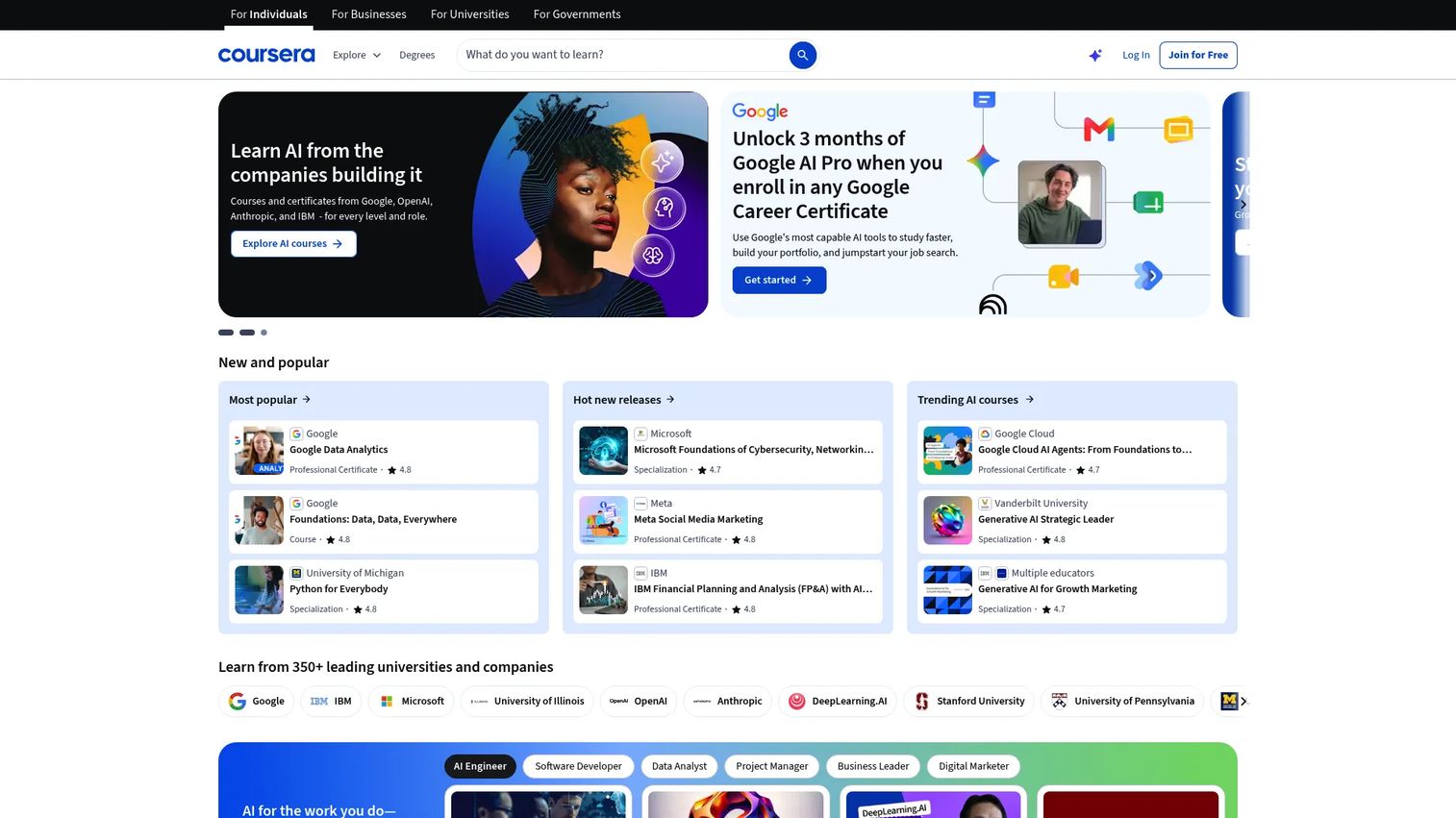
Coursera is an online learning platform offering 10,000+ courses, Specializations, and Professional Certificates from universities and companies including Google, IBM, Meta, and Duke. For enablement and L&D teams, it delivers structured access to technical curricula in software development, data, cloud, AI, and cybersecurity, with credentials that carry weight outside the organization.
Best for: Enablement and L&D teams that need broad technical curricula with recognizable certificates for role-based upskilling.
Key features
- Professional Certificates and Specializations from universities and tech companies
- Guided Projects for hands-on application within a browser
- Skill assessments and benchmark reporting for enterprise teams
- AI-powered learning and program-building tools
- Analytics dashboards for team administrators
Why choose Coursera: If credentialed learning matters to your organization, few platforms match the breadth and institutional recognition Coursera brings. It works best when technical sellers or SEs need structured paths across cloud, data, or security with a verifiable outcome rather than a completion badge.
Coursera pricing: Coursera for Teams is priced at $399 per license per year (billed annually). Individual access starts at $149/month or an annual Coursera Plus subscription. Enterprise pricing is custom. A 7-day free trial is available for some plans.
G2 rating: 4.5/5
2. Udacity
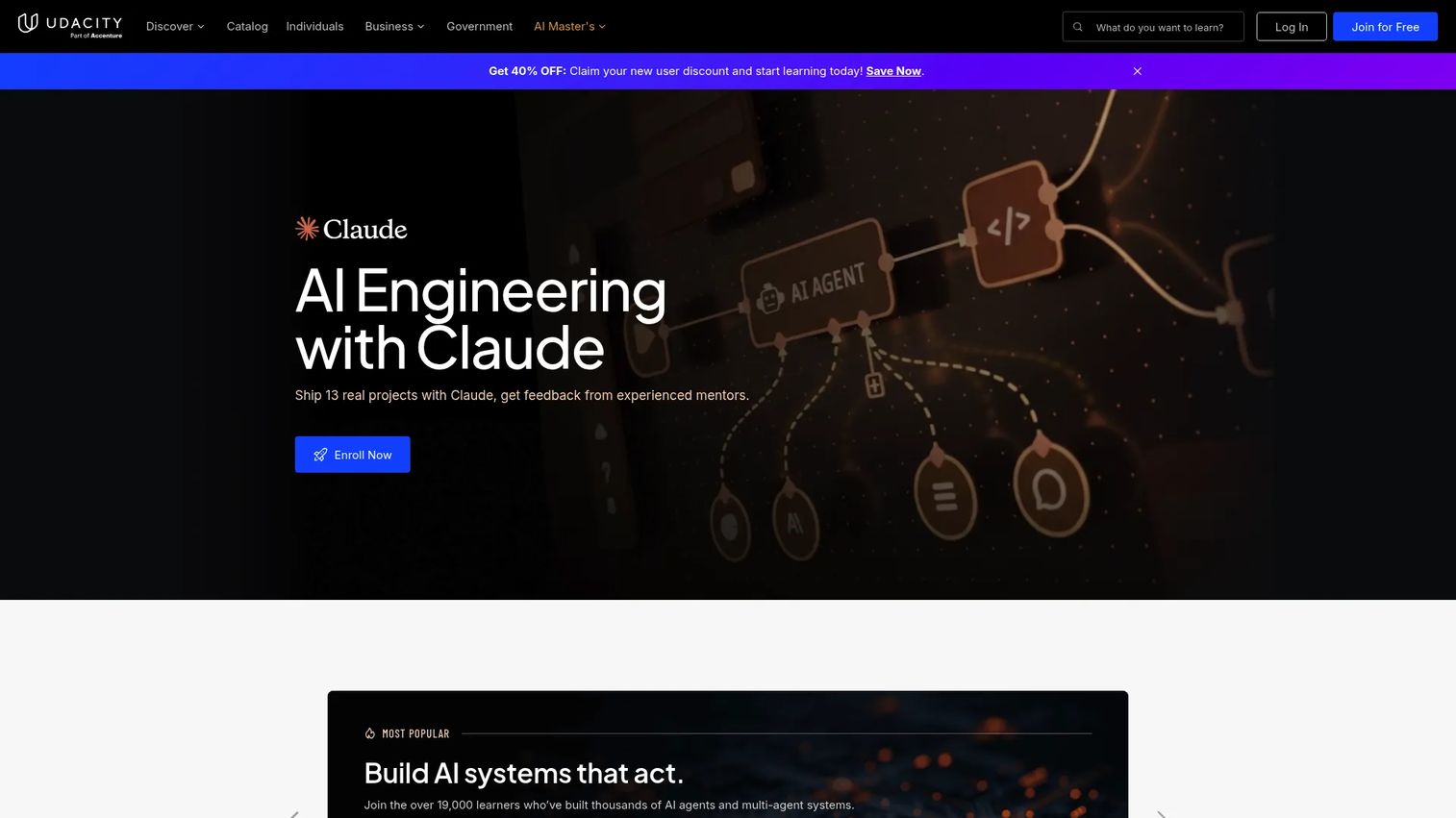
Udacity is a career-oriented technical learning platform built around Nanodegree programs in AI, data science, programming, cloud computing, and cybersecurity. Unlike broad course marketplaces, Udacity structures learning around real-world projects reviewed by human mentors, which means learners produce evidence of applied skill rather than completion records.
Best for: Teams that want project-based technical programs with documented deliverables, not just course libraries.
Key features
- Nanodegree programs with capstone projects and mentor feedback
- Real-world projects reviewed by industry professionals
- Personalized career coaching and interview preparation
- Program certificates for eligible completions
- Unlimited access to hundreds of courses and Nanodegree programs
Why choose Udacity: Udacity fits enablement teams that need proof of applied skill, not just time-on-platform. A presales engineer who completes a Nanodegree in AI or cloud has a project portfolio to show for it, which matters when technical buyers push back on depth.
Udacity pricing: Udacity describes monthly and four-month subscription options publicly, but the pricing page does not display numeric figures. Contact Udacity directly or speak with an account representative for current rates. Enterprise and team licensing is available via sales.
G2 rating: 4.5/5
3. Pluralsight
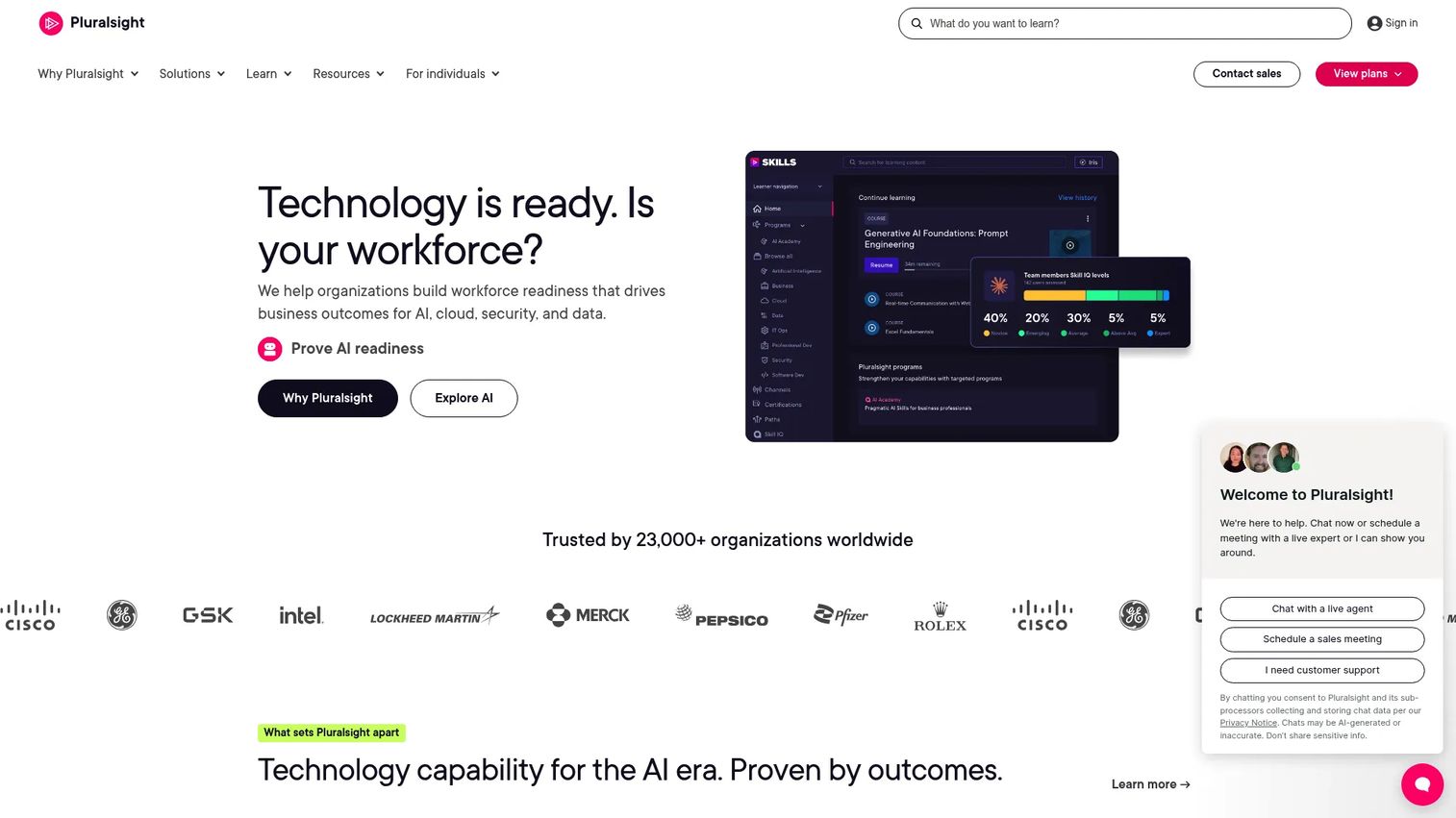
Pluralsight is a workforce development platform purpose-built for technology teams. Its defining feature is the Skill IQ assessment, which benchmarks a learner against a peer population across software development, cloud, data, cybersecurity, and AI domains. Managers get visibility into who is actually ready versus who has simply completed modules.
Best for: Engineering, IT, and technical enablement teams that need skill benchmarking by role alongside a deep course library.
Key features
- Skill IQ and Role IQ assessments with percentile benchmarking
- Expert-led courses and curated role-based learning paths
- Hands-on cloud labs and AI sandboxes
- Certification preparation for AWS, Azure, GCP, and more
- Advanced analytics dashboards for team leaders
Why choose Pluralsight: When technical leaders need to distinguish between "finished the course" and "ready to work independently," Pluralsight's assessment layer is the most actionable in the category. It fits best sales training software stacks where SE and technical seller readiness must be measurable.
Pluralsight pricing: Individual plans start at $29/month (billed annually) or $49/month for the Core Tech plan. Teams plans are $399/user/month billed annually. Enterprise pricing requires a sales conversation. No free tier; free trials are available.
G2 rating: 4.6/5
4. O'Reilly
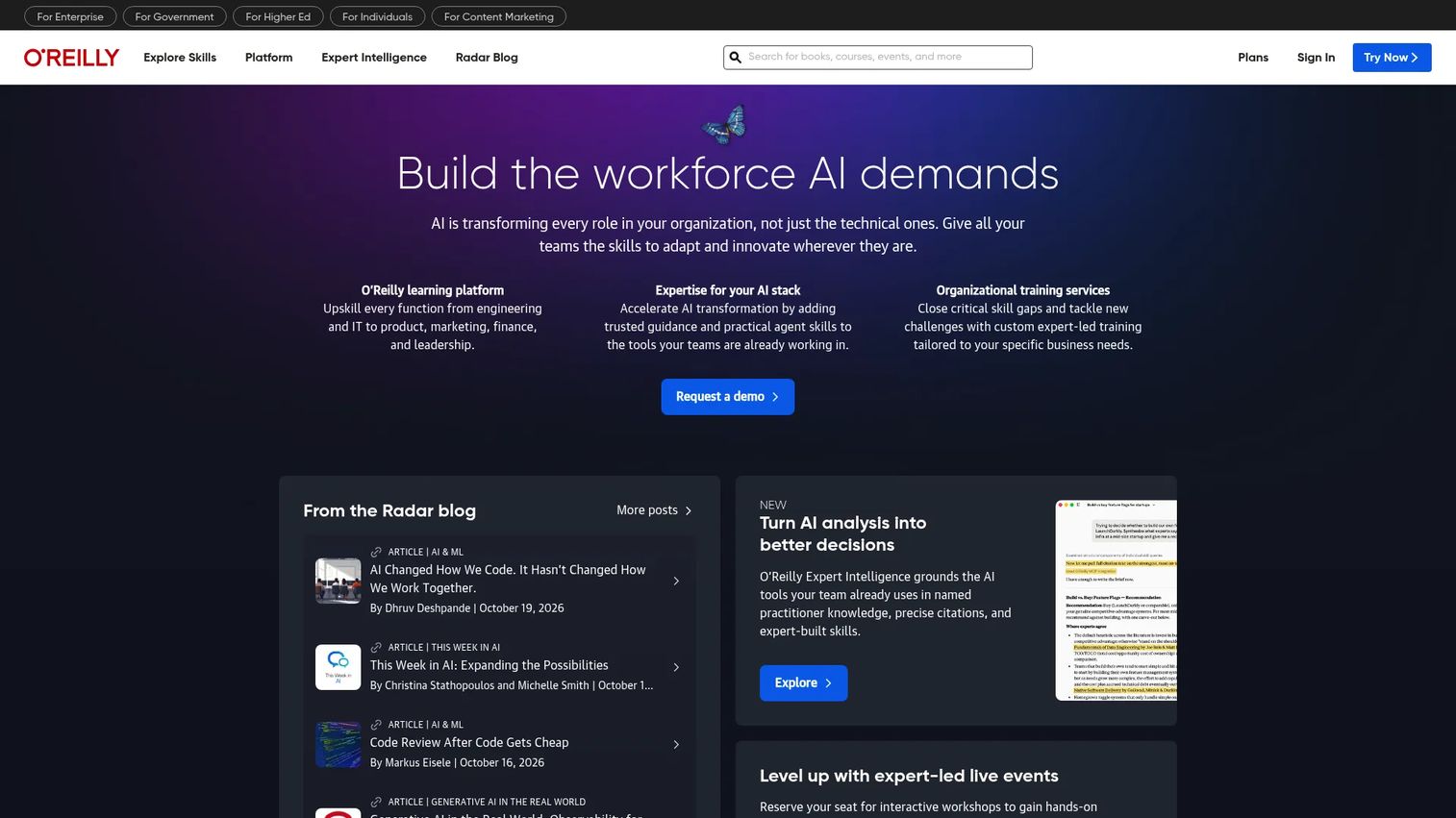
O'Reilly is a technical learning and reference platform combining books from nearly 200 publishers, on-demand courses, live instructor-led events, interactive labs, and cloud sandboxes. For technical specialists who learn by searching and reading rather than following a fixed course sequence, it provides depth that structured course platforms rarely match.
Best for: Technical teams and specialists who need constant access to deep reference material alongside structured learning.
Key features
- 60,000+ titles including books, audiobooks, and videos
- Live online training events and on-demand courses
- Interactive labs, cloud labs, and sandboxes
- AI-powered O'Reilly Answers for just-in-time learning
- Team assignments, learning insights, and enterprise reporting
Why choose O'Reilly: For SEs and technical sellers who need to stay current across rapidly changing domains like AI, Kubernetes, or cloud architecture, O'Reilly's combination of curated books and live events removes the research burden. It complements structured learning paths rather than replacing them.
O'Reilly pricing: Individual plans run $49/month, $129 for three months, or $499/year. Team plans (2 to 25 members) are $499/member/year. Enterprise pricing (25+ members) is custom. A 10-day free trial is available.
G2 rating: 4.7/5
5. KodeKloud
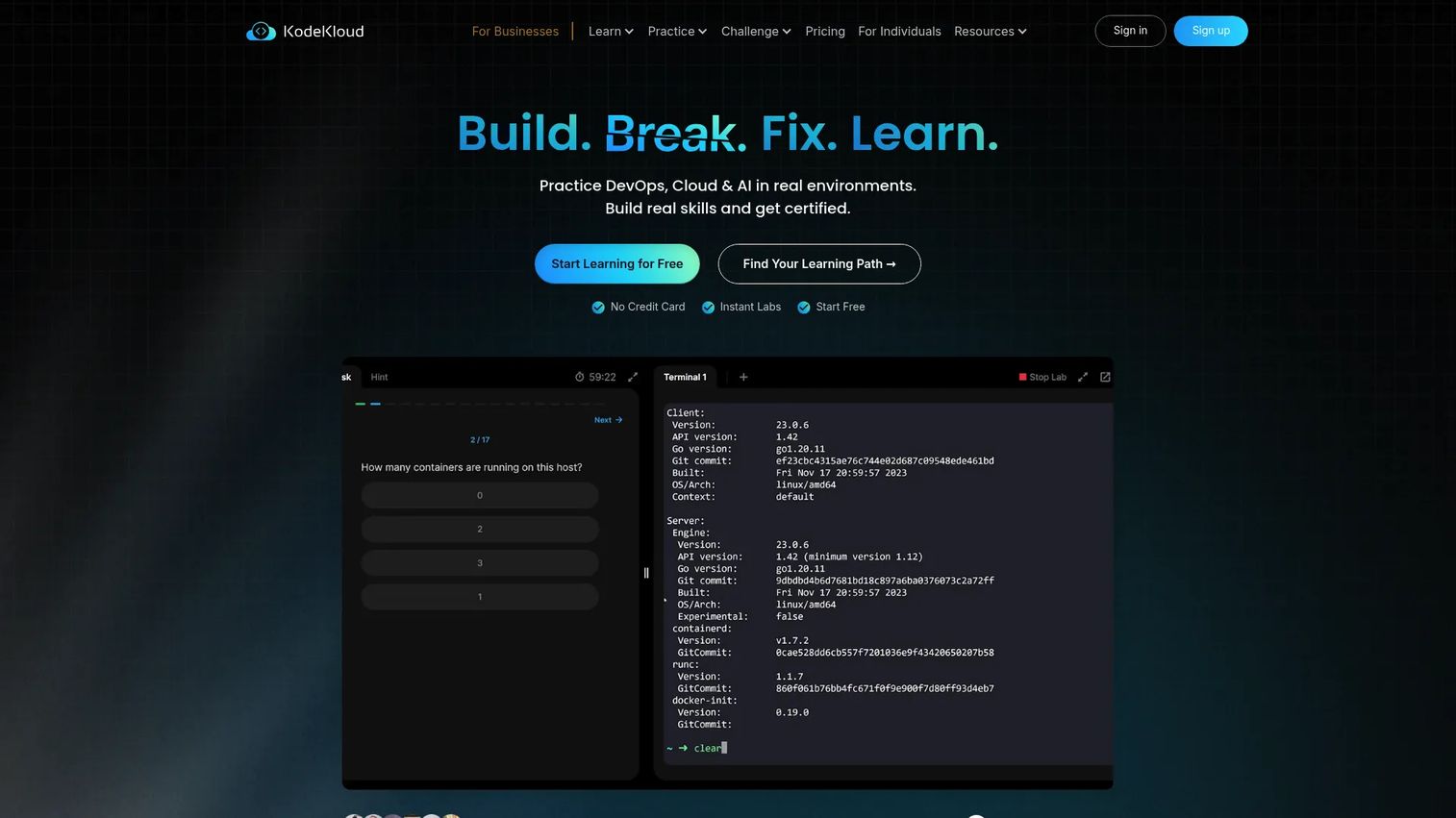
KodeKloud is a hands-on learning platform for DevOps, cloud, Kubernetes, Linux, Docker, Terraform, Ansible, and related infrastructure skills. The defining feature is browser-based labs where learners run actual commands in live environments rather than watching someone else do it. Watching a course on Kubernetes and deploying a cluster in a sandbox are two very different experiences.
Best for: Teams building cloud, DevOps, Kubernetes, and infrastructure skills where lab practice is non-negotiable.
Key features
- Browser-based labs and sandboxed practice environments
- Guided courses and career tracks for DevOps, cloud, and AI
- Kubernetes, Docker, Linux, and IaC certification preparation
- Mobile access to courses and quizzes
- AI playground with multiple language models
Why choose KodeKloud: For best presales software tools stacks where SEs need to demonstrate hands-on infrastructure knowledge, KodeKloud is the clearest path from "watched a course" to "can do it in a terminal." The lab environment removes the setup friction that stops most people from practicing.
KodeKloud pricing: Individual plans include Standard, Pro, and AI tiers available monthly or annually; numeric prices are not displayed on the pricing page. Business plans require a custom quote with a minimum of two seats. Contact KodeKloud directly for current individual and team rates.
G2 rating: 4.8/5
6. SafetyCulture
SafetyCulture is a workplace operations platform that combines training, digital inspections, task management, issue reporting, and asset monitoring in a single mobile-first environment. For operational and frontline teams, skills development happens in the field alongside the work itself, not in a classroom or browser tab.
Best for: Operational teams that need mobile technical training tied directly to checklists, inspections, and workplace execution.
Key features
- Mobile training and upskilling modules
- Digital inspections and checklists
- Task and issue management with corrective actions
- Asset management and monitoring
- Analytics dashboards and integrations
Why choose SafetyCulture: When technical skills development needs to happen on a factory floor, at a job site, or during a shift, SafetyCulture embeds training into the workflows where the work occurs. This is less relevant for office-based sales and SE teams, but it is the right fit for field operations, facilities, and manufacturing environments.
SafetyCulture pricing: Free plan covers up to 10 seats with up to 5 active templates. Premium is $24/seat/month (billed annually) or contact for monthly rates. Enterprise pricing is custom. Lite seats can be added to paid plans at $5/seat/month.
7. ProProfs Training Maker
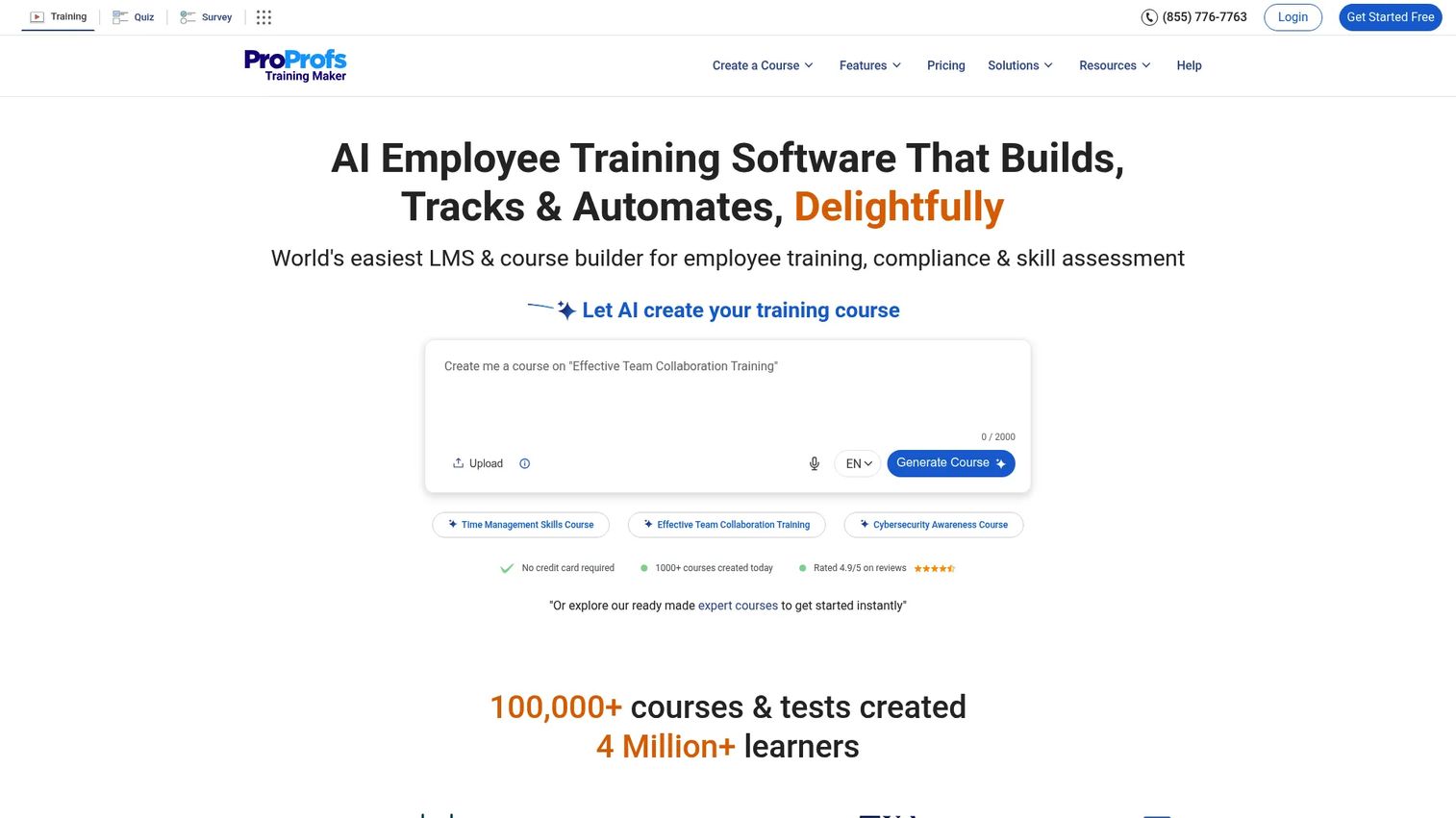
ProProfs Training Maker is an AI-powered LMS and course creation platform for building, delivering, and tracking employee training. It covers quizzes, learning paths, certificates, automated enrollment, and compliance tracking, with per-learner pricing that keeps costs manageable at small and mid-sized team scale.
Best for: Enablement teams that need to create and deliver internal technical courses quickly, without a heavy implementation or high per-seat cost.
Key features
- AI-assisted course creation with ready-made templates
- Quiz builder with assessments and surveys
- Learner certificates and compliance tracking
- Learning paths and automated enrollment
- SCORM, TinCan, SSO, and HRIS integrations
Why choose ProProfs Training Maker: For sales enablement teams that need to turn internal knowledge into assignable, trackable courses without a large instructional design team, ProProfs offers the fastest path from "we should train on this" to "everyone is enrolled and tracked." It fits teams building onboarding, product refreshers, and technical process training.
ProProfs Training Maker pricing: Free forever for up to 10 learners. Essentials is $1.99 per active learner/month (billed annually at $23.88/learner) or $3.99/learner/month billed monthly. Business adds more advanced features at higher per-learner rates. No long-term contract required on monthly plans.
G2 rating: 4.6/5
8. iSpring Suite
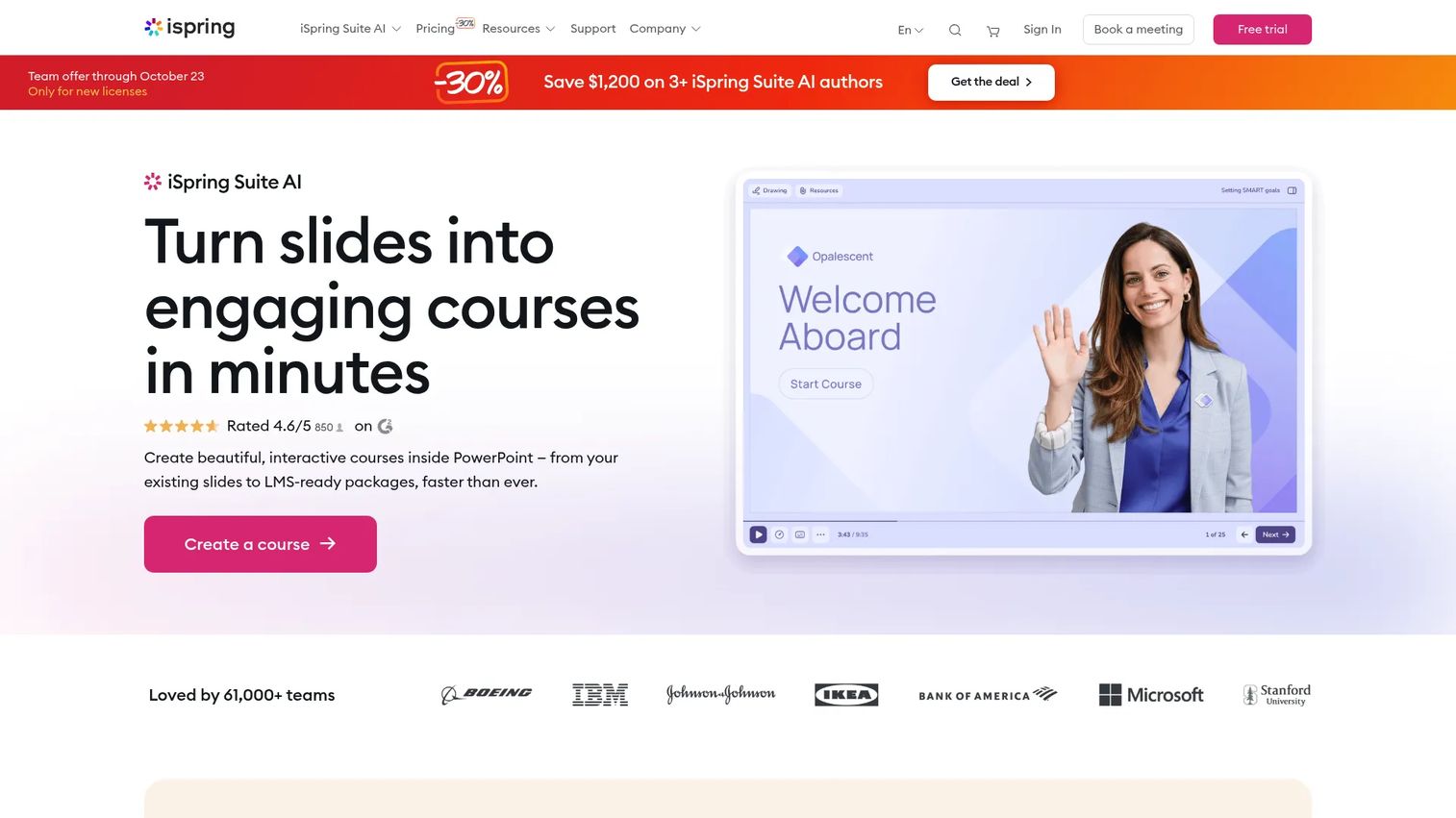
iSpring Suite is an eLearning authoring tool that converts PowerPoint presentations into SCORM-ready interactive courses, quizzes, branching simulations, and video lessons. For enablement managers who already have training content in slide decks, it removes the gap between "we built this in PowerPoint" and "we can track who completed it in our LMS."
Best for: Teams converting existing technical training materials into trackable eLearning without starting from scratch.
Key features
- PowerPoint-based course authoring with no coding required
- Quizzes, assessments, and branching scenarios
- Role-play simulations and dialogue practice
- SCORM, xAPI, cmi5, HTML5, and AICC publishing formats
- AI-assisted course creation, translation, and narration
Why choose iSpring Suite: For enablement managers with limited instructional design bandwidth, iSpring turns existing SME knowledge captured in slides into LMS-ready content. It is especially practical when onboarding or technical refresher programs need to be updated frequently as the product changes.
iSpring Suite pricing: iSpring Suite is $970/author/year. iSpring Suite AI is $1,290/author/year. iSpring Cloud AI is $720/author/year. All plans are billed annually per author. Educator and nonprofit pricing requires a quote. A free trial is available.
G2 rating: 4.6/5
9. Valamis
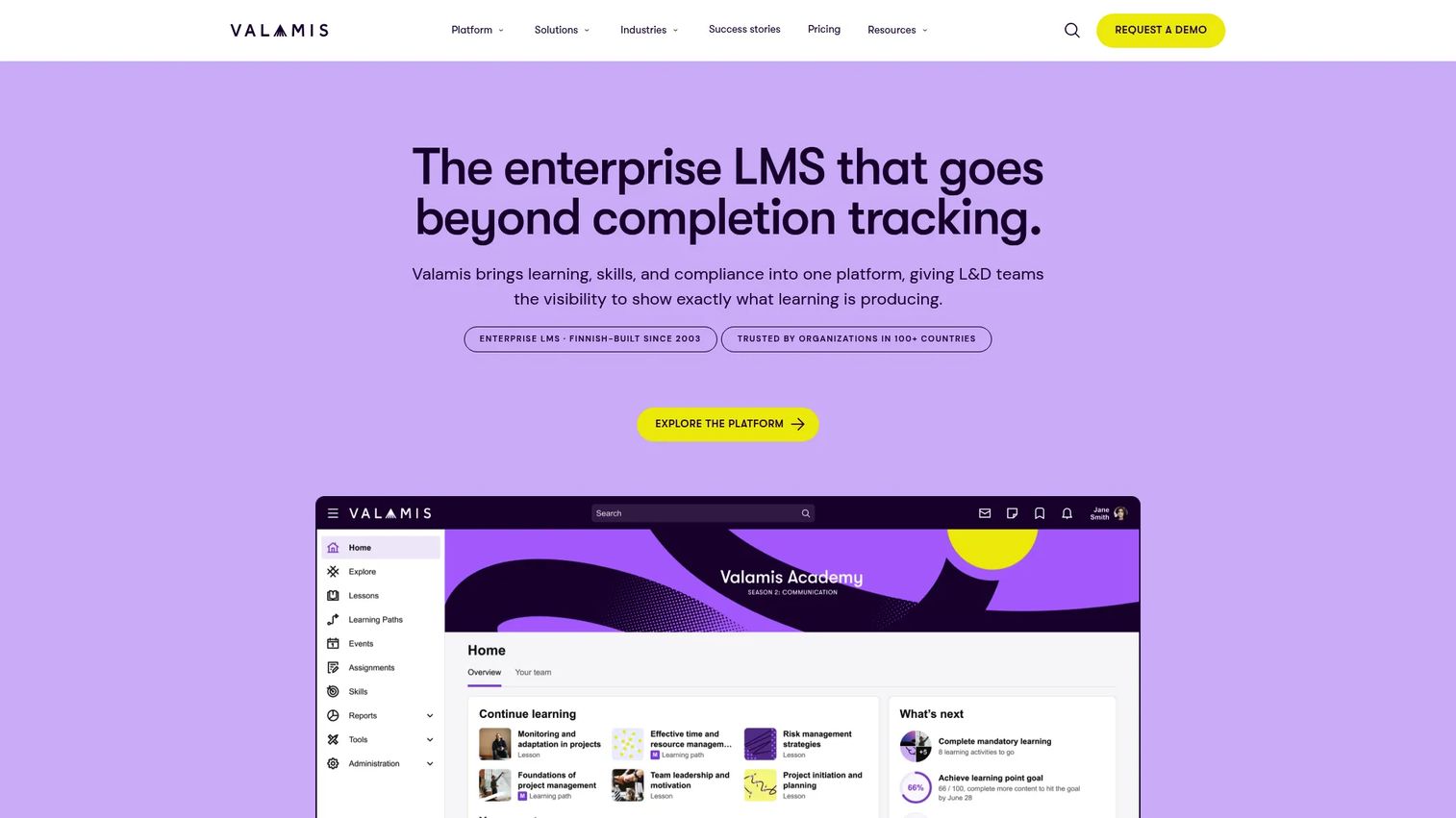
Valamis is an enterprise learning platform combining LMS, learning experience platform (LXP), skills management, content authoring, compliance tracking, and advanced analytics. For large organizations managing technical development across roles, regions, and business units, it provides the administrative layer that smaller platforms lack.
Best for: Large organizations managing technical learning governance across multiple roles, compliance requirements, and business units.
Key features
- Learning paths and AI-powered personalized recommendations
- Built-in Valamis Studio content authoring
- Skills management with competency tracking and gap analysis
- Compliance certification and audit trails
- Integrations with SAP SuccessFactors, Microsoft Teams, and Workday
Why choose Valamis: When workforce upskilling needs governance, role-based personalization, compliance documentation, and enterprise integration, Valamis covers the full administrative and measurement layer that pure content platforms skip. It fits organizations where training records must survive an audit.
Valamis pricing: Three packages are available, Foundation, Standard, and Enterprise, with pricing determined by learner count, customization requirements, and support scope. Contact Valamis for a quote. A free trial or demo is available on request.
G2 rating: 4.6/5
10. OttoLearn
OttoLearn is a gamified adaptive microlearning platform designed to combat forgetting after initial training. Instead of one-time completion, OttoLearn uses spaced repetition and knowledge checks to reinforce technical concepts over time, adapting the frequency and difficulty of questions to each learner's retention patterns.
Best for: Teams that need to reinforce technical knowledge after onboarding or initial training, not replace the initial program.
Key features
- Adaptive microlearning with spaced repetition algorithms
- Content Studio for rapid knowledge card authoring
- Knowledge Cards for on-demand performance support
- Gamification with leaderboards, contests, points, and badges
- Multilingual training with integrations and analytics
Why choose OttoLearn: Forgetting is the most common reason technical training fails to change behavior. OttoLearn fits enablement teams that have already run onboarding programs but see knowledge gaps reappear weeks later. It works as a reinforcement layer on top of existing training, not as a replacement.
OttoLearn pricing: Plans start at $250/month billed annually. Individual tier names are not displayed on the pricing page. Contact OttoLearn for team and enterprise rates.
11. Mitti
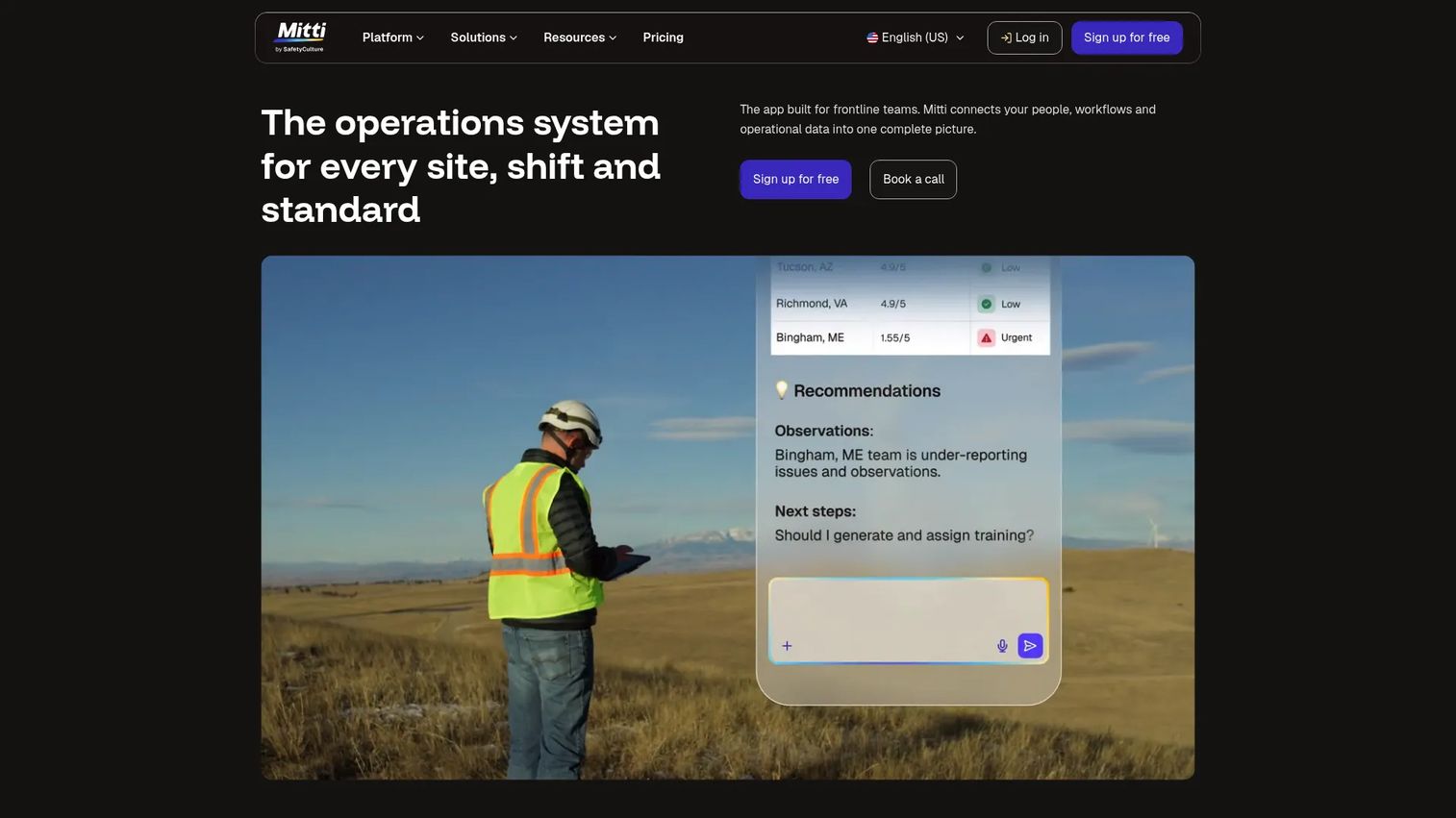
Mitti is a workplace operations platform for frontline and multi-site teams, combining inspections, training, incident reporting, asset maintenance, and document management in a single mobile environment. For technical skills development, Mitti focuses on operational procedures, workplace training, and skills tracking across distributed teams.
Best for: Frontline and multi-site operations teams that need skills tracking alongside inspections, incident reporting, and daily operational workflows.
Key features
- Training and workforce development modules
- Inspections and checklist-based workflows
- Issue and incident reporting with corrective actions
- Asset maintenance and monitoring
- Analytics, document management, and communications
Why choose Mitti: Mitti fits organizations where technical skills development is inseparable from operational compliance. If your team needs to train, inspect, and document in the same workflow, Mitti keeps those functions connected rather than running three separate tools.
Mitti pricing: Free plan supports up to 10 users. Premium is $24/seat/month billed annually or $29/seat/month billed monthly, excluding applicable taxes. Enterprise pricing is custom. Unlimited users are included per site on location-based plans.
G2 rating: 4.6/5
Considerations when choosing technical skills development software
Match the platform to the skill type
A coding team developing Kubernetes expertise needs a lab environment where commands run in a real terminal. A presales team building product knowledge needs structured paths and assessment. Clarify the skill type before comparing vendors, because a course library cannot replace hands-on lab practice for infrastructure skills, and a lab platform is overkill for business-technical fluency.
Check how skills are actually measured
Certification completion is a starting point, not a finish line. Look for platforms that include benchmark assessments, lab performance tracking, manager dashboards, and evidence of behavior change. Ask vendors how they define "ready" versus "completed" and what data they surface to team managers.
Evaluate learner adoption honestly
The best platform fails if busy sellers and SEs ignore it. Check whether the format fits how your team learns. Mobile access matters for field teams. Short modules fit sales schedules better than hour-long courses. Manager dashboards that show gaps without manual reporting improve coaching conversations.
Review administration and governance
Sales enablement managers need version control on training content, role-based access, and audit-ready completion records. Large teams also require HRIS integrations, SSO, group management, and expiration-based re-certification. These features are often gated to higher tiers, so check the plan requirements before assuming they are included.
Tie learning data to business outcomes
Track more than enrollment numbers. Connect readiness data to ramp time by cohort, certification completion by team, and downstream metrics like call quality scores or support resolution time. Platforms that push learning signals into your CRM or Slack make it far easier to close the loop between training and revenue outcomes. For teams that also use account management software or RevOps tooling, check what native integrations each platform supports.
Conclusion
The right technical skills development platform depends on what your team needs to be able to do, not just what they need to know.
For structured technical credentials, Coursera and O'Reilly cover the broadest content libraries. For engineering and IT teams that need measurable proficiency, Pluralsight's skill assessments are the most actionable option. For cloud and DevOps skills where practice matters more than passive learning, KodeKloud is the strongest hands-on choice.
Enablement managers building internal courses from existing materials will find iSpring Suite and ProProfs Training Maker faster to deploy than enterprise platforms. Teams managing learning governance at scale, across roles, regions, and compliance requirements, should evaluate Valamis. For reinforcing what was learned after onboarding, OttoLearn's adaptive microlearning addresses the forgetting problem most platforms ignore.
Mitti and SafetyCulture serve operational and frontline environments where training must be embedded in the daily workflow, not delivered separately.
Start with the skill type, identify your measurement requirements, and shortlist accordingly. A platform that fits your team's workflow will always outperform a more powerful one they don't open.
Start your journey with Guideflow today!
FAQs
Technical skills development software helps organizations assess, teach, practice, and measure job-specific technical capabilities. It covers programming languages, cloud platforms, DevOps tools, cybersecurity fundamentals, SQL, APIs, and data foundations, delivered through online courses, hands-on labs, assessments, and certification programs.
An LMS manages training delivery, enrollment, completion tracking, and compliance reporting. Technical skills development software may include those LMS functions but often adds hands-on labs, technical assessments, role-based skill paths, and domain-specific curricula. Many teams use an LMS to administer training and a specialist technical platform to deliver the content itself.
Sales, presales, and CS teams typically need product architecture basics, integration and API concepts, security and compliance fundamentals, implementation workflows, and technical discovery questions. The goal is technical fluency sufficient to hold a credible conversation and route complex questions, not to make every seller an engineer.
Effective measurement goes beyond course completion. Use skill assessments and benchmarks, lab performance data, certification completion rates, manager validation, call quality scores, and support resolution outcomes. Ramp time by cohort and time-to-first-technical-call are the most useful leading indicators for enablement managers.
KodeKloud is the strongest option for teams that need browser-based practice in Kubernetes, Docker, Linux, and Terraform. Pluralsight also provides cloud labs and sandboxes alongside its course library. The right choice depends on whether your team needs dedicated lab environments or a broader curriculum with lab components embedded.
Enterprise teams should evaluate Valamis for governance, compliance, and skills management at scale. Pluralsight, Coursera, and O'Reilly all support enterprise deployment with strong content libraries and administrator reporting. The key factors are SSO, HRIS integration, role-based access, audit-ready records, and the ability to map learning data to workforce planning.
Yes, when used with role-based learning paths, upfront assessments, and manager dashboards. The mechanism is straightforward: Structured paths reduce guesswork during onboarding, assessments surface gaps before they become customer problems, and manager visibility replaces ad hoc coaching with data-driven conversations. Ramp time by cohort and certification completion are the clearest metrics to track.
Course libraries work best when the technical content already exists and your team needs access to it. Course authoring tools fit when the organization needs proprietary training on internal products, specific implementation workflows, or processes that no third-party course covers. Many teams run both: A course library for foundational technical skills and an authoring tool for product-specific onboarding.