



The renewal was supposed to be a formality. Then the champion left, the account plan was six months stale, and nobody noticed the usage drop until the customer asked for a discount to stay.
That is the real cost of managing accounts in spreadsheets. Not the admin time. The revenue that walks out the door because the signals were sitting in three tools and no one connected them.
Post-sale is where the money actually lives now. The account management software market is projected to grow from USD 4.71 billion in 2025 to USD 10.0 billion by 2035, at a 7.8% CAGR, according to WiseGuy Reports (2025). That growth tracks a simple shift: companies stopped treating the signed contract as the finish line and started treating renewals and expansion revenue as the engine.
The problem is that a generic CRM records what happened. It rarely tells you what to do next about an account that is quietly slipping. This guide is for RevOps, Sales, and Customer Success teams who need to protect retention, spot expansion signals early, and stop living in stale account plans.
What's inside
This guide covers eight tools that help teams manage existing customers after the sale, from CRM-native platforms to specialist key account and customer success systems. We picked them for real account management fit, not just contact tracking.
We evaluated each tool on:
- Workflow fit: how well it matches post-sale motions like renewals, planning, and expansion
- Integration depth: how cleanly it connects to your CRM, data, and communication stack
- Account health visibility: health scoring, activity history, and risk detection
- Automation and AI: next-best-action prompts, alerts, and prioritization
- Adoption ease: how likely your team is to actually use it
TL;DR
Short version for people who want the answer now:
- Best for enterprise sales orgs already in Salesforce: Salesforce Sales Cloud, for account hierarchy, pipeline, and automation at scale.
- Best for strategic key account management: DemandFarm, for relationship mapping, whitespace analysis, and structured account planning.
- Best for CS-led retention and expansion: Gainsight CS, for health scoring, playbooks, and renewal orchestration.
- Best for smaller CS teams: ClientSuccess, for a dedicated customer success workflow without heavy setup.
- Best for simple, visual account tracking: Pipedrive, and for value-oriented breadth, Zoho CRM.
- CRM vs account management software: a CRM is your record of accounts; account management software adds the planning, health, and orchestration layer on top.
What is account management software
Account management software is a platform that helps teams manage existing customer relationships after the sale, with a focus on renewals, retention, expansion, account planning, risk detection, and cross-functional visibility.
It is the layer that turns a static account record into a living account system your whole team can act on.
Core capabilities to expect from an account management platform:
- Account health scoring: a composite signal that flags risk before renewal
- Activity and relationship history: every touch, note, and stakeholder in one place
- Account plans: structured plans for goals, whitespace, and next steps
- Task and renewal tracking: owners, dates, and follow-ups that do not slip
- Reporting and dashboards: retention, NRR, expansion, and pipeline views
- Automation and alerts: next-best-action prompts and risk notifications
- Integrations: two-way sync with your CRM, product data, and Slack
Here is the CRM vs account management software line most teams get wrong. A CRM is optimized to win the deal. Account management software is optimized to keep and grow the account after the deal closes. Many CRMs now embed account management features, which is why the two categories increasingly overlap.
When to use account management software
You do not need a dedicated platform for every account. You need one when the cost of a missed signal outweighs the cost of the tool.
Protect renewals before they become surprises
If your renewals show up as fire drills, your account data is not surfacing risk in time. Account management software watches usage, sentiment, and engagement, then flags accounts trending toward churn while you can still act. Example: a CS team spots a 40% drop in weekly active users 90 days out, runs a save play, and keeps the renewal. That save does not happen from a spreadsheet reviewed once a quarter.
Centralize account work across sales and success
When Sales, CS, and Support each keep their own notes, handoffs leak context and customers repeat themselves. A shared platform gives every team one view of the account: history, stakeholders, open risks, and next steps. The signal you need software: two people email the same customer the same week without knowing.
Track expansion signals and next-best actions
Expansion revenue is usually sitting in your existing base, unclaimed. The right tool surfaces whitespace, usage that suggests a tier upgrade, or a new team adopting the product, then tells the account owner what to do next. If you only find upsell after the customer asks, you are leaving money on the table.
Comparison table
Read this table top to bottom by relevance to post-sale account management. The first two rows lean sales and strategic account planning, the middle rows lean CS-led retention, and the rest cover flexible or value-oriented CRM approaches. Pricing reflects each vendor's public pricing page; ratings reflect current G2 listings.
| # | Product | Best for | Key use case | Pricing | G2 rating |
|---|---|---|---|---|---|
| 1 | Salesforce Sales Cloud | Enterprise sales orgs | Account hierarchy, pipeline, and automation | From $25/user/mo | 4.4/5 |
| 2 | DemandFarm | Strategic key accounts | Relationship mapping and account planning | Reach out for pricing | 4.4/5 |
| 3 | HubSpot Sales Hub | Fast-onboarding teams | Account visibility and sales automation | Free; paid from $20/mo/seat | 4.4/5 |
| 4 | Pipedrive | Smaller sales teams | Visual pipeline and activity tracking | From US$14/seat/mo | 4.3/5 |
| 5 | Gainsight CS | CS-led retention | Health scoring and renewal orchestration | Request pricing | 4.5/5 |
| 6 | ClientSuccess | CS teams wanting a dedicated workflow | Customer health and renewals | Contact sales | 4.4/5 |
| 7 | monday CRM | Cross-functional workflow teams | Custom pipelines and collaboration | From $12/seat/mo | 4.6/5 |
| 8 | Zoho CRM | Value-focused SMB and mid-market | Affordable account tracking and automation | Free; paid from ₹800/user/mo | 4.1/5 |
1. Salesforce Sales Cloud
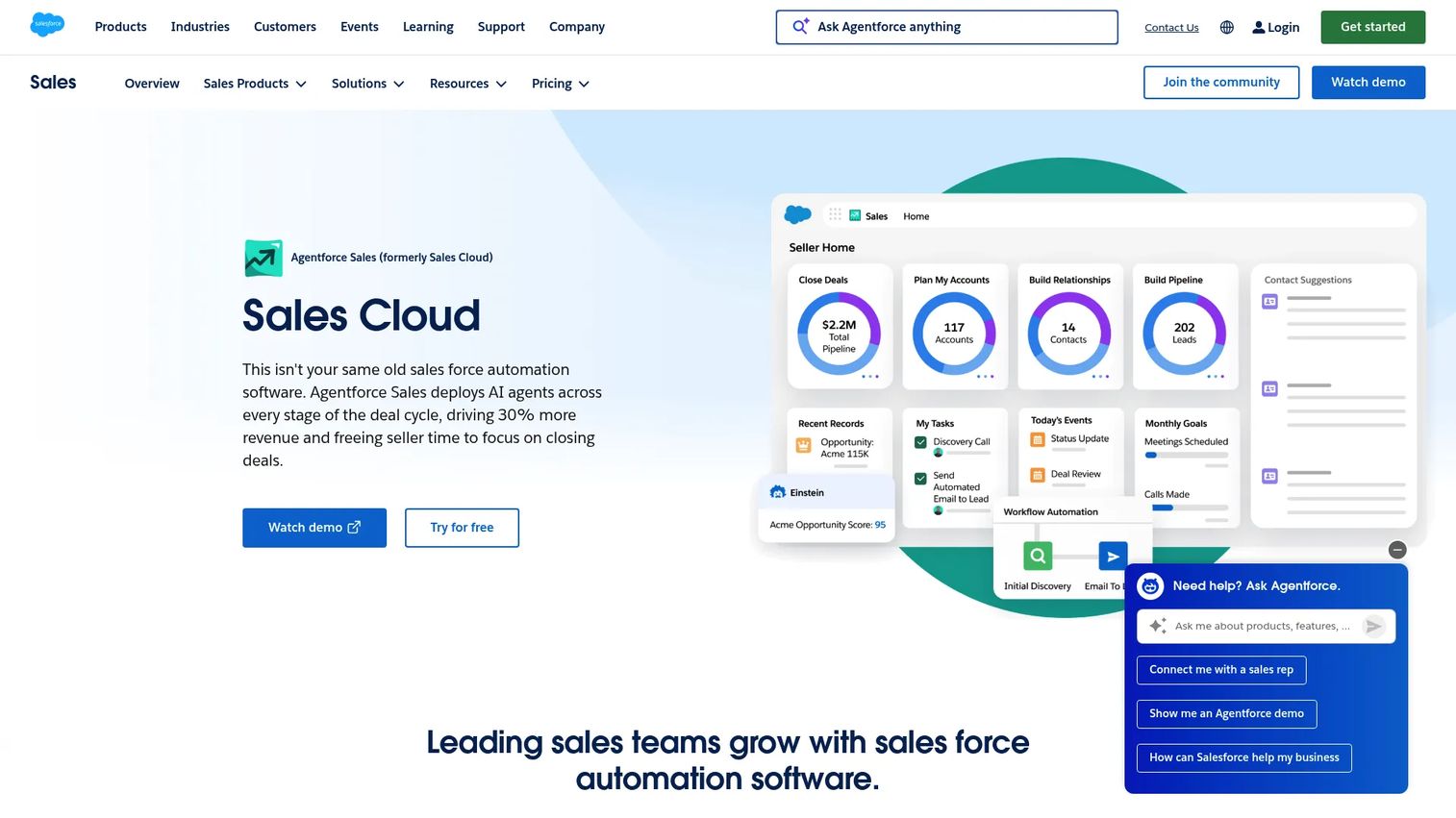
Salesforce Sales Cloud is the enterprise baseline for account management. It gives you deep account hierarchy, opportunity management, forecasting, and workflow automation, plus one of the widest integration surfaces in the market. Salesforce now brands the product as Agentforce Sales, layering AI-assisted selling on top of the core CRM. For teams already running their revenue motion on Salesforce, account management becomes another configured layer rather than a separate tool.
Best for: Mid-market and enterprise sales teams that need a configurable CRM with automation and AI-assisted selling.
Key strengths
- Lead, account, contact, and opportunity management
- Workflow approvals and process automation
- Forecast and pipeline management
- Deep integration ecosystem across the GTM stack
- AI-assisted selling through Agentforce
Why choose Salesforce Sales Cloud: If your team already lives in Salesforce, extending it for account management keeps everything in one system of record. It is more platform than a simple account tracker needs, so it fits best when you have the admin resources to configure and maintain it.
Salesforce Sales Cloud pricing: Starter Suite is $25/user/month, Pro Suite is $100/user/month, Enterprise is $175/user/month, and Unlimited is $350/user/month. The Agentforce 1 Sales tier is $550/user/month. No free tier is offered.
2. DemandFarm
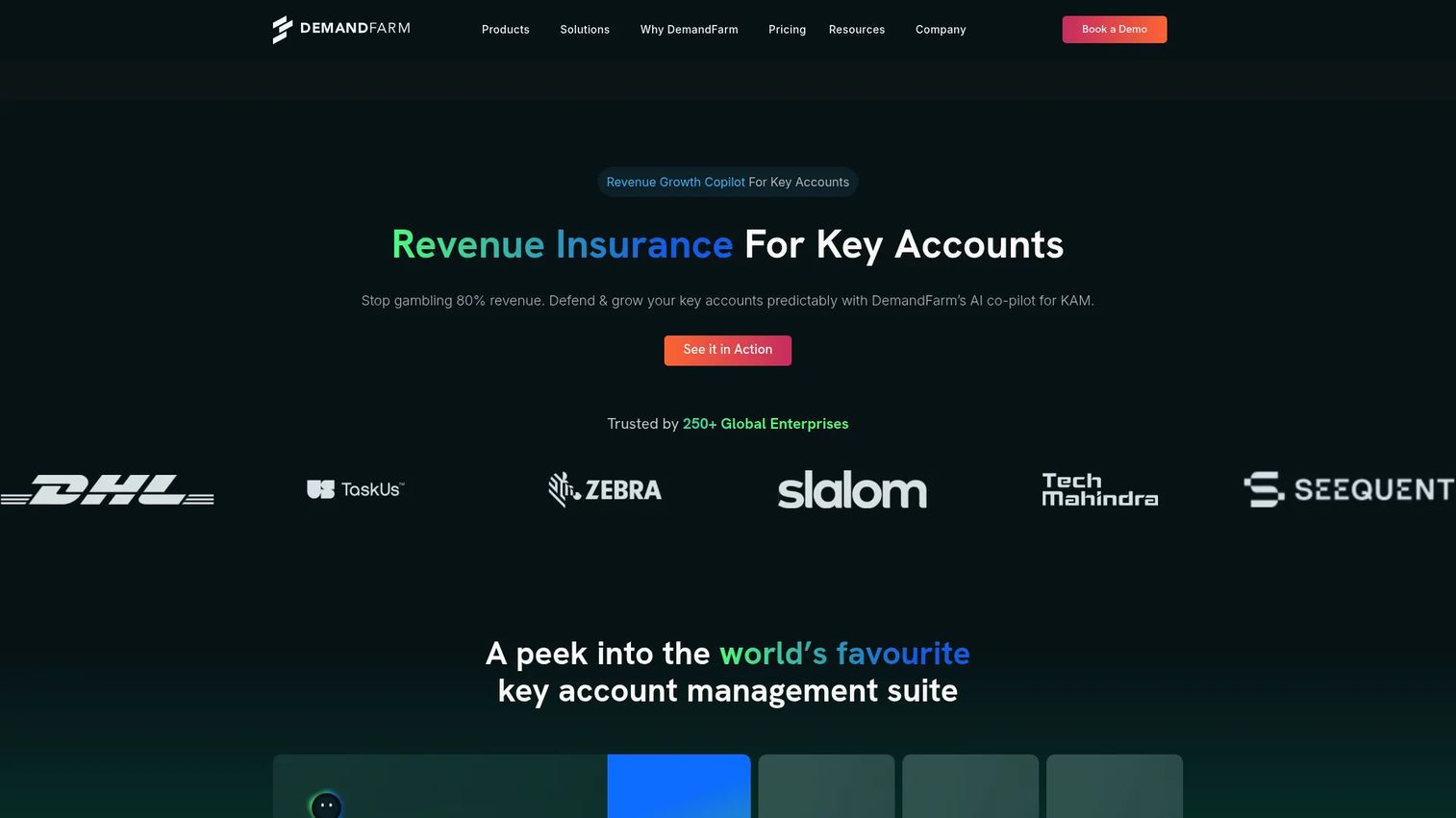
DemandFarm is built for teams that need more than a CRM record for their most important accounts. It runs strategic key account management on top of your existing CRM, adding structured account planning, relationship mapping, and whitespace analysis. This is the tool for the accounts where a single renewal moves the number, and where you need to see the org chart, the buying committee, and the untapped expansion clearly.
Best for: B2B teams managing strategic key accounts with Salesforce-connected account planning needs.
Key strengths
- White Space Planner for expansion opportunities
- Relationship Maps for stakeholder and org visibility
- Opportunity Planner for structured deal planning
- CRM-connected account planning
- Executive alignment views for key accounts
Why choose DemandFarm: Choose it when your revenue concentrates in a handful of strategic accounts that deserve deliberate planning, not just pipeline tracking. It layers onto your CRM rather than replacing it, so your reps get key account management depth without leaving their system of record.
DemandFarm pricing: DemandFarm lists three audience-based packages, for small businesses, mid-size businesses, and enterprises. Pricing is not published publicly; each tier asks you to reach out for a quote.
3. HubSpot Sales Hub
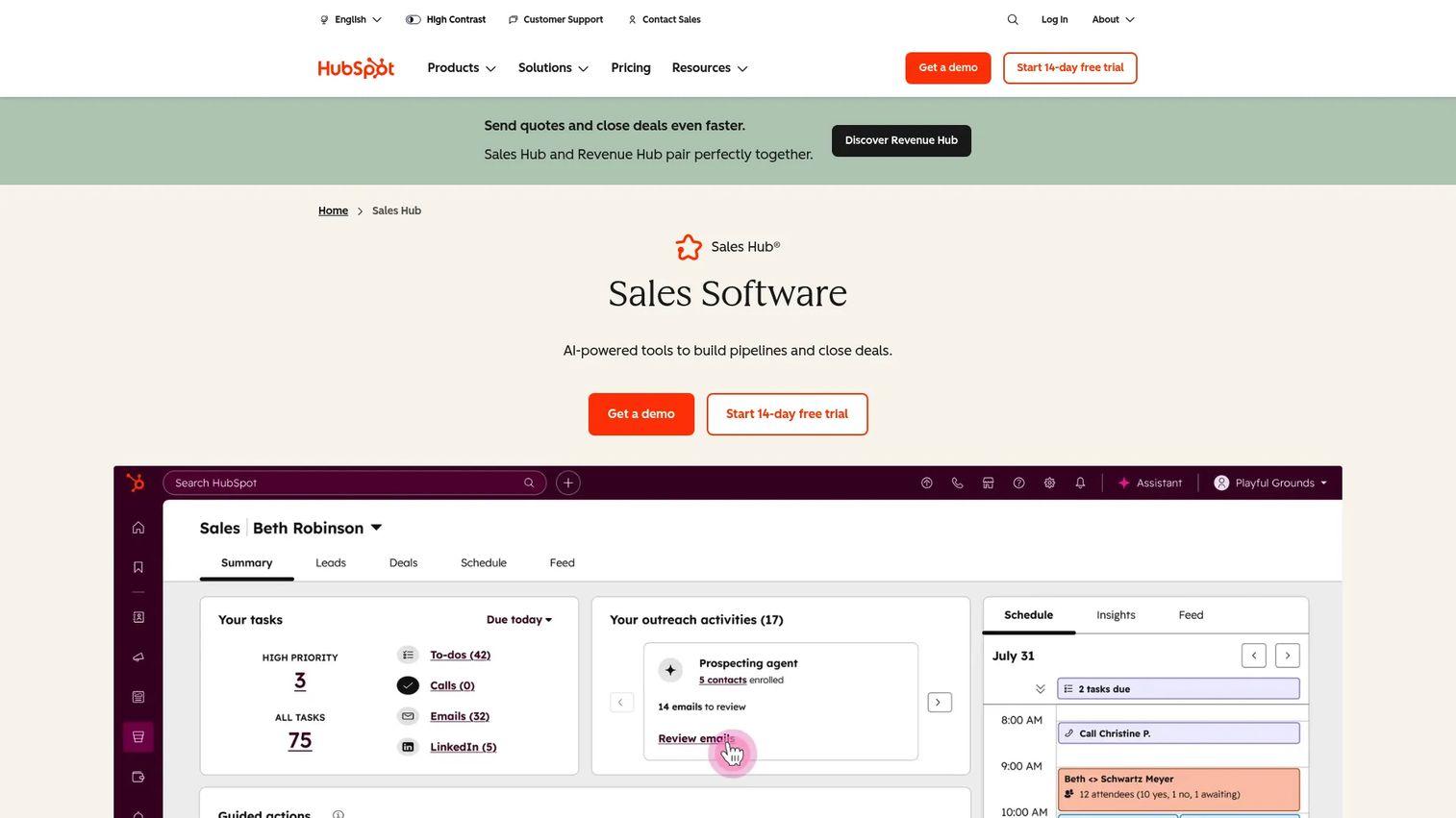
HubSpot Sales Hub is the flexible option for teams that want an easier onboarding path and broad sales workflow support. You get account and contact visibility, email and task coordination, pipeline management, and automation without the heavy admin overhead of a larger platform. It handles account management well for teams that want a clean, usable system rather than a deeply customized one.
Best for: Teams that want an all-in-one sales CRM with automation and quoting, without a long setup cycle.
Key strengths
- AI Guided Selling for prioritization
- CPQ software for quoting
- Document tracking and engagement signals
- Email, task, and pipeline automation
- Account and contact activity history
Why choose HubSpot Sales Hub: Pick HubSpot when adoption speed matters and you want account visibility without dedicating an admin to configuration. It overlaps heavily with core CRM work and covers most account management basics, though the deepest strategic key account planning lives in specialist tools.
HubSpot Sales Hub pricing: Free tools are available. Starter is $20/month/seat, Professional is $90/month/seat (or $100/month/seat billed annually), and Enterprise is $150/month/seat. Some plans exclude required onboarding fees.
4. Pipedrive
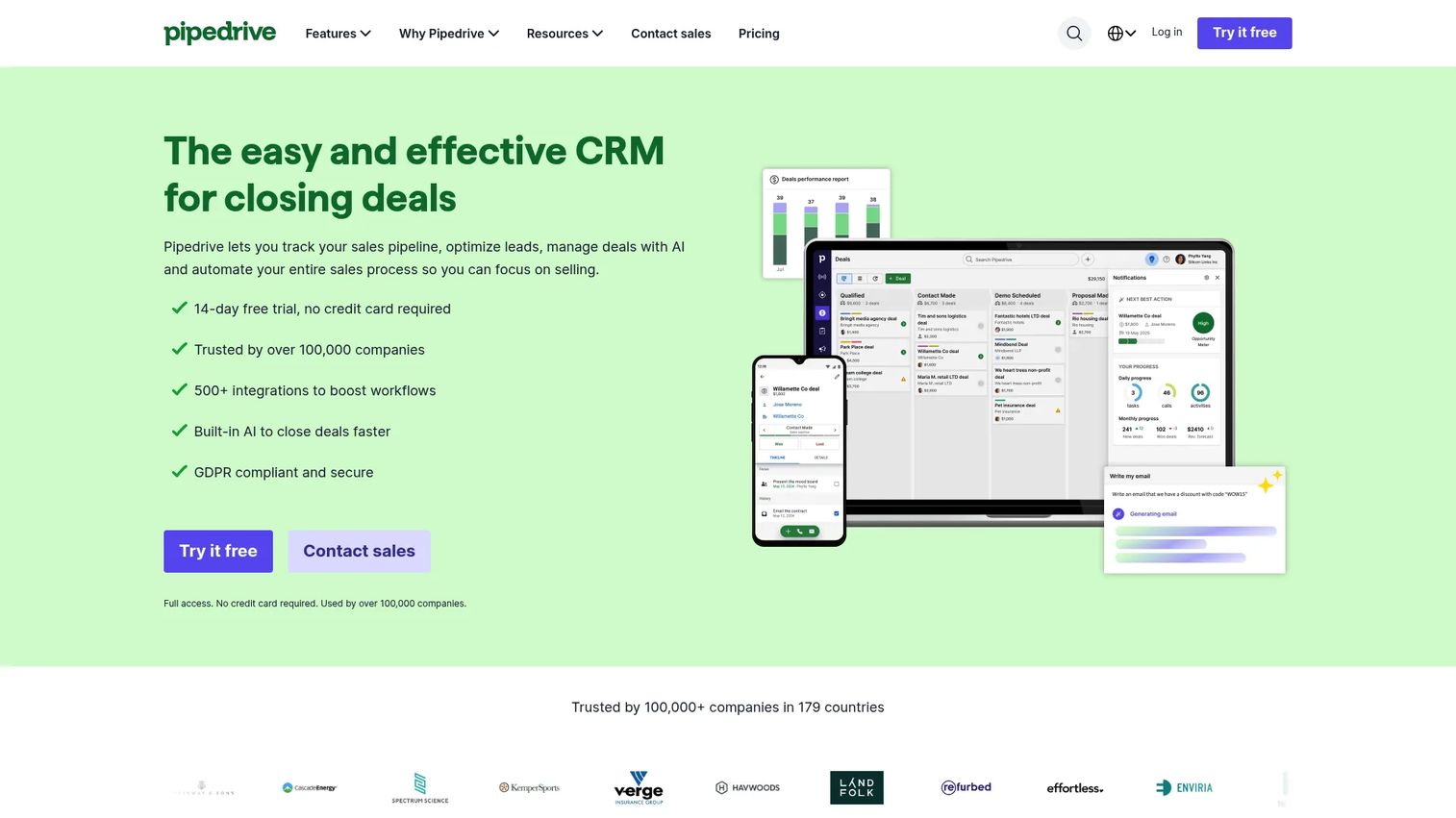
Pipedrive is the simple, visual option for smaller sales teams that want straightforward account tracking without complexity. Its strength is pipeline clarity: customizable stages, deal and lead management, and activity follow-ups that keep accounts moving. Adoption is low-friction, which is exactly why smaller teams stick with it instead of abandoning a heavier system.
Best for: Small to mid-sized sales teams that want a simple visual CRM with automation.
Key strengths
- Customizable pipelines
- Deal and lead management
- Email sync, automation, and reporting
- Activity and follow-up tracking
- Fast, low-friction adoption
Why choose Pipedrive: Choose Pipedrive for speed and simplicity over advanced strategic account planning. It is strongest when your account management needs are clear visibility and consistent follow-up, not deep whitespace analysis or health orchestration.
Pipedrive pricing: Lite is US$14/seat/month, Growth is US$39/seat/month, Premium is US$59/seat/month, and Ultimate is US$79/seat/month, all billed annually. A 14-day free trial is available; there is no permanent free version.
5. Gainsight CS
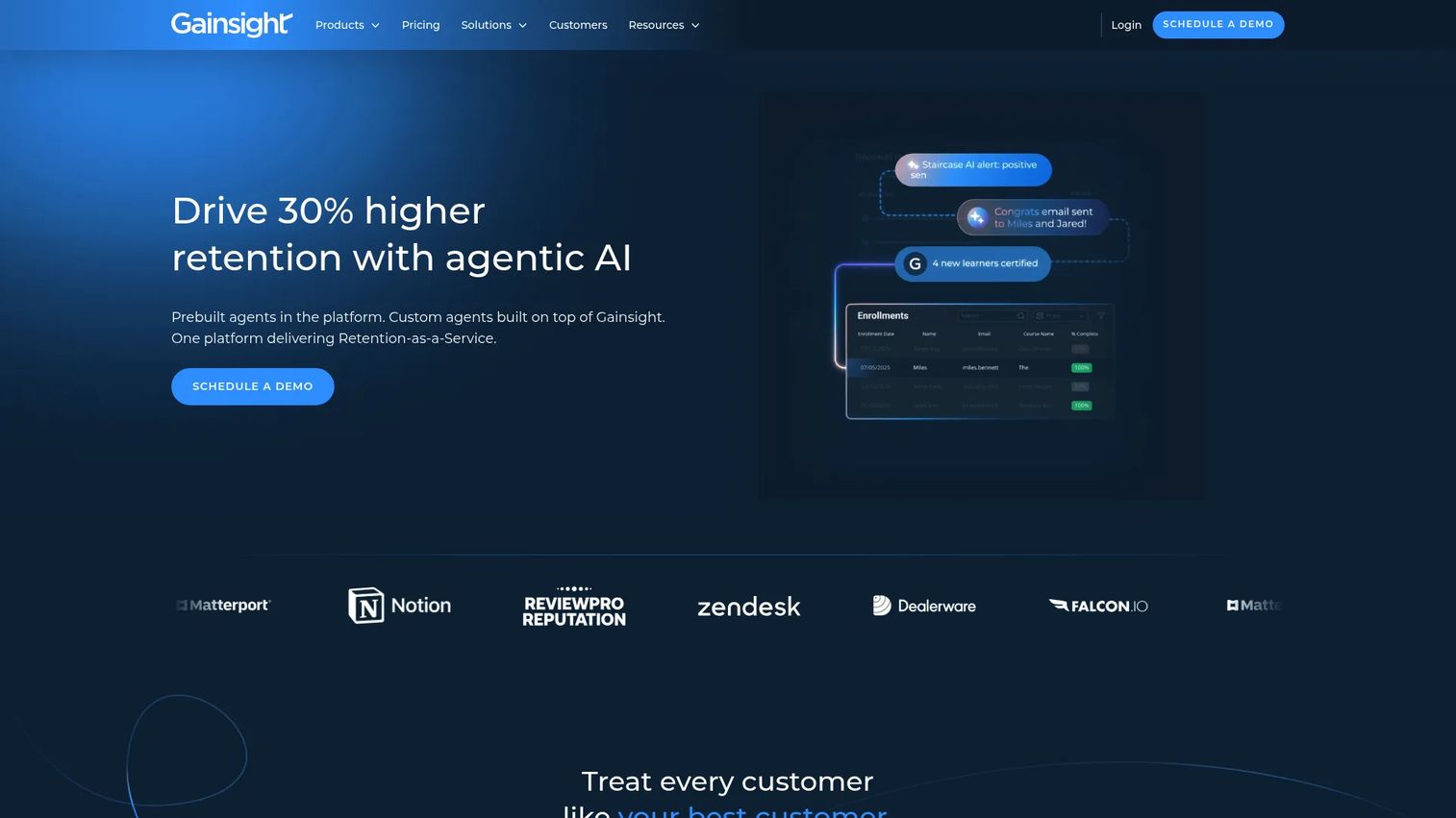
Gainsight CS is the customer success and retention-focused account management platform, and it is the strongest entry here for post-sale renewal and expansion workflows. It centers on customer health scoring, success plans, and playbooks that turn account signals into orchestrated action. This is the tool for CS teams that own retention as a number and need to run it as a repeatable motion, not a series of gut checks.
Best for: Mid-market to enterprise teams managing customer success at scale.
Key strengths
- Customer 360 for a unified account view
- Playbooks and Success Plans for repeatable motions
- Health Scorecards for early risk detection
- Renewal and expansion workflows
- Engagement and adoption tracking
Why choose Gainsight CS: Choose Gainsight when customer success is a dedicated function with retention and expansion targets, not a side responsibility of sales. It excels at turning health signals into next-best actions across a large book of accounts, which is why it fits teams operating at scale.
Gainsight CS pricing: Gainsight lists two plans, Essentials and Enterprise. Neither shows a public numeric price; both use Request Pricing.
6. ClientSuccess
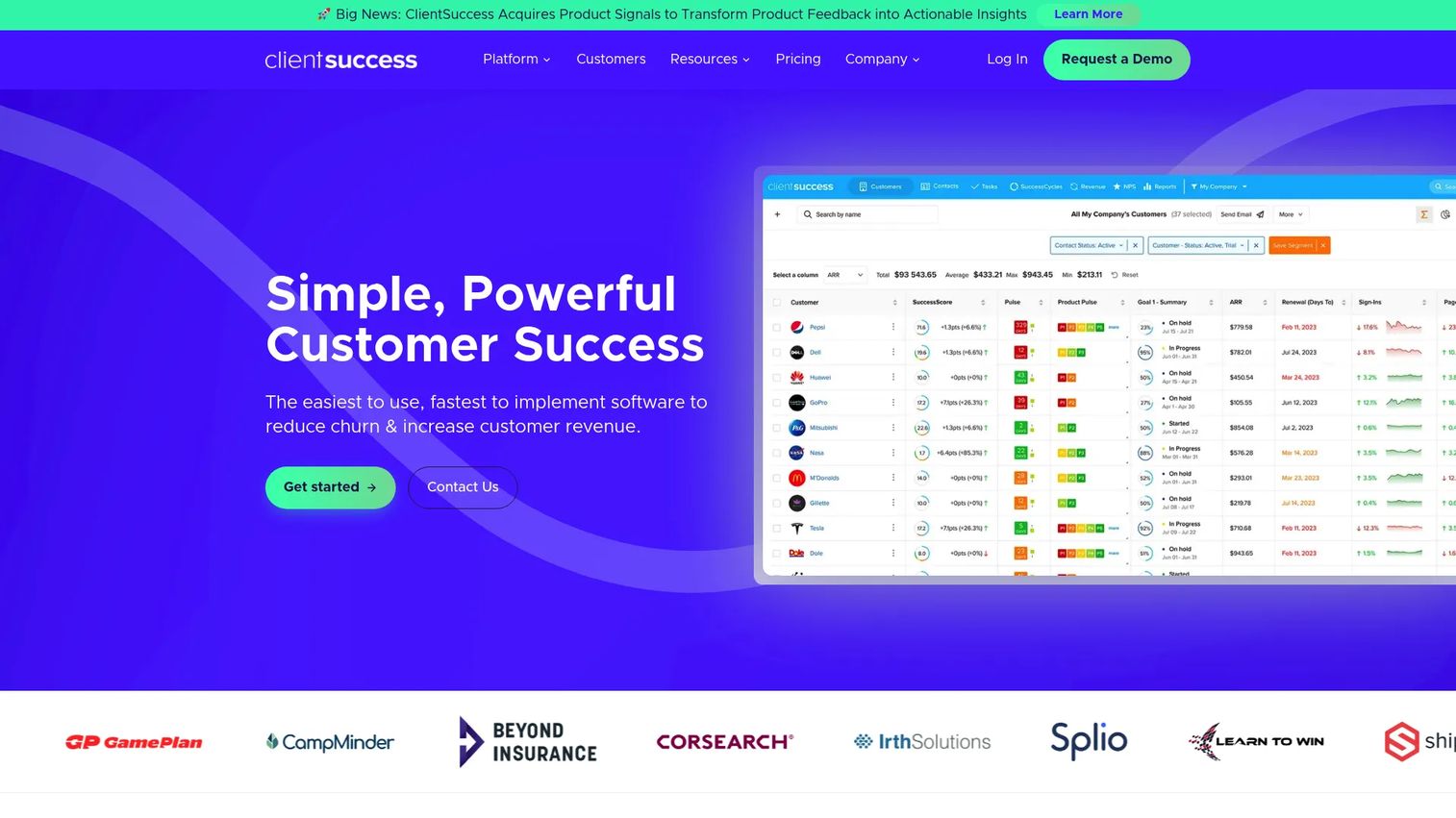
ClientSuccess is a purpose-built account management platform for customer success teams that want a dedicated CS workflow instead of adapting a sales CRM. It covers customer health scoring, journey management, playbooks, NPS, and renewal forecasting, with a reputation for fast implementation. For teams that want customer success structure without a long rollout, it hits a practical middle ground.
Best for: B2B SaaS teams that need a customer success platform with fast implementation and CRM-integrated workflow.
Key strengths
- Customer health scoring
- Journey management and playbooks
- NPS surveys and renewal forecasting
- Relationship and account tracking
- CRM-integrated workflow
Why choose ClientSuccess: Choose it when you want a dedicated CS platform that your team can stand up quickly, rather than bending a sales CRM into a retention tool. It fits teams that need health visibility and renewal discipline without the weight of a large enterprise deployment.
ClientSuccess pricing: ClientSuccess does not publish public pricing. Plans are organized as Startup, Growth, and Enterprise packages, priced by team size and the modules you need. Contact sales for a quote.
7. monday CRM
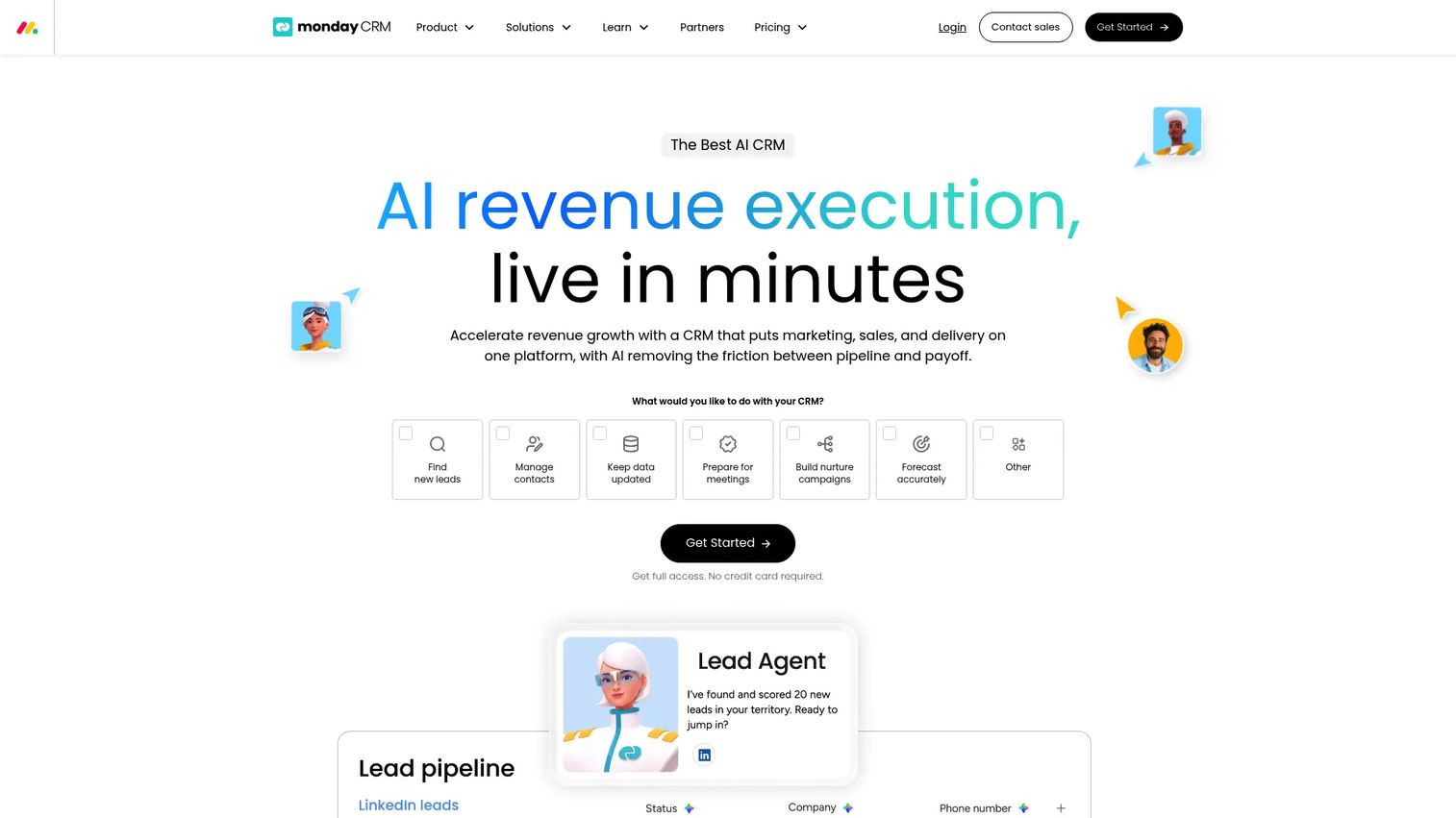
monday CRM is the flexible, workflow-centric option for teams that want process flexibility and cross-functional visibility without building everything from scratch. Its no-code customization, dashboards, and automations let sales and success teams shape account workflows to their own motion. Because it sits on monday's broader work platform, it is a natural fit for teams that coordinate account work across departments.
Best for: Teams that want a customizable, AI-assisted CRM for sales pipeline management.
Key strengths
- Lead sourcing and enrichment
- Sales pipeline and deal management
- Automations, emails, calls, and reporting
- No-code customization and dashboards
- Cross-functional collaboration
Why choose monday CRM: Choose monday CRM when your account management process does not fit a rigid template and you want to build it visually. It appeals to teams that value adaptability and shared visibility across sales, CS, and operations in one workspace.
monday CRM pricing: Basic is $12/seat/month, Standard is $17/seat/month, and Pro is $28/seat/month, all billed annually. Ultimate is custom-priced; contact sales.
8. Zoho CRM
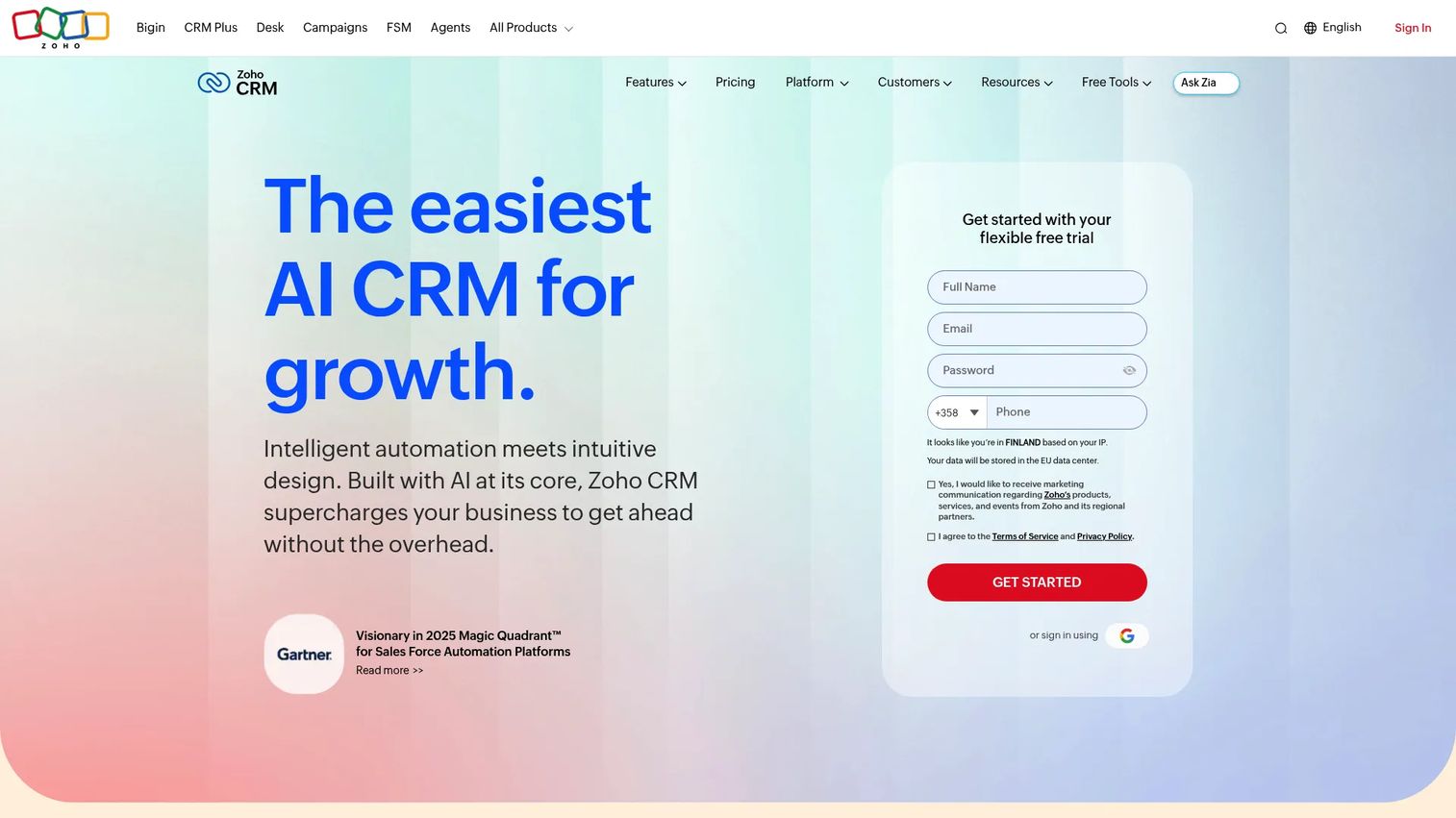
Zoho CRM is the value-oriented option for small and mid-sized teams that need account visibility, automation, and broad CRM capability without a premium price tag. It combines sales, service, and marketing features with an AI assistant and predictive intelligence, and it integrates across the wider Zoho suite. For teams watching budget while still wanting real account management basics, it is a pragmatic pick.
Best for: Teams wanting an affordable, customizable CRM with automation and AI.
Key strengths
- Sales, service, and marketing capabilities
- Automation and process management
- AI assistant and predictive intelligence
- Account and contact tracking
- Broad integration across the Zoho suite
Why choose Zoho CRM: Choose Zoho when affordability and breadth matter more than deep specialist account planning. It covers the practical account management basics for growing teams and scales in price as your needs grow, which makes it a common account management software choice for small business.
Zoho CRM pricing: A free edition covers up to 3 users. Standard is ₹800/user/month, Professional is ₹1,400/user/month, Enterprise is ₹2,400/user/month, and Ultimate is ₹2,600/user/month, billed monthly or annually.
Considerations
Before you buy any account management software, run the shortlist through this checklist. The best tool on paper is the one your team will not adopt if it fights your workflow.
Workflow fit
Map the tool to your actual post-sale motion: renewals, planning, expansion, and handoffs. If reps have to change how they work to fit the tool, adoption stalls. Verify it supports the specific account plan and health review cadence you already run.
Integration depth
Your account data lives in a CRM, a product analytics tool, and a support platform. Check for two-way sync, not one-way export, and confirm the specific integrations you need with Salesforce, HubSpot, or your data warehouse. Shallow integrations create the stale-data problem you are trying to solve.
Account health and reporting
Confirm how health scores are calculated and whether you can define the inputs. A black-box score nobody trusts gets ignored. Look for reporting on retention, NRR, and expansion that leadership will actually read.
Adoption and maintenance
Ask who owns the tool after go-live and how much configuration it needs to stay current. Data freshness is the whole point; a system nobody updates is worse than the spreadsheet it replaced. Favor tools with clear ownership and low maintenance drag.
AI and automation
Evaluate whether the AI surfaces next-best actions you would actually take, or just noise. Automation should remove manual follow-up work, not add alerts you learn to dismiss.
Security and governance
Confirm access controls, data ownership, and compliance posture before procurement asks. Account data is sensitive; know who can see what and where the data lives.
Conclusion
The right account management software depends on what your team actually owns after the sale. If you run a sales-led motion already anchored in Salesforce, Salesforce Sales Cloud keeps everything in one system. If a handful of strategic accounts drive your number, DemandFarm gives you the relationship mapping and account planning depth generic CRMs lack. If customer success owns retention as a target, Gainsight CS and ClientSuccess turn health signals into repeatable renewal and expansion motions.
For teams that want simplicity and speed, Pipedrive and Zoho CRM cover the account management basics without heavy lift, while monday CRM fits teams that want to shape the workflow themselves. HubSpot Sales Hub sits in the middle: fast to adopt, broad enough for most account visibility needs.
Here is how to decide. Line the shortlist up against your current stack, then ask which tool closes the specific gap that is costing you renewals or expansion today. Buy for that gap, not for the longest feature list.
FAQs
Account management software is a platform that helps teams manage existing customer relationships after the sale. It centers on renewals, retention, expansion, account planning, health scoring, and cross-functional visibility, turning a static account record into a system your whole team can act on.
A CRM is optimized to win the deal and record what happened across the pipeline. Account management software adds the post-sale layer on top: account plans, health scoring, and renewal orchestration focused on keeping and growing existing customers. Many CRMs now embed account management features, which is why the categories increasingly overlap.
Look for account health scoring, activity and relationship history, account plans, task and renewal tracking, reporting on retention and expansion, automation and alerts, and two-way integrations with your CRM and product data. Relationship mapping and whitespace analysis matter most for strategic key accounts.
Yes. The core value is spotting renewal risk before it becomes a surprise. Health scoring and engagement tracking flag accounts trending toward churn while you can still run a save play, and renewal workflows keep owners, dates, and follow-ups from slipping.
It can be, if you match the tool to your scale. Smaller teams often do well with a value-oriented CRM like Zoho CRM or a simple visual tool like Pipedrive, which cover account tracking and follow-up without heavy setup. Reserve specialist platforms for when a missed signal costs real revenue.
CS-led teams that own retention and expansion targets tend to fit Gainsight CS for scale, or ClientSuccess for a dedicated workflow with faster implementation. Both center on customer health scoring, playbooks, and renewal orchestration rather than sales pipeline mechanics.
Start with what is breaking. If your team just needs better records and pipeline, a CRM is enough. If you are losing renewals to missed signals, need structured account plans for strategic accounts, or run a dedicated CS motion, a specialized platform earns its place on top of the CRM.
Most do, and integration depth should be a top selection criterion. Tools like DemandFarm are built to run on top of Salesforce, and many CS and account platforms offer two-way sync with both Salesforce and HubSpot. Confirm the specific integration and whether it syncs both directions before you buy.










