You counted the walk-in on Sunday night. By Wednesday the number was already wrong. Someone comped a table, a case of chicken went bad, a vendor short-shipped, and nobody wrote it down. So you guessed on the reorder. Now you're either 86'd on your best seller by Friday or sitting on product that spoils before it sells.
That gap between what your spreadsheet says and what's actually on the shelf is where margin quietly disappears. The restaurant inventory management software market sits at $3.2 billion in 2025 and is projected to reach $6.8 billion by 2034, a 9.8% CAGR, according to MarketIntelo (2025). Cloud-based deployment already accounts for 72.3% of that revenue. Operators are moving off spreadsheets because guessing on food cost is expensive, and because a modern restaurant inventory system connects counts, ordering, and recipes into one picture instead of five disconnected ones.
If you run a kitchen-heavy business and you're evaluating food inventory software the way a founder evaluates any system, you want the same thing: repeatability, less manual work, and numbers clean enough to trust on a Monday morning. This guide ranks the tools that get you there.
What's inside
This guide covers the best kitchen inventory software for restaurants, bars, commissaries, and multi-location operators in 2026. It is written for operators and founders who already know spreadsheets have stopped keeping up and want a real inventory tracking software decision, not a feature dump.
We chose tools based on four criteria:
- Inventory tracking: counts, variance, theoretical usage, and real-time stock visibility
- Ordering: vendor purchase orders, par levels, and reorder points
- Recipe costing: plate-level cost, yields, and margin control
- Integrations and mobile: POS, accounting, vendor EDI, and mobile counting
The list favors kitchen-specific workflows (recipe costing, commissary transfers, bar inventory) over generic warehouse tools.
TL;DR
- Best overall for operators: MarginEdge, for flat-rate pricing, invoice automation, and food cost control in one place.
- Best for multi-location back office: Restaurant365, when you want inventory living inside accounting, payroll, and scheduling.
- Best for recipe costing and back-of-house structure: Apicbase, for menu engineering and production planning across sites.
- Best for enterprise forecasting: Crunchtime, for large restaurant groups with complex purchasing and labor planning.
- Best for bar inventory and mobile counting: Yellow Dog, for barcode scanning and beverage-heavy programs.
- Best lightweight tracker: Sortly, for kitchens that want simple visual inventory and scanning without a full restaurant system.
Waste reduction and food cost control are the through-line. Every pick below exists to close the gap between counted stock and actual stock.
What kitchen inventory software is
Kitchen inventory software is a system that tracks food and beverage stock, ties it to purchasing and recipes, and reports the variance between what you should have used and what you actually used. It replaces the spreadsheet-and-clipboard method with a connected record of counts, orders, and plate costs.
Where a generic inventory tool stops at "how much is on the shelf," food inventory management software goes further. It links each purchase order to a vendor invoice, maps ingredients to recipes, and calculates theoretical usage so you can see exactly where product walked off, spoiled, or got over-portioned.
Core capabilities to expect:
- Counting: mobile counts, count sheets organized by storage area, and unit conversions
- Purchasing: vendor orders, par levels, reorder points, and price tracking
- Recipe costing: ingredient-level plate cost, yields, and margin by menu item
- Variance and theoretical usage: actual vs. expected consumption, tied to POS sales
- Reporting: food cost percentage, inventory valuation, and waste tracking
- Integrations: POS integrations, accounting integrations, and vendor EDI
The point of a good restaurant inventory system is not more data. It is fewer surprises. When counts, orders, and recipes share one source of truth, the reorder decision stops being a guess.
When to use kitchen inventory software
When spreadsheets stop matching reality
A spreadsheet works until two people are editing it, a formula breaks, or a count gets entered in the wrong unit. The moment your inventory numbers stop matching what's physically in the building, you're making purchasing decisions on fiction. Inventory management software for restaurants fixes this by standardizing counts, locking units, and syncing to sales so the number you see is the number that's real.
When waste and spoilage start showing up in margin
If food cost creeps up two or three points and you can't explain why, the leak is usually variance you can't see. Theoretical usage reporting shows the delta between what your recipes should have consumed and what your counts say you actually used. That delta is your waste, theft, and over-portioning, quantified. You can't cut what you can't measure.
When you need multi-location control
Running one kitchen on instinct is possible. Running five is not. Multi-location inventory management standardizes recipes, pars, and vendor pricing across sites so a new unit opens with the same cost discipline as your flagship. This is also where commissary workflows and internal transfers matter, because product moving between locations has to stay on the books.
Comparison table
Here's the shortlist at a glance. Pricing and ratings below reflect verified, current values; where a vendor uses quote-based pricing, that's noted directly.
| # | Product | Best for | Key differentiation | Pricing | G2 rating |
|---|---|---|---|---|---|
| 1 | MarginEdge | All-in-one back office and cost control | Invoice automation plus flat per-location pricing | $350/location/mo | 4.6/5 |
| 2 | Restaurant365 | Multi-location back office | Inventory inside accounting and payroll | $489/mo | Not listed |
| 3 | Apicbase | Recipe costing and BOH structure | Menu engineering and production planning | Quote-based | 4.5/5 |
| 4 | Craftable | Purchasing and AP control | Price discrepancy detection on orders | $250/mo | 4.4/5 |
| 5 | Crunchtime | Enterprise multi-unit operations | Sales forecasting and purchasing at scale | Quote-based | 4.3/5 |
| 6 | Yellow Dog | Bar inventory and mobile counting | Barcode scanning and beverage workflows | $295/mo | 3.8/5 |
| 7 | Orca | Streamlined restaurant inventory basics | Simple ordering and costing workflow | Quote-based | Not listed |
| 8 | Restroworks | Chain-level operations | Unified POS, inventory, and kitchen systems | Quote-based | 4.8/5 |
| 9 | Sortly | Lightweight visual tracking | Mobile-first inventory with photos and barcodes | Free / $24/mo | 4.3/5 |
Best kitchen inventory software for 2026
The tools below are ranked by how well they serve kitchen-specific work: recipe costing, variance, ordering, mobile counting, and multi-location control. Read each with your own operation in mind. A single-unit bistro and a 40-location group need very different things from the same category.
1. MarginEdge
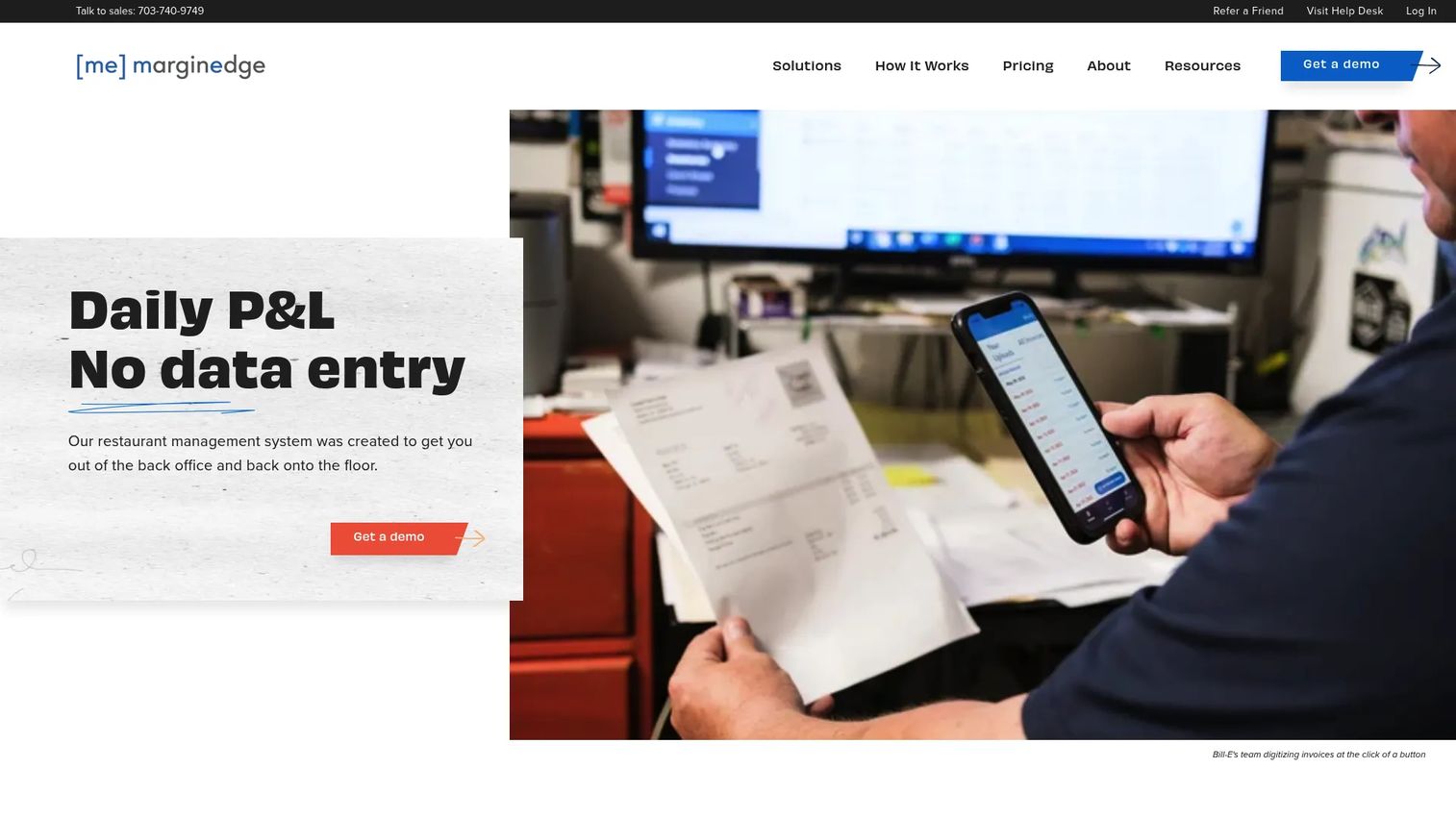
MarginEdge is restaurant management software built around back-office operations: invoice processing, inventory, pricing, and cost controls in one place. It reads your vendor invoices line by line, updates ingredient prices automatically, and ties that data straight into your recipes and food cost reporting. For operators who lose hours to manual invoice entry, that automation is the whole pitch.
Best for: Restaurants and bars that want an all-in-one cost-control platform with predictable, flat pricing.
Key strengths
- Paperless invoice processing with automatic price updates
- Inventory and recipe management with theoretical usage reporting
- Bar inventory through the Freepour add-on
- POS integrations and accounting integrations
- EDI integration and commissary support for multi-unit teams
Why choose MarginEdge: It excels when your biggest drain is manual back-office work. Invoices get digitized, prices flow into recipes, and variance shows up without you building a spreadsheet. The flat per-location model also means your software cost stays predictable as you scale, which matters when you're modeling unit economics.
MarginEdge pricing: Flat pricing at $350 per location per month. Bundling the Freepour bar module runs $500 per location per month. Annual billing is available at a 10% discount. No free tier.
2. Restaurant365
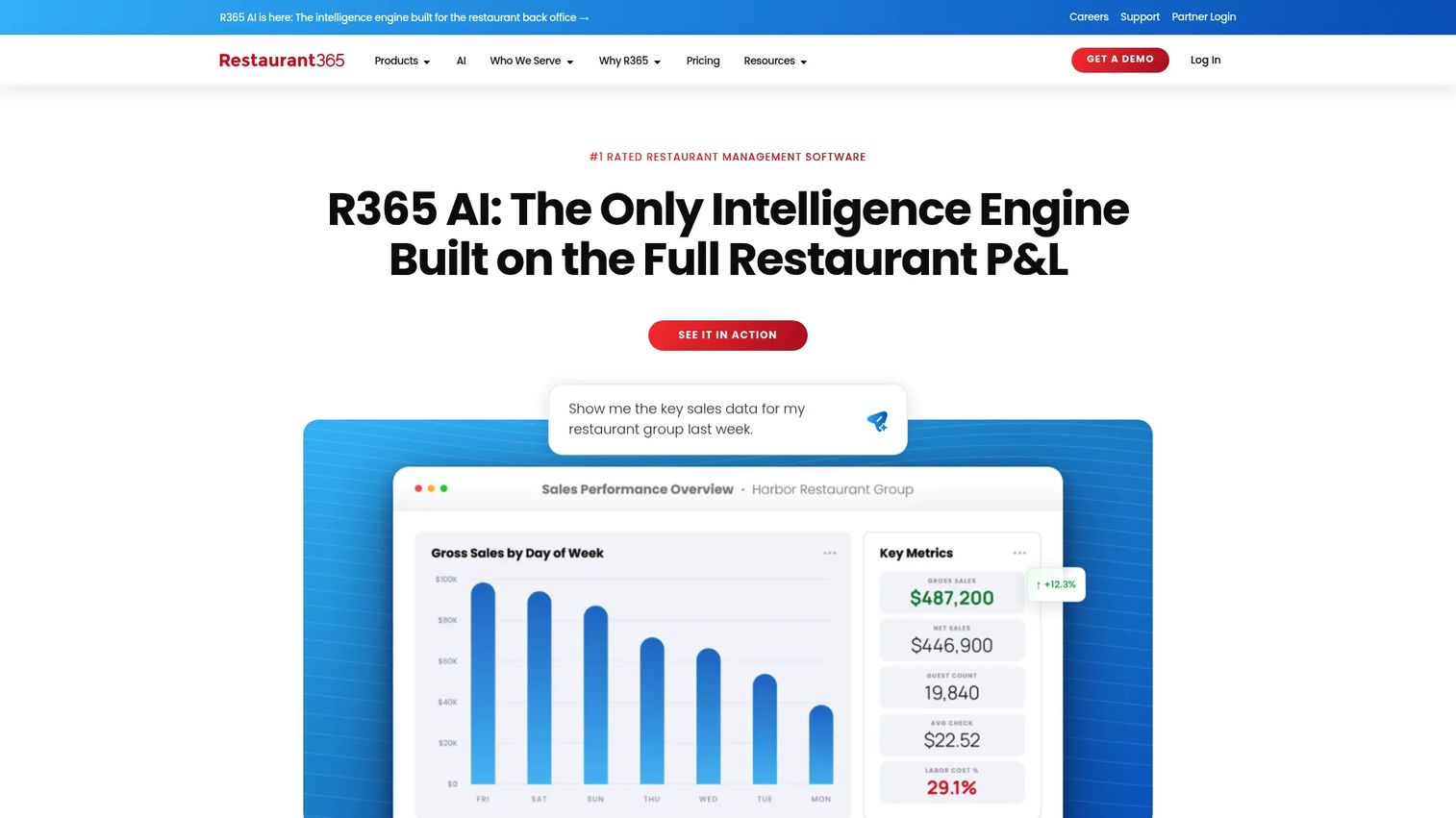
Restaurant365 combines restaurant-specific accounting, inventory, purchasing, and workforce management into one operating system. Inventory does not live as a standalone module here; it sits alongside AP automation, scheduling, and payroll. For multi-unit operators who want food cost and labor in the same platform, that consolidation is the draw.
Best for: Multi-location restaurants that want inventory inside a broader back-office system, not a point solution.
Key strengths
- Restaurant-specific accounting and AP automation
- Inventory and purchasing with food cost tracking
- Recipe-level costing tied to sales data
- Workforce management with scheduling and payroll
- POS and accounting integrations for multi-unit standardization
Why choose Restaurant365: It excels when you're tired of stitching together accounting, inventory, and labor from separate vendors. One system means one source of truth for margin, which is exactly what a founder wants before a board meeting. The tradeoff is scope: this is a full operating system, so it's more than a team that only needs counts and orders.
Restaurant365 pricing: The public Professional plan starts at $489 per location per month billed annually, or $539 billed quarterly. Accounting, store operations, and workforce add-ons cost extra. Custom quotes are available for larger groups.
3. Apicbase
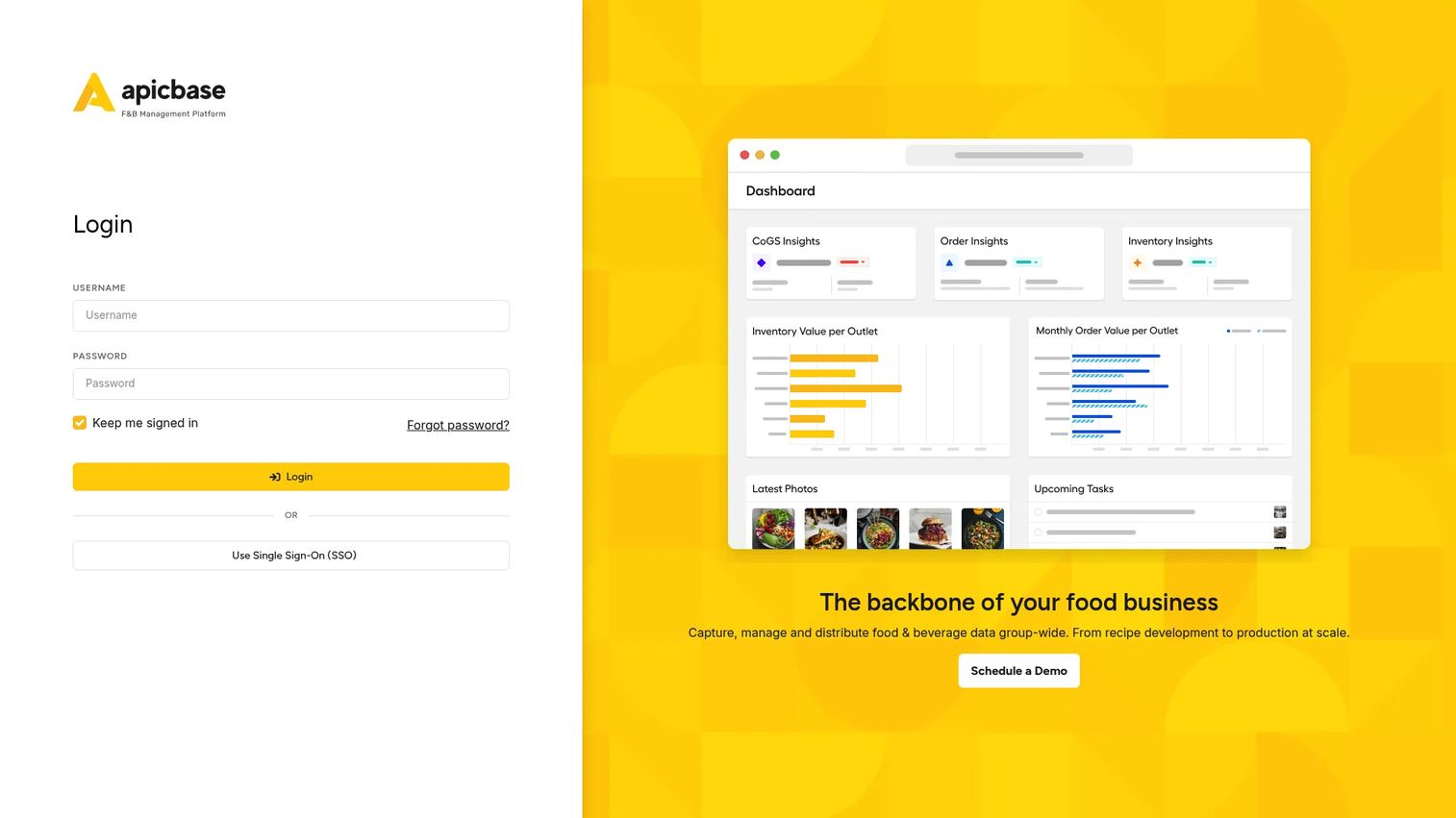
Apicbase is a back-of-house operating system built for multi-site foodservice operators who run structured kitchens. Its center of gravity is recipe and menu engineering: costings, allergens, nutrition, even carbon footprints. That depth makes it a strong recipe costing software choice for teams that treat the menu as a controlled, repeatable spec rather than a moving target.
Best for: Multi-site restaurants, hotels, and catering operators with structured back-of-house operations and heavy recipe control needs.
Key strengths
- Recipe and menu engineering with costings, allergens, and nutrition
- Procurement and inventory with order-to-par and barcode intake
- Production planning and BOM ordering for commissary workflows
- Sales analytics and demand forecasting
- Multi-location visibility across sites
Why choose Apicbase: It excels when your kitchens run on standardized recipes and you need every plate costed to the gram across multiple sites. Central production and commissary teams benefit most, since BOM ordering and production planning are first-class here rather than bolt-ons.
Apicbase pricing: Plans are Growth, Professional, and Enterprise, billed annually with monthly billing available for an additional 15%. Public numeric pricing is not listed; you contact the team for a quote based on outlet count.
4. Craftable
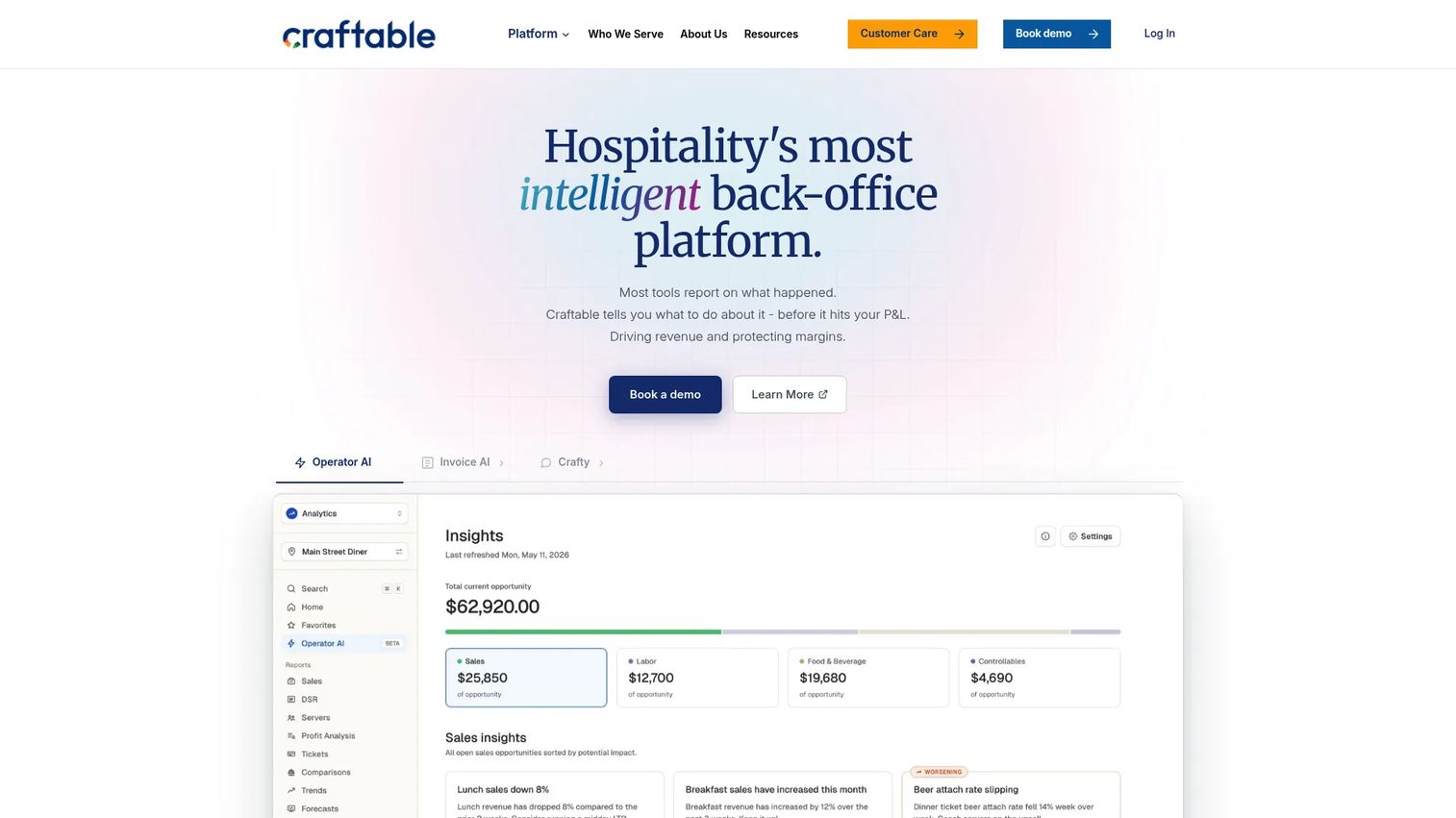
Craftable is back-office software for hospitality that unifies purchasing, inventory, AP automation, and reporting. Its standout is intelligent ordering with price discrepancy detection, which flags when a vendor charges more than the quoted price before that overcharge quietly erodes your margin. For kitchens that want tight control over what they buy and what they pay, that's a real workflow advantage.
Best for: Restaurants, hotels, and multi-location hospitality operators that need strong purchasing and vendor-cost control.
Key strengths
- Intelligent ordering with price discrepancy detection
- Inventory and recipe management with plate costing
- AP automation and financial reporting
- Vendor ordering with par-based reorder points
- Bar and beverage inventory support
Why choose Craftable: It excels when vendor pricing is your leak. Catching a $0.40 overcharge per case across hundreds of orders adds up fast, and Craftable surfaces those discrepancies automatically. It fits operators who want workflow control over purchasing without adopting a full accounting platform.
Craftable pricing: The self-serve Craftable plan starts at $250 per month. A higher Craftable + Director tier requires contacting sales. No free tier is offered.
5. Crunchtime
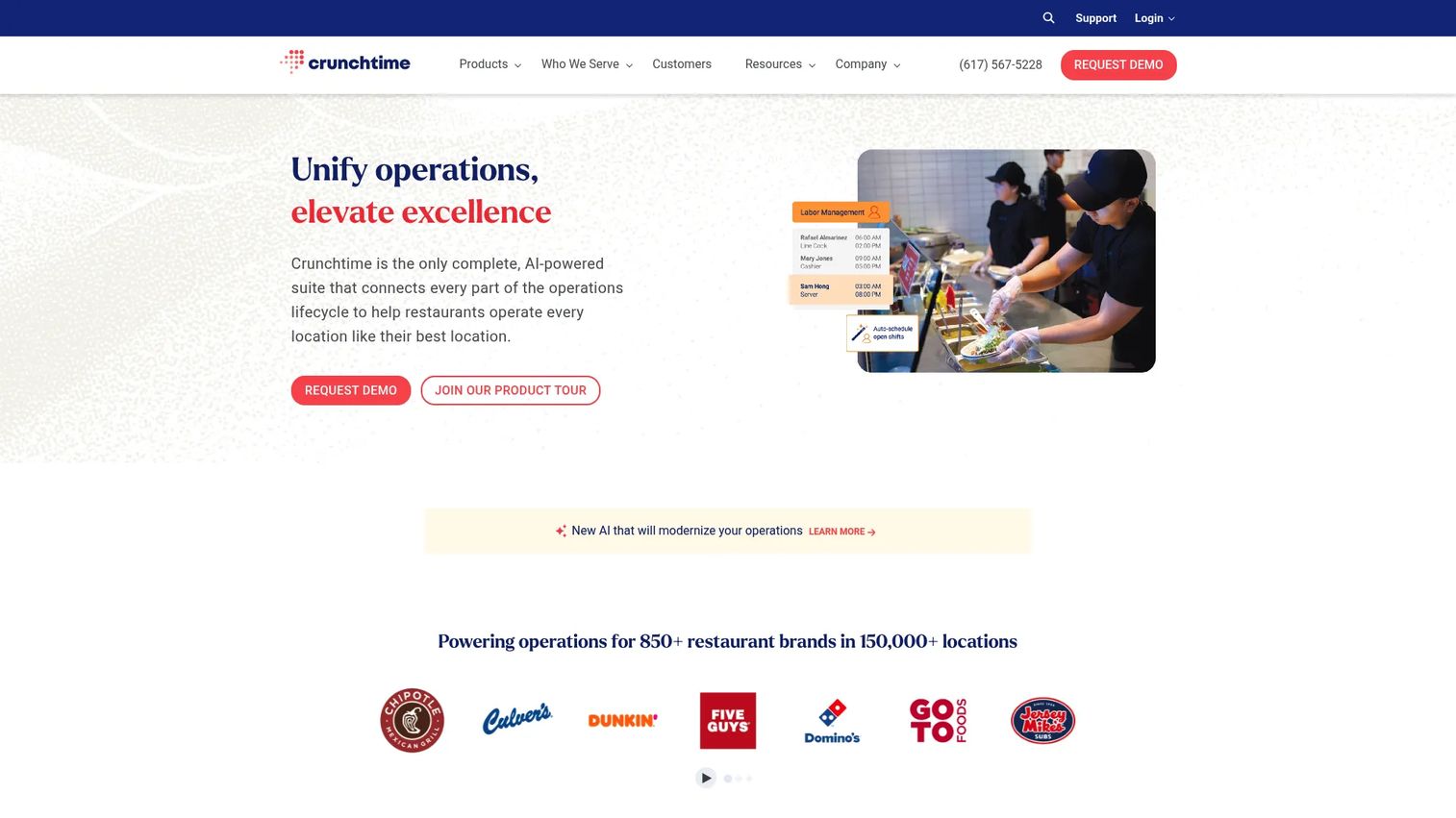
Crunchtime is restaurant operations management software built for multi-unit brands that need centralized control over inventory, labor, and operations execution. Its inventory module pairs automated sales forecasting with purchasing, counting, recipe management, and reconciliation. This is the tool for groups where a two-point food cost swing across 50 units is a serious number.
Best for: Multi-unit restaurant brands that need enterprise-grade operations, forecasting, and purchasing at scale.
Key strengths
- Inventory with automated sales forecasting and purchasing
- Counting, recipe management, and reconciliation
- Labor and scheduling with AI-powered forecasting
- Operations execution with tasks, audits, and alerts
- Enterprise-scale multi-location control
Why choose Crunchtime: It excels when scale is the challenge. Forecasting purchasing against sales, standardizing counts across dozens of units, and reconciling variance centrally are what larger groups need most. Smaller operators may find it more platform than they require, which is exactly why it sits mid-list for kitchen-first buyers.
Crunchtime pricing: Crunchtime uses sales-led pricing with no public numeric plans. You contact the team for a quote scoped to your unit count and requirements.
6. Yellow Dog
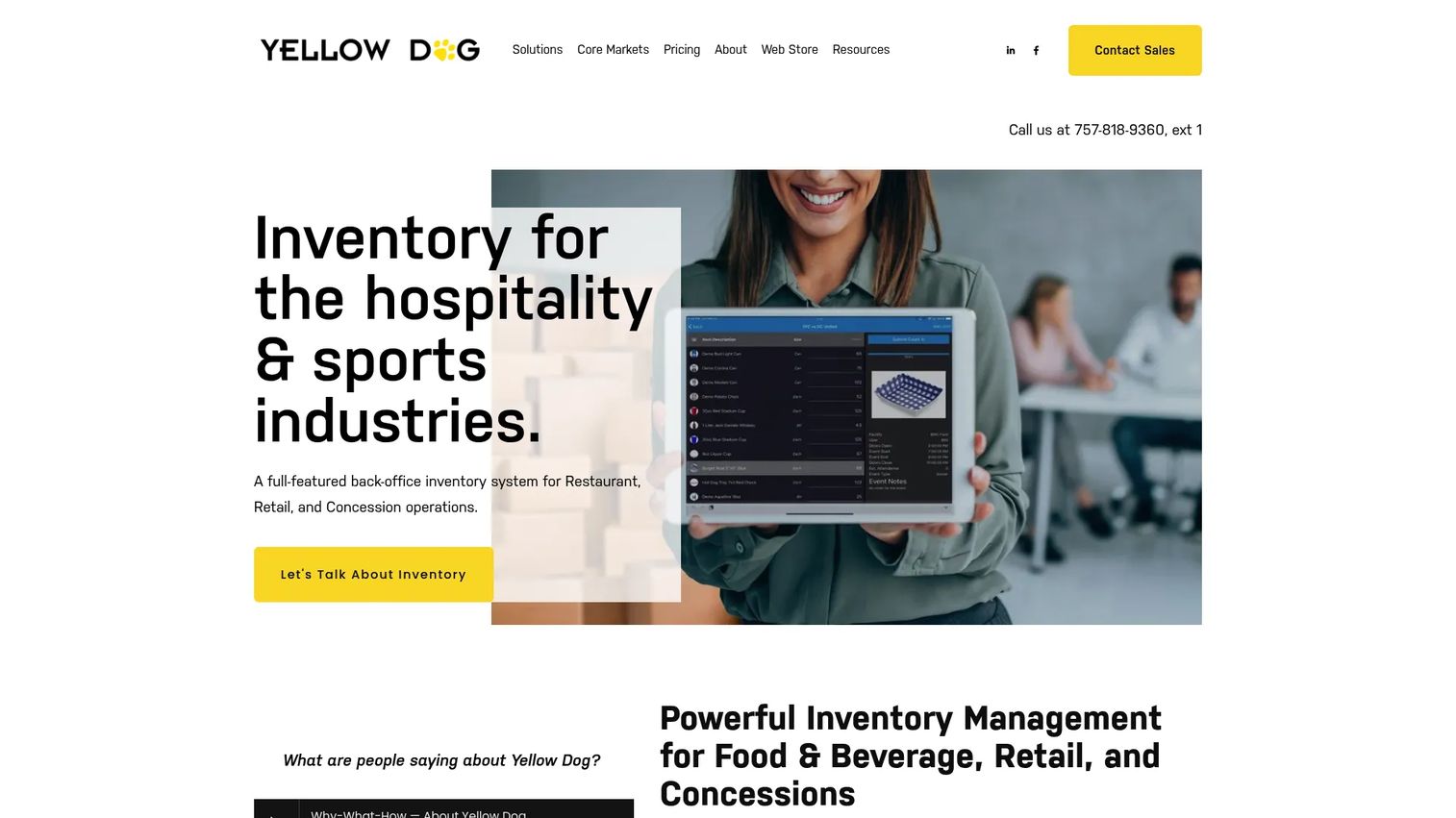
Yellow Dog is inventory management software for food and beverage, retail, and concessions operations. Its strength for kitchen teams is scan-first counting: mobile inventory apps and barcode scanning that make physical counts faster and less error-prone. For bar inventory management, where SKUs multiply and counts are tedious, that mobile counting workflow earns its keep.
Best for: Restaurants, bars, and concession operators that want scan-based inventory and strong beverage control.
Key strengths
- Mobile inventory apps for physical counting
- Barcode scanning for fast, accurate counts
- Bar and beverage inventory management
- Multi-location support across venues
- Integrations with POS, vendors, accounting, and e-commerce
Why choose Yellow Dog: It excels when counting is your bottleneck and beverage is a big share of your inventory value. Walking a bar with a scanner beats a clipboard every time, and the multi-location support handles concession and venue operations well. It fits hospitality-heavy teams that count often and count a lot of SKUs.
Yellow Dog pricing: A small-restaurant monthly plan is publicly listed at $295 per month on a two-year contract. Larger-business pricing varies by store, item count, and channel, and is sales-led. No free tier.
7. Orca
Orca positions itself as a streamlined restaurant inventory option for teams that want the basics done well without a heavy platform. The focus is on inventory, ordering, and recipe costing in a simpler package. For an operator who finds enterprise suites overbuilt, a leaner restaurant inventory software can be the more practical fit.
Best for: Single-unit and small-group operators who want core inventory, ordering, and costing without enterprise complexity.
Key strengths
- Inventory tracking with straightforward counts
- Vendor ordering and purchase management
- Recipe costing for plate-level margin
- Simplicity-first workflow and setup
- Practical fit for smaller operations
Why choose Orca: It excels when you want restaurant inventory basics handled cleanly and don't need accounting, payroll, or enterprise forecasting bolted on. The simpler the operation, the more a focused tool like this pays off, because there's less to configure and less to ignore.
Orca pricing: Public software subscription pricing is not listed on the site. Contact the team directly to scope a plan for your operation.
8. Restroworks
Restroworks is a cloud-based restaurant management platform spanning POS, inventory, kitchen display systems, analytics, and ordering. For chains that need chain-level consistency, having inventory sit inside the same platform as POS and kitchen production keeps data unified rather than scattered across vendors. That unification is the appeal for larger, standardized food service environments.
Best for: Multi-location restaurants and chains that want an enterprise-grade unified operations platform.
Key strengths
- Restaurant POS with integrated inventory
- Inventory management with purchase orders
- Kitchen display and production systems
- Analytics across operations
- Chain-level standardization and ordering workflows
Why choose Restroworks: It excels when you want POS, inventory, and kitchen production under one roof for consistency across many locations. Chains that struggle with disconnected systems benefit most from the unified data model. Single units will likely find it more platform than they need.
Restroworks pricing: Pricing is quote-based and depends on software requirements, terminal count, and hardware. Request an estimate from the team.
9. Sortly
Sortly is general inventory management software for tracking items, assets, and supplies, with a mobile-first, visual approach. It is the broadest and least kitchen-specialized tool on this list, which is exactly why it belongs here. If you run a small kitchen and want simple mobile inventory counting with photos and barcodes rather than recipe costing and variance, Sortly does that job well.
Best for: Small kitchens and businesses that want simple visual inventory tracking across mobile and web.
Key strengths
- Mobile app for on-the-floor counting
- Inventory photos for visual identification
- Barcode scanning and label printing
- Simple item and supply tracking
- Free tier for getting started
Why choose Sortly: It excels when you want lightweight inventory tracking software without restaurant-specific overhead. There's no recipe costing or theoretical usage here, so it fits kitchens that treat inventory as stock tracking rather than food cost engineering. The free tier makes it easy to test before committing.
Sortly pricing: A free plan is available at $0 per month. Paid plans are Advanced at $24 per month, Ultra at $74 per month, and Premium at $149 per month, with Enterprise on a custom quote. Paid plans include a 14-day free trial and yearly billing discounts.
Considerations
Before you commit, run every shortlisted tool through the same checklist. The right pick depends on your operation, not the longest feature list.
How well it handles recipe-level costing
If food cost control is the goal, plate-level costing is non-negotiable. Check whether the tool costs recipes to the ingredient, handles yields and unit conversions, and updates plate cost automatically when vendor prices change. Tools like Apicbase and MarginEdge lead here; lightweight trackers do not attempt it.
Whether it supports your ordering workflow
Look at how the tool handles vendor purchase orders, par levels, and reorder points. Does it detect price discrepancies on invoices? Can it place orders directly to your vendors? Craftable's discrepancy detection and MarginEdge's invoice automation solve different parts of the same purchasing problem.
Multi-location controls and standardization
If you run more than one kitchen, verify how the tool standardizes recipes, pars, and pricing across sites, and whether it supports internal transfers and commissary workflows. Multi-location inventory management is where Restaurant365, Crunchtime, and Restroworks separate from single-unit tools.
Mobile counting and barcode scanning
Counting speed determines whether your team actually counts on schedule. Confirm the mobile counting experience, barcode scanning support, and whether count sheets map to your storage areas. Yellow Dog and Sortly are built scan-first; others treat mobile as a companion to the web app.
Integrations with POS, accounting, and vendors
Your inventory data is only as good as its connections. Check POS integrations for sales-driven variance, accounting integrations for clean financials, and vendor EDI integration for automated ordering. A tool that reconciles counts against POS sales gives you real theoretical usage; one that doesn't leaves you guessing.
Conclusion
The best kitchen inventory software depends on what's actually breaking in your operation. If manual back-office work and food cost control are the pain, MarginEdge is the strongest all-in-one pick with predictable flat pricing. If you want inventory living inside accounting and labor, Restaurant365 consolidates the back office. For recipe-heavy, structured kitchens across sites, Apicbase leads on costing and production planning. Craftable wins on purchasing control, Crunchtime on enterprise forecasting, and Yellow Dog on bar inventory and mobile counting. Orca handles the basics cleanly for smaller teams, Restroworks unifies chain operations, and Sortly covers lightweight tracking with a free tier.
For a founder evaluating repeatability and margin control, the practical shortlist is MarginEdge, Restaurant365, and Apicbase: three tools that turn guessing into a system. Re-read the comparison table with your unit count, vendor mix, and recipe complexity in mind, then book demos with your top two fits before deciding. The goal is not more software. It is fewer surprises on the count sheet.
FAQs
There is no single best; it depends on your operation. MarginEdge is the strongest all-in-one for cost control and invoice automation, Restaurant365 fits multi-location back offices, and Apicbase leads on recipe costing. Match the tool to whether your priority is purchasing, accounting, recipes, or bar inventory.
Yes. By comparing theoretical usage (what your recipes should have consumed) against actual counts, the software quantifies waste, over-portioning, and spoilage you otherwise wouldn't see. Once that variance is visible, you can act on it. Most waste reduction comes from finally measuring the gap between expected and actual usage.
It's built for it. Multi-location inventory management standardizes recipes, par levels, and vendor pricing across sites so every unit runs on the same cost discipline. Tools like Restaurant365, Crunchtime, and Restroworks also handle internal transfers and commissary workflows, keeping product on the books as it moves between locations.
Prioritize recipe-level costing, variance and theoretical usage reporting, vendor ordering with reorder points, mobile counting, and POS and accounting integrations. The single most important feature is whether the tool reconciles counts against POS sales, because that connection is what produces real food cost numbers instead of estimates.
Most operators do a full count weekly, with high-value or high-theft items like proteins and liquor counted more often, sometimes daily. Consistency matters more than frequency. Counting on the same day and time each week gives you comparable variance data, which is what makes the numbers useful for decisions.
Yes, and that's usually the point of buying it. Spreadsheets break when multiple people edit them, units get entered wrong, and counts don't sync to sales. A dedicated restaurant inventory system standardizes counts, locks units, ties to POS data, and keeps one source of truth instead of a dozen tabs that drift out of date.
Inventory tracking tells you how much stock you have and what it's worth. Recipe costing tells you what each menu item costs to make, ingredient by ingredient. They connect: recipe costing uses live ingredient prices from your inventory, and inventory variance uses recipes to calculate theoretical usage. You want both, not one.
For bar inventory management, Yellow Dog stands out with barcode scanning and mobile counting built for high-SKU beverage programs. MarginEdge's Freepour add-on is a strong option if you want bar inventory inside the same platform as your food cost control. Both handle the tedious, high-value counting that beverage programs demand.