
A new rep starts Monday. The pitch deck lives in Google Drive. The competitive battlecards are in Notion. Three product videos sit in a Loom folder nobody remembers. The talk track is buried in a Slack thread from last quarter.
By Wednesday, that rep still cannot answer "what do I do next?"
Most enablement teams call this a content problem. It is not. It is a sequencing problem. You have the material. What you lack is a guided order that turns scattered assets into a path a rep completes, retains, and actually uses on a call.
That gap is expensive. The global education software market reaches USD 30.67B in 2026, according to Mordor Intelligence, and the LMS and LXP tools segment alone hits USD 29.42B, per Business Research Insights. Buyers are spending because unstructured training does not stick. Learning path software fixes the order, not just the storage.
This guide breaks down eight tools that turn content chaos into structured progression, from public developer roadmaps to enterprise training platforms with assessments and certification tracks.
What's inside
This guide is for teams building onboarding paths, certification tracks, skill progression, and reusable training journeys. That includes enablement managers, L&D teams, and anyone who owns readiness for a growing team.
We evaluated each tool against four criteria that matter when you move past a content library:
- Structured progression: sequencing modules into a guided order, not a flat catalog
- Assessment and tracking: quizzes, skill checks, and progress tracking by learner or cohort
- Content organization and governance: versioning, ownership, and update handling
- Integrations and maintainability: how the tool fits your stack and how easy it is to keep current
The list spans public learning hubs, enterprise training platforms, and pathway software relevant to any team that cares about measurable adoption.
TL;DR
- Best for broad role and skill roadmaps: roadmap.sh, with community-built developer paths and progress tracking
- Best for enterprise learning progression and certification: Pluralsight, with labs, assessments, and role IQ scoring
- Best for curated developer collections: Google Learning Pathways, with sequential codelabs and quizzes
- Best for verticalized technical learning: Arm Learning Paths, organized by subject, OS, and skill level
- Best for AI-assisted custom path creation: LearnPath, turning free video into structured study paths
- Best for course-led learner journeys: Teachable, with productized courses and path bundling
- Best for compliance-heavy learning journeys: Skillcast, with governed, auditable training tracks
- Best for employee pathways at scale: Thrive Learning, with skills, pathways, and analytics in one hub
What is learning path software
Learning path software is a platform that organizes modules, courses, assessments, and supporting resources into a guided sequence, so learners progress from foundational knowledge to advanced competency in a defined order.
The difference between a learning path platform and a plain content library is direction. A library stores assets. A learning path tells the learner what comes first, what comes next, and what proves they are ready to move on.
Common capabilities include:
- Path sequencing: ordering modules into a defined progression
- Role or skill-based organization: structuring learning paths by job, seniority, or competency
- Progress tracking: monitoring completion by learner, role, or cohort
- Assessments and quizzes: validating knowledge with skill assessments and checks
- Certification support: issuing and tracking certification paths and credentials
- Content governance: versioning, ownership, and update handling
- Analytics: reporting on engagement, completion, and skill gaps
For enablement teams, the value is not "more courses." It is turning readiness into something you can sequence, measure, and defend to leadership.
When to use learning path software
Onboard new hires faster
Onboarding paths standardize the first 30, 60, and 90 days so every rep ramps the same way. Instead of a manager improvising each hire's plan, you build one structured path with milestones, certification checks, and manager visibility into who completed what. That consistency is what shortens time-to-first-meeting and time-to-first-opp across cohorts.
Roll out new messaging or product updates
When product marketing ships new positioning, the assets scatter fast: a new deck, a fresh battlecard, an updated demo. Learning path software packages that launch into one training track instead of a dozen links. Centralized updates and versioning mean you fix the path once and every learner sees the current version, not last quarter's.
Build role-based certification programs
SDR, AE, manager, and partner readiness each need different milestones. Certification paths let you define those milestones, add completion checks, and prove skill progression with real data. You get measurable completion by role, not a vague sense that "training happened."
Comparison table
Some tools on this list are lightweight learning hubs built for self-directed discovery. Others are full learning platforms with assessments, certification, and analytics. The table below sorts them by fit so you can match the tool to your progression and governance needs.
| # | Product | Best for | Key differentiator | Pricing | G2 rating |
|---|---|---|---|---|---|
| 1 | roadmap.sh | Public roadmap discovery | Community-built role and skill roadmaps | Free; Team $10/seat/mo | Not listed |
| 2 | Pluralsight | Enterprise skill development | Labs, assessments, and role IQ scoring | From $29/mo | 4.6/5 |
| 3 | Google Learning Pathways | Curated developer collections | Sequential codelabs, quizzes, and videos | Free | Not listed |
| 4 | Arm Learning Paths | Developer-focused vertical learning | Paths by subject, OS, and skill level | Free | Not listed |
| 5 | LearnPath | AI-generated personalized paths | Turns free video into structured paths | Free; Pro $8.99/mo | Not listed |
| 6 | Teachable | Course-led path delivery | Productized courses and path bundling | Paid plans; see pricing | Not listed |
| 7 | Skillcast | Compliance and structured internal learning | Governed, auditable compliance tracks | Custom | Not listed |
| 8 | Thrive Learning | Employee pathways and assessments | Skills, pathways, and analytics in one hub | From $27,000 GBP | 4.5/5 |
Best learning path software for 2026
1. roadmap.sh
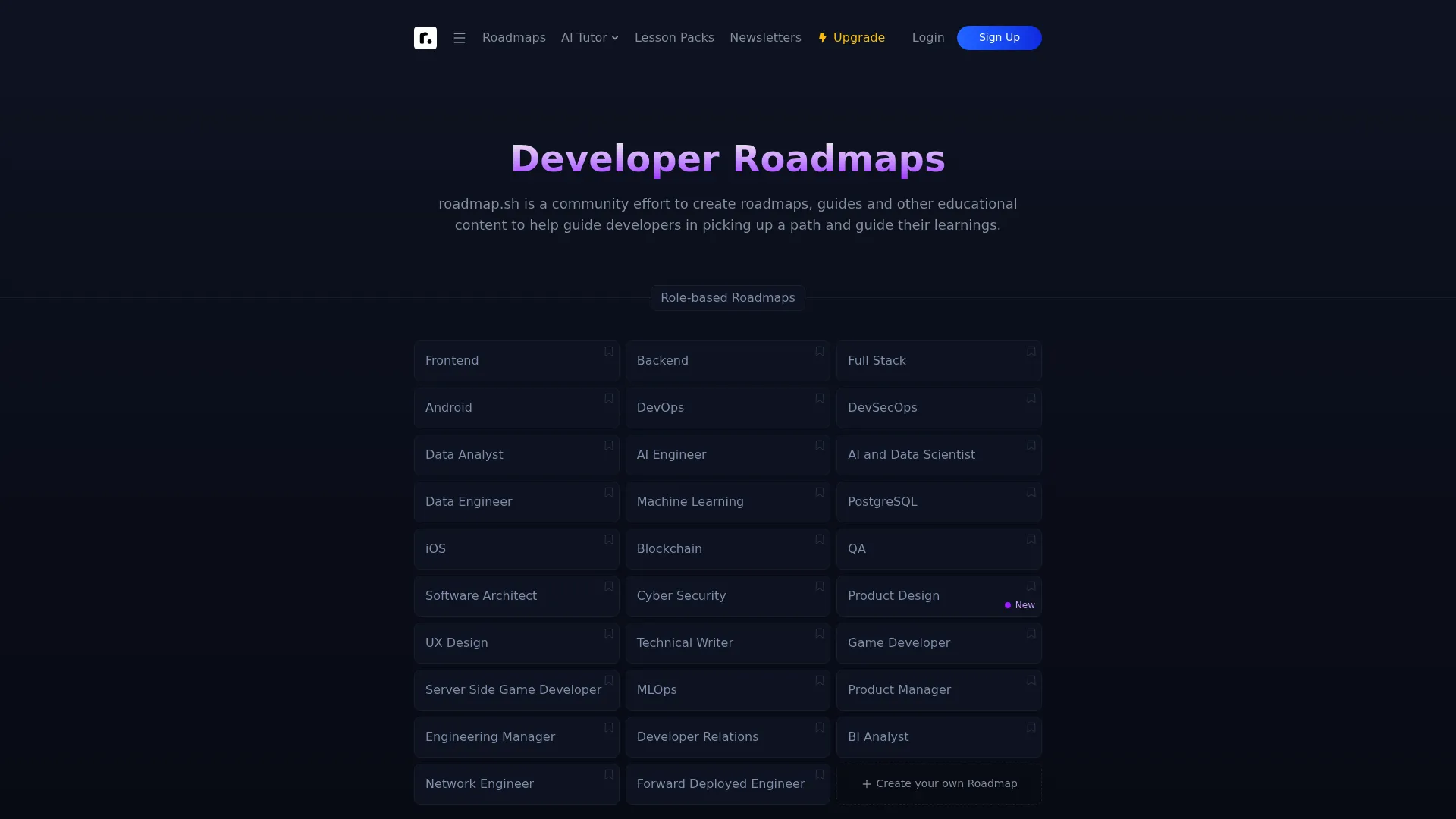
roadmap.sh is a community-built directory of developer roadmaps, guides, and learning paths. It organizes learning around role-based and skill-based roadmaps, so a self-directed learner can see the full arc of a skill and track progress against it. The breadth of taxonomies is the draw: you browse a role, follow the path, and mark steps complete as you go.
Best for: Developers and teams looking for structured learning roadmaps and skill-growth planning.
Key strengths
- Role-based roadmaps for common developer tracks
- Skill-based roadmaps for targeted growth
- Progress tracking on any roadmap
- Custom roadmaps for team-specific paths
- Community updates keep taxonomies current
Why choose roadmap.sh: It works best for self-directed discovery and structured browsing. If your team wants a shared reference for what "good" looks like at each skill level, the roadmap model gives you that map without heavy setup. Teams that need built-in assessments or certification tracking will pair it with a platform that adds those layers.
roadmap.sh pricing: Free plan available. A Pro plan is offered, and the Team plan is $10 per seat per month, billed annually with a three-seat minimum.
2. Pluralsight
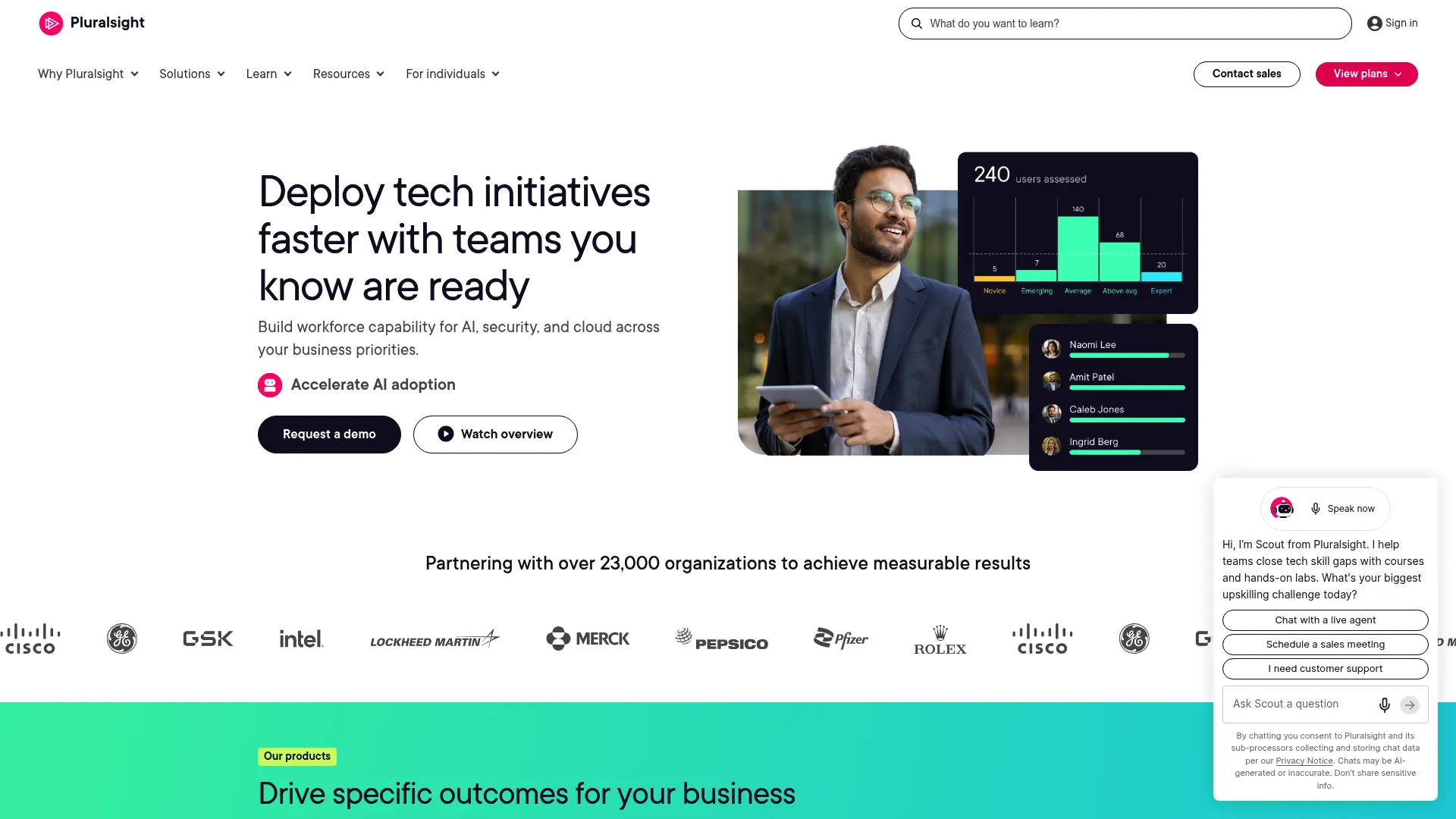
Pluralsight is a technology skills development platform built around learning paths, hands-on labs, assessments, and certification prep. Its Skill IQ and Role IQ assessments measure where a learner stands before and after a path, which is what makes progression measurable rather than assumed. The AI-powered personalized learning path market reaches USD 6B in 2026, per Research and Markets, and Pluralsight's assessment-driven model sits squarely in that shift.
Best for: Teams or individuals upskilling in software, cloud, security, data, and IT.
Key strengths
- Expert-led video courses across tech domains
- Hands-on labs and sandboxes for applied practice
- Skill IQ and Role IQ assessments
- Iris AI learning assistant
- Learning paths and certification prep
Why choose Pluralsight: It fits teams that need measurable skill progression and enterprise credibility. The combination of assessments, labs, and structured learning paths means you can prove competency, not just completion. That matters when leadership asks whether training actually changed capability.
Pluralsight pricing: Individual plans start at $29 per month for Security+, with a Complete plan at $299 per month billed yearly. Business plans include Teams at $399 per month per user billed annually, and Enterprise via sales.
3. Google Learning Pathways
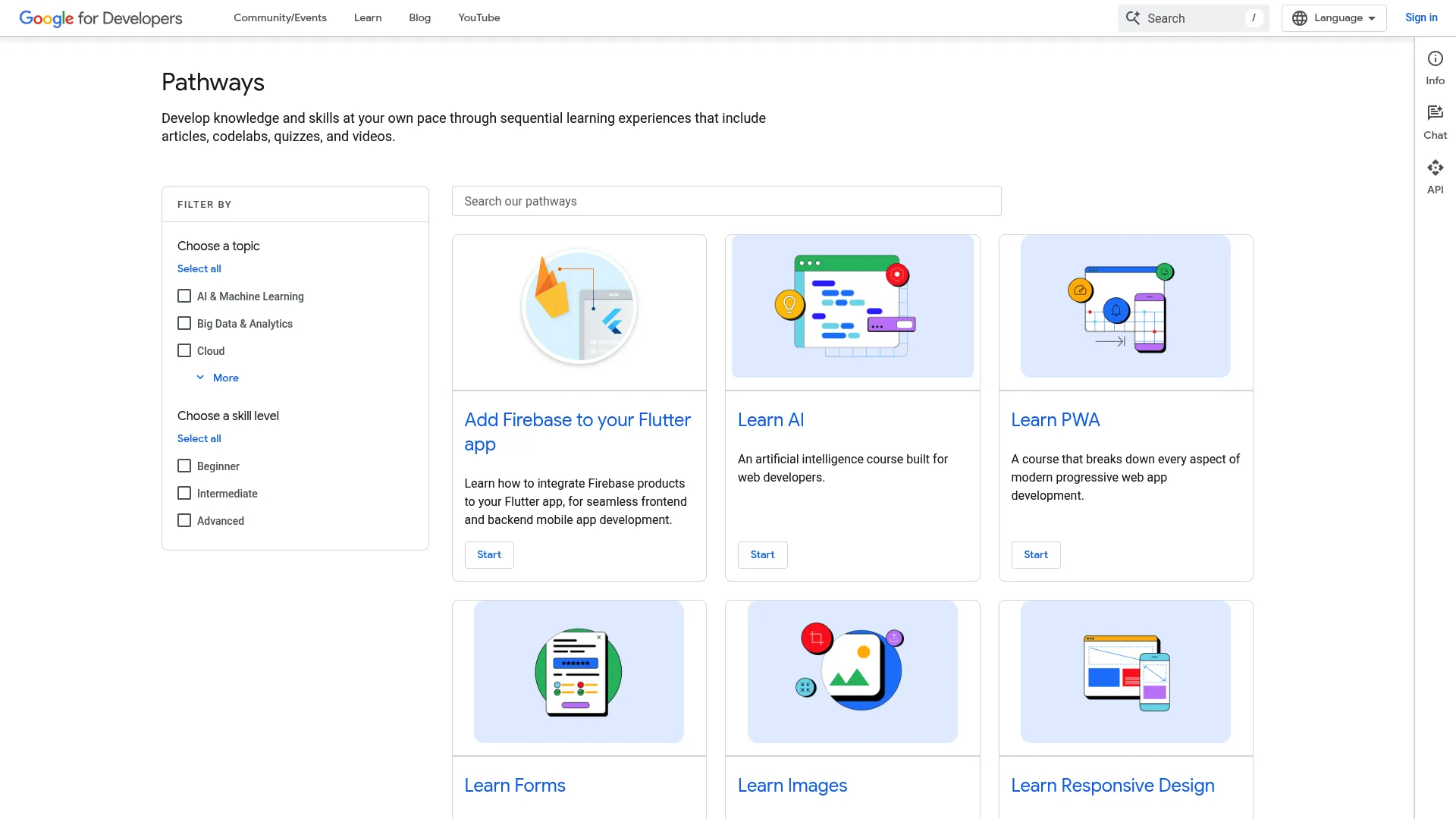
Google Learning Pathways is the Google for Developers learning hub, offering sequential tracks built from articles, codelabs, quizzes, and videos. Each pathway is a curated collection that moves the learner through a topic in a set order, with quizzes checking understanding along the way. You browse or search pathways by topic and work through them at your own pace.
Best for: Developers looking for self-paced Google-authored learning paths.
Key strengths
- Sequential learning experiences by topic
- Mixed formats: articles, codelabs, quizzes, videos
- Browse and search pathways by subject
- Google-authored, authoritative content
- Clean knowledge organization model
Why choose Google Learning Pathways: It works well as a clean, well-organized learning hub for developer skills. The posture is educational rather than commercial, so there is no seat management or admin layer. Teams that want to point developers at trusted, structured content will find it a strong free resource.
Google Learning Pathways pricing: Free to access, with no public paid tiers listed on the product page.
4. Arm Learning Paths
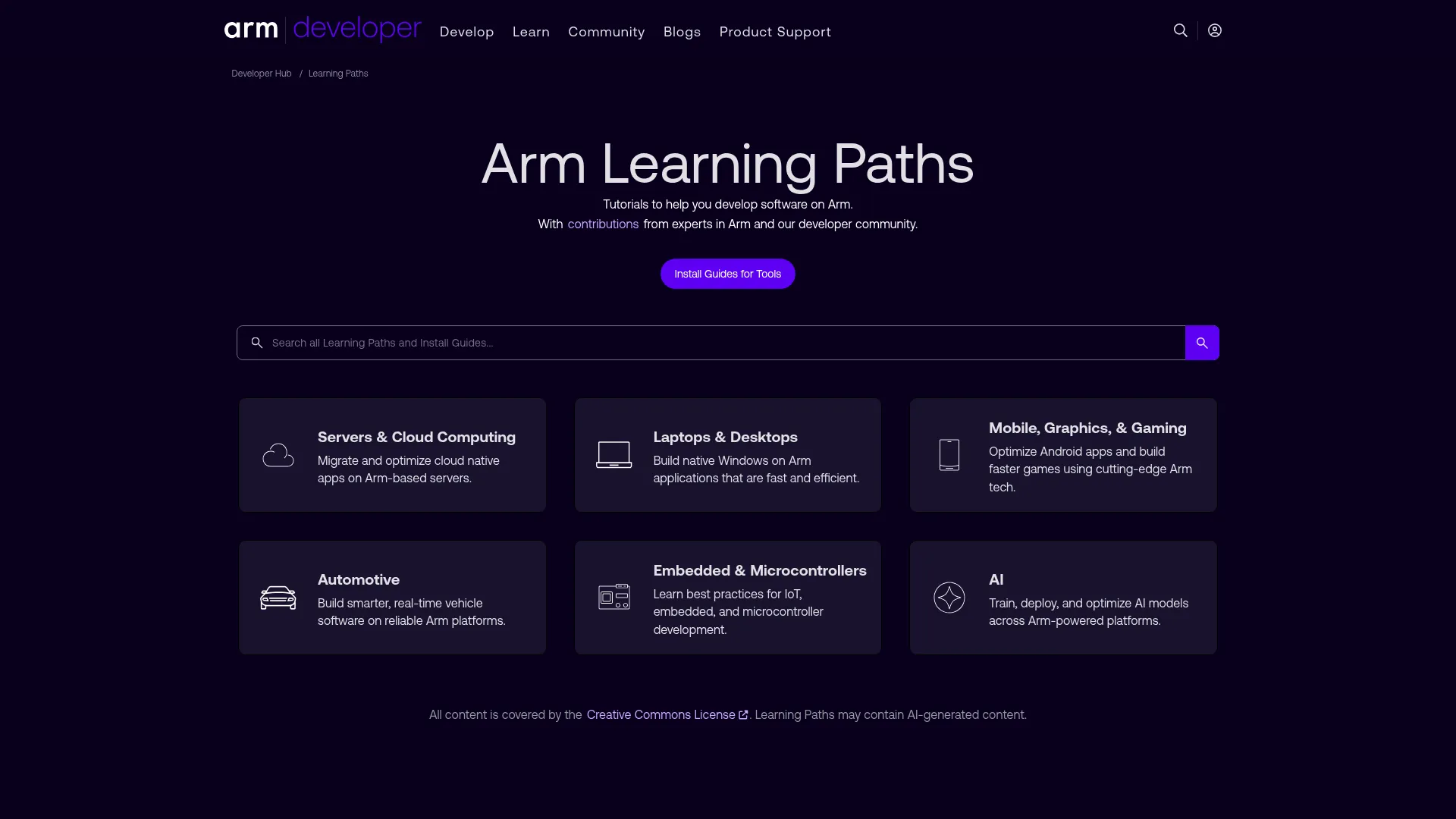
Arm Learning Paths is a free developer tutorial hub with community-created learning paths for software development on Arm technology. Paths are organized by subject area, operating system, skill level, and tools, spanning servers and cloud, mobile and gaming, embedded, cross-platform, laptops and desktops, and automotive. The browseable hub structure makes it easy to find a domain-specific journey and follow it end to end.
Best for: Developers learning or teaching Arm software development topics.
Key strengths
- Paths organized by subject, OS, skill level, and tools
- Coverage across servers, mobile, embedded, and automotive
- Community-created how-to content
- No sales positioning, purely educational
- Clear category navigation
Why choose Arm Learning Paths: It works for highly technical, domain-specific learning journeys where the audience is developers building on Arm. The expert and community curation keeps content practical. Teams outside that ecosystem will treat it as a niche reference rather than a core platform.
Arm Learning Paths pricing: Free to access, with no public pricing listed.
5. LearnPath
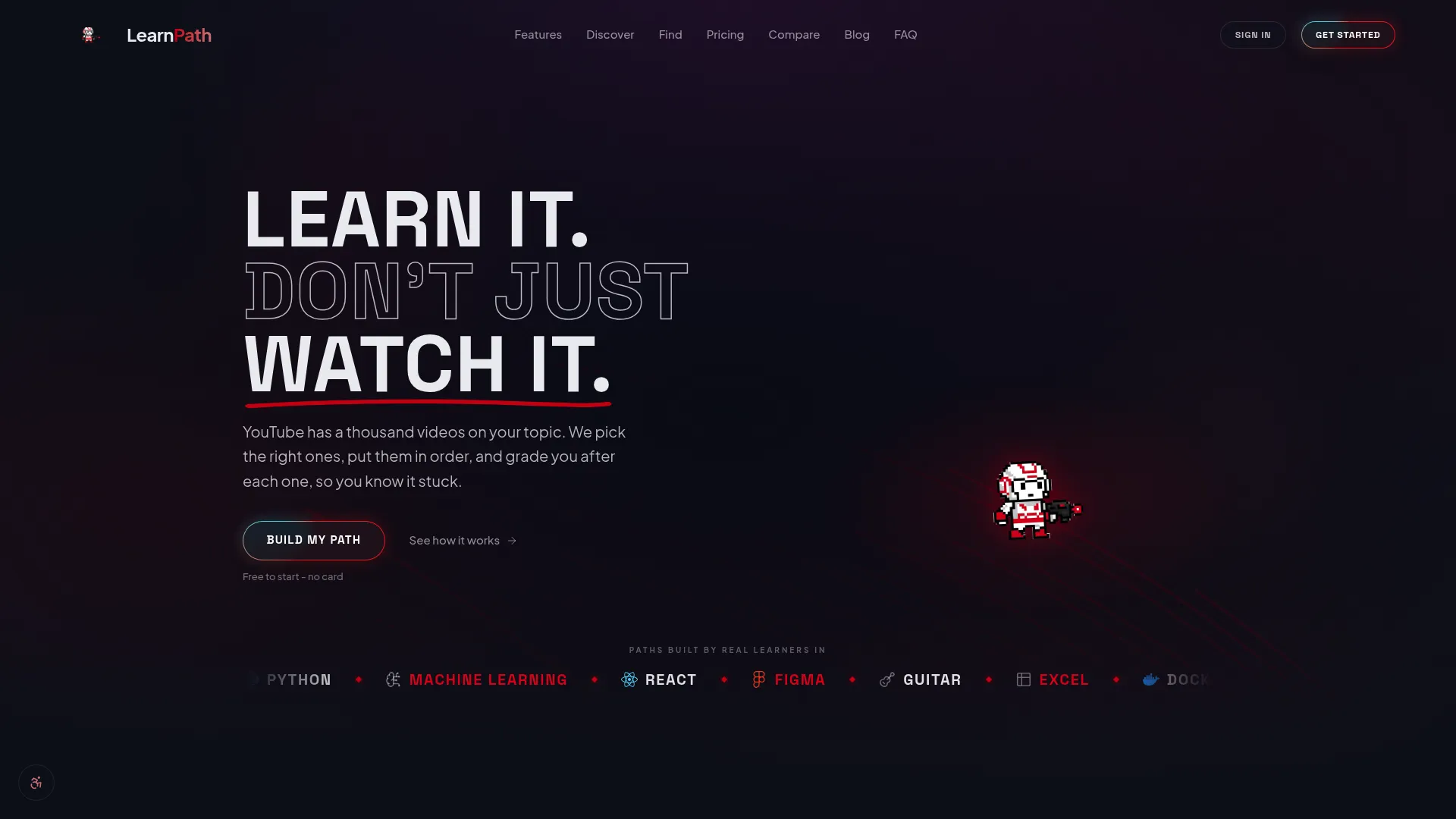
LearnPath is an AI-powered platform that turns free YouTube content into structured learning paths. You set a goal, and the AI curates a sequence of video content into a guided, step-by-step progression with exercises and adaptive branching. It appeals to teams and self-directed learners who want personalized learning paths generated quickly rather than built by hand.
Best for: Self-directed learners who want structured study paths built from free online video content.
Key strengths
- AI-curated learning paths from YouTube
- Six exercise types with adaptive branching
- Certificates and analytics
- Spaced repetition for retention
- Fast path generation from a goal
Why choose LearnPath: It fits teams that want personalization and faster path creation without a production cycle. The adaptive branching adjusts the journey based on how a learner performs. It functions more as an adaptive learning utility than a broad enterprise suite, so it complements rather than replaces a full training platform.
LearnPath pricing: Free plan available. The Pro plan is $8.99 per month, billed annually at $107.88 per year.
6. Teachable
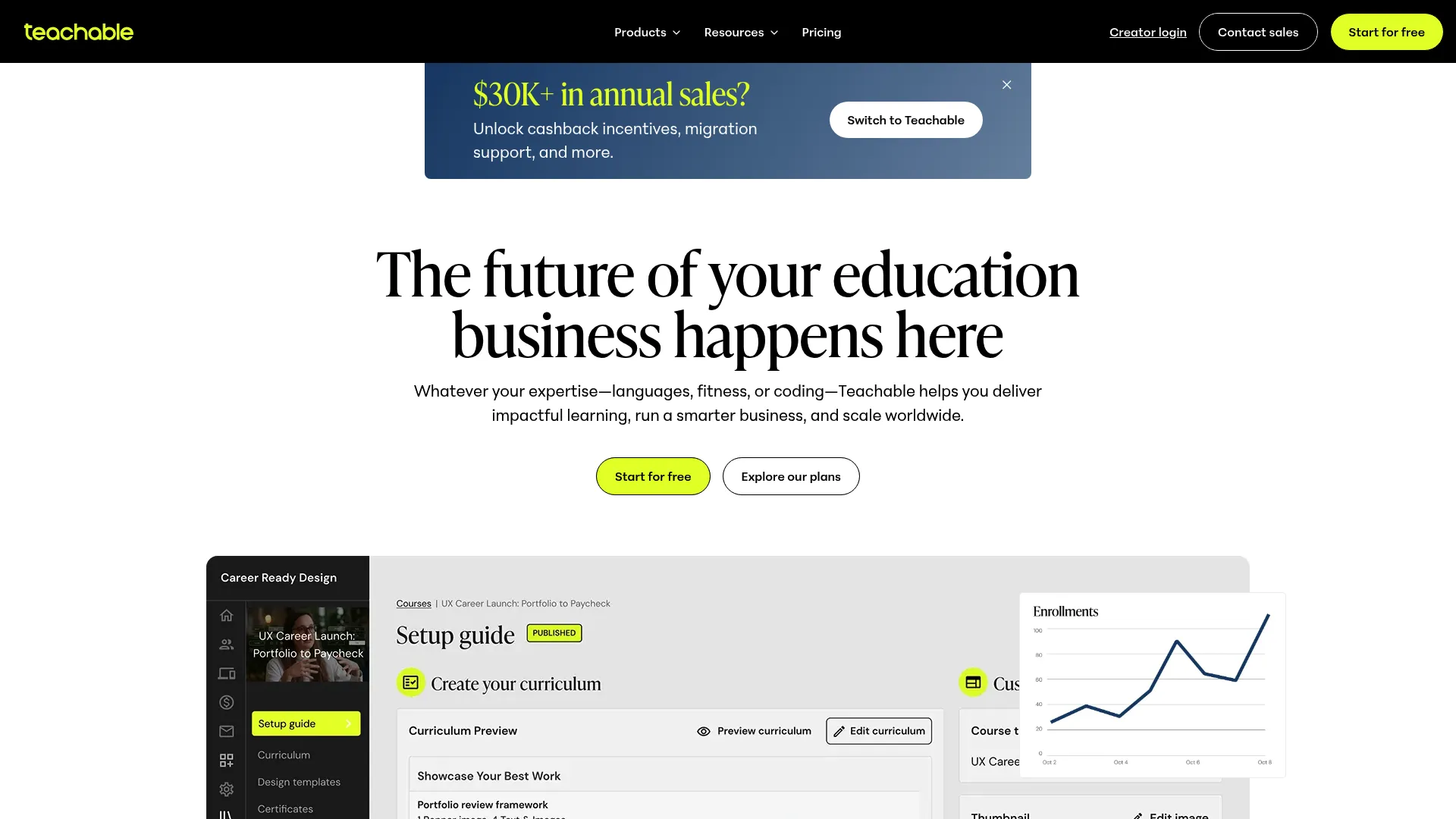
Teachable is a course creation platform that supports learning paths through productized courses and path bundling. It suits teams that package training as a structured learner or customer journey, where each course is a step and the bundle is the path. The creator-oriented model makes it straightforward to build, sell, or distribute a sequenced set of courses.
Best for: Teams packaging training as a structured customer or learner journey.
Key strengths
- Course creation and hosting
- Path bundling across multiple courses
- Learner enrollment and access management
- Payment and distribution built in
- Certificates on completion
Why choose Teachable: It fits teams that think in courses and want to bundle them into a coherent journey. If your training doubles as a customer-facing or monetized program, the productized model is a natural fit. Teams focused purely on internal enablement with deep governance needs will weigh it against dedicated LMS platforms.
Teachable pricing: Paid plans are offered across tiers, with details on the Teachable pricing page. Check current plans directly for the tier that matches your course volume.
7. Skillcast
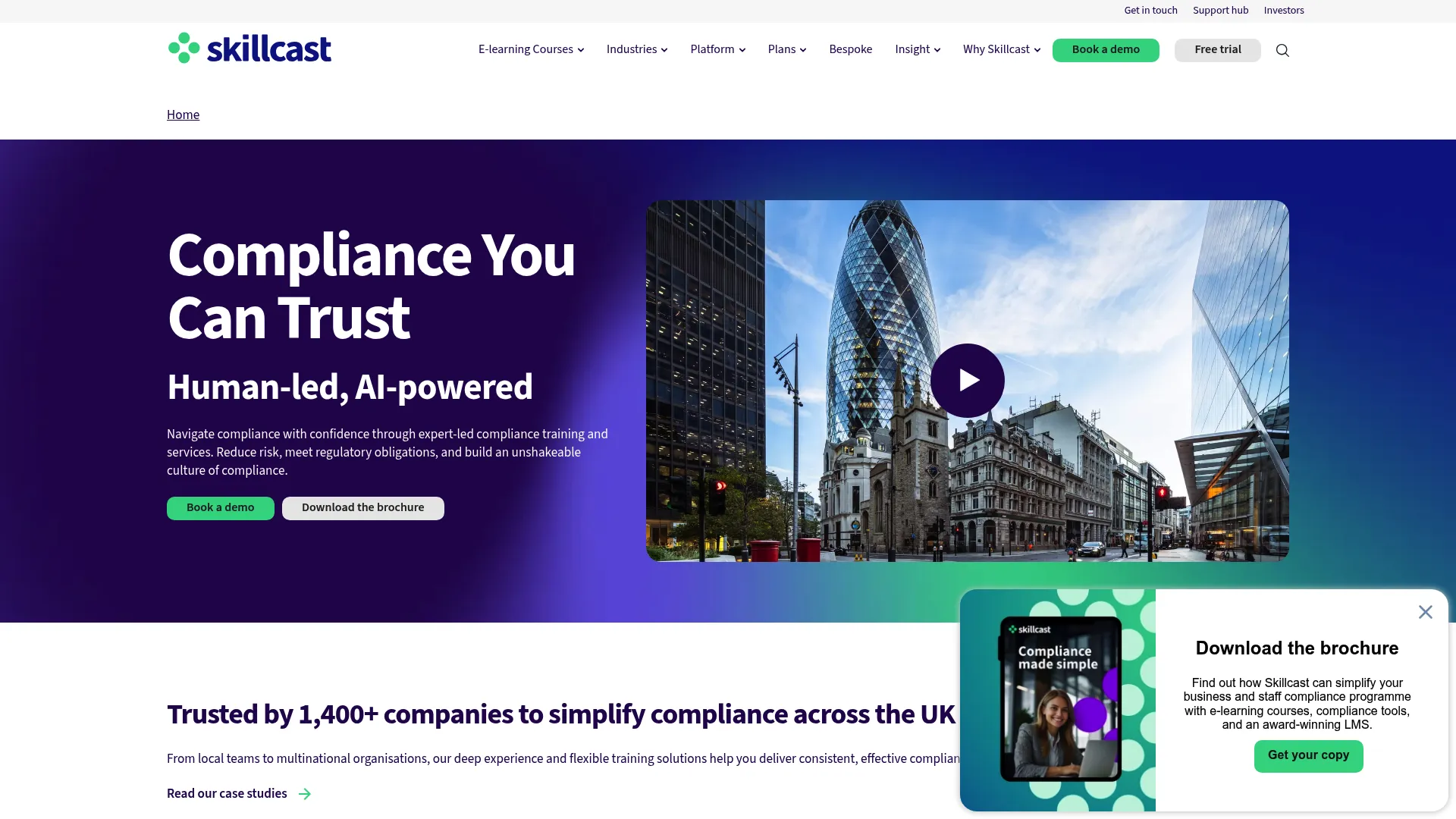
Skillcast is a compliance training and management platform built for workplace learning and reporting. Its learning paths chain modules and activities into governed, auditable progression, which is exactly what compliance-heavy teams need. A centralized portal handles learning materials, assignments, and approvals, backed by course libraries, LMS delivery, and reporting.
Best for: Organizations needing managed compliance training and reporting.
Key strengths
- Centralized compliance portal with assignments and approvals
- Compliance course libraries plus LMS delivery
- Third-party course hosting
- AI Digital Assistant (Aida)
- Analytics and audit-ready reporting
Why choose Skillcast: It is strong for governed internal training journeys where auditability matters as much as completion. The structured, trackable progression makes it a fit for regulated environments. Teams whose training is less compliance-driven may find the model heavier than they need, but that same rigor is the point for compliance owners.
Skillcast pricing: Skillcast lists Standard, Enhanced, and Premium plans. Pricing is tailored and scales with user numbers, so contact Skillcast for a quote.
8. Thrive Learning
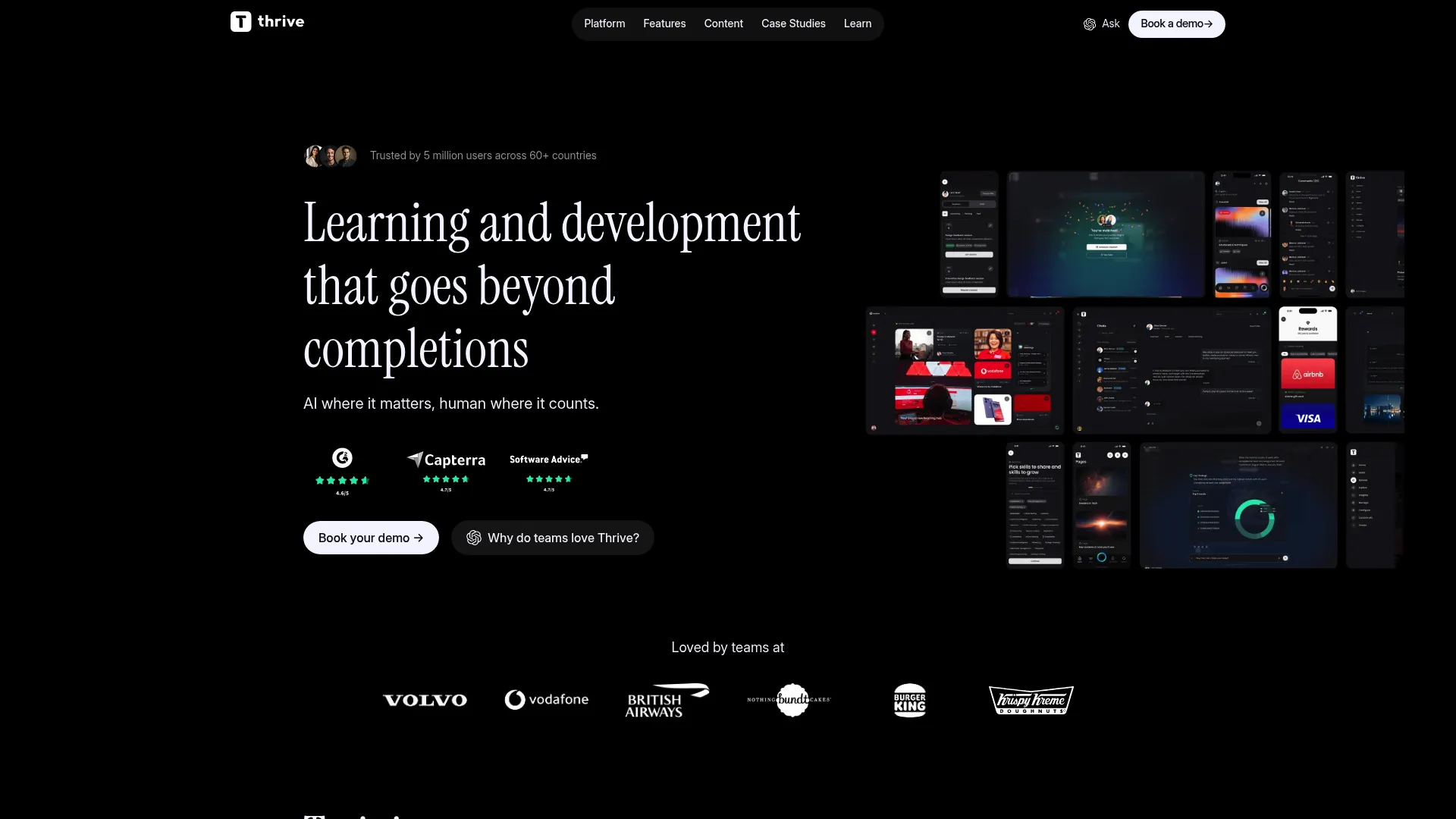
Thrive Learning is an AI-powered learning management and experience platform covering employee learning, skills, knowledge, and communication. Its skills and pathways module structures progression, while assessments and analytics measure it. For larger organizations building repeatable learning programs, the all-in-one hub keeps content, pathways, and reporting in one place.
Best for: Mid-market and enterprise teams wanting an all-in-one learning, knowledge, and communication platform.
Key strengths
- Learning hub with skills and pathways
- Mentoring and social learning spaces
- AI content creator and Kiki AI agent
- Analytics and mobile LMS
- SSO for enterprise access
Why choose Thrive Learning: It suits larger organizations that need structured progression plus content organization in one platform. The breadth across learning, knowledge, and communication reduces tool sprawl. Ongoing maintenance sits with an admin owner, which is worth planning for when you build multiple pathways across teams.
Thrive Learning pricing: Public pricing lists Thrive Content at $27,000 GBP and a Thrive Go offer at $77,900, with no hidden fees stated on the pricing page. There is no free tier.
Considerations
Before you commit to a platform, run your shortlist through these five criteria. They separate a tool that stores training from one that actually drives structured learning paths and measurable adoption.
Path structure and flexibility
Check whether the platform supports linear paths, branching, or modular sequencing. Some teams need a strict order; others need optional modules alongside mandatory ones. Confirm the tool can mark steps as required versus optional, so your path reflects how the role actually ramps.
Progress tracking and analytics
Look at what progress data the tool exposes and who can see it. Can a manager track completion by cohort, role, or segment? Enablement reporting lives or dies on this. If you cannot pull completion by role, you cannot tie training to ramp time or win rate.
Content governance and maintenance
Training changes constantly, so version control and ownership matter. Ask how the platform handles updates, expiration, and content ownership. A path that shows last quarter's messaging is worse than no path. The best tools let you fix once and propagate everywhere.
Integrations and workflow fit
Check CRM, LMS, knowledge base, SSO, and analytics integrations. In-workflow delivery drives adoption, and clean data drives reporting. If the tool cannot connect to where reps already work, completion rates suffer and your analytics stay siloed.
Scaling across teams
Confirm the platform supports multiple cohorts, role-based paths, and regional or segment-specific training. As you scale, admin load becomes real. Ask how easy it is to duplicate, adapt, and maintain paths across teams without rebuilding each one from scratch.
Conclusion
The right pick depends on what you are trying to sequence. For public developer roadmaps and self-directed browsing, roadmap.sh, Google Learning Pathways, and Arm Learning Paths give you strong, free discovery hubs. For tracked progression, assessments, and certification, Pluralsight and Thrive Learning bring the analytics and governance enterprise teams need. LearnPath adds AI-generated personalization, Teachable packages training as productized courses, and Skillcast owns compliance-heavy tracks.
Roadmap-style hubs are best for discovery. Enterprise platforms are best for measurable progression and certification.
A practical next step: if your stack is fragmented, pick one platform for onboarding paths and one for certification paths rather than forcing a single tool to do both. Start with the use case that costs you the most today, whether that is slow ramp or inconsistent messaging, and choose the platform that measures it best. Then expand once you can prove the path changed the number.
FAQs
An LMS stores and delivers courses; a learning path defines the order a learner moves through them. Most modern LMS platforms include learning path features, but a learning path is the sequencing layer, not the storage layer. You can have an LMS without structured paths, but you cannot build effective paths without somewhere to host the content.
Look for path sequencing, role or skill-based organization, progress tracking, assessments, certification support, content governance, and analytics. The sequencing and assessment layers are what separate a real learning path platform from a flat content catalog. Governance and analytics are what keep it maintainable and measurable over time.
Yes. Most learning path platforms track completion by learner, role, and cohort, and many issue and track certification paths and credentials. Pluralsight and Thrive Learning, for example, tie assessments to completion so you measure competency, not just clicks. Check whether the tool exposes completion by segment, since that is what enablement reporting depends on.
Very. Enablement teams use onboarding paths to standardize ramp, certification paths to prove readiness, and launch tracks to roll out new messaging consistently. The core promise, turning scattered assets into a guided sequence reps complete and retain, maps directly to faster ramp and more consistent execution. Progress tracking by cohort lets you tie completion to ramp time and conversion.
For technical onboarding, Pluralsight offers assessments and labs that prove skill gain. For broader employee onboarding paths at scale, Thrive Learning combines pathways, skills, and analytics in one hub. The right choice depends on whether you need deep skill assessment or an all-in-one platform that also handles knowledge and communication.
Start with completion rate and time-to-completion by cohort, then connect those to downstream outcomes. For enablement, that means ramp time, time-to-first-opp, and stage conversion. Skill assessments before and after a path show whether competency actually improved. A path with high completion but no behavior change is a signal to redesign the content, not the tracking.
It depends on the goal. Onboarding and compliance usually need linear paths with mandatory steps in order. Ongoing upskilling benefits from modular sequencing, where learners pick relevant modules while a few core steps stay required. The best platforms support both, so you can mix mandatory and optional modules within one path.
Check whether you can build paths per role, persona, or segment without rebuilding from scratch each time. Look for reusable modules, branching based on learner performance, and the ability to mix required and optional steps. Custom paths only scale if the tool makes duplication and maintenance easy, so weigh admin load as heavily as the initial build experience.