A suspicious invoice lands in a finance executive's inbox. An employee flags it. IT searches to see how many others received the same message. Meanwhile, product and engineering teams wait to find out whether customer-facing systems or internal communications are at risk.
Email is still the most exploited attack surface in enterprise environments. According to Kaspersky's 2026 report, 144 million malicious or potentially unwanted email attachments were encountered in 2025, up 15% year over year. The challenge has moved well beyond spam filtering: Modern attackers use impersonation, payment fraud, account takeover, and AI-generated messages that bypass signature-based controls.
For product managers who own security requirements, platform compliance, or cross-functional tooling decisions, picking the wrong email security platform creates downstream problems: Security incidents that disrupt release cadence, compliance gaps that surface during customer audits, and operational overhead that pulls engineering into preventable incidents. The decision involves threat coverage, deployment model, integration depth, and what the team can actually sustain.
This guide helps you evaluate 12 email security software tools across those dimensions.
What's inside
This guide is for product managers, IT leads, and security stakeholders at B2B SaaS companies evaluating email threat detection, phishing protection, and post-delivery remediation platforms.
- 12 email security tools covering enterprise, mid-market, and cloud-first environments
- Side-by-side comparison of pricing, G2 ratings, and key differentiators
- Plain-English architecture guide comparing secure email gateways to API-based email security
- Buyer checklist focused on deployment fit, false positives, and operational ownership
- Selection criteria drawn from threat coverage, integration depth, remediation controls, and verified customer ratings
Tools were chosen for their coverage across phishing, BEC, impersonation, and post-delivery remediation, with preference for platforms offering verifiable ratings and documented integration with Microsoft 365 or Google Workspace.
TL;DR
- Best for broad enterprise protection: Proofpoint covers phishing, malware, BEC, and governance across large, complex environments
- Best for Microsoft 365 native teams: Microsoft Defender for Office 365 is the baseline every Microsoft-centered organization should evaluate before adding a third-party layer
- Best for BEC and behavioral detection: Abnormal AI targets socially engineered attacks without relying on signatures or known malware indicators
- Best for email resilience: Mimecast and Barracuda Email Protection both add continuity and layered controls beyond core threat filtering
- Best for detection engineering teams: Sublime Security offers a free tier for the first 100 mailboxes and transparent, customizable detection logic
- Before committing: Run a time-boxed proof of value that tests impersonation scenarios, false positive rates, remediation speed, and admin effort
What is email security software?
Email security software protects business email systems from phishing, malware, spam, ransomware, business email compromise, impersonation, spoofing, account takeover, and data leakage through detection, prevention, quarantine, and remediation controls.
Modern platforms typically provide:
- Inbound threat detection: Filters phishing, malicious links, malware, and impersonation attempts before or immediately after delivery
- Behavioral analysis: Detects BEC, vendor compromise, and unusual payment requests by analyzing sender patterns rather than signatures
- URL and attachment inspection: Rewrites links, sandboxes files, and detonates suspicious content in isolated environments
- Quarantine and user reporting: Gives employees a way to flag suspicious messages and routes those reports to security teams
- Post-delivery remediation: Searches all affected mailboxes and removes malicious messages already delivered
- Email authentication support: Enforces SPF, DKIM, and DMARC policies to prevent domain spoofing
- Data protection controls: Applies DLP policies, content inspection rules, or encryption where required
- Reporting and integrations: Routes alerts to SIEM, SOAR, ticketing, or CRM systems and generates audit-ready reports
Secure email gateway vs API-based email security
These are the two primary architectures. Neither is universally superior; fit depends on your mail environment and operational constraints.
| Evaluation factor | Secure email gateway | API-based email security |
|---|---|---|
| Mail flow position | Before delivery, inline | Connected to the cloud mailbox environment |
| Typical strengths | Inline policy enforcement, continuity, outbound controls | Rapid deployment, post-delivery remediation, no DNS changes |
| Evaluation question | Can your team support MX record changes and mail routing? | Does the platform support your cloud environment's API requirements? |
Gateways route mail through a control point before it reaches the inbox. API-based tools connect directly to Microsoft 365 or Google Workspace after deployment and can inspect and remediate messages already delivered, without touching mail routing. Many enterprise platforms now offer both modes.
When to use email security software
Protect a Microsoft 365 or Google Workspace rollout
When your organization standardizes on a cloud productivity suite, native email protection may not cover advanced impersonation, vendor compromise, or post-delivery remediation. Map security ownership, incident workflow, and user reporting responsibilities before adding a third-party layer.
Reduce business email compromise exposure
BEC attacks typically carry no malicious attachment and no known-bad link. They succeed by convincing a recipient that the sender is a trusted executive, supplier, or colleague. Conventional malware-focused controls often miss these entirely. Look for platforms with behavioral baselines and anomaly detection that flag unusual payment requests and supplier impersonation patterns.
Scale security operations without adding alert noise
Email security generates significant alert volume. Before deploying, assess false positive rates on legitimate bulk mail and newsletters, the effort required to investigate and quarantine at scale, and whether remediation automation fits your SOC process. Product managers should ask how many engineering interrupts the current volume creates, and what a new platform would change.
Email security software comparison
The table below covers all 12 platforms across best-fit use case, key differentiator, pricing, and G2 rating. Pricing and ratings were verified in October 2026 from vendor pricing pages and live G2 listings.
| # | Product | Best for | Key differentiator | Pricing | G2 rating |
|---|---|---|---|---|---|
| 1 | Proofpoint | Enterprise email protection | Broad threat coverage with compliance and governance controls | From $1.65/user/month (Essentials) | 4.5/5 |
| 2 | Microsoft Defender for Office 365 | Microsoft 365 environments | Native Microsoft identity and collaboration integration | From $2.00/user/month | 4.5/5 |
| 3 | Abnormal AI | BEC and impersonation defense | Behavioral AI detection without signature reliance | Custom pricing | 4.3/5 |
| 4 | Mimecast | Email resilience and layered security | Threat protection plus continuity and archiving options | Custom pricing | 4.3/5 |
| 5 | Check Point Harmony Email | Cloud mailbox protection | API-based BEC and post-delivery remediation | Custom pricing | 4.6/5 |
| 6 | Barracuda Email Protection | Mid-market and MSP operations | Gateway plus management across multiple business units | From $5.20/user/month | 4.4/5 |
| 7 | Cisco Secure Email Threat Defense | Cisco-aligned security teams | Cisco Talos threat intelligence and XDR integration | Custom pricing | 4.3/5 |
| 8 | IRONSCALES Email Security Platform | Lean security teams | Automated phishing remediation and user reporting triage | Custom pricing | 4.7/5 |
| 9 | Sublime Security | Detection engineering teams | Transparent, customizable detection with free tier | Free for first 100 mailboxes | 4.8/5 |
| 10 | Sophos Email | Sophos security customers | Email controls integrated with Sophos Central | Custom pricing | 4.2/5 |
| 11 | FortiMail | Fortinet-aligned organizations | Gateway security within the Fortinet Security Fabric | Custom pricing | 4.3/5 |
| 12 | Cloudflare Cloud Email Security | Cloud-first security teams | Multi-channel phishing protection within Cloudflare's platform | Custom pricing | N/A |
Pricing and G2 ratings verified October 2026 from vendor pricing pages and live G2 listings.
Best 12 email security software tools for 2026
1. Proofpoint

Proofpoint is an established enterprise email security platform covering threat detection, data protection, compliance, and AI security in one suite. It addresses phishing, malware, BEC, and impersonation across email and collaboration environments, with threat intelligence and security operations tooling built in. Large organizations with complex governance requirements and security operations teams find it a natural fit.
Best for: Large organizations with multi-layer email risk, governance requirements, and dedicated security operations capacity.
Key features
- Advanced phishing and malware detection across inbound and outbound mail
- Business email compromise and executive impersonation protection
- Post-delivery remediation and mailbox search workflows
- Data loss prevention and compliance controls
- Threat intelligence integrated with detection and reporting
Why choose Proofpoint: If your team manages enterprise security governance alongside email threat protection, Proofpoint's breadth across threat, data, and compliance reduces the number of point solutions you'd otherwise need. Validate administrative overhead and licensing structure before committing; the Essentials tier serves smaller deployments while enterprise accounts are contract-based.
Proofpoint pricing: The Essentials tier for email security starts at $1.65 per active user per month (Beginner, available to existing customers), with Business at $3.03, Business+ at $3.36, Advanced at $4.13, and Professional at $5.86 per user per month. Enterprise and platform licensing is sales-led and contract-based.
G2 rating: 4.5/5
2. Microsoft Defender for Office 365
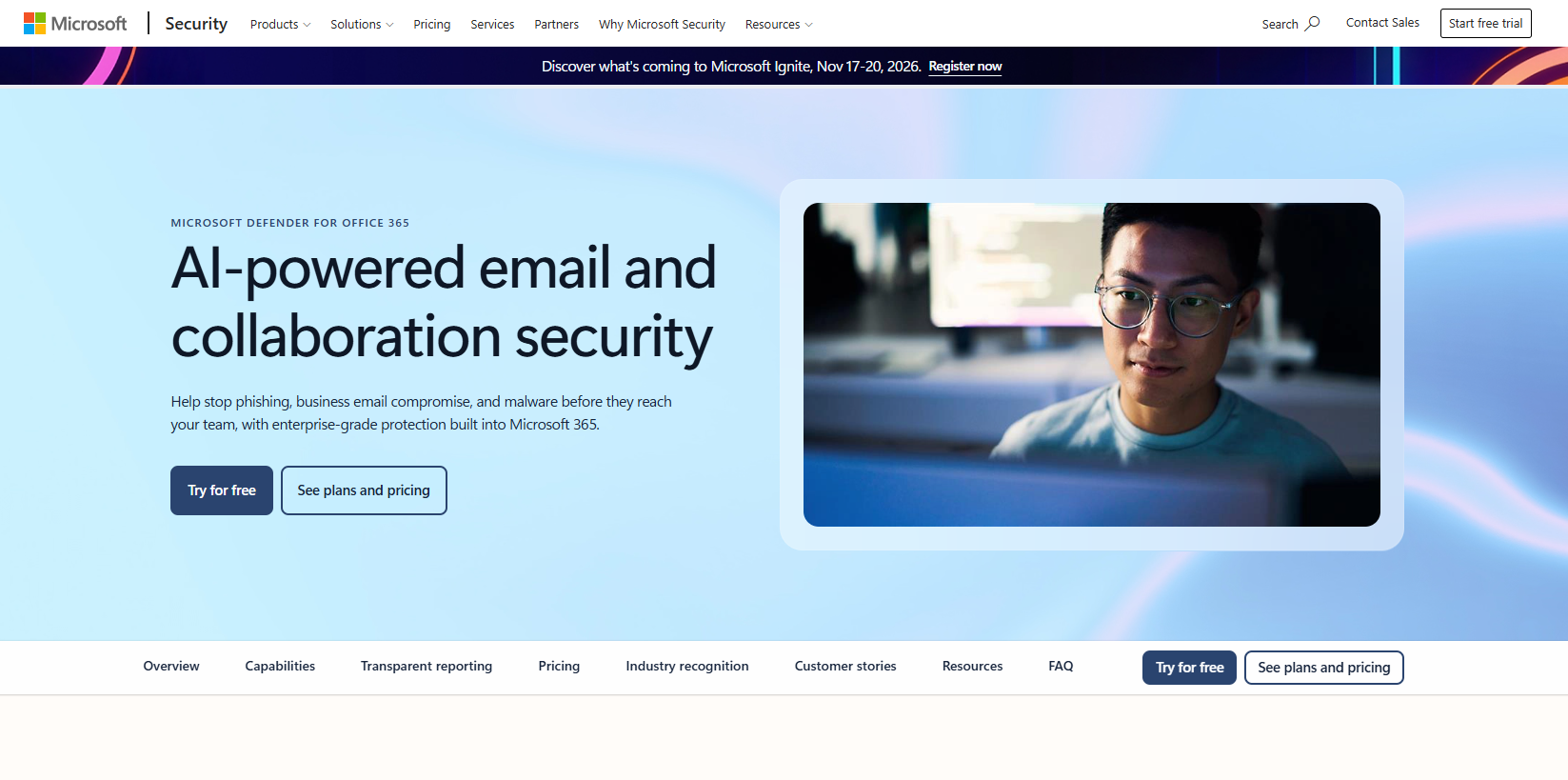
Microsoft Defender for Office 365 is Microsoft's native email and collaboration protection layer for Microsoft 365 organizations. It covers phishing, malware, BEC, and account takeover through tools that sit inside the Microsoft security portal, sharing identity and investigation context with Entra ID, Defender for Endpoint, and Sentinel.
Best for: Teams standardized on Microsoft 365 that want integrated email investigation and policy management without adding a separate security vendor.
Key features
- Safe Links and Safe Attachments for link rewriting and attachment sandboxing
- Anti-phishing and impersonation protection policies
- Threat Explorer for mailbox-level investigation and hunting
- Automated investigation and response (AIR) capabilities
- Cyberattack simulation training on Plan 2
Why choose Microsoft Defender for Office 365: Before buying a third-party platform, every Microsoft 365 organization should test whether Defender covers their threat profile at the licensed plan level. Plan 1 at $2.00/user/month handles core filtering; Plan 2 at $5.00/user/month adds threat hunting and simulation. Stack sprawl has real maintenance and ownership costs, so validate the gap before filling it.
Microsoft Defender for Office 365 pricing: Plan 1 runs $2.00 per user per month (billed annually); Plan 2 is $5.00 per user per month. The Microsoft Defender Suite, which adds endpoint, identity, and SaaS protection, is $12.00 per user per month.
G2 rating: 4.5/5
3. Abnormal AI
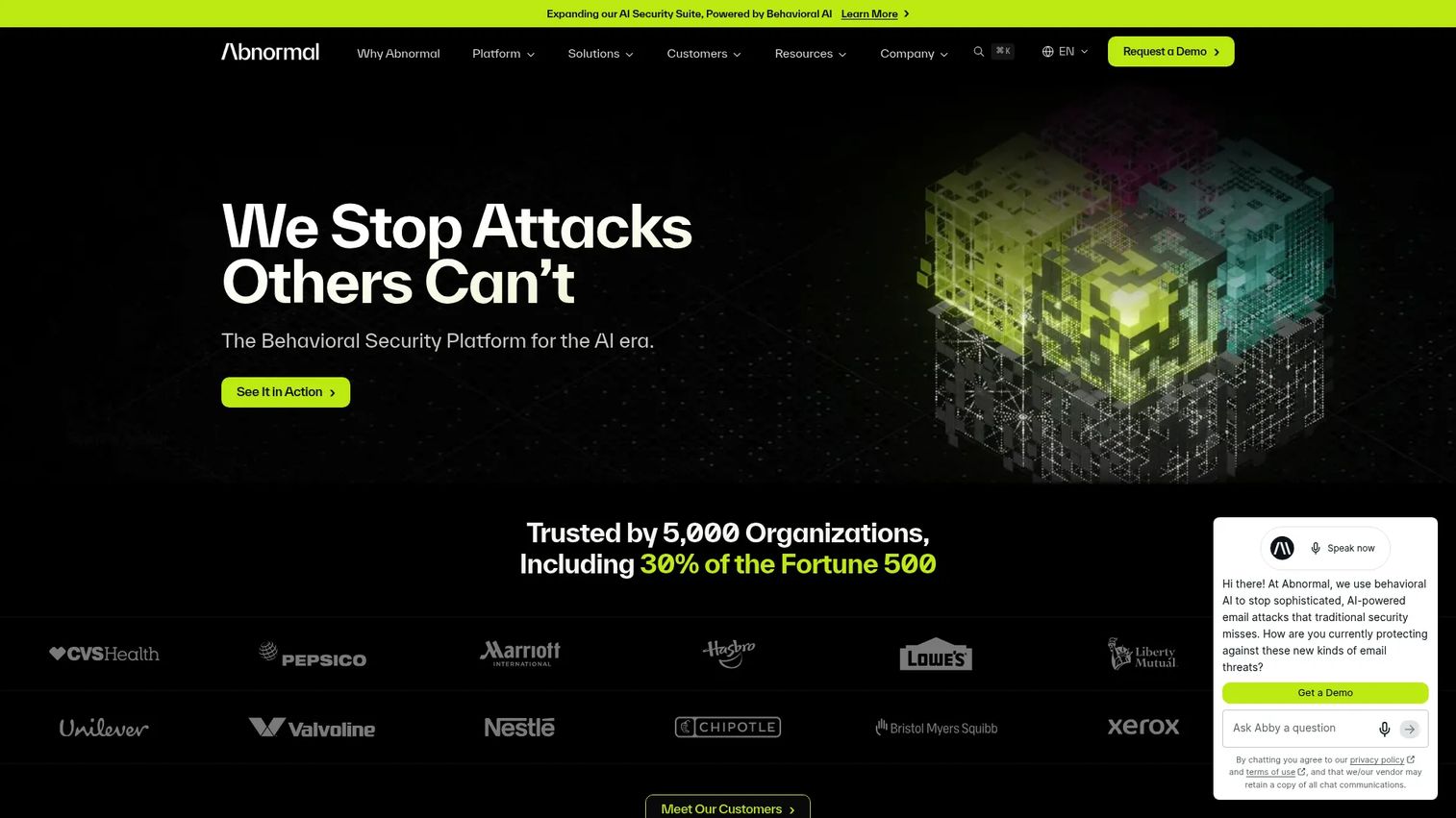
Abnormal AI uses behavioral AI to detect email threats that carry no malicious attachment, no known-bad link, and no recognizable malware signature. The platform baselines normal communication patterns for each organization, then flags anomalies: Unusual payment requests, supplier impersonation, executive impersonation, and account takeover signals. It integrates natively with Microsoft 365 and Google Workspace via API.
Best for: Organizations prioritizing protection from socially engineered attacks, particularly BEC, vendor compromise, and invoice fraud, where signature-based tools consistently miss threats.
Key features
- Behavioral AI baselining and anomaly detection per sender and recipient
- Executive and vendor impersonation protection
- Account takeover detection from login and activity signals
- Identity security for compromised credential scenarios
- Automated remediation across affected mailboxes
Why choose Abnormal AI: If your threat profile includes payment fraud, supplier compromise, or executive impersonation, Abnormal AI's approach covers the attack patterns that bypass traditional controls. Product managers evaluating this platform should verify coverage across their specific Microsoft 365 or Google Workspace configuration and confirm that behavioral models train adequately on your mail volume before committing.
Abnormal AI pricing: Abnormal AI uses a per-user mailbox pricing model; amounts are not displayed and require contacting sales. Request a scoped quote that includes minimum seat requirements and contract terms.
G2 rating: 4.3/5
4. Mimecast
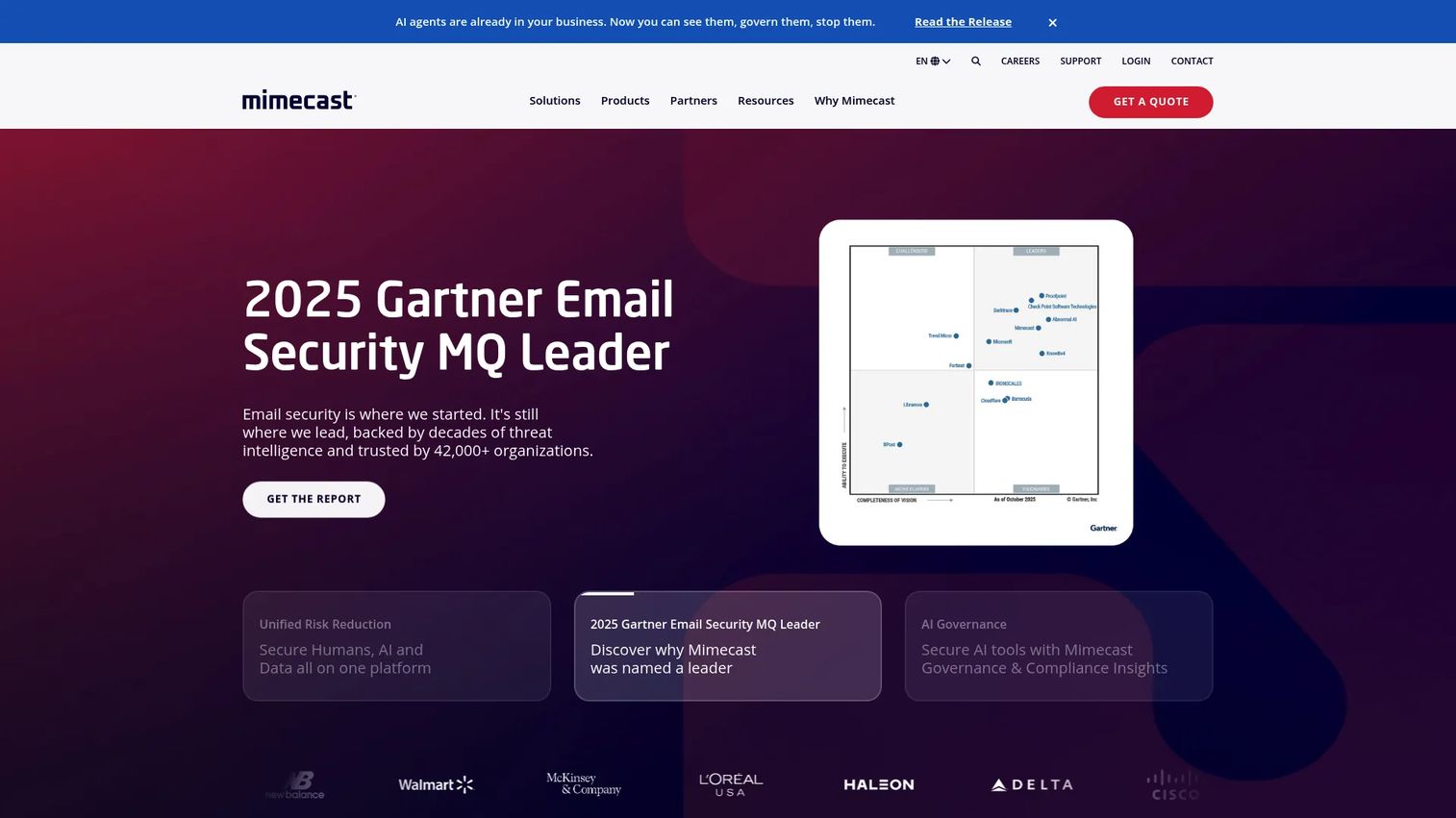
Mimecast provides an AI-powered human risk management platform that extends beyond core threat filtering to cover email continuity, archiving, DMARC analysis, and security awareness. Its email security plans range from Critical through Premium, with a separate Pro tier for human-risk and awareness features. Organizations that want email protection and resilience from one vendor find Mimecast worth evaluating.
Best for: Organizations that need email threat protection alongside continuity, archiving, or regulatory retention requirements, managed under one platform.
Key features
- AI-powered advanced email threat protection
- Email continuity and archiving options
- DMARC analysis and domain protection
- Security awareness training and adaptive intervention
- Insider risk and data protection controls
Why choose Mimecast: Mimecast suits teams assessing resilience alongside detection, particularly where email continuity during outages is a compliance or operational requirement. Distinguish the email security tiers from the archiving and awareness add-ons when scoping cost; they're often priced and licensed separately.
Mimecast pricing: Mimecast offers Critical, Advanced, and Premium email security plans, plus a Pro plan for security awareness and human-risk features. All plans are custom-quoted through sales.
G2 rating: 4.3/5
5. Check Point Harmony Email
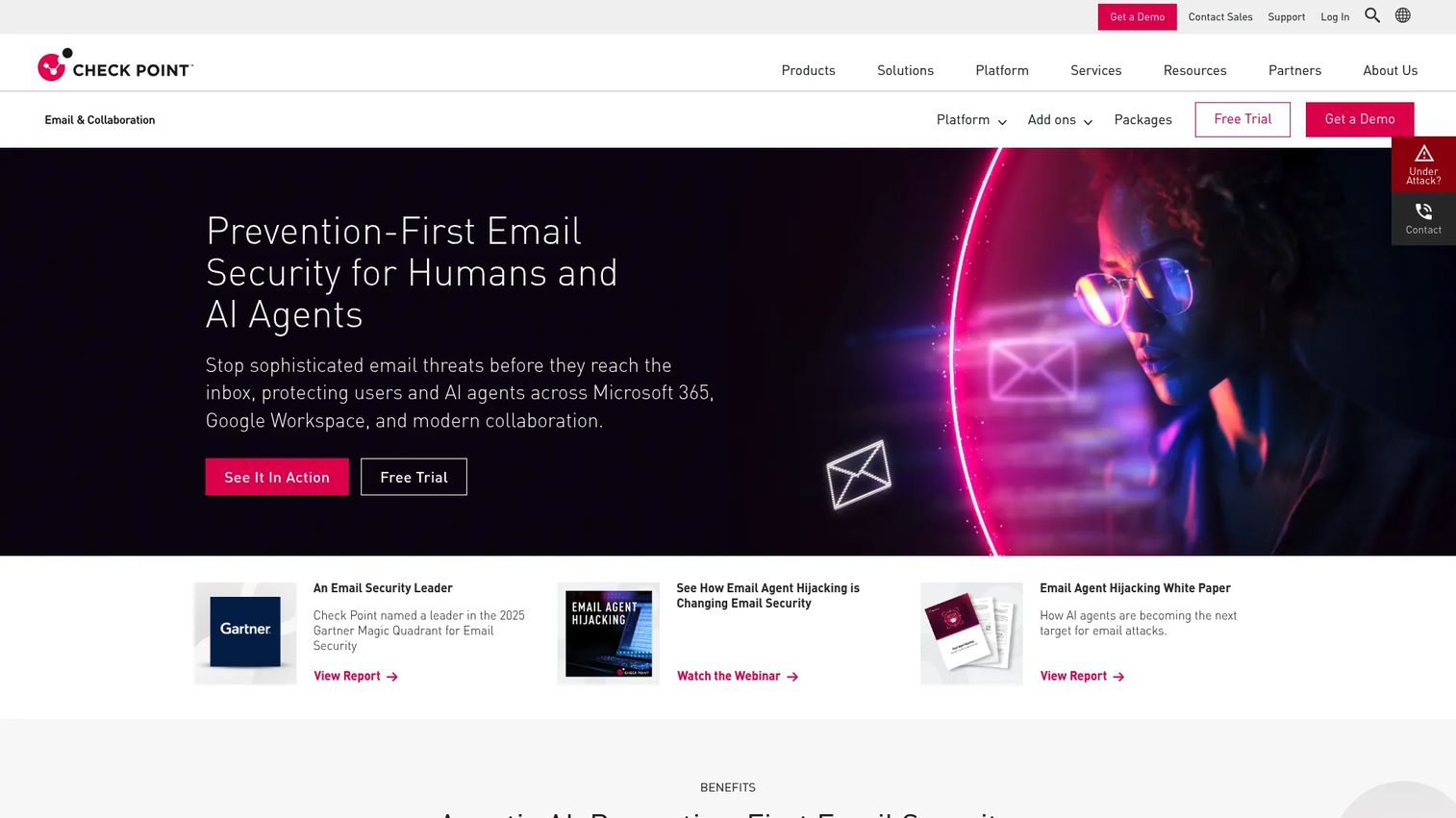
Check Point Harmony Email is a prevention-first, API-based cloud email security platform for Microsoft 365, Google Workspace, and other SaaS applications. It focuses on stopping phishing, BEC, and account takeover before messages reach the inbox, with post-delivery remediation for threats that pass initial filters. A 14-day free trial is available.
Best for: Cloud-first organizations that want API-connected protection for Microsoft 365 or Google Workspace without changing mail routing.
Key features
- API-based deployment with no MX record changes required
- BEC and impersonation detection
- URL protection with click-time rewriting
- Sandboxing and content disarm and reconstruction for attachments
- Post-delivery remediation across affected mailboxes
Why choose Check Point Harmony Email: The API deployment model lets teams add protection without disrupting mail flow or modifying DNS records, which reduces IT coordination overhead. Before purchasing, verify the scope of collaboration channel coverage your plan includes and test how the platform handles investigation workflows inside your Microsoft 365 or Google Workspace admin environment.
Check Point Harmony Email pricing: Harmony Email offers Email Only and Email & Collaboration packages, each at Advanced Protect and Complete Protect levels. Complete Protect adds DLP to the Advanced tier. All packages are custom-quoted; a 14-day free trial is available.
G2 rating: 4.6/5
6. Barracuda Email Protection
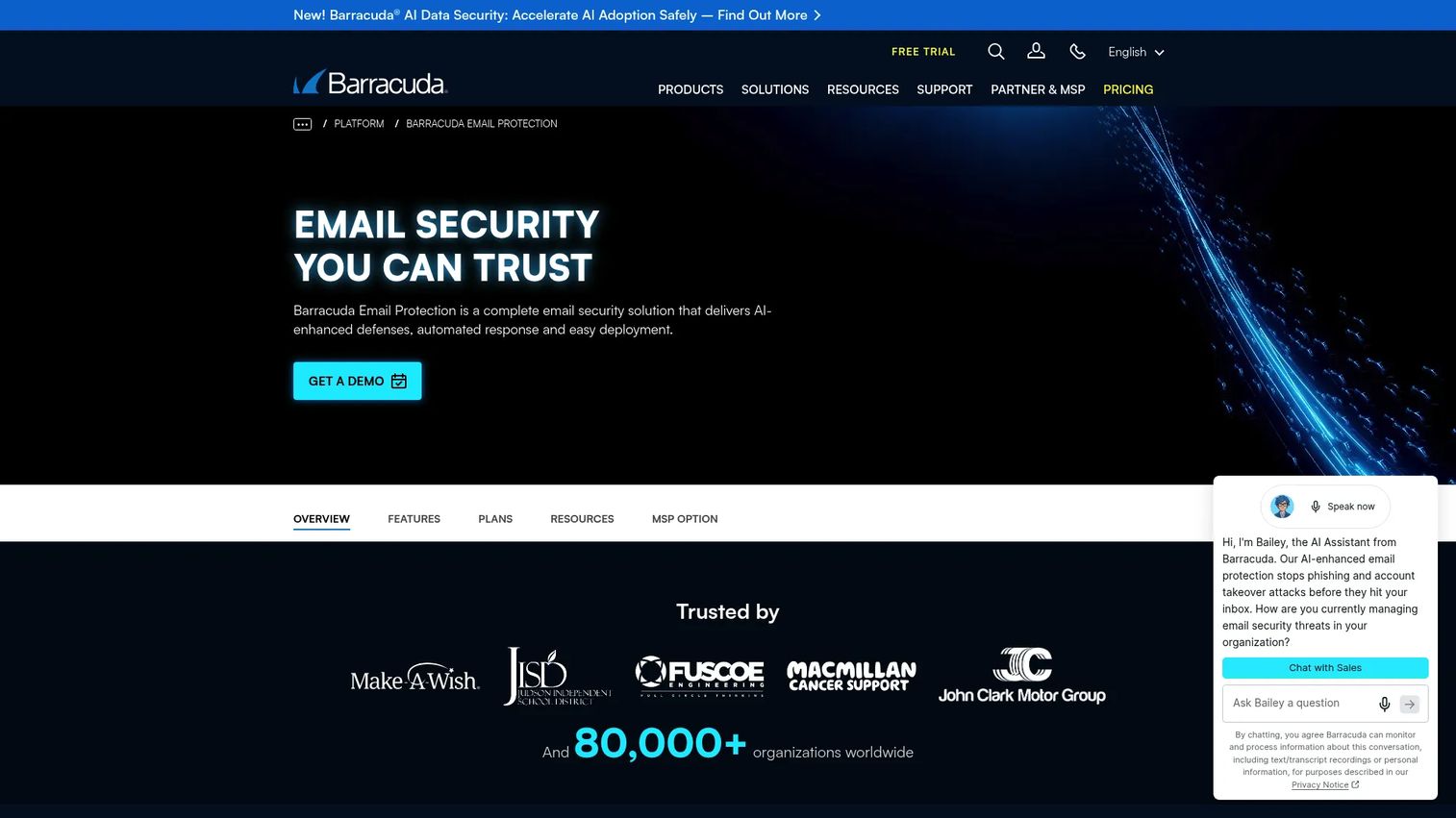
Barracuda Email Protection is an AI-powered email security platform combining spam and malware filtering, behavioral AI for BEC, impersonation defense, account takeover protection, and cloud-to-cloud backup for Microsoft 365. Its multi-tenant administration makes it a practical choice for MSPs and mid-market organizations managing email security across multiple business units.
Best for: Mid-market organizations and managed service providers that need predictable per-user pricing and multi-tenant management across several accounts or locations.
Key features
- Phishing, malware, and advanced threat protection
- Behavioral AI for BEC and intent analysis
- Account takeover protection and suspicious-login monitoring
- Domain fraud protection with SPF, DKIM, and DMARC
- Multi-tenant administration for MSP environments
Why choose Barracuda Email Protection: The per-user pricing model and three clear tiers (Advanced, Premium, Premium Plus) make cost modeling straightforward, which matters when you're presenting a build-vs-buy case internally. Premium Plus adds security awareness training, archiving, and eDiscovery, so the platform can consolidate several adjacent requirements.
Barracuda Email Protection pricing: Advanced starts at $5.20 per user per month, Premium at $8.00 per user per month, and Premium Plus at $10.50 per user per month.
G2 rating: 4.4/5
7. Cisco Secure Email Threat Defense
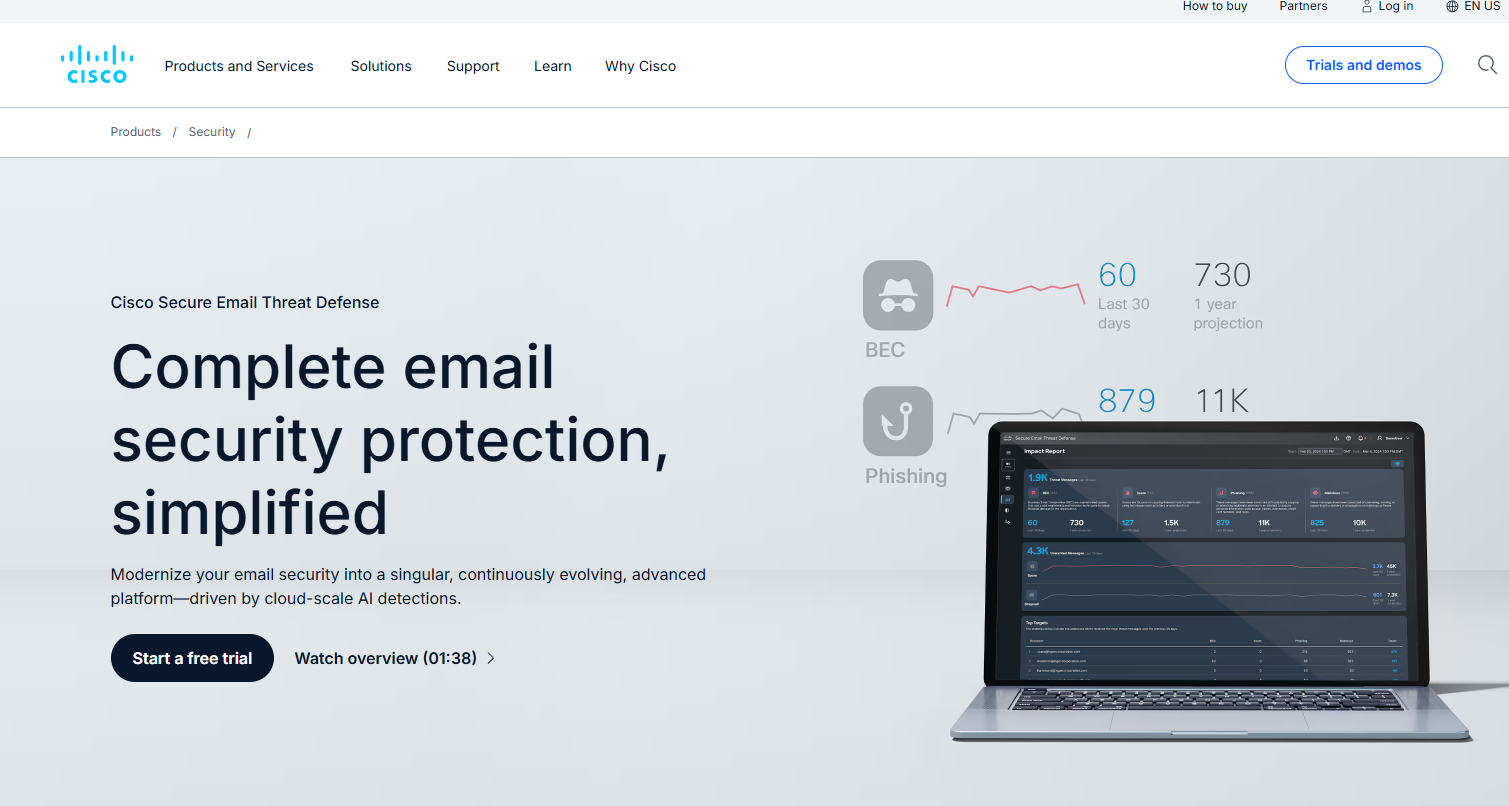
Cisco Secure Email Threat Defense is a cloud-native email security platform using AI-powered detection and Cisco Talos threat intelligence. It offers two tiers: ETD Essentials for supplemental Microsoft 365 protection via API, and ETD Advantage for gateway-based protection across Microsoft 365, Google Workspace, Exchange, and other mail servers. A free trial is available.
Best for: Security organizations that already run Cisco networking, firewall, or XDR tooling and want email protection that shares a common intelligence and investigation layer.
Key features
- AI and machine learning detection for phishing, BEC, QR-code phishing, and account takeover
- Cisco Talos threat intelligence integrated with detection
- Message trajectory, conversation view, and retrospective verdicts
- Real-time remediation and mailbox search
- Gateway and API deployment options
Why choose Cisco Secure Email Threat Defense: Shared threat intelligence across Cisco's portfolio reduces integration work for SOC teams already operating in a Cisco environment. Before selecting, test whether usability and policy management fit your team's existing incident workflow, and confirm which deployment tier aligns with your mail environment.
Cisco Secure Email Threat Defense pricing: ETD Essentials and ETD Advantage are available on 1-, 3-, and 5-year subscription terms. Pricing is per user but not publicly displayed; contact Cisco sales for a quote.
G2 rating: 4.3/5
8. IRONSCALES Email Security Platform
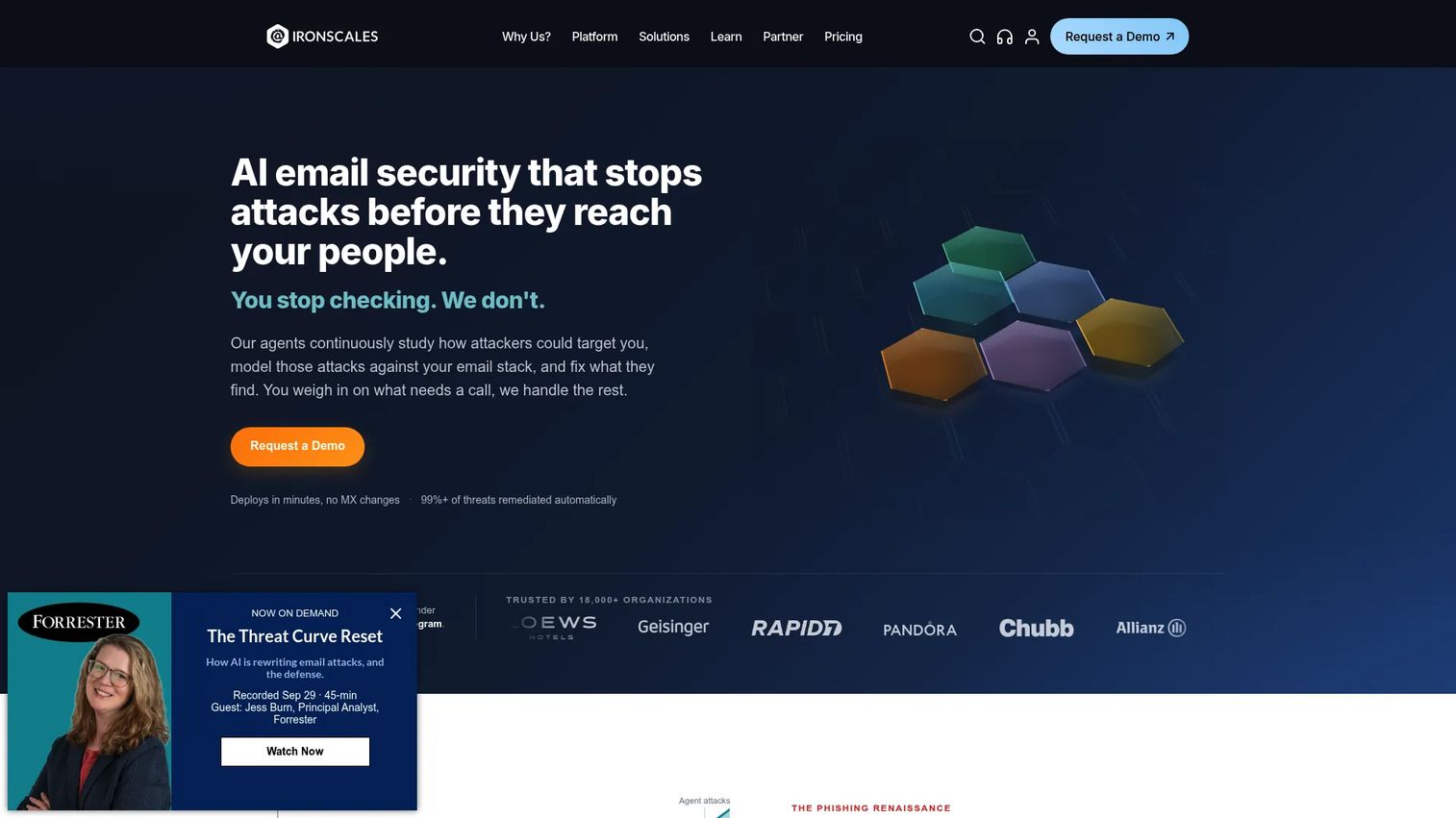
IRONSCALES is an AI-driven cloud email security platform that combines mailbox-level threat detection, automated remediation, phishing simulation, security awareness training, and DMARC management. Its user-reported phishing workflow automates the triage loop, which is particularly useful for lean security teams that need to close the gap between employee reporting and actual incident response.
Best for: Lean security teams that need to reduce manual triage work and close the loop between employee-reported phishing and inbox-level remediation.
Key features
- Adaptive AI detection for phishing, BEC, account takeover, and impersonation
- Mailbox-level automated remediation and SOC automation
- User-reported phishing triage with automated analysis
- DMARC management and monitoring
- Outbound AES-256 email encryption
Why choose IRONSCALES: If your team tracks time-to-triage and repeat incident rates as operational metrics, IRONSCALES directly addresses both by automating the user-reported workflow. Evaluate the platform against your Microsoft 365 or Google Workspace configuration; it deploys via native API without requiring mail routing changes.
IRONSCALES Email Security Platform pricing: Plan tiers include Email Essentials, Email Protect, Email Protect 360, Complete Protect, and Human Risk Management. Amounts are not displayed and require a quote; contact IRONSCALES sales for current pricing.
G2 rating: 4.7/5
9. Sublime Security
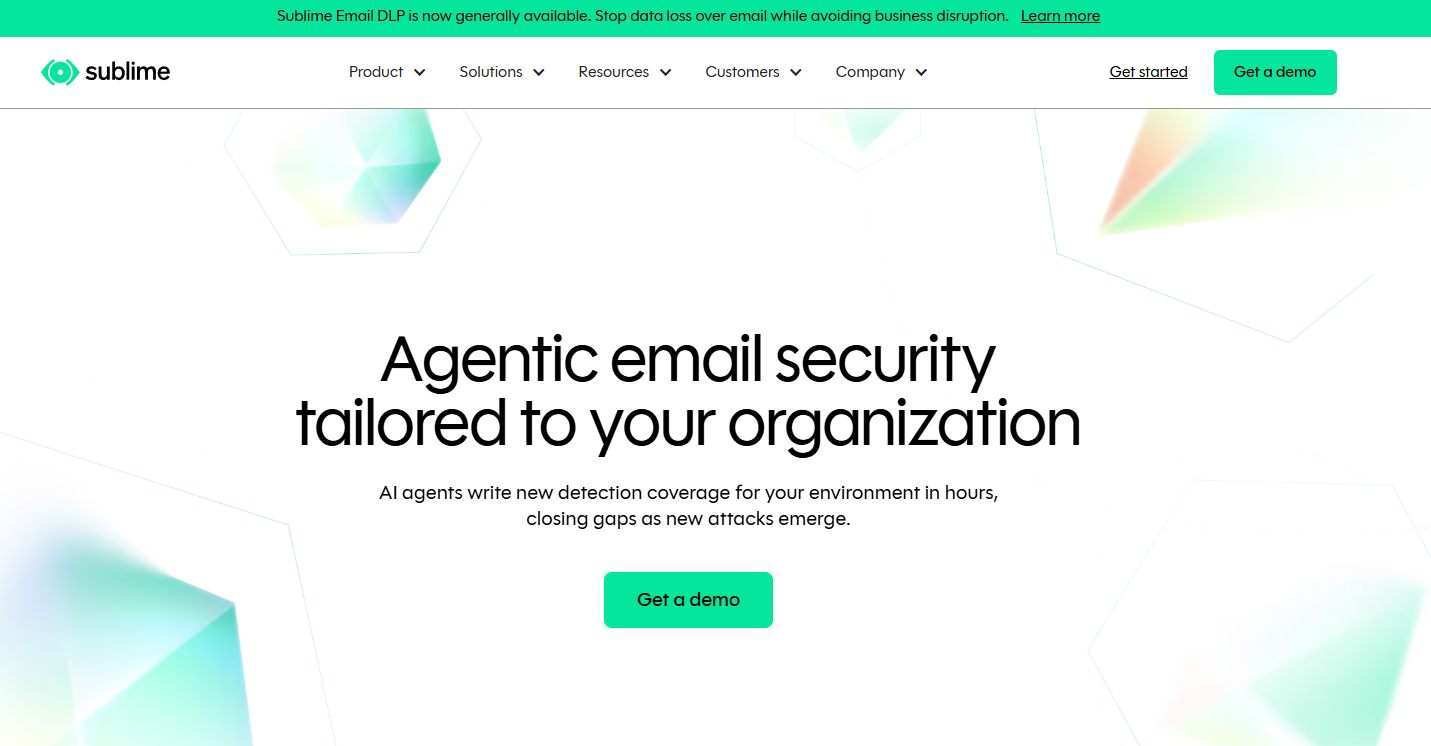
Sublime Security is an AI-powered email security platform for Microsoft 365 and Google Workspace that emphasizes transparent, customizable detection logic. Its Autonomous Detection Engineer generates and backtests detection rules automatically. The Core plan is free for the first 100 mailboxes, making it accessible for security practitioners who want to evaluate detection quality before an enterprise contract.
Best for: Security teams that want explainable detection logic, the ability to tune rules, and integration with SIEM and SOAR workflows.
Key features
- Adaptive detection engine with custom rule support
- Autonomous Security Analyst for email triage automation
- Campaign grouping and threat hunting
- Precision remediation across Microsoft 365 and Google Workspace
- SIEM and SOAR integrations for SOC workflow alignment
Why choose Sublime Security: Mature security teams that care about auditability, specifically understanding why a message was flagged and how detection logic performs over time, will find Sublime's transparency valuable. Assess whether your team has the operational capacity to use advanced detection customization effectively before moving to the Enterprise tier.
Sublime Security pricing: The Core plan is free for the first 100 mailboxes, covering essential protection for individual practitioners and lightweight deployments. Enterprise pricing is not displayed; request a demo for scoped pricing.
G2 rating: 4.8/5
10. Sophos Email
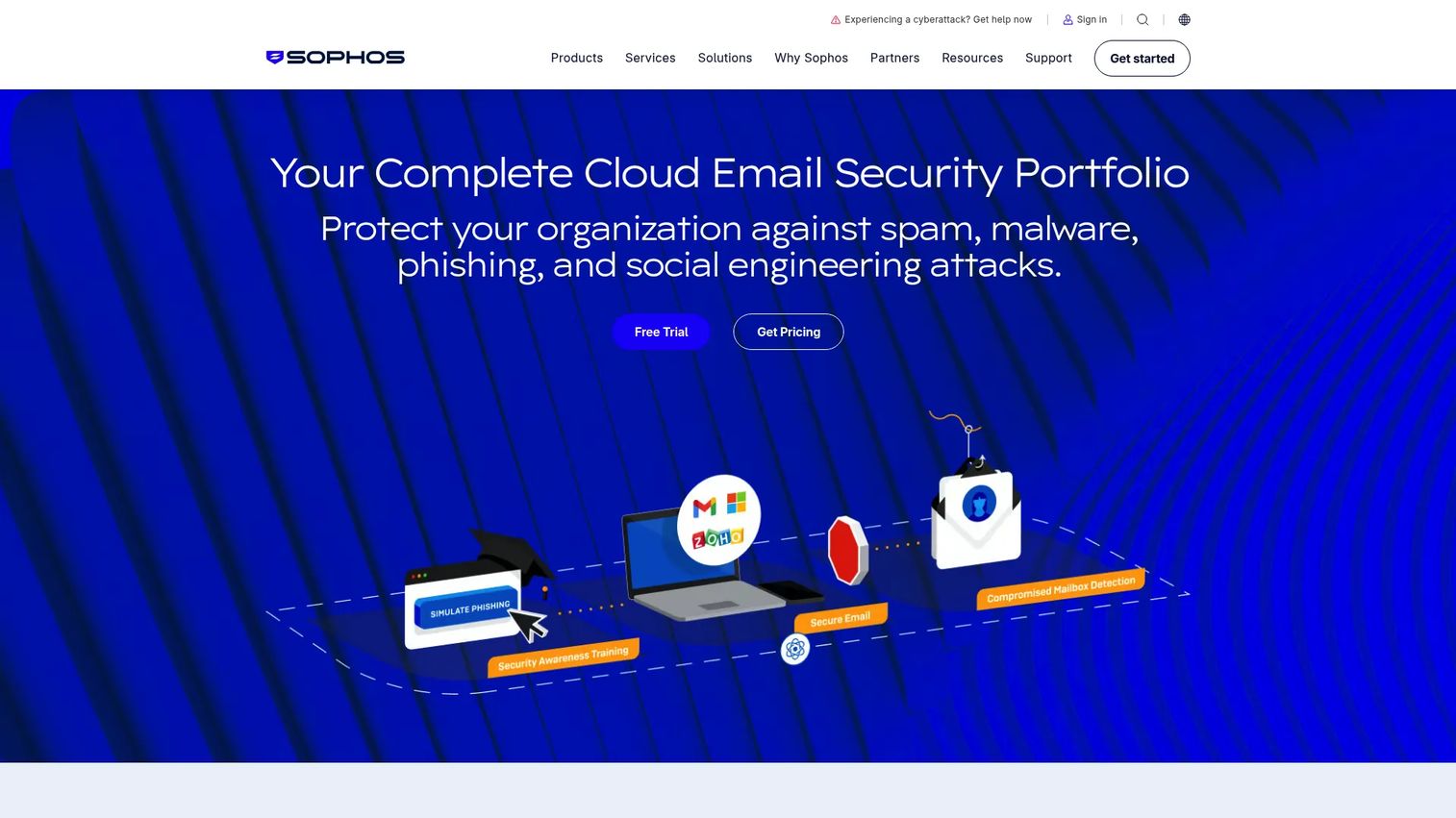
Sophos Email is an AI-powered email security product that integrates with Microsoft 365 and Google Workspace and is administered through Sophos Central alongside endpoint, firewall, and managed security offerings. It covers phishing, BEC, QR-code threats, malware, data loss prevention, and encryption, with integrated phishing simulation via Sophos Phish Threat.
Best for: Organizations already using Sophos endpoint or firewall products that want to consolidate email security administration into Sophos Central.
Key features
- AI-powered detection for phishing, impersonation, BEC, and QR-code threats
- Zero-day attachment protection with sandboxing
- Time-of-click URL protection
- Data loss prevention and email encryption
- Integrated phishing simulation and security awareness training
Why choose Sophos Email: Stack consolidation reduces the number of admin consoles your team operates, which matters when security ownership spans a small team. Map how email alerts and incident workflows connect to your broader Sophos environment before purchasing, and note that a 30-day free trial is available.
Sophos Email pricing: Sophos Email and Sophos Email Plus are available; Plus adds enhanced message handling and the DMARC Manager add-on. Pricing is not displayed on the product page and is typically quoted through Sophos partners or direct sales.
G2 rating: 4.2/5
11. FortiMail
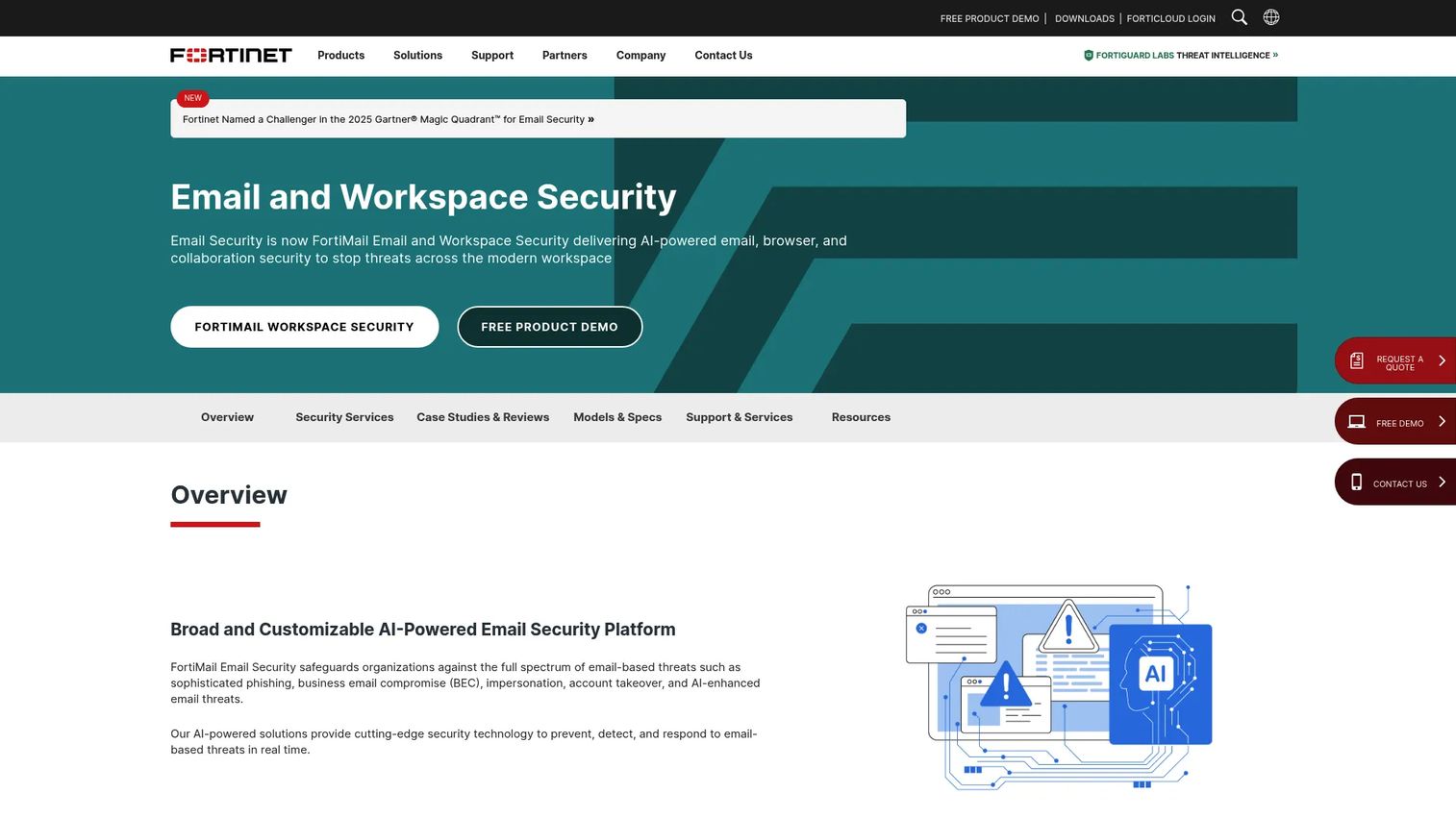
FortiMail is Fortinet's email security product, available as an appliance, virtual machine, cloud-hosted gateway, or cloud SaaS deployment. It covers phishing, BEC, impersonation, malware, DLP, and encryption, and integrates with the Fortinet Security Fabric for shared policy and threat intelligence across network and security tools.
Best for: Fortinet customers that want email security to align operationally with existing FortiGate, FortiSIEM, or Security Fabric infrastructure.
Key features
- AI-powered multi-layered threat detection
- Inbound and outbound email inspection
- Business email compromise and impersonation detection
- DLP and email encryption options
- Fortinet Security Fabric integration for shared intelligence
Why choose FortiMail: If your security architecture is already built on Fortinet, FortiMail reduces integration surface and centralizes policy management. Evaluate gateway routing requirements and mail flow changes before selecting the deployment model; cloud SaaS avoids on-premises hardware, while appliances offer maximum control for regulated environments.
FortiMail pricing: Fortinet lists appliance, virtual machine, cloud-hosted, and cloud SaaS deployment options. Licensing is per mailbox or per user annually; amounts are not displayed and require a Fortinet sales quote.
G2 rating: 4.3/5
12. Cloudflare Cloud Email Security
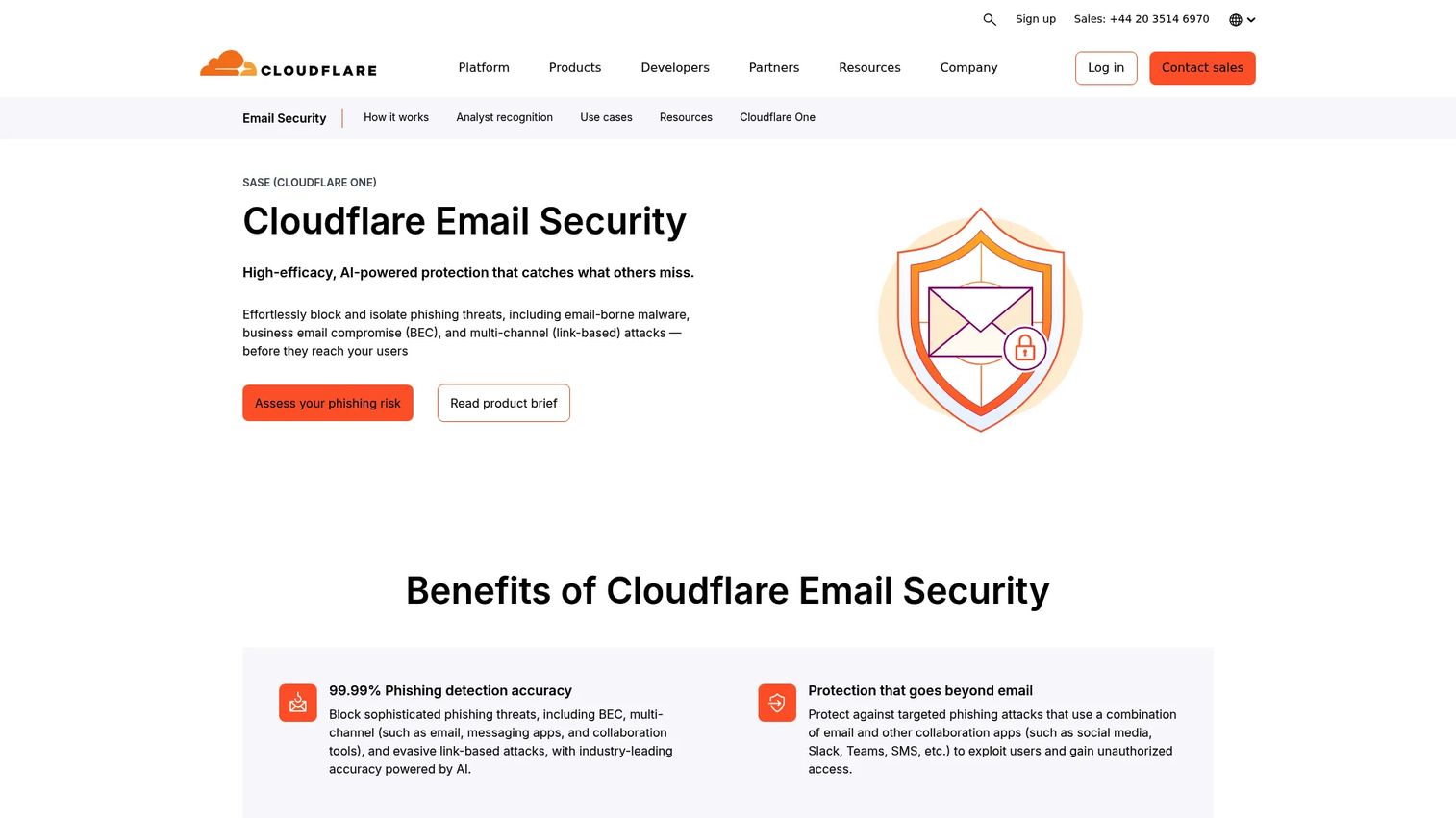
Cloudflare Cloud Email Security is an AI-powered cloud email security platform that extends Cloudflare's network security posture to email. It protects against phishing, malware, BEC, and multi-channel attacks spanning email, SMS, social media, Slack, and Microsoft Teams. Deployment options include inline, API, BCC/Journaling, MX, and hybrid modes, giving teams flexibility based on their existing mail environment.
Best for: Organizations evaluating email protection as part of a broader Cloudflare-based cloud security or zero trust strategy.
Key features
- AI-powered phishing and BEC detection
- Protection against malicious links, ransomware, and malware
- Multi-channel coverage including SMS, Slack, and Teams
- Flexible deployment: Inline, API, BCC/Journaling, MX, and hybrid
- Post-delivery remediation, investigation, and message reclassification
Why choose Cloudflare Cloud Email Security: If your team already uses Cloudflare for network, application, or zero trust security, adding email protection through the same platform can simplify governance and observability. Verify feature depth for your specific mail environment and confirm how investigation and remediation workflows map to your SOC process before purchasing.
Cloudflare Cloud Email Security pricing: Cloudflare offers Advantage, Enterprise, and Enterprise + PhishGuard packages, priced by email users or inboxes on annual contracts. Amounts are not publicly displayed; contact Cloudflare sales for a scoped quote.
Considerations when choosing email security software
Match the deployment model to your mail environment
Before evaluating features, confirm whether your environment runs Microsoft 365, Google Workspace, hybrid Exchange, or a mix. Secure email gateways require MX record changes and mail routing adjustments; API-based tools connect without touching DNS. Map rollback plans, change management requirements, and team ownership before shortlisting.
Test sophisticated phishing, not only malware
Detection quality differs significantly across vendors when tested against executive impersonation, vendor compromise, invoice fraud, and QR code phishing, as opposed to commodity malware samples. Run a proof of value using scenarios drawn from your actual mail patterns, and measure false positives on high-volume legitimate senders. For product managers, false positives on customer or partner mail carry direct operational cost.
Measure response workflow, not only prevention
Ask how long it takes to identify all recipients of a malicious message, quarantine it, and confirm remediation across affected mailboxes. Poor response workflows pull engineering, support leadership, and customer success into incidents that a well-designed remediation workflow would close in minutes. Define ownership for each step before deployment.
Verify integrations and ownership
Map required integrations across Microsoft 365, Google Workspace, SIEM, SOAR, ticketing, identity, and security awareness tools before shortlisting vendors. Assign ownership for policies, incident response steps, reporting cadence, and vendor administration. Email security without clear ownership degrades quickly as the threat landscape and mail environment change.
Model the full operating cost
License cost per user is only one input. Add onboarding effort, policy tuning time, support workload, professional services, and renewal terms. A lower per-seat price that requires significant ongoing administration may cost more in engineering hours than a higher-priced platform with strong automation and support.
Conclusion
The right email security software depends on your mail environment, threat profile, deployment model, and how much operational capacity your team can commit to ongoing administration.
Proofpoint suits large organizations with complex governance needs. Microsoft Defender for Office 365 is the natural starting point for Microsoft-centered teams, and should be fully evaluated before adding a third-party layer. Abnormal AI addresses BEC and behavioral threats that bypass signature-based controls. Check Point Harmony Email and IRONSCALES both offer strong API-based deployment with post-delivery remediation. Barracuda Email Protection gives mid-market teams and MSPs predictable per-user pricing. Sublime Security's free tier for the first 100 mailboxes makes it worth testing for detection engineering teams before committing to an enterprise contract. Mimecast, Sophos Email, Cisco Secure Email Threat Defense, FortiMail, and Cloudflare Cloud Email Security each suit organizations that want email security aligned with an existing vendor relationship or broader security platform.
The most useful next step is a time-boxed proof of value. Choose two or three candidates, test them against realistic impersonation and BEC scenarios in your actual mail environment, measure false positive rates on legitimate senders, and time the remediation workflow end to end. That data will drive a faster, more defensible decision than any vendor demo.
Start your journey with Guideflow today!
FAQs
Microsoft Defender for Office 365 is the native baseline every Microsoft 365 organization should evaluate first. Plan 1 covers core filtering and Safe Links; Plan 2 adds threat hunting, simulation, and automated investigation. Organizations may add a third-party platform when they need behavioral BEC detection, deeper post-delivery remediation, or detection logic not available at their Defender licensing tier, but test the native configuration first.
The answer depends on your licensing tier, threat profile, and what a proof of value reveals about detection gaps. Plan 1 provides less coverage than Plan 2, and neither replaces behavioral BEC detection or advanced threat hunting available in dedicated third-party platforms. Run representative phishing and impersonation scenarios against your current configuration before assuming either sufficiency or insufficiency.
A secure email gateway inspects mail inline, before it reaches the inbox, by routing traffic through a control point that applies filtering, policy enforcement, and attachment analysis. API-based email security connects directly to the cloud mailbox environment after deployment, inspecting messages and remediating threats already delivered without requiring DNS or MX record changes. Gateways offer stronger outbound and continuity controls; API tools deploy faster and excel at post-delivery remediation.
A complete email security platform addresses phishing, malware, ransomware, BEC, impersonation, malicious links, spoofing, account takeover, and vendor compromise. No platform eliminates all risk on its own. Email security works alongside identity security, user reporting workflows, incident response processes, and security awareness training as complementary controls.
Start with detection quality against the attacks that match your actual threat profile, specifically impersonation, BEC, and vendor compromise scenarios, not only commodity malware. Then measure false positive rates on your legitimate high-volume senders, post-delivery remediation speed, integration depth with your SIEM and ticketing tools, and total administrative effort after deployment. A vendor's demo environment rarely reflects real-world performance on your own mail flow.
Platforms with behavioral AI can significantly reduce BEC exposure by flagging unusual sender patterns, payment-related anomalies, and executive impersonation before messages reach a recipient. However, technical controls alone are insufficient. Verification processes for high-value payment changes and wire transfer requests, combined with user reporting and response workflows, are required alongside the technical platform.
Some platforms bundle phishing simulation and security awareness training into higher tiers, as Barracuda Email Protection Premium Plus, Mimecast, IRONSCALES, and Sophos Email Plus do. Others integrate with dedicated training platforms rather than including their own. Evaluate training features as a companion control with distinct requirements: Simulation frequency, curriculum quality, and user-level reporting matter independently from core detection and remediation capability.
Track phishing messages reaching inboxes (as a rate per thousand delivered), false positive rate on legitimate senders, time from alert to confirmed remediation, user-reported phishing volume and triage time, repeat attack patterns, and security-related support ticket volume. Over a 90-day baseline, these metrics together show whether the platform is reducing operational overhead or redistributing it. For SaaS product teams, also track whether security incidents are generating engineering interrupts that affect release cadence.