

A customer lands on your site ready to buy in person. They want the nearest store, the closest dealer, or the retailer that stocks the exact product they came for. If your site can't answer "where can I get this near me" in a few seconds, that intent evaporates. They open a new tab and search the brand name plus a city, and now they're shopping somewhere you can't track.
The global store locator software market was valued at $0.8 billion in 2025 and is projected to reach $1.7 billion by 2034, growing at a 10.2% CAGR, according to MarketIntelo (2024). North America alone accounted for 35.2% of that revenue in 2025. That growth isn't abstract. It reflects how much local discovery now sits on the website itself, not on a third-party map.
For marketers, the job is specific. You need a store locator widget that helps users find nearby locations fast, updates without a developer in the loop, stays on-brand, and reports back on what people actually did. Done right, a locator cuts "where are you located" support tickets, lifts conversion from local traffic, and gives you clean data on demand by region.
This roundup is built as a decision guide, not a directory. If you're mapping a wider stack, it pairs well with our work on marketing analytics, location intelligence, and product analytics tooling, since a locator rarely lives alone.
What's inside
This guide covers 15 store locator tools for websites, ecommerce stores, dealer networks, and product finders. It's written for digital marketers, growth marketers, and ecommerce teams who need a working locator without leaning on engineering.
We selected and evaluated tools on six criteria that matter most to marketing teams:
- Ease of setup: how fast a non-developer can embed and launch it
- CMS and platform compatibility: support for common website and ecommerce stacks
- Data workflow: CSV import, Google Sheets sync, and API options
- Customization: branding, custom map markers, and layout control
- Analytics: conversion tracking and engagement reporting
- Pricing transparency: clear, public plans you can budget against
TL;DR
Short on time? Here are the fast picks by need.
- Best for simple website embeds: Closeby and Store Locator Widget by POWR offer fast, no-code setup with free entry tiers.
- Best for Google Sheets-driven management: LocateStore and Storepoint keep location data in a spreadsheet your whole team can edit.
- Best for ecommerce and Shopify: PROGUS Store Locator and Lifter Store Locator are built around merchant workflows.
- Best for dealer locators and larger teams: Bullseye Locations adds API depth, local pages, and lead capture.
- Best for analytics-heavy teams: StoreRocket and StoreLocatorWidgets surface engagement and conversion data out of the box.
- Best for omnichannel retail discovery: Locally connects store and product locators to real-time local inventory.
What is store locator software?
Store locator software is a tool that adds a searchable, map-based location finder to your website so customers can find the nearest store, dealer, or product stockist. It combines a map interface, search and filters, location data management, directions, branding controls, and analytics into a single embeddable widget.
Most store finder software shares a common set of components. Understanding them makes comparison faster:
- Map interface: an interactive map, usually powered by Google Maps or a similar provider, with custom map markers and styling
- Search and filters: geolocation search, autocomplete, distance sorting, and category or service filters to surface nearby locations
- Location data management: a backend to add, edit, and bulk-manage locations, often via CSV import or Google Sheets sync
- Directions link: one-tap routing that hands off to the user's preferred maps app
- Branding and customization: fonts, colors, themes, and CSS control so the locator matches your site
- Website embed: a code snippet or app install that drops the locator onto any page
- Analytics for store locator: search volume, popular locations, clicks to directions, and conversion signals
- Localization: a multilingual store locator option for brands operating across regions
The category overlaps with related terms. A store locator app usually refers to the same software delivered through an ecommerce app marketplace. A dealer locator handles distributor and franchise networks. A product locator answers "who near me sells this specific item." Most modern tools support several of these jobs from one platform.
When to use store locator software
The right use case shapes which tool fits. Here are the four most common scenarios marketers face.
Retail store finders
If you run physical stores, a locator turns local search intent into foot traffic. Customers filter by city, hours, or services, then tap for directions. Expected outcome: fewer "are you open" calls and more in-store visits from website traffic.
Dealer locators
Brands that sell through distributors, resellers, or franchises need a dealer locator that handles territories and partner data. The locator routes buyers to the right authorized seller. Expected outcome: cleaner lead distribution and stronger partner relationships.
Product locators
When a buyer wants a specific SKU in stock nearby, a product locator maps inventory to location. This is common for consumer brands sold across many retailers. Expected outcome: higher purchase intent captured before the buyer drifts to a marketplace.
Service-location pages
Service businesses, clinics, and field operators use locators to show coverage areas and book the nearest branch. Expected outcome: shorter paths from discovery to appointment, with measurable conversion by region.
Comparison table
The table below ranks all 15 store locator tools by relevance to a website-first marketing team. Use it to scan intent, key differentiation, pricing, and current G2 rating before reading the full sections. Pricing reflects each vendor's public starting tier; ratings reflect current G2 listings where available.
| # | Product | Intent | Key differentiation | Pricing | G2 rating |
|---|---|---|---|---|---|
| 1 | StoreLocatorWidgets | Website store locator | Unlimited traffic, multilingual, analytics | From $19/mo (free plan available) | 4/5 |
| 2 | Storepoint | No-code branded locator | Google Sheets sync, filters, live status | From $25/mo (7-day trial) | 4.6/5 |
| 3 | LocateStore | Sheets-driven locator | Manage everything from Google Sheets | Free; from $19/mo yearly | Not listed |
| 4 | Blipstar | Hosted locator with imports | Imports from CSV, Sheets, Salesforce, Zoho | From $9.99/mo | 4.8/5 |
| 5 | StoreMapper | Customizable locator | Bulk management, branding, analytics | From $24.99/mo | 4.7/5 |
| 6 | Bullseye Locations | Dealer and store locator | API, local pages, lead capture | From $89/mo | Not listed |
| 7 | Mapply | Google Maps visibility | Verified local guide contributions | Custom | 4.3/5 |
| 8 | Closeby | Design-focused locator | Themes, fonts, fast embed | Free; from $9.99 | 4.3/5 |
| 9 | StoreRocket | Analytics-rich locator | Sheets sync, map styles, REST API | From $25/mo | 4.5/5 |
| 10 | Awesome Store Locator | Simple embedded locator | Directions, bulk import, themes | From 7 €/mo | 4.5/5 |
| 11 | AIO Store Locator | Low-cost locator | Free forever plan, unlimited searches | Free; from $9.99/mo | 5.0/5 |
| 12 | PROGUS Store Locator | Ecommerce locator | No API key, Sheets sync, analytics | Free; from $3.99/mo | Not listed |
| 13 | Lifter Store Locator | Multi-location locator | Geolocation, custom markers, CSS | From $7.95/mo | Not listed |
| 14 | Store Locator Widget by POWR | No-code widget | Page-builder fit, CSV/Sheets upload | Free; from $6.04/mo | 4.4/5 |
| 15 | Locally | Omnichannel discovery | Real-time local inventory, BOPIS | Quote-based | Not listed |
1. StoreLocatorWidgets
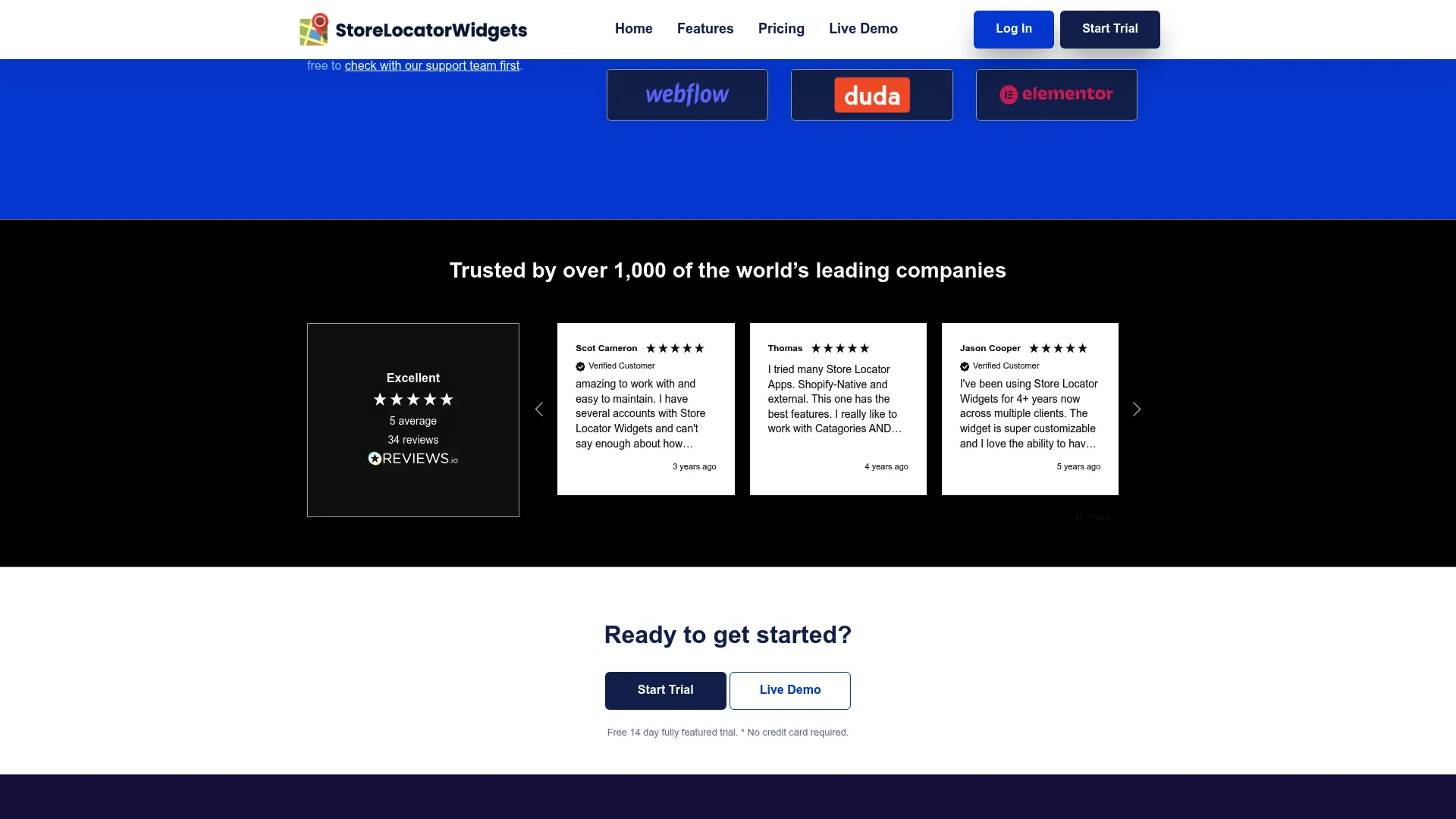
StoreLocatorWidgets is store locator software for websites with embedded maps, location search, and customizable locator pages. It handles automatic geolocation and distance calculations, then surfaces the nearest locations with filters and categories. Marketing teams pick it when they want unlimited traffic on a predictable monthly plan without worrying about per-view caps.
The tool leans into customization and reach. You get a layout editor, multilingual support for a multilingual store locator, and search filters that help visitors narrow by category. Location data imports cleanly, and analytics track how people use the finder so you can connect local search to outcomes.
Best for: businesses that need a customizable store locator with map, search, and location-management features.
Key strengths
- Unlimited traffic: no per-visit fees, so high-traffic pages stay on plan
- Automatic geolocation: distance calculations surface the closest store instantly
- Search filters and multilingual support: categories and translated labels for global sites
Why choose StoreLocatorWidgets: It fits teams that expect heavy locator traffic and want a single flat cost rather than usage-based billing. The multilingual labels and layout editor make it a fit for brands running locators across several regions and languages.
StoreLocatorWidgets pricing: Plans start at $19/month for Essential, then move to Premium at $39/month, Professional at $79/month, and Enterprise at $299/month. All plans include unlimited usage and a 14-day free trial, and a free-for-life single-location plan is available. Annual billing carries a 10% discount.
2. Storepoint
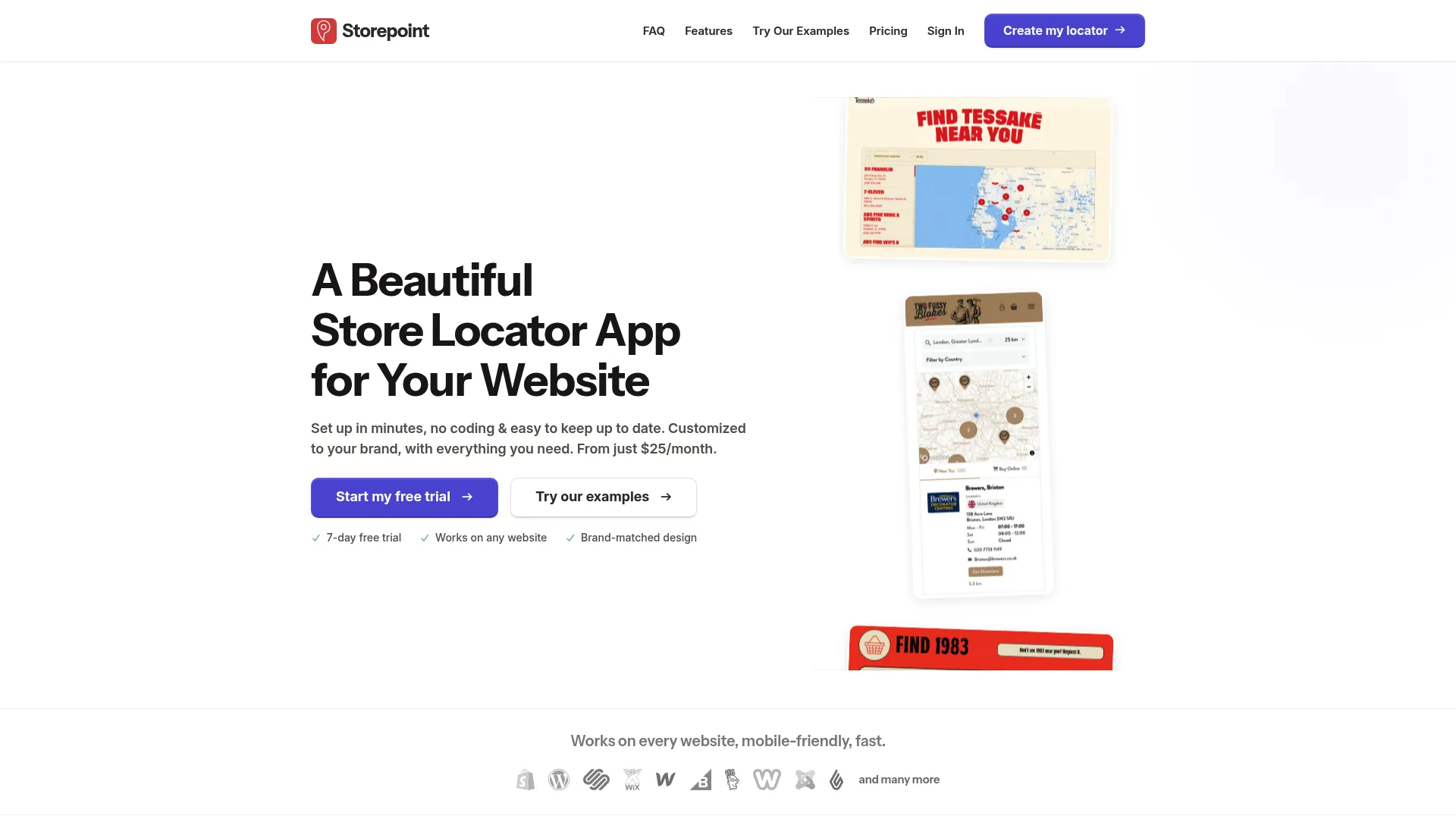
Storepoint is store locator software for websites that lets businesses embed and manage branded location finders. The no-code store locator setup means a marketer can launch a finder without touching engineering, and the location data lives in a place the whole team can update. It works across retailers, dealers, and service locations.
What stands out is the balance of branding and data flexibility. Filters and tags let visitors segment locations, Google Sheets sync keeps the dataset current, and opening hours with live status tell shoppers whether a store is open right now. The result is a store finder widget that feels native to your site.
Best for: brands that need a branded store locator with flexible filters and easy location management.
Key strengths
- Filters and tags: let visitors narrow locations by attribute or category
- Google Sheets sync: edit your spreadsheet and the locator updates
- Opening hours and live status: show real-time open or closed state
Why choose Storepoint: It suits teams that value a clean, on-brand finder with low-maintenance data management. The Google Sheets workflow makes it easy for ops or marketing to own location updates without a ticket queue, which keeps the locator accurate as stores change.
Storepoint pricing: Storepoint offers three plans: Starter at $25/month, Pro at $49/month, and Business at $99/month. Every new account includes a 7-day free trial. There is no public free tier, but the trial lets you test the full setup before committing.
3. LocateStore
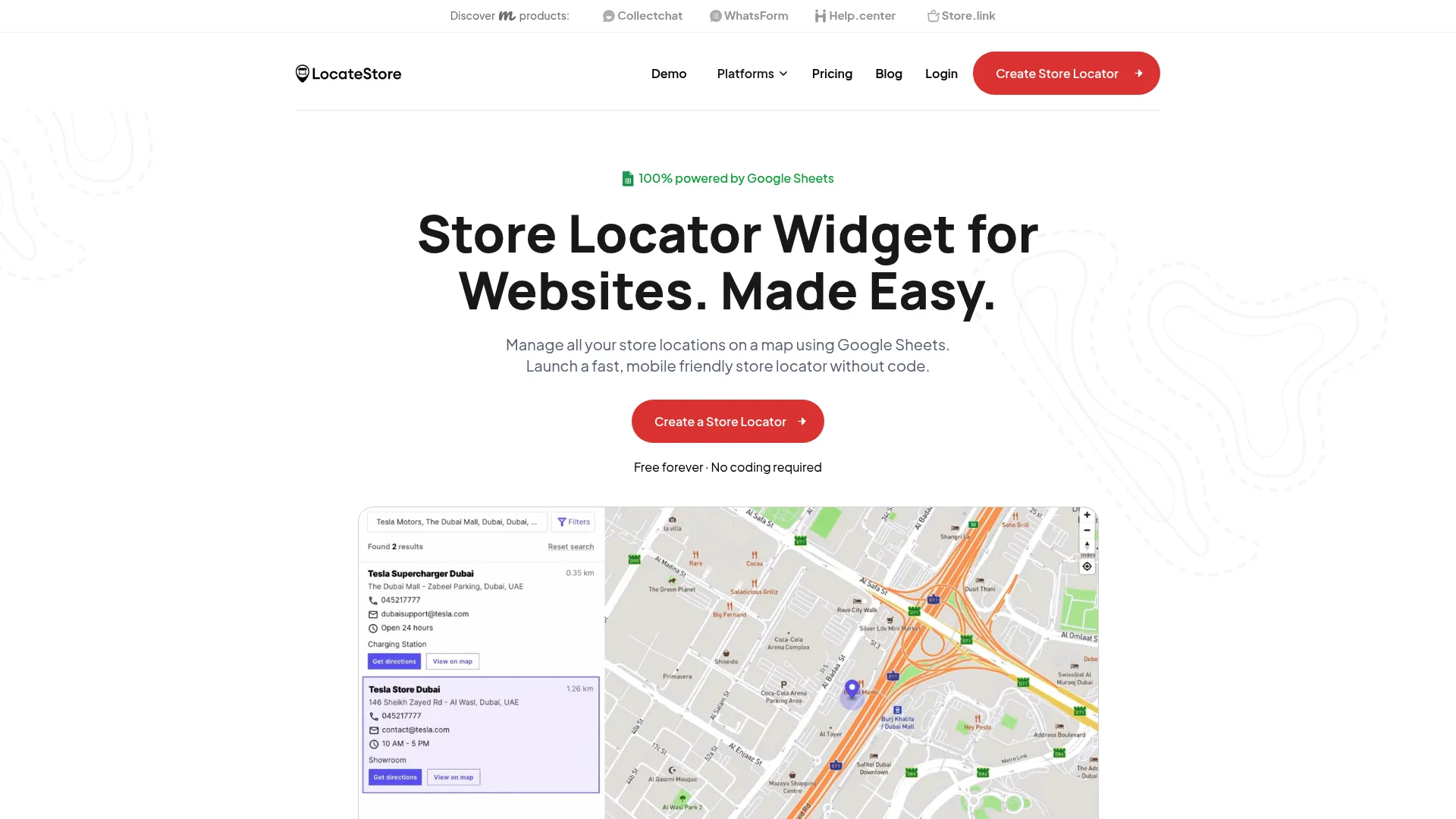
LocateStore is a Google Sheets-powered store locator widget for websites with maps, search, and filters. The entire location dataset lives in a spreadsheet, so updating a store address, adding a new branch, or removing a closed location is as simple as editing a cell. That makes it one of the most approachable no-code options for teams already living in spreadsheets.
Beyond the data model, you get an interactive map with search and filters, geolocation to find nearby locations, and multilingual support for international sites. The embed is mobile responsive, so the locator works as a mobile responsive locator on phones without extra configuration.
Best for: businesses that want a no-code store locator managed from Google Sheets.
Key strengths
- Google Sheets management: maintain every location from a single spreadsheet
- Interactive map with search and filters: visitors find and narrow nearby locations
- Geolocation and multilingual support: detect location and serve translated labels
Why choose LocateStore: It's a strong fit when your team wants the lowest-friction data workflow possible and doesn't want a separate admin dashboard. Managing locations in Google Sheets means anyone with edit access can keep the locator current.
LocateStore pricing: A free plan covers 100 visits and 500 searches. Lite runs $24/month (or $19/month billed yearly) with 1,000 visits and 5,000 searches. Standard is $49/month (or $39/month yearly) with 5,000 visits, unlimited searches, removed branding, and a custom URL. Yearly billing is described as roughly three months free.
4. Blipstar
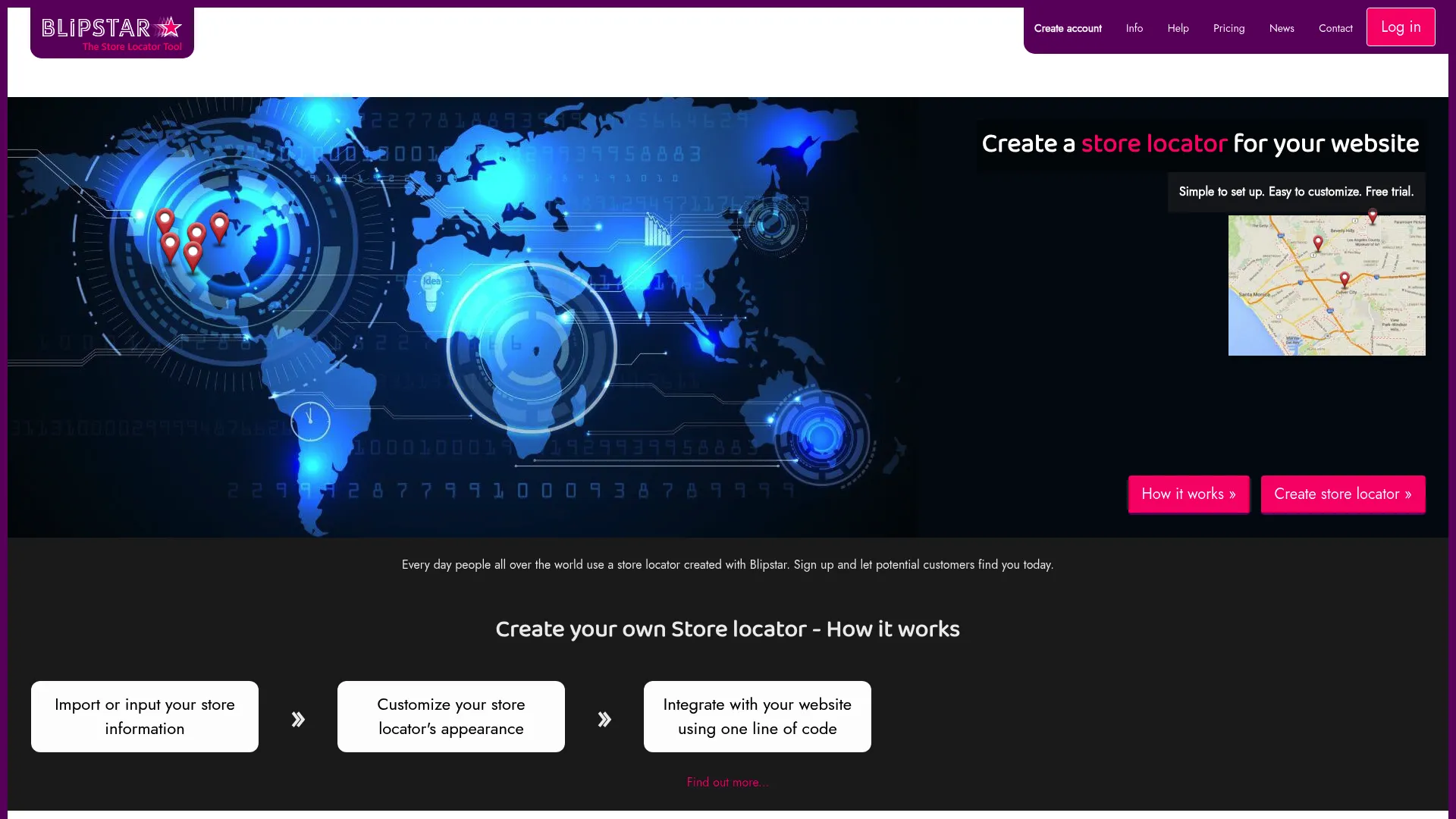
Blipstar is store locator software for adding and managing searchable location finders on websites. Setup is fast, and the locator embeds with a single line of code. It's a hosted option, so you don't manage infrastructure, and it supports a wide range of search behaviors that cover most real-world lookups.
The import options are a standout. Blipstar pulls location data from CSV, Excel, OpenOffice, Google Sheets, Salesforce, and Zoho CRM, which suits teams whose location data already lives in a CRM. Visitors can search by zip or postal code, place name, address, store name, and keywords, and the tool layers on mapping, result filtering, analytics, custom CSS, and integrations with major website platforms.
Best for: businesses that need a hosted store locator with map search and location management.
Key strengths
- Broad data imports: CSV, Excel, Google Sheets, Salesforce, and Zoho CRM
- Flexible search modes: zip, place name, address, store name, or keyword
- Custom CSS and analytics: style the locator and track usage
Why choose Blipstar: It fits teams that need flexible import sources and granular search control. If your location data lives in Salesforce or Zoho, the direct import path saves manual exports. The CSS control gives designers room to match brand without a developer.
Blipstar pricing: Pricing is tiered by number of locations, starting at $9.99/month for 1 to 100 locations. It scales up through tiers such as $19.99/month for 101 to 500 locations and $24.99/month for 501 to 1,000, with higher tiers for larger networks and custom rates above 25,000 locations. Monthly and yearly options are shown.
5. StoreMapper
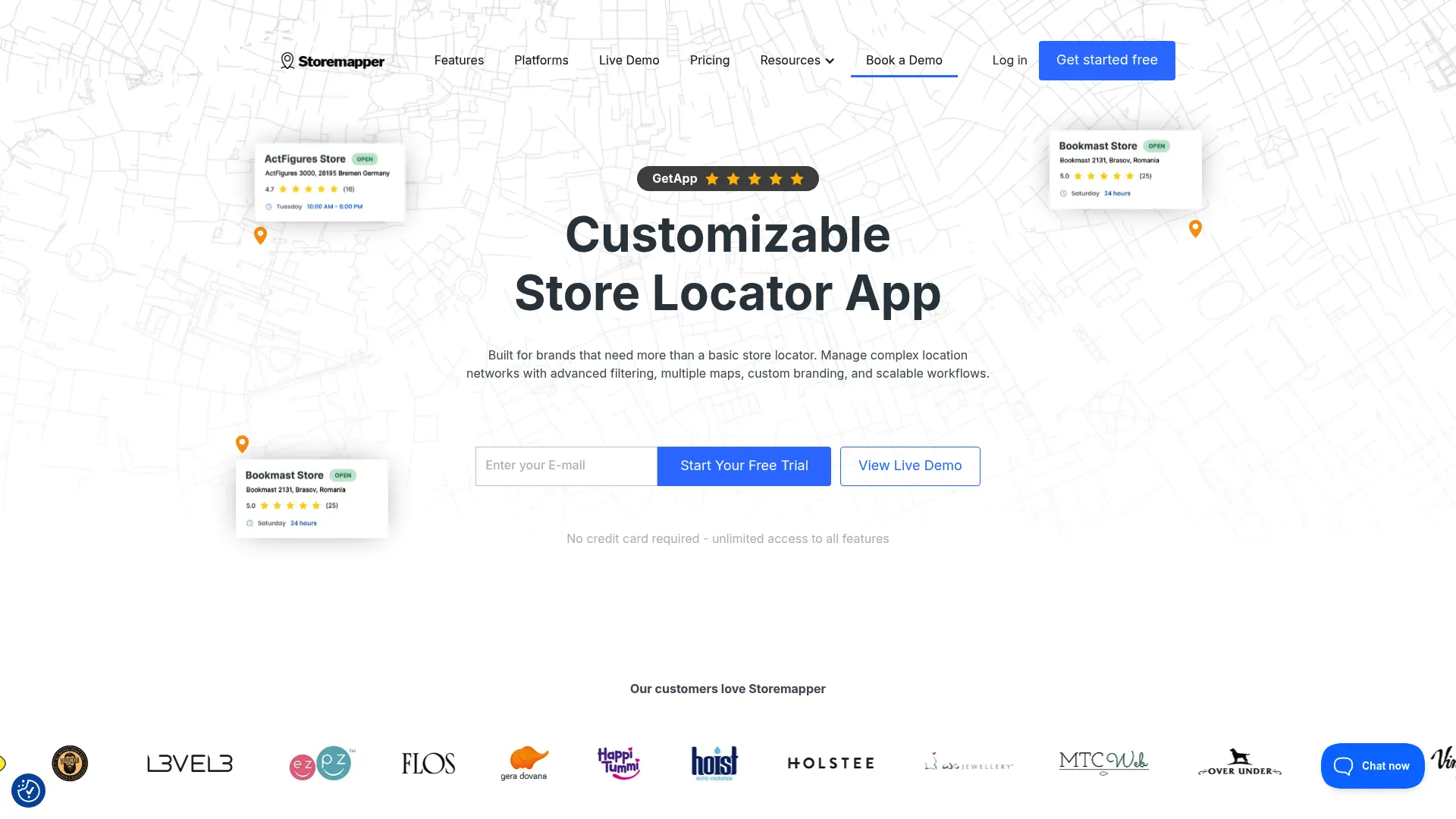
StoreMapper is a store locator app and widget for websites that helps customers find nearby stores and products. It balances ease of use with enough depth for growing brands, handling bulk location management and data export alongside customizable maps and branding. The locator drops into most website stacks with a snippet.
For marketers, the analytics and multi-language support matter. Search filters help visitors narrow results, analytics show how the locator performs, and the multi-language option supports international rollouts. Bulk management means you can update hundreds of locations at once rather than one at a time.
Best for: brands that need a customizable store locator with location management and analytics.
Key strengths
- Bulk location management and export: handle large datasets efficiently
- Customizable maps and branding: match the locator to your site
- Search filters, analytics, and multi-language: narrow results and report on usage
Why choose StoreMapper: It's a good middle-ground choice for brands that have outgrown a basic free widget but don't need enterprise infrastructure. The bulk management and export tools suit teams managing a meaningful number of locations across markets.
StoreMapper pricing: Four plans are listed: Micro at $24.99/month, Pro at $39.99/month, Premium at $69.99/month, and Corporate at $199.99/month. Annual billing is available, and a 7-day free trial lets you test before paying.
6. Bullseye Locations
Bullseye Locations is location marketing software for dealer, store, and pro locators, with locator management, routing and search, and related local-page features. It's the most enterprise-oriented option here, built for brands running larger dealer networks or multi-location operations that need more than a simple embed.
The depth shows in the feature set. You get unlimited locations and embeddable locators, location management with hours and custom styles, plus territory search, API access, analytics, lead management, and local or city pages. Those local pages help with store page SEO, giving each location an indexable page that can rank for nearby searches.
Best for: brands needing a configurable dealer or store locator platform with local pages and lead capture.
Key strengths
- Territory search and API access: route buyers to the right dealer programmatically
- Local and city pages: indexable location pages that support local discovery
- Analytics and lead management: capture and track locator-driven leads
Why choose Bullseye Locations: It's the pick when a locator is part of a broader location marketing motion, not just a finder. The lead management and local pages make it suitable for franchise locators and dealer finders where each partner needs visibility and routing matters.
Bullseye Locations pricing: Plans include Search at $89/month and Find at $225/month, both with up to 10,000 searches per month. Connect and Enterprise tiers are quote-based. Map services may require separate subscription or add-on pricing, so factor that into total cost.
7. Mapply
Mapply takes a different angle on local discovery. Rather than a pure website embed, it's a Google Maps local guides contribution platform that helps businesses collect reviews, photos, and ratings through verified contributors in exchange for rewards. It's worth knowing about when your local discovery goal extends to map visibility itself.
The platform works through verified Google Maps Local Guides at higher levels, a task and proof verification workflow, and a rewards system using points and gift cards. For brands focused on how they appear on Google Maps rather than only on their own site, it complements a traditional locator.
Best for: businesses wanting Google Maps visibility and verified local-guide contributions.
Key strengths
- Verified local guides: contributions from Level 5+ Google Maps Local Guides
- Task and proof workflow: structured verification for each contribution
- Rewards system: points and gift cards to incentivize contributors
Why choose Mapply: Choose it when your priority is Google Maps presence and review velocity rather than an on-site finder. It sits alongside a website locator rather than replacing one, addressing the discoverability layer that lives on the map itself.
Mapply pricing: Mapply's site references a custom plan and a contact-us model rather than public numeric pricing. Reach out for a quote based on your contribution and review goals.
8. Closeby
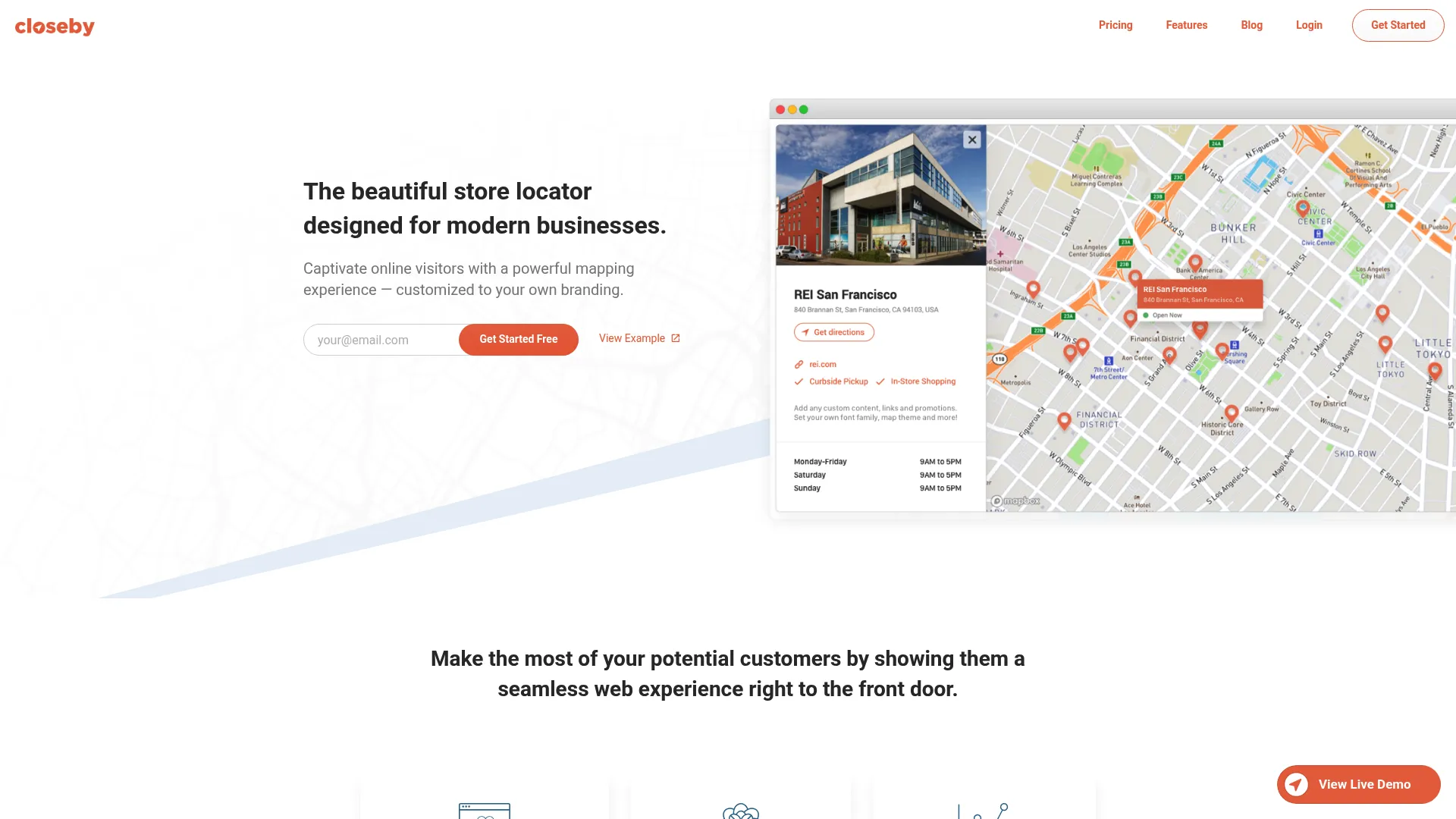
Closeby is a store and dealer locator for online brands that puts design first. If you care about how the locator looks and feels on a polished site, Closeby's themes and styling controls make it easy to ship a finder that matches your brand without custom code. The embed is quick, which suits marketing teams that want a fast launch.
The feature set covers the essentials cleanly. You get customizable layouts and themes, search and sort by distance, and location details with directions plus analytics tracking. For a design-conscious brand, it hits the sweet spot between control and simplicity.
Best for: brands that need a simple, design-focused store locator for their website.
Key strengths
- Customizable layouts and themes: design-forward styling out of the box
- Search and sort by distance: surface the closest locations first
- Directions and analytics tracking: route users and measure engagement
Why choose Closeby: It's a strong fit for design-led brands and smaller teams that want a clean finder fast. The free tier makes it low-risk to test, and the styling depth means the locator won't look bolted on.
Closeby pricing: Closeby is free for up to 5 locations, then $9.99 for up to 100 locations and $19.99 for up to 10,000 locations. The free entry point makes it easy to validate the locator before scaling location count.
9. StoreRocket
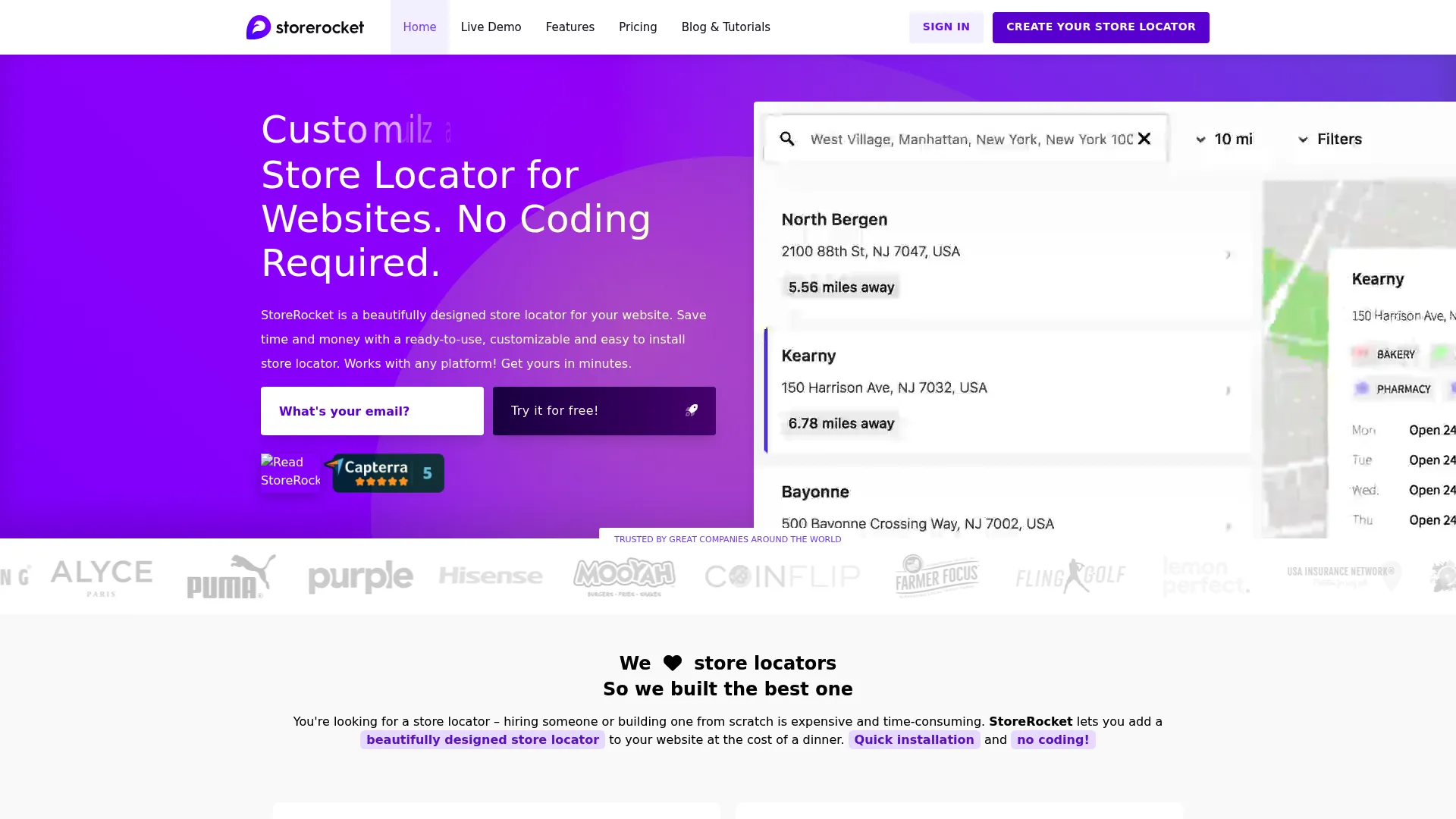
StoreRocket is a store locator platform for websites with customization, analytics, and location syncing. It's a well-rounded option for marketing teams that want both design control and data on how the locator performs. The setup is no-code, and a 7-day free trial lets you build before paying.
Where StoreRocket earns its place is the combination of analytics and integration depth. Store locator analytics show search and engagement patterns, CSV/Excel and Google Sheets sync keep data current, and customizable map styles and branding match your site. A REST API supports more advanced integrations when you need them.
Best for: businesses that need a configurable store locator with analytics and location sync.
Key strengths
- Store locator analytics: track searches and engagement to inform decisions
- CSV, Excel, and Google Sheets sync: flexible data import and updates
- Customizable map styles and REST API: brand the map and integrate deeper
Why choose StoreRocket: It fits analytics-minded teams that want to measure locator performance and tie it to conversion. The mix of Google Sheets sync for easy edits and a REST API for advanced needs covers both casual and technical workflows.
StoreRocket pricing: Basic starts at $25/month, Pro at $39/month, and Business at $69/month, with an Enterprise contact-sales tier. A 7-day free trial is available with no credit card required.
10. Awesome Store Locator
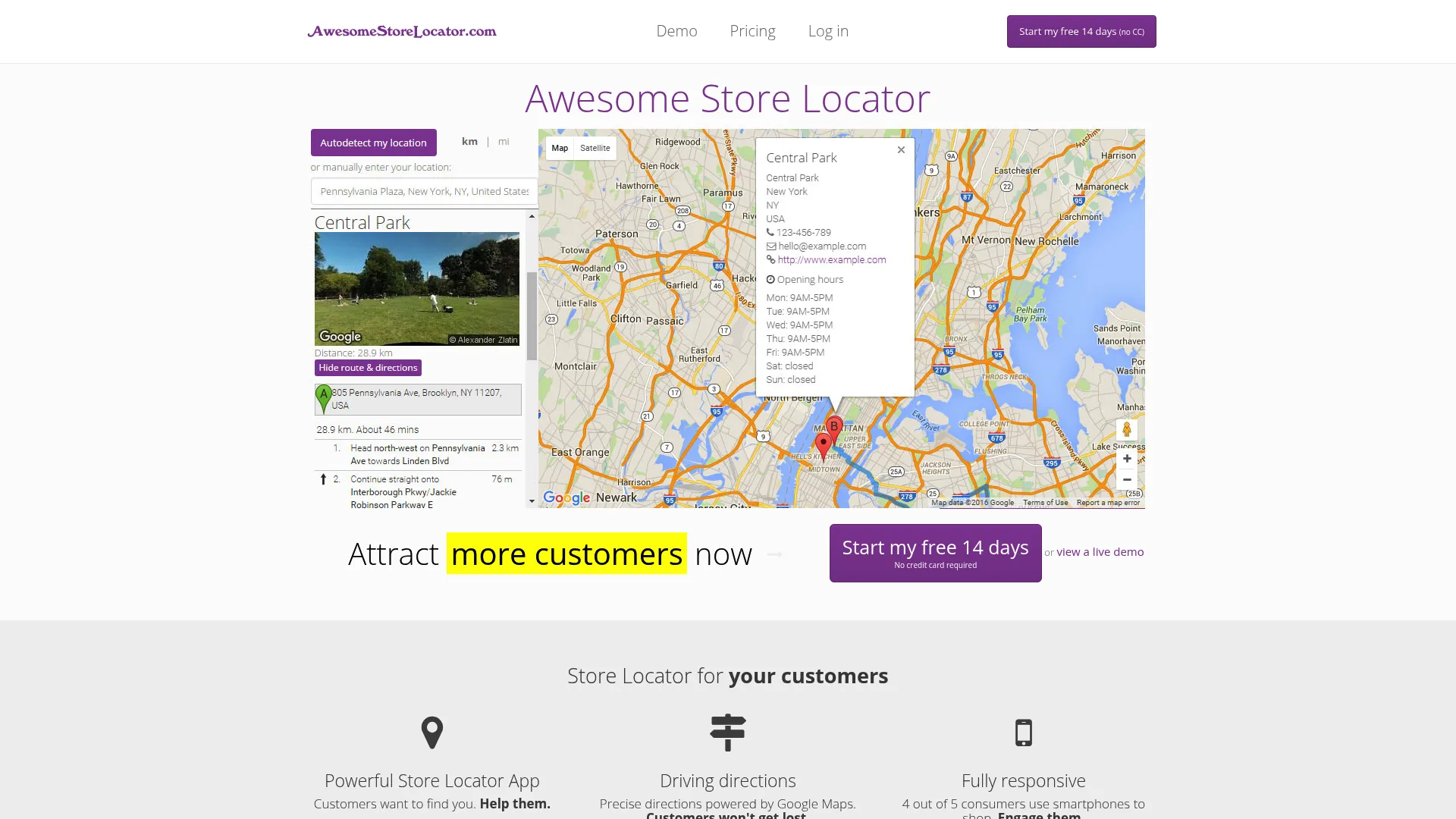
Awesome Store Locator is store locator software with geolocation, driving directions, and responsive map embeds. It focuses on doing the core job well: detect a visitor's location, show the nearest stores, and hand off driving directions through Google Maps. The no-code snippet install keeps setup simple.
For straightforward store-finder use cases, the essentials are all here. Geolocation-based finding, driving directions, bulk import from Excel or CSV, and customizable map themes cover what most single-brand sites need. The responsive embed means the directions link works on mobile without extra work.
Best for: businesses that need a simple embedded store locator with directions and bulk location import.
Key strengths
- Geolocation-based finding: surface the nearest stores automatically
- Driving directions via Google Maps: one-tap routing for visitors
- Bulk CSV/Excel import: load many locations at once
Why choose Awesome Store Locator: Pick it when you want a clean, reliable finder without paying for features you won't use. The bulk import and theme options give enough flexibility for most retail and service sites while keeping the setup light.
Awesome Store Locator pricing: Four plans are offered: Micro at 7 €/month, Small at 39 €/month, Medium at 49 €/month, and Enterprise at 199 €/month, with discounts for annual billing. A 14-day free trial is available with no credit card required. Note that prices are shown in euros and exclude VAT.
11. AIO Store Locator
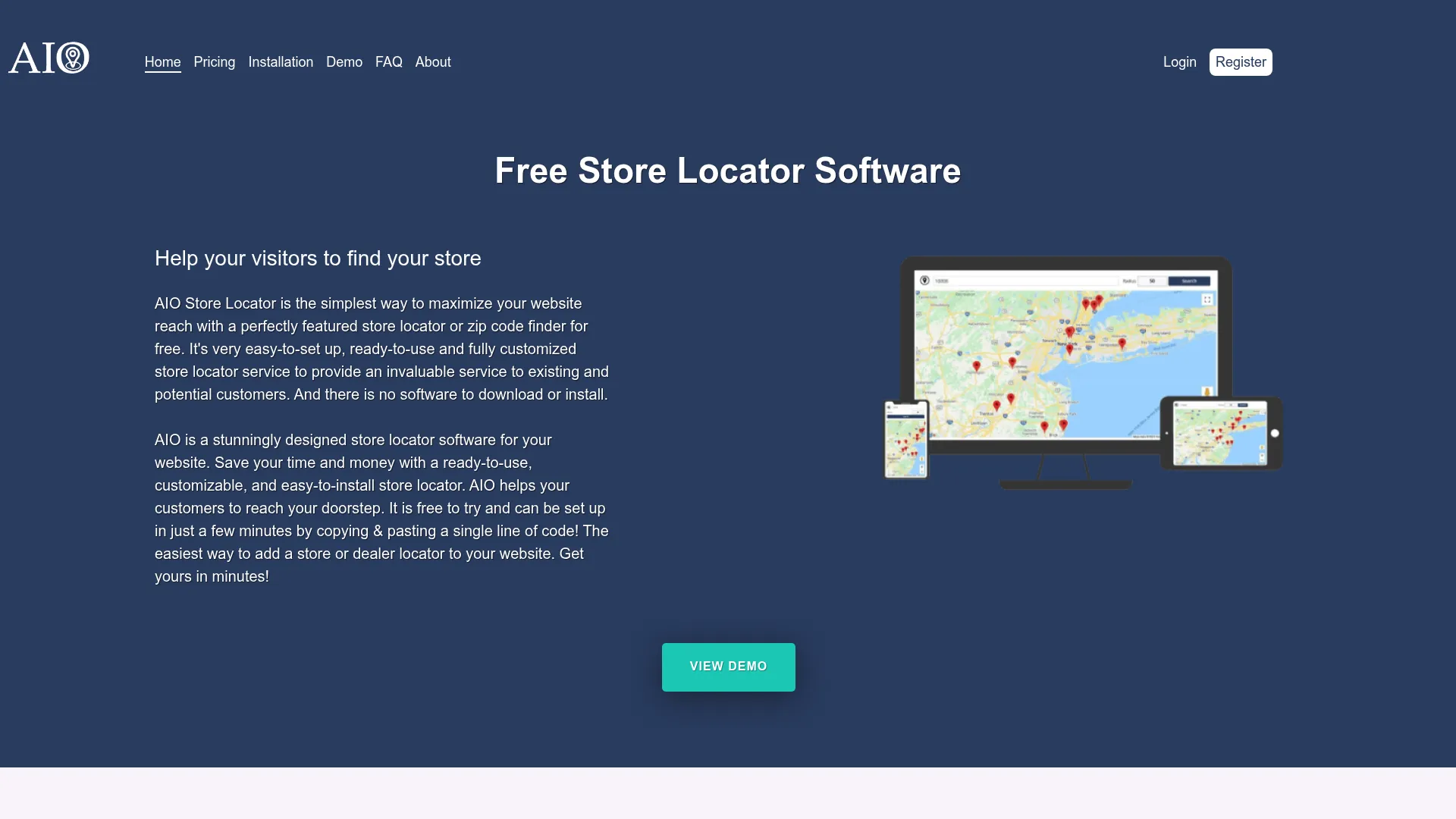
AIO Store Locator is store locator software for websites with free and paid plans. Its standout is the free-forever entry plan with unlimited searches and views, which makes it one of the easiest ways to add a locator at zero cost while you validate demand. Upgrades unlock more customization as you grow.
The tool keeps things simple and platform-friendly. The embed works across common website platforms, customization options let you match your brand, and the unlimited searches on even the free plan remove a common worry about hitting usage caps early.
Best for: businesses wanting a low-cost website store locator with a free entry plan.
Key strengths
- Free forever plan: launch a locator without a budget line
- Unlimited searches and views: no usage caps to manage
- Platform-compatible embed: works across common website stacks
Why choose AIO Store Locator: It's the budget-first pick for small brands and early-stage teams. The free plan with unlimited searches lets you prove the locator earns its place before spending, then scale into paid tiers for more customization.
AIO Store Locator pricing: A free plan starts at $0/month. Paid tiers include Basic at $9.99/month, Standard at $19.99/month, and Premium from $29.99/month. The free entry point makes it a low-risk way to start.
12. PROGUS Store Locator
PROGUS Store Locator is a store and dealer locator app for websites that helps customers find nearby locations and products. It's a strong fit for ecommerce teams, with a setup that removes a common headache: no API key is required to get started. That lowers the technical barrier for a Shopify store locator or similar merchant setup.
The feature set covers what ecommerce marketers expect. Google Sheets sync keeps location data current, advanced analytics report on locator usage, and the tiered plans scale by location count so you only pay for what you need. The free tier covers a single location for testing.
Best for: brands needing a no-API-key store locator with tiered location limits.
Key strengths
- No API key required: faster setup with fewer technical steps
- Google Sheets sync: maintain location data from a spreadsheet
- Advanced analytics: report on how visitors use the locator
Why choose PROGUS Store Locator: It suits ecommerce and dealer teams that want a low-friction install and granular plan tiers. The no-API-key approach and Sheets sync mean a marketer can launch and maintain the locator without engineering help.
PROGUS Store Locator pricing: A free plan covers one location. Paid tiers scale by location count: Starter at $3.99/month for up to 10 locations, Basic at $9.99/month for up to 100, Standard at $19.99/month for up to 500, and on through Business, Pro, and Corporate at $169.99/month for up to 20,000 locations.
13. Lifter Store Locator
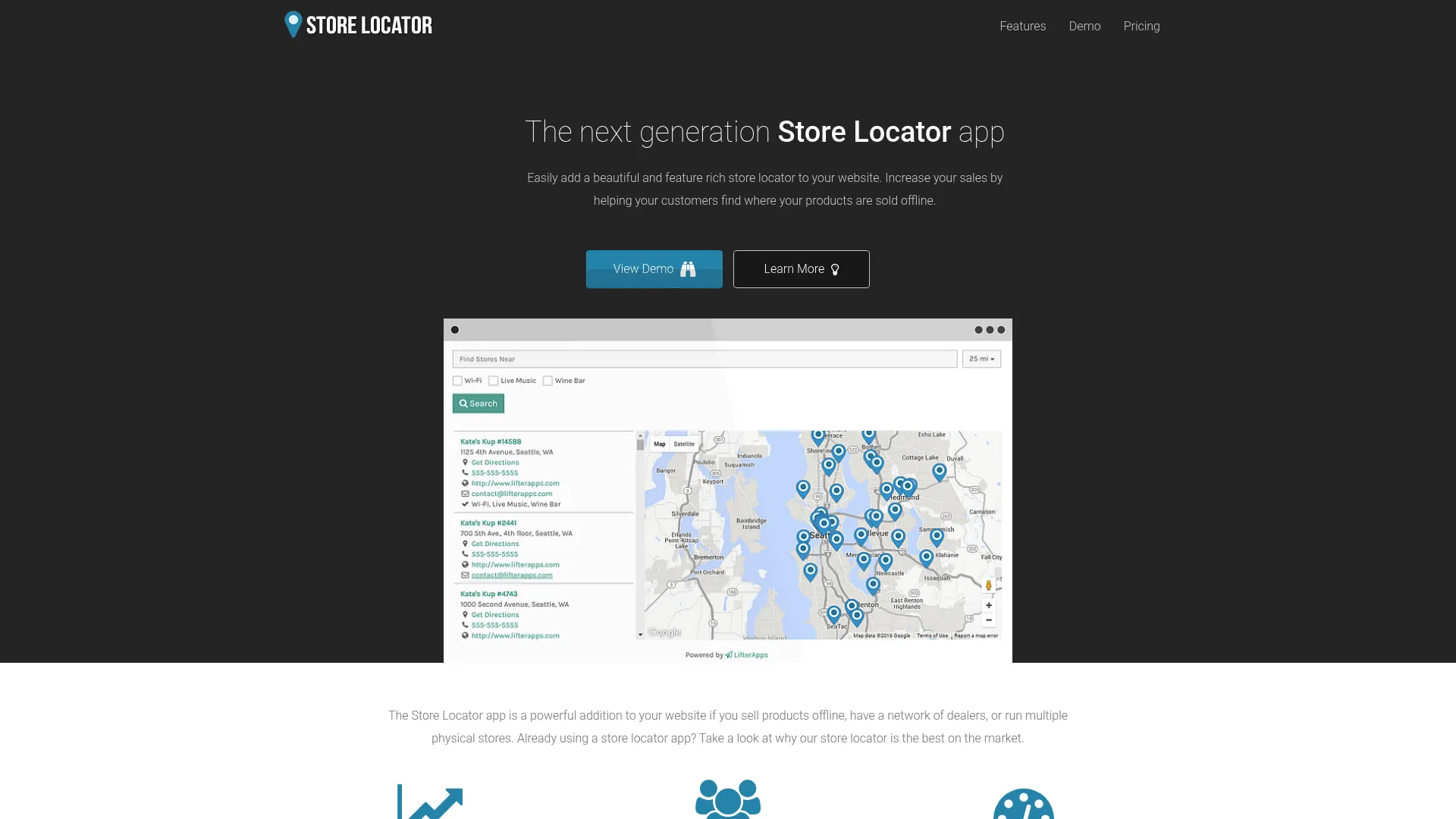
Lifter Store Locator is a store locator app for websites that helps customers find nearby retail locations, dealers, or product stockists. It's a fit for multi-location businesses and merchants who want a branded finder with solid customization at an accessible entry price. The setup is straightforward, and styling control runs deep.
The standout features lean toward customization and accuracy. Automatic geolocation finds the nearest locations, store filters and autocomplete search help visitors narrow quickly, and custom map markers plus full CSS control let you match the locator to your brand exactly.
Best for: Shopify merchants or multi-location businesses needing a branded store locator.
Key strengths
- Automatic geolocation: surface the nearest locations on load
- Store filters and autocomplete search: speed up how visitors find locations
- Custom map markers and CSS control: brand the locator down to the detail
Why choose Lifter Store Locator: It's a value pick for brands that want strong customization without a high entry price. The CSS control and custom map markers give design teams room to make the locator feel native, and the geolocation keeps results relevant.
Lifter Store Locator pricing: Plans start at $7.95/month for Basic, then Pro at $15.95/month, Premium at $24.95/month, Premium 1500 at $34.95/month, and Premium 2000 at $44.95/month. Higher tiers add more locations and features.
14. Store Locator Widget by POWR
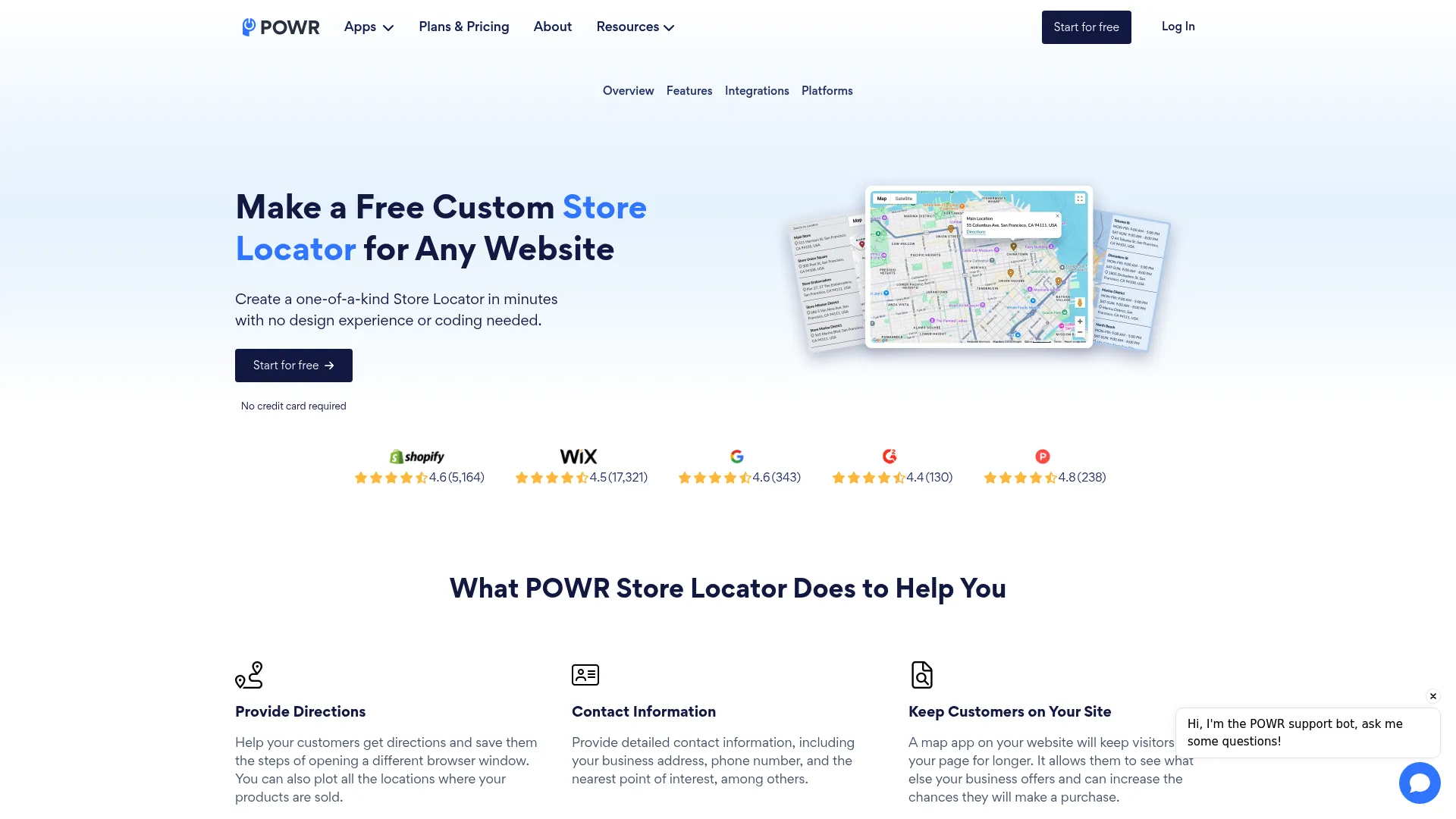
Store Locator Widget by POWR is a no-code store locator widget for adding locations, directions, and nearby-location search to a website. POWR builds widgets that drop into most website builders and page builders, so this locator fits naturally if you already use the POWR ecosystem or want a simple add-on for your CMS.
The widget covers the core jobs without complexity. It provides directions to the nearest location, shows contact information, supports no-code customization and embedding, allows bulk location upload via CSV or Google Sheets, and includes a search bar with custom pin support. The free tier lets you start at no cost.
Best for: websites that need a simple, embeddable store locator with multiple location tiers.
Key strengths
- No-code customization and embed: launch without touching code
- Directions and contact info: route visitors and surface store details
- Bulk upload via CSV or Google Sheets: load locations quickly
Why choose Store Locator Widget by POWR: It's a fit for teams that want a lightweight, embeddable widget that plays well with page builders. The free plan and low starting price make it easy to add to a smaller site, and the CSV or Sheets upload keeps data management simple.
Store Locator Widget by POWR pricing: A free plan is available, billed annually. Paid tiers include Starter at $6.04/month, Pro at $14.84/month, and Business at $98.99/month, with yearly pricing shown on the product page.
15. Locally
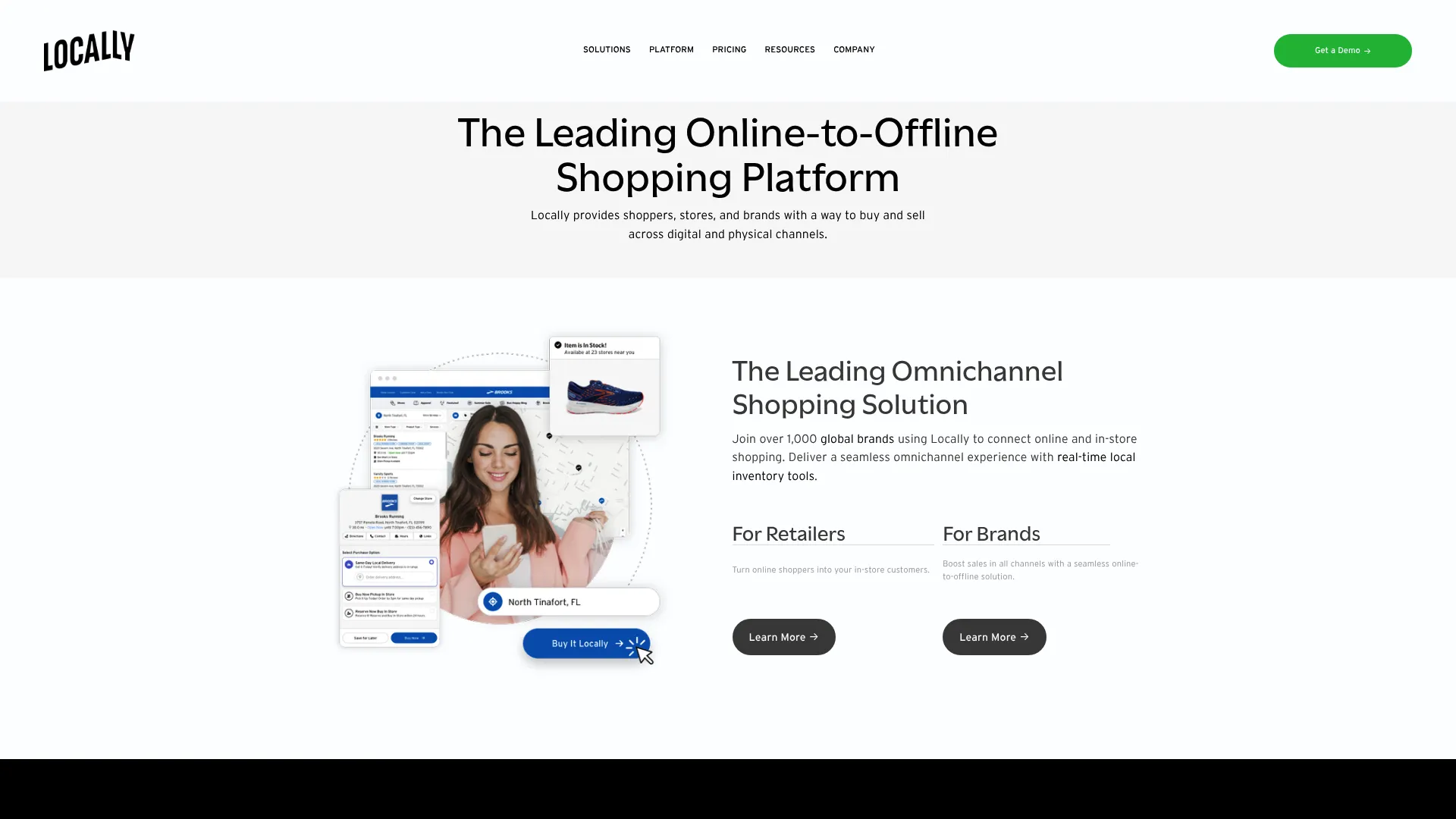
Locally is an online-to-offline shopping platform that connects brands, retailers, and shoppers with real-time local inventory and omnichannel buying tools. It sits at the locator-adjacent end of this list, built for brands that want shoppable discovery rather than only a map of locations. If a buyer wants to know who near them has a product in stock right now, Locally answers it.
The platform combines a store locator with a product locator and omnichannel features. BOPIS and ROPIS workflows let shoppers buy or reserve online and pick up in store, turning local discovery into a completed sale. It's the most retail-commerce-oriented option here.
Best for: brands and retailers that need local inventory, store-locator, and omnichannel shopping experiences.
Key strengths
- Store locator: find nearby authorized retailers
- Product locator: surface real-time local inventory by SKU
- BOPIS and ROPIS: buy or reserve online, pick up in store
Why choose Locally: Choose it when local discovery is part of a full commerce motion, not just a finder. The real-time inventory and pickup workflows make it a fit for consumer brands sold through many retailers that want to capture the sale before a buyer leaves.
Locally pricing: Locally lists three packages: Core Tools, Growth, and Enterprise. Pricing is quote-based rather than publicly numeric, so request a quote based on your brand and retailer footprint.
Considerations before you choose
A locator is easy to install and easy to outgrow. Run through this checklist before committing.
Integration and CMS compatibility
Confirm the tool supports your stack. A Webflow store locator, WordPress store locator, Wix store locator, or Shopify store locator may install differently, through a native app, a widget, or a code snippet. Test the embed on a staging page before you launch to confirm it renders correctly and stays responsive.
Data workflow
Decide how location data will be maintained. If ops owns updates, a Google Sheets sync or CSV import workflow keeps changes simple and removes the developer dependency. Check whether location import handles your full dataset and how often it syncs, since stale data erodes trust fast.
Branding and customization
Look at how far custom branding goes. Custom map markers, theme control, and CSS access determine whether the locator feels native or bolted on. A design-led brand should weight map customization heavily; a utility-first team may not need it.
Analytics depth
Check what the analytics for store locator actually report. Search volume, popular locations, and clicks to directions are table stakes. Conversion tracking that ties locator use to outcomes is what justifies the spend to leadership. Pair locator data with your broader marketing analytics and predictive analytics stack for a full picture.
Mobile UX and pricing model
Most local searches happen on phones, so confirm the mobile responsive locator works cleanly and the directions link hands off to the user's maps app. Then map store locator pricing to your scale: flat plans suit high-traffic sites, while location-tiered or usage-based pricing suits smaller networks.
Conclusion
The right store locator software depends on your stack, your data workflow, and how much you need to measure. For high-traffic sites that want flat pricing, StoreLocatorWidgets and AIO Store Locator stand out. For spreadsheet-driven teams, LocateStore and Storepoint keep data management simple. Ecommerce and Shopify merchants will find PROGUS Store Locator and Lifter Store Locator built for their workflow.
If you run a dealer network or need indexable local pages, Bullseye Locations brings API depth and lead capture. Analytics-minded teams should look at StoreRocket and StoreLocatorWidgets, and brands chasing omnichannel commerce should evaluate Locally for real-time inventory and pickup.
Your next step: shortlist two or three tools that match your CMS and data workflow, then run each on a staging page with real location data. Test the embed, the search, the directions link, and the analytics before you commit. The tool that's easiest for your marketing team to run without engineering, while still reporting on conversion, is usually the right call.
FAQs
Store locator software is a tool that adds a searchable, map-based location finder to your website so customers can find the nearest store, dealer, or product stockist. It combines a map, geolocation search, filters, location data management, directions, and analytics into one embeddable widget that reduces "where are you located" support requests and lifts conversion from local traffic.
Prioritize geolocation search and filters, a one-tap directions link, flexible location import via CSV or Google Sheets, custom branding and map markers, a mobile responsive locator, and analytics for store locator usage. CMS compatibility with your specific website builder matters too, since the embed method varies by platform.
Compatibility varies by tool and by embed method. Some offer native apps for a Shopify store locator, while others use a universal code snippet that works for a WordPress store locator or Webflow store locator. Before choosing, check whether the vendor lists a native integration, a widget, or a snippet for your platform, and test it on a staging page.
Yes, many tools support Google Sheets sync and CSV import. Spreadsheet-based workflows are popular with marketers and ops teams because anyone with edit access can update locations without filing a developer ticket. Tools like LocateStore, Storepoint, StoreRocket, and PROGUS Store Locator lean on Google Sheets for exactly this reason.
It can, depending on the tool and setup. Locators that generate indexable location pages with clean URLs and structured content support store page SEO and local discovery. A platform like Bullseye Locations offers local and city pages for this purpose. If SEO is a goal, confirm the tool creates crawlable pages rather than rendering everything inside a non-indexable widget.
Store locator pricing ranges widely. Free tiers exist from tools like AIO Store Locator, Closeby, and Store Locator Widget by POWR. Mid-range monthly plans typically run from about $19 to $99, as with StoreLocatorWidgets, Storepoint, and StoreRocket. Enterprise and dealer-focused platforms like Bullseye Locations and Locally use higher or quote-based pricing.
Both solve local discovery, but they serve different structures. A store locator points customers to your own physical locations. A dealer locator routes buyers to third-party distributors, resellers, or franchises, and often adds territory-based search, partner data, and lead distribution. Tools like Bullseye Locations and Locally support dealer and product locator workflows beyond a basic store finder.
Confirm CMS compatibility with your stack, check the update workflow (Google Sheets sync or CSV import), evaluate analytics and conversion tracking depth, review customization and custom branding options, and confirm the tool reduces dependency on engineering. Finally, test the embed and mobile experience on a staging page with real data before you commit budget.