You shipped three containers to production last quarter. Now you have three hundred. The scheduling scripts that worked fine on one host fall apart across a fleet, and every deploy turns into a manual coordination exercise.
That is the moment teams reach for orchestration. Not because containers are hard, but because running them at scale, self-healing, scheduling, load balancing, and keeping desired state across dozens of nodes, is the actual job.
The market reflects the shift. The global container orchestration market reached USD 1.71 billion in 2024 and is projected to hit USD 8.53 billion by 2030, a 31.8% CAGR, according to Grand View Research (2025). Adoption is nearly universal. Roughly 93% of organizations now use, pilot, or evaluate Kubernetes for container orchestration, per Linux Container & Kubernetes Adoption Statistics (2025).
So the question in 2026 is rarely "should we orchestrate." It is "which container orchestration software fits our operating model, security posture, and team capacity." This guide answers that.
What's inside
This guide is for platform engineers, DevOps teams, SREs, and technical evaluators comparing container orchestration platforms for a production environment. It also helps presales and solutions teams explain orchestration tradeoffs to prospects during technical validation.
We chose the nine tools below on five criteria:
- Orchestration depth: scheduling, self-healing, scaling, and networking maturity
- Managed vs self-managed fit: operational burden and control model
- Security and governance: RBAC, namespaces, policy enforcement
- Scaling behavior: multi-node and multi-cluster fleet management
- Operational overhead: day 2 operations, upgrades, and total cost
This is a 2026 shortlist of container orchestration tools, not an exhaustive index.
TL;DR
- Best for Kubernetes-first teams: Kubernetes, the open-source baseline that anchors the entire category
- Best for enterprise governance: Red Hat OpenShift, with opinionated security, GitOps, and compliance-friendly workflows
- Best for managed cloud operations: EKS on AWS, GKE on Google Cloud, or AKS on Azure, depending on your cloud
- Best for multi-cluster management: Rancher, built for fleet operations and centralized governance
- Best for simpler fleet control: Portainer for UI-led cluster management, or Mirantis Kubernetes Engine for enterprise standardization
- Best for lighter, multi-workload scheduling: HashiCorp Nomad, when you want a smaller operational footprint
What is container orchestration software
Container orchestration software automates the deployment, scaling, networking, and lifecycle management of containerized applications across a cluster of machines.
A container orchestrator schedules containers onto available nodes, replaces failed ones, scales workloads up or down, and connects them through service discovery and networking. Instead of manually placing containers and watching for failures, you declare a desired state and the orchestrator reconciles reality to match it.
Core features of container orchestration platforms include:
- Scheduling: placing containers on nodes based on resource needs and constraints
- Load balancing: distributing traffic across healthy container instances
- Self healing: restarting or rescheduling failed containers automatically
- Scaling: adjusting replica counts based on demand
- Service discovery: letting containers find and talk to each other
- Secrets and config management: injecting credentials and configuration safely
- Policy and access control: enforcing RBAC, namespaces, and network policy
Kubernetes became the default reference point for a simple reason. It standardized the declarative, control-loop model that most other tools now either build on or interoperate with. When 80% of organizations run Kubernetes in production, up from 66% a year earlier per Linux Container & Kubernetes Adoption Statistics (2025), the Kubernetes container orchestration model effectively defines the category.
When to use container orchestration software
Scale beyond single-host container management
Docker Compose and manual container runs work fine on one machine. They stop being enough the moment you need workloads spread across multiple nodes with automatic failover.
Once you need multi-node scheduling, workload distribution, and recovery when a node dies, you need orchestration. That is the line where a container orchestrator earns its operational cost.
Standardize production deployments
Teams adopt orchestration when they need repeatable release patterns and predictable rollback behavior. A declarative spec means every deploy follows the same path, and a bad release rolls back to a known-good state.
This is where CI/CD integration and GitOps become operational enablers. Your pipeline applies manifests, the cluster reconciles, and Git becomes the source of truth for what runs where.
Enforce security and governance at scale
When multiple teams share infrastructure, you need RBAC, namespace isolation, and policy enforcement to keep them apart. Compliance requirements push this further, requiring audit trails, network policy, and controlled secrets handling.
At that point orchestration is not optional. It is the layer that makes multi-tenant, compliant production possible.
Comparison table
The table below compares the nine container orchestration platforms on orchestration model, best fit, pricing type, and G2 rating. Use it to shortlist by operating model, then read the item sections for detail. Managed vs self-managed is the first fork most teams hit, so weigh that before pricing.
| # | Product | Best for | Key differentiator | Pricing | G2 rating |
|---|---|---|---|---|---|
| 1 | Kubernetes | Kubernetes-first teams | Open-source category standard | Free, open source | 4.6/5 |
| 2 | Red Hat OpenShift | Enterprise governance | Opinionated platform with built-in security and CI/CD | From $0.076/hour (cloud services) | 4.5/5 |
| 3 | Amazon EKS | AWS-native teams | Managed control plane with deep AWS integration | From $0.10 per cluster/hour | 4.5/5 |
| 4 | Google Kubernetes Engine | Automation-first teams | Autopilot and Standard operating modes | From $0.10 per cluster/hour | 4.5/5 |
| 5 | Azure Kubernetes Service | Microsoft-stack teams | Entra identity and Azure governance | Free, Standard, Premium tiers | 4.4/5 |
| 6 | Rancher | Multi-cluster fleets | Centralized management across environments | Free community edition | 4.4/5 |
| 7 | Portainer | UI-led cluster ops | Central UI for Docker, Kubernetes, and edge | From $105/mo | 4.8/5 |
| 8 | HashiCorp Nomad | Multi-workload scheduling | Schedules containers and non-container workloads | Contact sales | 4.5/5 |
| 9 | Mirantis Kubernetes Engine | Enterprise standardization | Kubernetes and Swarm with enterprise support | Contact sales | 4.4/5 |
Best 9 container orchestration software tools for 2026
1. Kubernetes
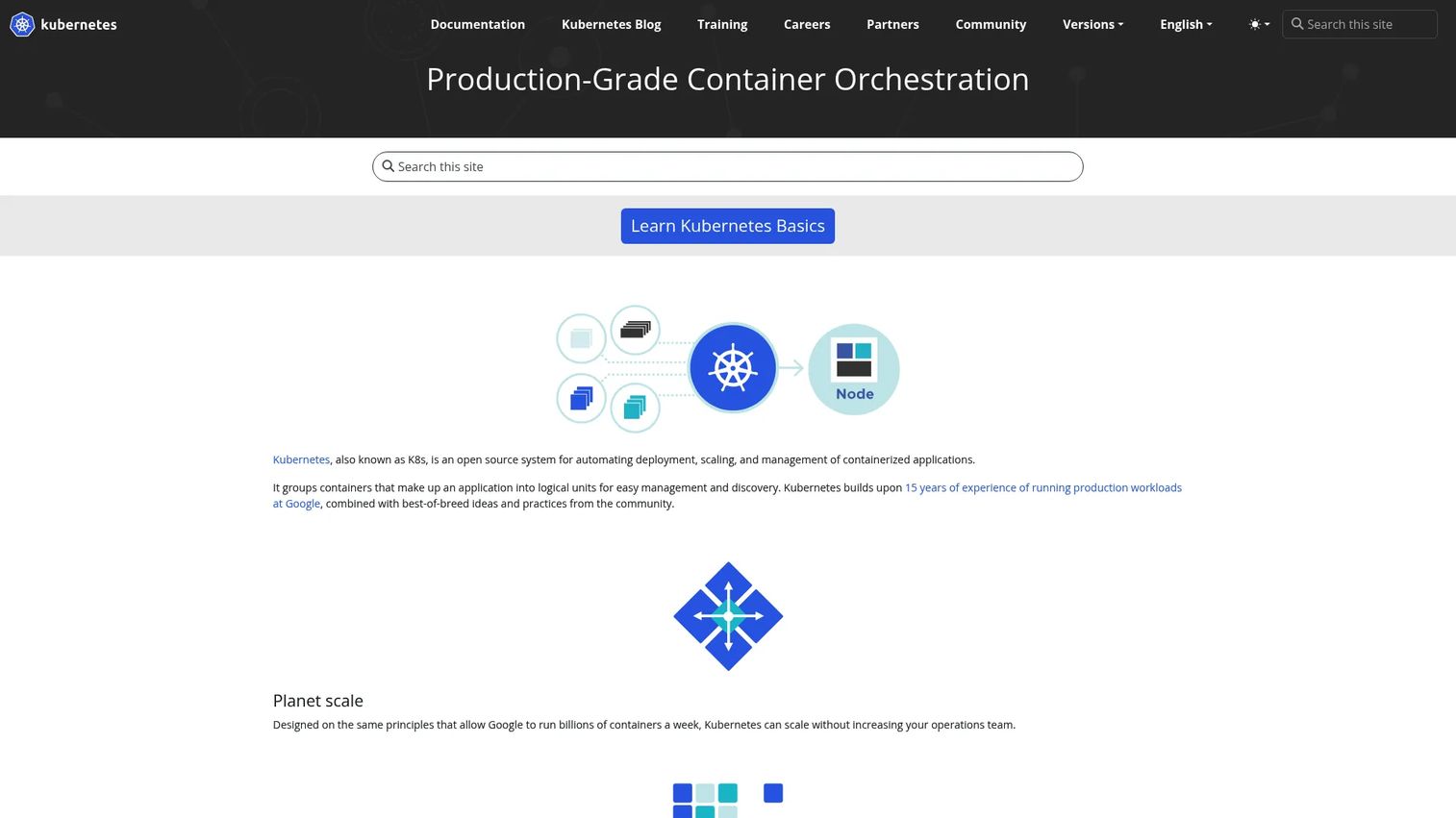
Kubernetes is the open-source orchestrator that defines the category. Nearly every other tool on this list either runs Kubernetes, manages it, or interoperates with it. If you want to understand container orchestration, you start here.
The architecture is built around a control plane that runs the API server, scheduler, and controllers. Workloads run as pods on worker nodes, each managed by a kubelet. Control loops constantly compare desired state against actual state and reconcile the difference. You declare what you want in YAML, and the reconciliation loop makes it happen.
Best for: teams that want full control over their orchestration layer and are ready to own it as infrastructure as code.
Key strengths
- Declarative desired state with self-healing control loops
- Automated rollouts and rollbacks
- Service discovery and load balancing built in
- The largest ecosystem in container orchestration
- Native RBAC and namespace isolation
Why choose Kubernetes: it is the baseline every other option is measured against. Teams pick it when they want portability across on-prem, hybrid, and cloud, and when they have the capacity to run the control plane themselves. It pairs naturally with GitOps workflows for declarative, version-controlled deployments.
Kubernetes pricing: free and open source. There is no license fee. Your cost is the infrastructure it runs on plus the engineering time to operate it.
2. Red Hat OpenShift
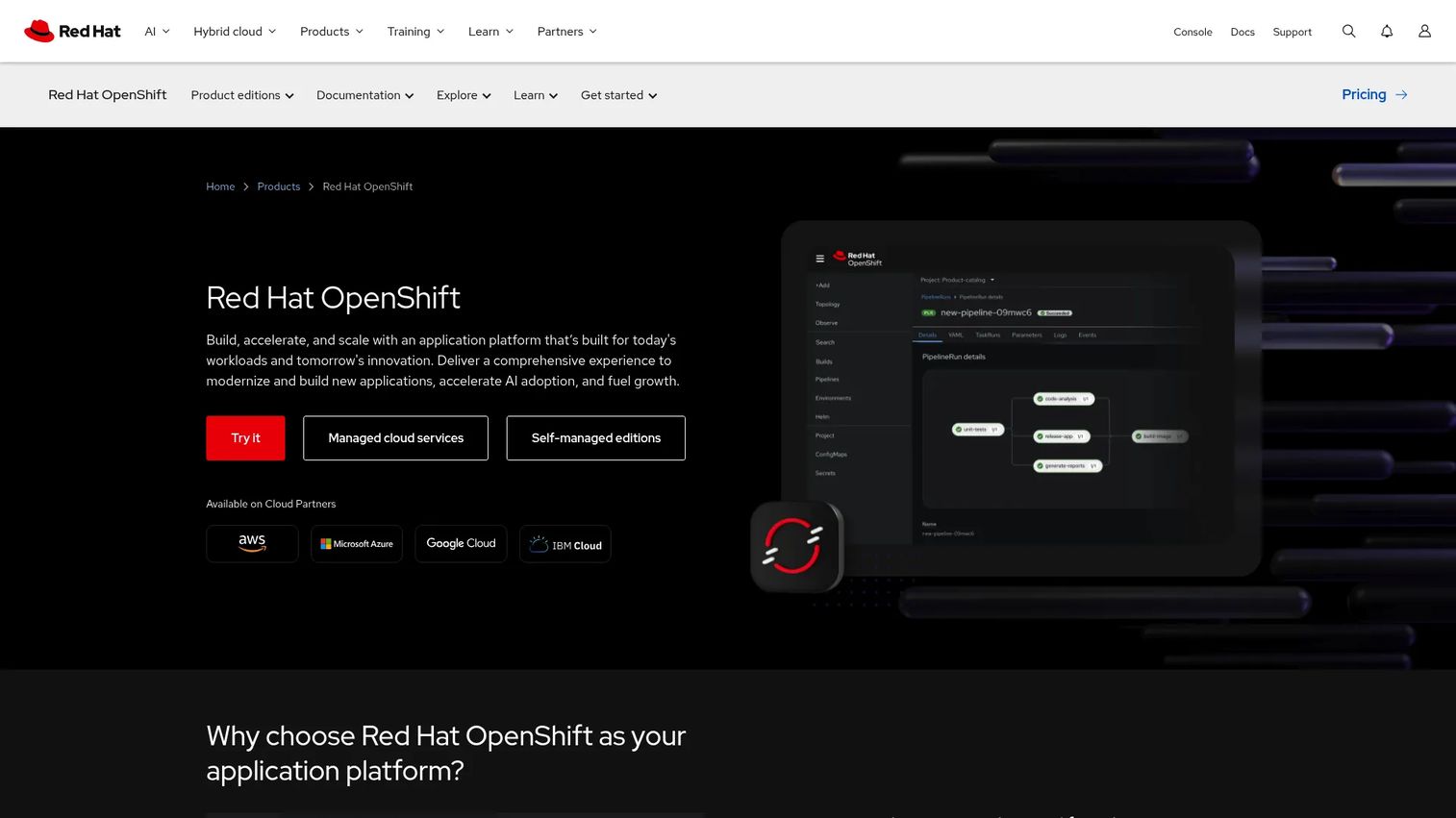
Red Hat OpenShift is an enterprise Kubernetes platform that wraps opinionated tooling, security defaults, and developer workflows around the core. Where raw Kubernetes gives you primitives, OpenShift gives you an application platform.
It ships with built-in CI/CD, observability, service mesh, and hardened security defaults. Integrated GitOps and pipelines mean teams get a declarative deployment path without assembling it from scratch. Stricter RBAC and policy enforcement suit regulated environments.
Best for: enterprises standardizing on Kubernetes across hybrid cloud that want governance and support baked in.
Key strengths
- Self-managed editions and managed cloud services
- Built-in security, CI/CD, observability, and service mesh
- Integrated GitOps and developer workflows
- Strong RBAC and policy enforcement
- Hybrid cloud consistency
Why choose OpenShift: pick it over raw Kubernetes when compliance, support, and an opinionated developer experience matter more than assembling your own stack. It fits governance-heavy and regulated teams that need a supported platform.
OpenShift pricing: Red Hat lists cloud services starting at $0.076/hour, plus self-managed editions priced by sizing and subscription, and a free trial. Self-managed pricing varies by configuration.
3. Amazon Elastic Kubernetes Service (EKS)
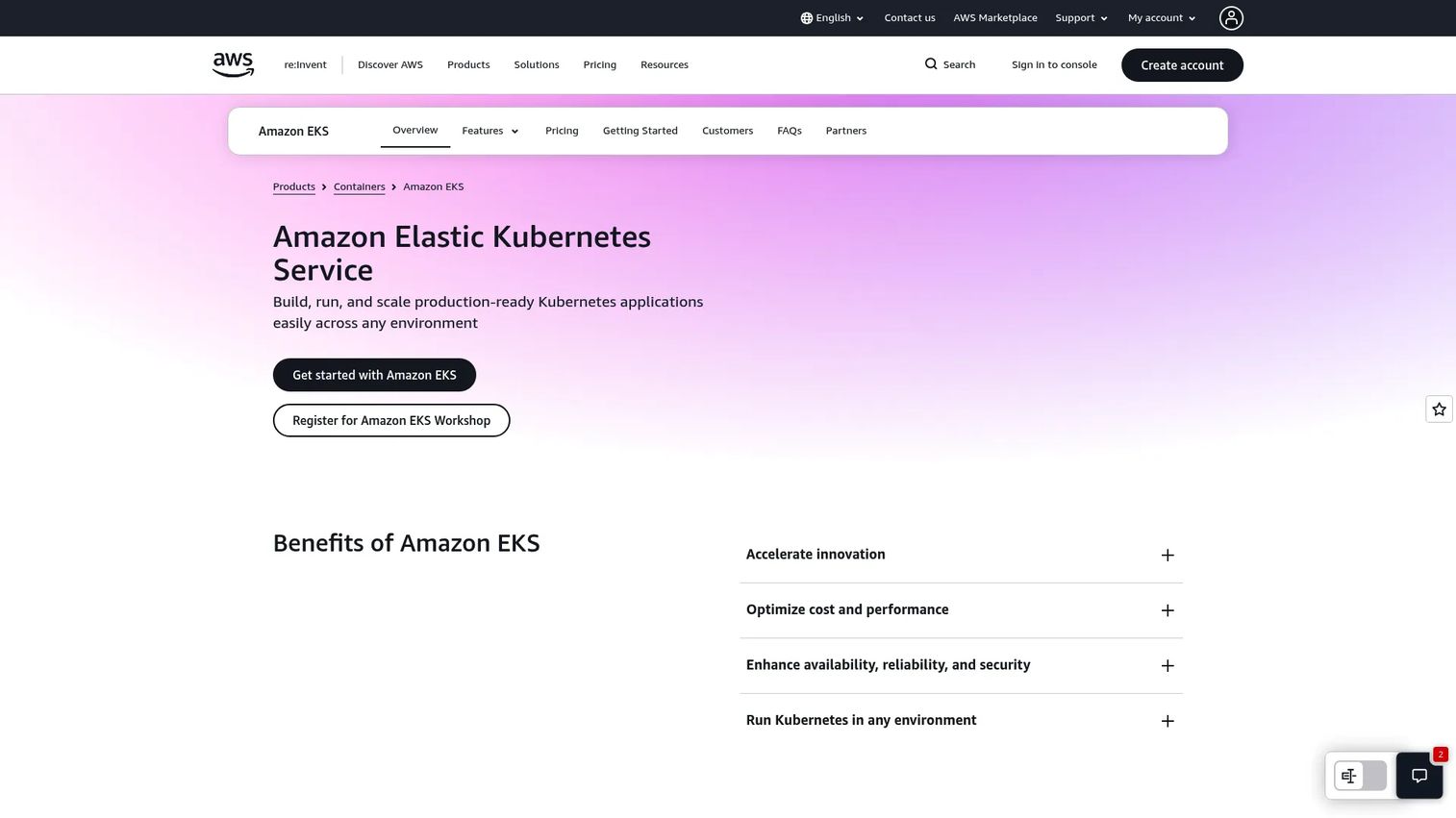
Amazon EKS is AWS's managed Kubernetes service. It runs and scales the control plane for you, so your team focuses on workloads instead of etcd backups and API server upgrades.
EKS integrates deeply with AWS. IAM handles authentication and RBAC mapping, autoscaling ties into EC2 and Fargate, and EKS Auto Mode automates node provisioning. Hybrid nodes extend clusters to on-prem infrastructure. If your stack already lives on AWS, the operational path is short.
Best for: AWS-native teams that want a managed control plane and tight integration with existing AWS services.
Key strengths
- Managed Kubernetes control plane
- Amazon EKS Auto Mode for node automation
- Hybrid nodes support
- IAM-based authentication and access control
- Autoscaling across EC2 and Fargate
Why choose EKS: it removes control plane operations while keeping standard Kubernetes underneath. Weigh cloud lock-in against the operational simplicity you gain, especially if you use infrastructure as code with Terraform or CloudFormation.
EKS pricing: $0.10 per cluster per hour for standard Kubernetes version support, with extended support at $0.60 per cluster per hour and larger provisioned control plane tiers above that. Hybrid nodes start at $0.020 per vCPU per hour. Underlying AWS infrastructure costs apply separately.
4. Google Kubernetes Engine (GKE)
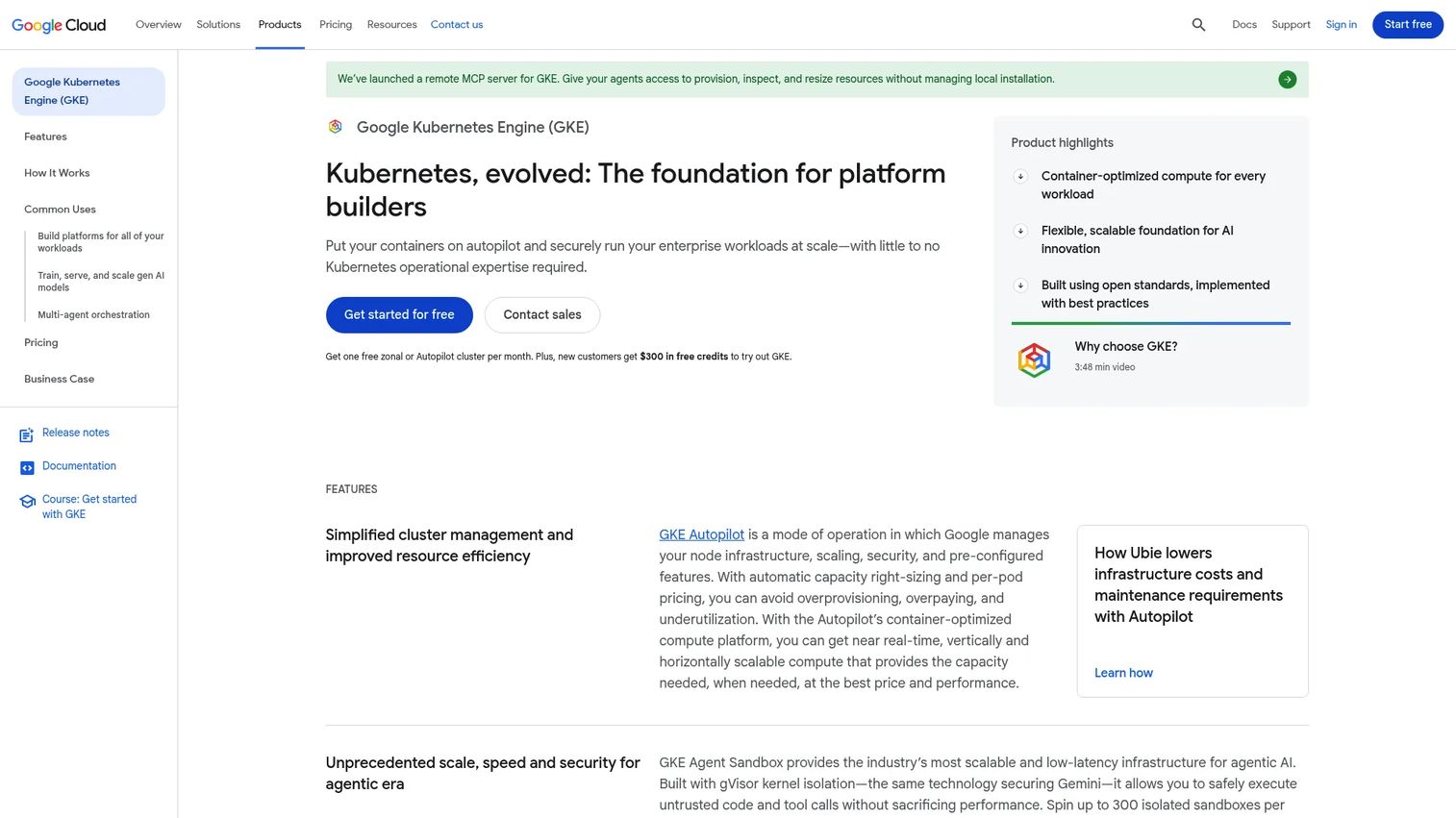
Google Kubernetes Engine is Google Cloud's managed Kubernetes service, and it comes from the company that originally built Kubernetes. That heritage shows in the depth of automation.
GKE offers two operating modes. Standard gives you node-level control, while Autopilot manages nodes, scaling, and security for you and bills per pod. Both handle cluster lifecycle, pod and cluster autoscaling, and reliability automation. For teams that want managed Kubernetes with minimal node babysitting, Autopilot is a strong default.
Best for: teams on Google Cloud that want managed scaling and heavy operational automation.
Key strengths
- Automated cluster lifecycle management
- Pod and cluster autoscaling
- Autopilot and Standard operating modes
- Strong reliability and self-healing automation
- Tight Google Cloud integration
Why choose GKE: it beats self-managed Kubernetes when you want the maintainers' own automation and would rather not run the control plane. Autopilot in particular shifts day 2 operations onto Google.
GKE pricing: a free tier provides $74.40 in monthly credits per billing account. Cluster management is $0.10 per cluster per hour, with an extended support period at $0.50 per cluster per hour. Node and resource usage bill separately.
5. Azure Kubernetes Service (AKS)
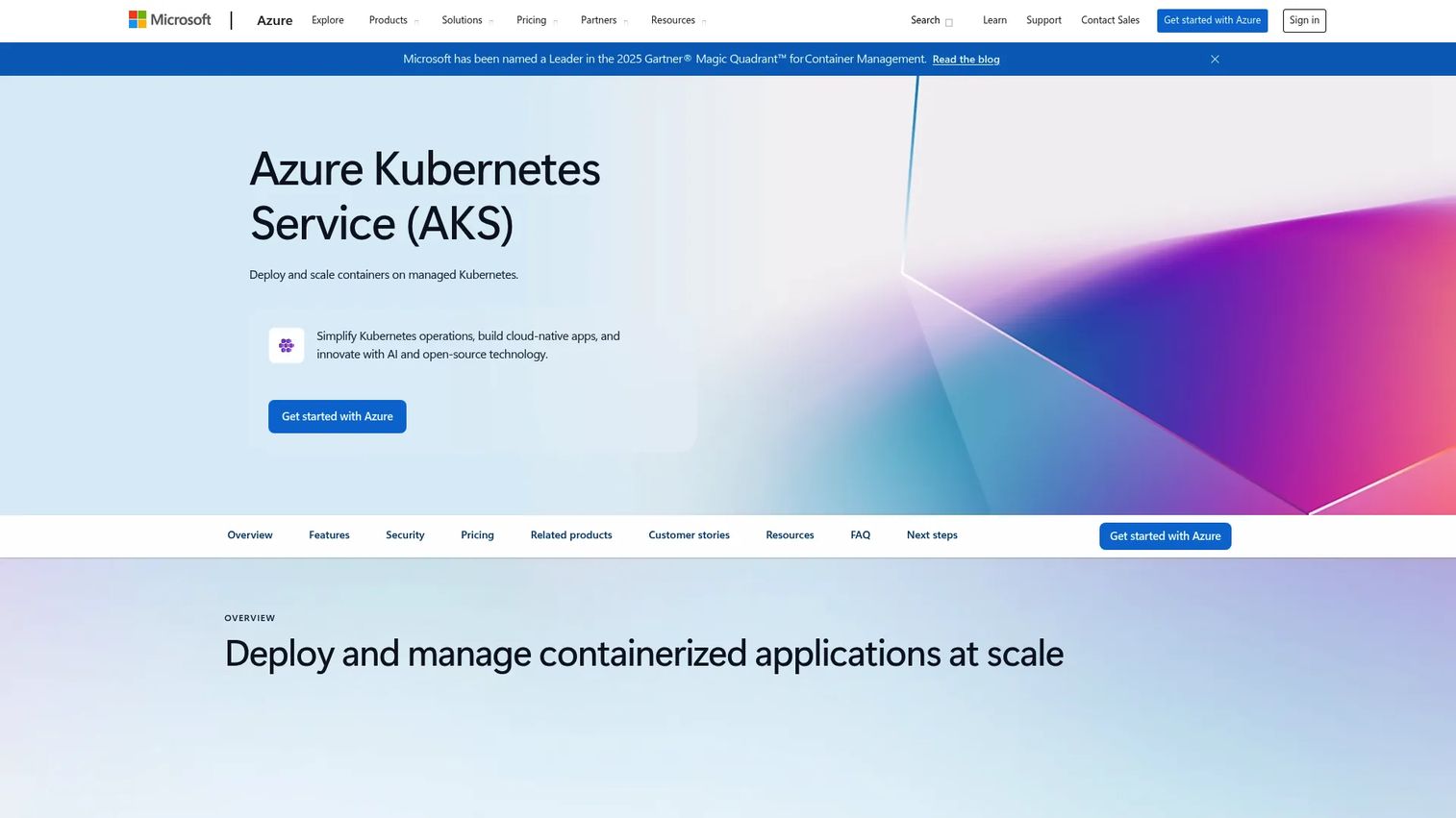
Azure Kubernetes Service is Azure's managed Kubernetes platform, and it fits naturally into Microsoft-heavy environments. If your identity, tooling, and governance already run through Azure, AKS extends that model to containers.
Entra ID integration handles authentication and maps cleanly to Kubernetes RBAC. AKS Automatic handles cluster management, and integrated monitoring, logging, and policy enforcement support governance requirements. Hybrid operations connect AKS to on-prem and edge through Azure Arc.
Best for: teams that want managed Kubernetes tightly integrated with the Azure and Microsoft stack.
Key strengths
- AKS Automatic for automated cluster management
- Integrated monitoring and logging
- Advanced security and governance controls
- Entra identity integration for RBAC
- Hybrid operations through Azure Arc
Why choose AKS: Microsoft stack alignment is the deciding factor. When your organization runs on Entra, Azure Policy, and Azure DevOps, AKS keeps identity and governance consistent across the estate.
AKS pricing: Azure lists Free, Standard, and Premium tiers. The Free tier carries no SLA and you pay only for underlying resources. Standard and Premium add SLAs and long-term support. Public numeric pricing is available through the Azure pricing calculator.
6. Rancher
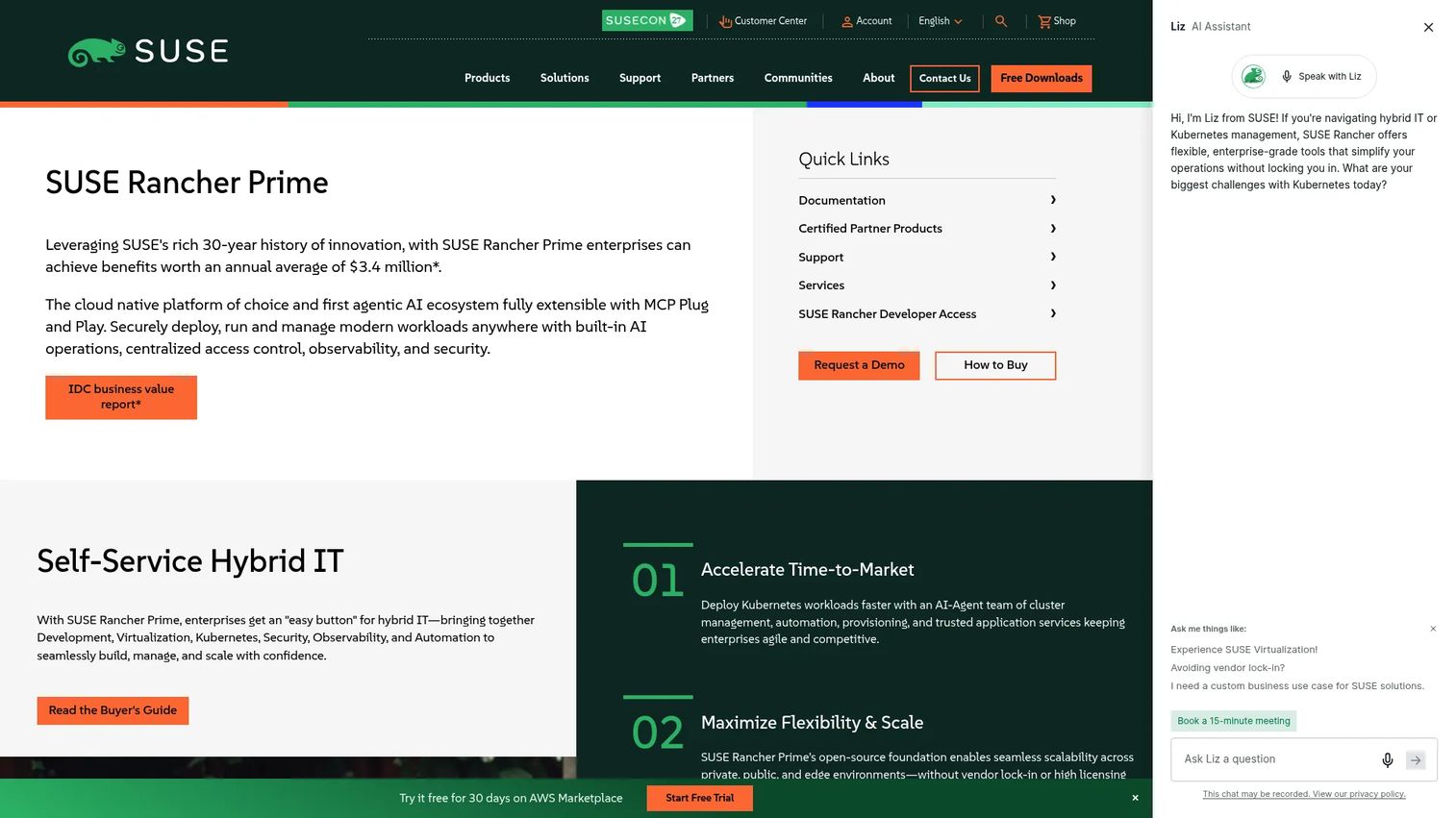
Rancher is a Kubernetes management platform from SUSE built for teams running many clusters. It is not a replacement for Kubernetes. It is the layer that governs Kubernetes across environments.
Rancher handles cluster lifecycle, provisioning, and centralized visibility across cloud, on-prem, and edge. Fleet management lets platform teams push consistent configuration and policy to every cluster from one control point. Centralized access control and observability make multi-cluster governance manageable rather than chaotic.
Best for: platform teams that need standardized cluster management across a distributed Kubernetes fleet.
Key strengths
- Multi-cluster Kubernetes management
- Centralized access control, observability, and security
- Fleet management across cloud, on-prem, and edge
- Community edition plus enterprise Prime and Suite offerings
- Consistent governance across clusters
Why choose Rancher: pick it when you have outgrown a single cluster and need one place to run day 2 operations across the fleet. It layers governance on top of clusters wherever they run.
Rancher pricing: a free Community edition is available. SUSE Rancher Prime and Rancher Suite are enterprise offerings with pricing available on request through SUSE.
7. Portainer
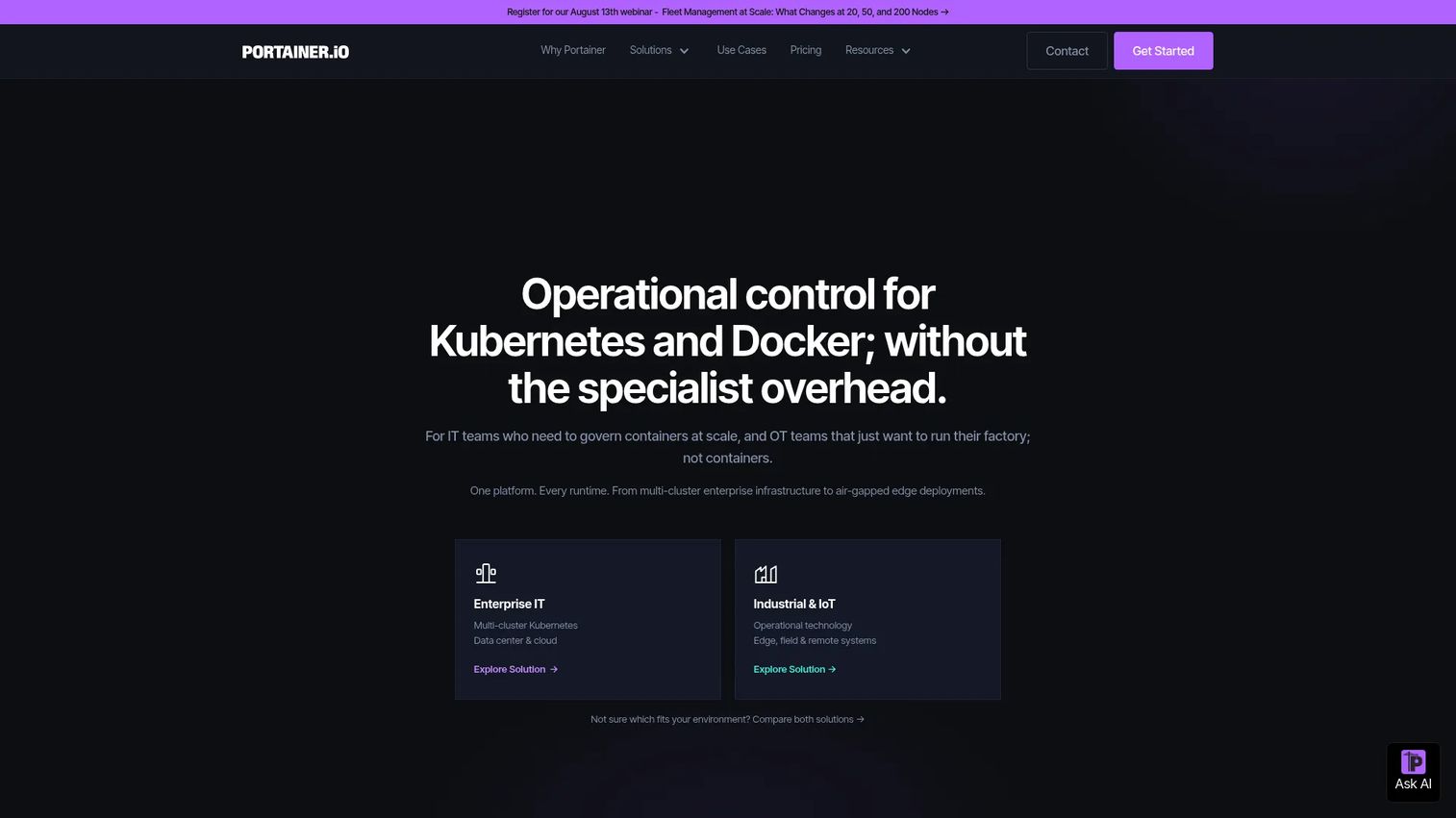
Portainer is a container management platform with a strong UI-led model. It gives teams a central interface for Docker, Kubernetes, Swarm, Podman, and edge environments without a heavy platform project.
The appeal is practical. A visual console shows cluster state, deployments, and resources, which lowers the admin barrier for smaller teams. RBAC and access control keep multi-user environments safe, and GitOps plus app templates support repeatable deployments. For teams that want fleet management without a steep operational learning curve, Portainer is a pragmatic option.
Best for: teams that want practical cluster management and visibility through a UI rather than YAML alone.
Key strengths
- Unified management for Docker, Swarm, Kubernetes, Podman, and Azure ACI
- RBAC and access control
- GitOps and app templates
- Visual cluster visibility for smaller teams
- Central management across mixed infrastructure
Why choose Portainer: it fits teams that value a UI and fast onboarding over assembling their own tooling. It is a strong pick when you manage containers across mixed infrastructure and want central control quickly.
Portainer pricing: the Starter plan is $105/mo and Scale is $209/mo. A Home & Student track is $155/year, Enterprise is contact-sales, and a free tier for a small number of nodes is available.
8. HashiCorp Nomad
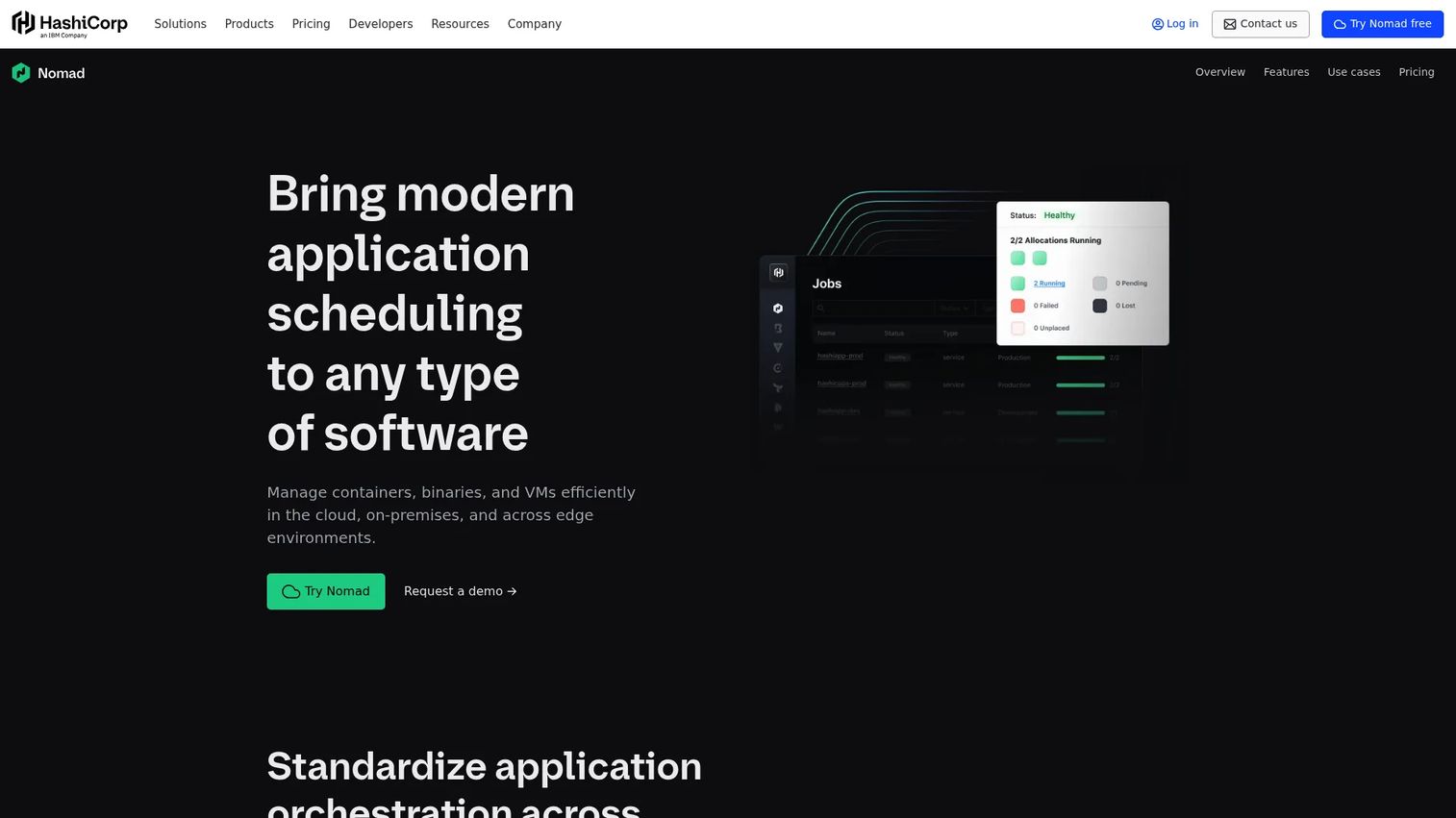
HashiCorp Nomad is a scheduler that handles containers and other workload types. It takes a different approach from Kubernetes-centric stacks, favoring a smaller operational footprint and a single binary.
Nomad schedules Docker containers, but it also runs non-container workloads like standalone binaries, Java applications, and batch jobs. That flexibility suits teams with mixed workloads that do not fit neatly into a container-only model. It integrates with the broader HashiCorp stack, including Consul for service discovery and Vault for secrets.
Best for: teams that want a lightweight scheduler for both container and non-container workloads.
Key strengths
- Multi-workload scheduling beyond containers
- Simpler operational footprint with a single binary
- Container and non-container workload support
- Integration with Consul and Vault
- Flexible workload types
Why choose Nomad: it fits teams that want simpler operations or run workloads Kubernetes was not designed for. The tradeoff versus Kubernetes is a smaller ecosystem, so weigh that against the operational simplicity you gain.
Nomad pricing: Nomad is available as an open-source project, with HashiCorp offering enterprise editions and cloud options through contact sales for advanced governance and support.
9. Mirantis Kubernetes Engine
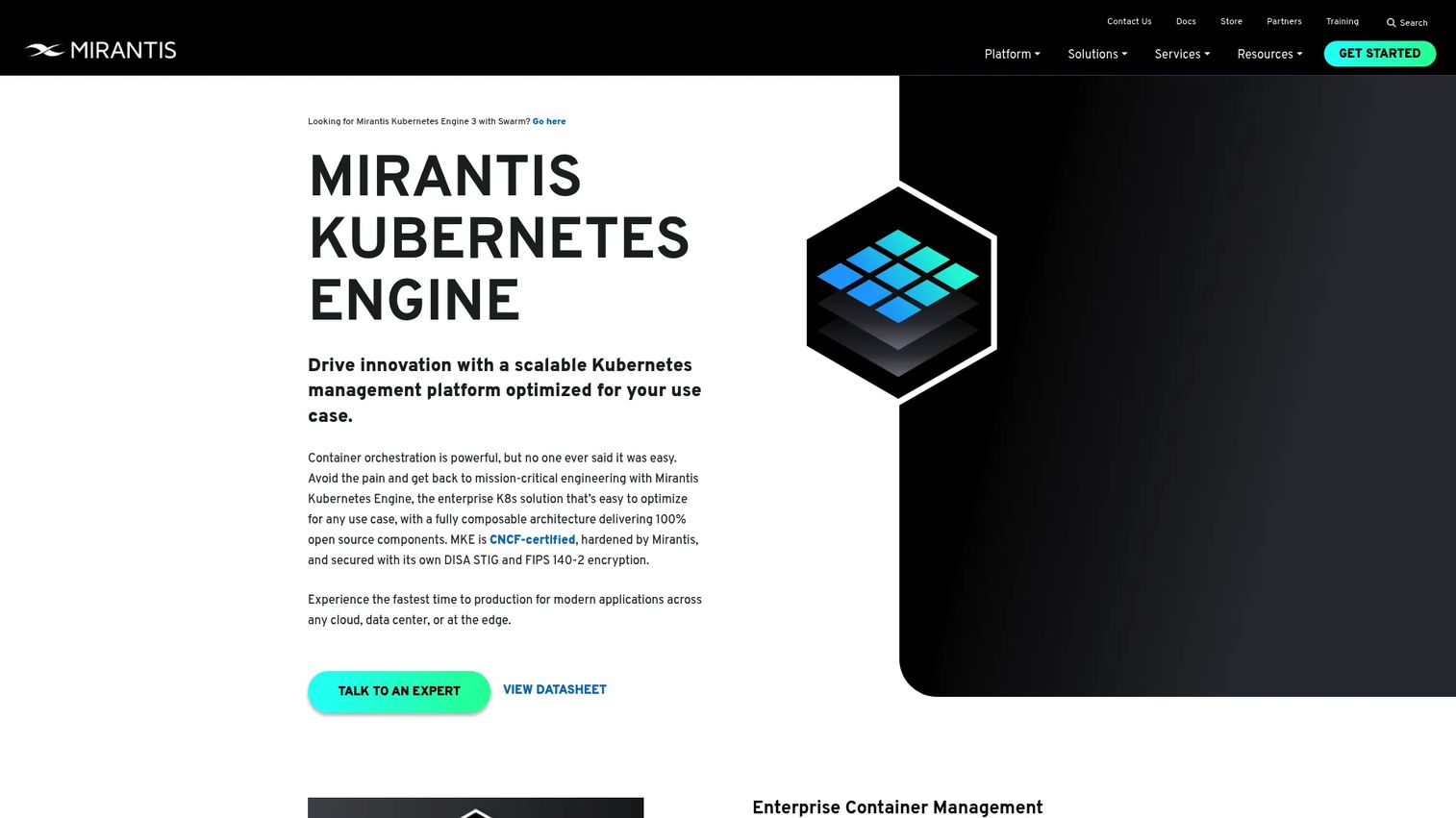
Mirantis Kubernetes Engine is an enterprise Kubernetes platform focused on governance and operational control. Formerly Docker Enterprise, it supports both Kubernetes and Swarm from one management layer.
MKE gives you a centralized graphical UI for managing and monitoring clusters, with deployment across private cloud, public cloud, and bare metal. Enterprise support and multi-tenant cluster management make it a serious option for organizations standardizing Kubernetes across environments. It suits distributed and hybrid deployments where consistency and support matter.
Best for: organizations that need enterprise Kubernetes management with optional Swarm support.
Key strengths
- Centralized graphical UI for Kubernetes and Swarm clusters
- Deployment across private cloud, public cloud, and bare metal
- Enterprise support and multi-tenant management
- Fleet management for distributed environments
- Platform standardization across the estate
Why choose MKE: pick it when you want a supported enterprise platform and need to standardize orchestration across hybrid and distributed environments. It carries day 2 operations and governance for teams that want a vendor behind the platform.
MKE pricing: Mirantis offers Mirantis Kubernetes Engine through enterprise packaging. Contact Mirantis for pricing tailored to deployment size and support needs.
Considerations
Managed vs self-managed
Self-managed Kubernetes gives you full control and portability, but you own the control plane, upgrades, and patching. Managed services like EKS, GKE, and AKS hand control plane operations to the provider, which trades some control for less operational burden. Before buying, verify who owns upgrades, how support works, and whether the managed layer supports the features your workloads need.
Security and RBAC
RBAC, namespaces, and network policy are the backbone of secure multi-tenant orchestration. Check how each platform handles secrets, whether it integrates with your identity provider, and how granular its policy enforcement is. For presales and security reviews, ask about audit logging, isolation guarantees, and compliance certifications up front. These questions surface fast in enterprise deals.
CI/CD and GitOps
Orchestration only pays off when it connects to your deployment pipeline. Look at how the platform supports Helm, GitOps, and declarative config. GitOps in particular makes Git the source of truth, so the cluster reconciles to whatever your repository declares. Verify that CI/CD integration fits your existing pipeline rather than forcing a rebuild.
Day-2 operations
The real cost of orchestration lives after launch. Upgrades, patching, observability, backup, drift control, and cluster health all fall under day 2 operations. Managed services and fleet management tools like Rancher and Portainer exist largely to make this ongoing work manageable. Evaluate how each option handles version upgrades and how it surfaces cluster drift before it becomes an incident.
Cost and ROI
Sticker price is the smallest part of cost and ROI. Total cost of ownership includes control plane fees, node and compute costs, support contracts, engineering time, and migration overhead. A free open-source orchestrator can cost more than a managed service once you price the engineering hours to run it. Frame the decision as total cost of ownership across the full lifecycle, not the line item on the invoice.
Conclusion
The container orchestration decision usually collapses into four buckets. Kubernetes is the baseline and reference standard. Managed cloud services, EKS, GKE, and AKS, hand control plane operations to your cloud provider. Enterprise platforms like Red Hat OpenShift and Mirantis Kubernetes Engine add governance, security, and support. Multi-cluster management layers like Rancher and Portainer give platform teams centralized fleet management, while HashiCorp Nomad offers a lighter, multi-workload alternative.
Your next step depends on team maturity and cloud strategy. If you are cloud-committed and want to move fast, start with the managed service that matches your provider. If you run across environments or need governance, evaluate an enterprise platform or a management layer. If you have the engineering capacity and want maximum control, run Kubernetes directly.
Match the operating model to your team, price it as total cost of ownership including day 2 operations, and validate against your security and compliance needs before you commit.
FAQs
Container orchestration software is the category. Kubernetes is the specific open-source platform that dominates it. Kubernetes is one container orchestrator, but its declarative, control-loop model became the standard that most other tools now build on or interoperate with.
Yes. Around 93% of organizations use, pilot, or evaluate Kubernetes, and 80% run it in production, per Linux Container & Kubernetes Adoption Statistics (2025). Nearly every managed service and management platform on the market is Kubernetes-based, which keeps it the reference point for the category.
Match the platform to your cloud. EKS is the natural fit for AWS-native teams, GKE for Google Cloud with strong automation through Autopilot, and AKS for Microsoft-heavy environments using Entra and Azure governance. All three run standard Kubernetes underneath and manage the control plane for you.
Choose a managed service when you want to remove control plane operations, upgrades, and patching from your team's plate. Self-manage when you need full control, portability across environments, or have workloads that a managed layer restricts. The decision is largely about how much day 2 operations burden you want to own.
RBAC, namespace isolation, network policy, and secrets management are the core. For regulated environments, also evaluate audit logging, policy enforcement, identity provider integration, and compliance certifications. These features determine whether the platform can support multi-tenant, compliant production.
GitOps makes a Git repository the source of truth for cluster state. Your pipeline applies declarative manifests, and the orchestrator's control loops reconcile the cluster to match Git. OpenShift, Rancher, and raw Kubernetes all support GitOps workflows, which give you version-controlled, auditable deployments.
Look at upgrades, patching, observability, backup, drift control, and cluster health. For multiple clusters, evaluate fleet management tools like Rancher and Portainer that centralize these tasks. The real cost of orchestration lives after launch, so weigh ongoing operational overhead heavily.
Nomad is a workload scheduler that orchestrates containers alongside non-container workloads like standalone binaries and batch jobs. It handles container orchestration but takes a broader, lighter approach than Kubernetes-centric platforms, which makes it a fit for teams with mixed workload types and a preference for a smaller operational footprint.