Picking statistical analysis software feels like choosing a programming language: the debates are endless, the opinions are strong, and the "best" answer depends entirely on what you're actually trying to do. R users will tell you everything else is a toy.
SAS veterans will point to regulatory requirements. SPSS loyalists just want to run their ANOVA without writing code.
The real question isn't which tool is objectively best. It's which tool fits your field, your data, your team's skills, and your budget. This guide breaks down 15 statistical analysis programs across open-source and commercial categories, with honest evaluations of when each one makes sense and when it doesn't.
What is statistical analysis software
Statistical analysis software enables data modeling, visualization, and interpretation for research and business decisions. The top tools include R (free and open-source), SAS/STAT (commercial, enterprise-grade), Stata (research-focused), and IBM SPSS (popular in social sciences and academia).
These programs fall into two main categories:
- Code-based programs: R, Python, and Stata require scripting but offer maximum flexibility for custom analyses and reproducible workflows.
- Point-and-click interfaces: SPSS, JMP, JASP, and Jamovi use menu-driven workflows, making them accessible to users without programming backgrounds.
Your choice depends on your field, data size, technical comfort, and whether you prioritize ease of use or analytical power.
What's inside
This guide covers 15 statistical analysis programs across open-source and commercial categories. You'll find selection criteria, field-specific recommendations, and honest evaluations of each tool's strengths and limitations.
We picked programs based on adoption rates, feature depth, community support, and how well they serve different research contexts.
TL;DR
- The "Big 4" statistics programs (R, SAS, SPSS, Stata) dominate academic and enterprise use
- Free options deliver serious analytical power: R, Python, JASP, and Jamovi
- Point-and-click tools (SPSS, JMP, JASP) suit beginners; scripting tools (R, Python) offer more power for advanced users
- Match your choice to your field, data size, and technical comfort level
- Try before you buy: most commercial vendors offer free trials
Key features in statistical analysis software packages
Before diving into individual tools, here's what to look for when evaluating statistical analysis software. Choosing the right statistical analysis software shapes your research outcomes significantly.
Statistical methods and procedures library
Robust statistical packages include regression, ANOVA, factor analysis, survival analysis, and multivariate statistical analysis methods. Enterprise tools often include validated procedures for regulated industries like pharmaceuticals and finance.
The depth of the procedure library matters more than the count. A tool with 50 well-documented methods beats one with 200 poorly implemented ones.
Data import and file format support
Common data sources include CSV, Excel, SQL databases, SAS datasets, and SPSS files. Flexible import options reduce data preparation friction, which often consumes more time than the actual analysis.
Look for native support for your existing data formats. Converting files between programs introduces errors and wastes hours.
Visualization and reporting capabilities
Built-in charting, automated report generation, and export options vary significantly across statistics programs. Publication-quality graphics matter for academic work, while business users often prioritize dashboard integration. For specific workflows like generating response reports, modern tools streamline the process.
Some tools (R with ggplot2, GraphPad Prism) excel at visualization. Others treat it as an afterthought.
Scripting and automation options
Reproducible analysis through syntax or code enables batch processing and audit trails for research. Even if you prefer menus, the ability to save and rerun commands protects your work.
Scripting also lets you automate repetitive tasks. Running the same analysis on 50 datasets manually is a recipe for errors.
Collaboration and version control
Multi-user features, shared project files, and integration with Git matter for team-based research environments. Code-based tools naturally support version control; menu-driven tools often struggle here.
Integration with data warehouses and BI tools
Enterprise statistical software for data analysis often connects to cloud data platforms, BI dashboards, and workflow automation systems. Check whether the tool plays nicely with your existing marketing automation software and data infrastructure.
How to choose the right statistical analysis software for your needs
Picking statistical analysis software feels overwhelming because every vendor claims to be "comprehensive" and "user-friendly." Here's a practical framework for selecting statistical analysis software.
1. Define your primary analysis requirements
Different tools excel at different analysis types:
- Basic descriptive statistics and t-tests: Most tools handle these; SPSS and Excel work fine
- Advanced regression and econometrics: Stata and R excel here
- Machine learning integration: Python and R offer the strongest libraries
- Multivariate analysis software needs: SAS, SPSS, and R have comprehensive procedures
- Quality control and Six Sigma: Minitab dominates this space
Start with your most common analysis tasks, not edge cases you might encounter someday.
2. Assess your team's technical skill level
The learning curve tradeoff is real. Point-and-click tools (JASP, JMP, SPSS) get you productive in days. Code-based tools (R, Python) require weeks or months but scale better for complex work.
Be honest about your team's programming comfort.
3. Calculate total cost of ownership
Costs range from free (R, Python, JASP) to several thousand dollars annually for enterprise tools like SAS. License fees tell only part of the story.
Hidden costs include training time, support needs, and add-on modules. A "free" tool that takes six months to learn may cost more than a paid tool with a gentler curve.
4. Verify platform and deployment options
Check statistical software for Windows, Mac, and Linux compatibility against your organization's IT constraints. Cloud vs. desktop deployment matters for security-conscious environments.
5. Test with a trial or interactive product demo
Most commercial vendors offer 14-30 day evaluations. Use them with your actual data and typical workflows, not toy examples. Teams managing complex evaluations often rely on presales software tools to coordinate trial processes.
Many vendors now offer interactive demos that let you explore software capabilities without installation.
Comparison of 15 statistical analysis software packages
# | Product | Best for | Key differentiation | Pricing | Interface type |
|---|---|---|---|---|---|
1 | SAS | Enterprise analytics in regulated industries | FDA-validated procedures, massive dataset handling | Custom enterprise pricing | Code + GUI |
2 | IBM SPSS | Social science and academic research | Menu-driven interface, widespread adoption | Subscription with modules | Point-and-click |
3 | Stata | Econometrics and reproducible research | Command-based workflow, excellent documentation | Perpetual license tiers | Code + menus |
4 | R | Custom analyses and cutting-edge methods | Free, massive package ecosystem | Free | Code-based |
5 | Python | Data science pipelines and ML integration | Versatility beyond statistics | Free | Code-based |
6 | Minitab | Quality improvement and Six Sigma | Process control focus, guided workflows | Subscription | Point-and-click |
7 | JMP | Interactive visual exploration | Dynamic linked graphics | Annual subscription | Point-and-click |
8 | MATLAB | Engineering and scientific computing | Numerical computing foundation | Perpetual or subscription | Code + GUI |
9 | Excel | Basic analysis for spreadsheet users | Ubiquity, familiar interface | Microsoft 365 subscription | Spreadsheet |
10 | Jamovi | SPSS-like ease with R power | Free, spreadsheet-style interface | Free | Point-and-click |
11 | JASP | Bayesian statistics and teaching | Beautiful APA output, free forever | Free | Point-and-click |
12 | GraphPad Prism | Biostatistics and scientific graphics | Curve fitting, publication figures | Subscription | Point-and-click |
13 | EViews | Time series and econometric forecasting | ARIMA, VAR, GARCH built in | Perpetual or subscription | Code + menus |
14 | Statgraphics | Broad coverage with guidance | StatAdvisor plain-language interpretation | Perpetual or subscription | Point-and-click |
15 | XLSTAT | Excel power users | Runs entirely within Excel | Subscription by module | Excel add-in |
1. SAS
SAS remains the enterprise standard for regulated industries where validated procedures and audit trails are non-negotiable. If you work in pharmaceuticals, healthcare, or large financial institutions, you've likely encountered SAS already.
Best for
Enterprise analytics teams in healthcare, finance, and government requiring validated statistical methods and massive dataset handling.
Key strengths
- Regulatory compliance: FDA-validated procedures for clinical trials and regulatory submissions
- Scalability: Handles datasets too large for memory-based tools
- Comprehensive procedure library: Covers virtually every statistical method
- Enterprise integration: Connects to major data platforms and BI tools
Why choose SAS
SAS makes sense when your organization has compliance requirements, existing SAS infrastructure, or needs vendor support with guaranteed SLAs. The learning curve is steep, and the cost is significant, but for regulated environments, the validation documentation alone justifies the investment.
Pricing
Custom enterprise pricing. Academic pricing available for universities through site licenses.
2. IBM SPSS Statistics
IBM SPSS Statistics built its reputation as the user-friendly choice for social science research. If you studied psychology, sociology, or education in the past 30 years, you probably learned statistics on SPSS.
Best for
Academic researchers, social scientists, and analysts who prefer point-and-click workflows over coding.
Key strengths
- Intuitive interface: Menu-driven analysis accessible to non-programmers from day one
- Strong in social science methods: ANOVA, regression, factor analysis optimized for survey and experimental data
- Syntax option: Record and rerun analyses via command syntax for reproducibility
- Widespread adoption: Large user community and extensive training resources
Why choose SPSS
SPSS fits teams prioritizing ease of use over customization. It excels at survey analysis, psychology research, and educational settings where users rotate frequently.
Pricing
Subscription-based pricing with base and add-on modules. Academic discounts available. Free trial offered.
3. Stata
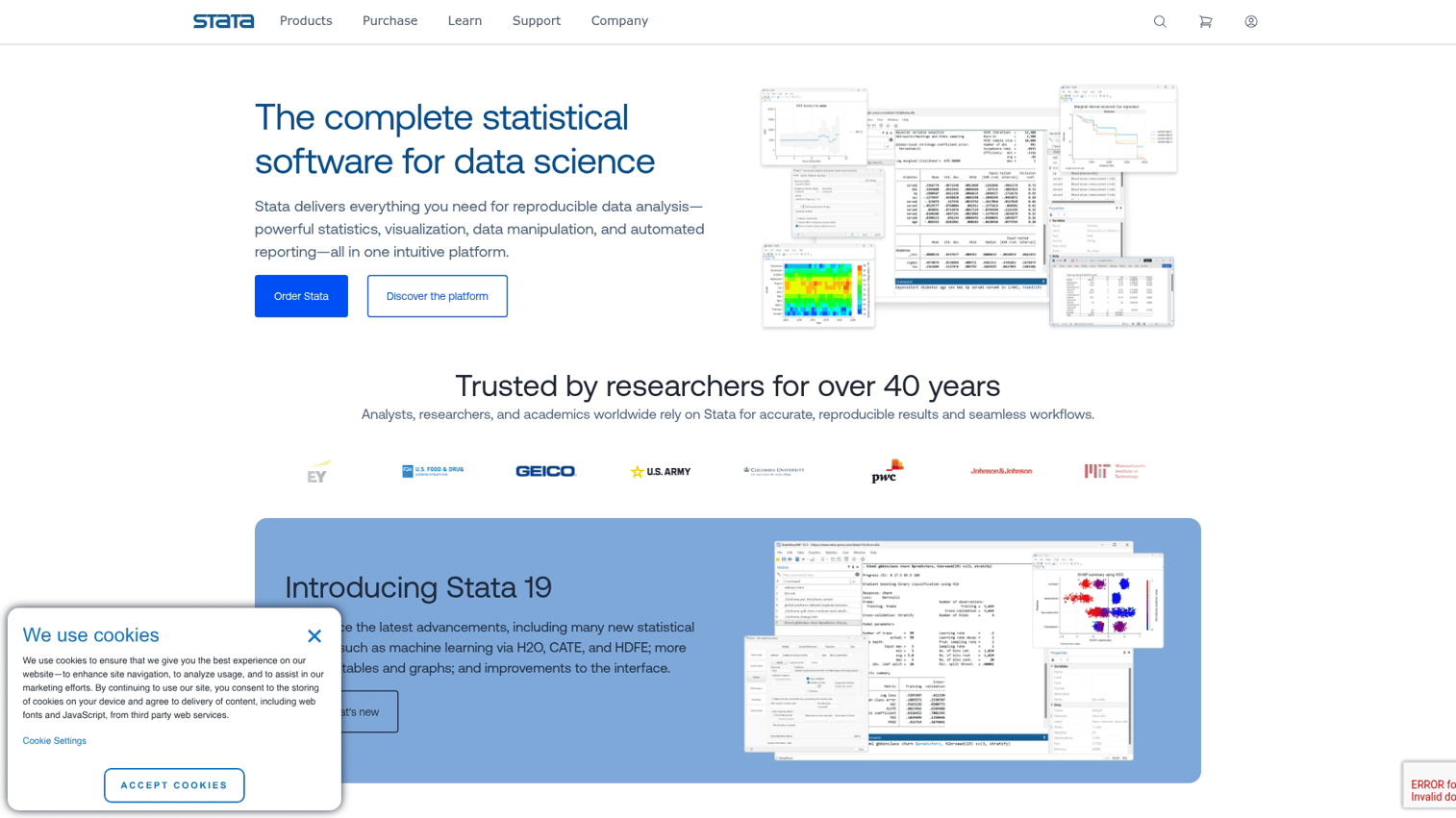
Stata occupies a sweet spot between menu-driven simplicity and command-line power. Economists and epidemiologists particularly love it for panel data and longitudinal analysis.
Best for
Economists, epidemiologists, and social science researchers who value reproducibility and publication-quality output.
Key strengths
- Econometric focus: Comprehensive panel data, time series, and causal inference tools
- Reproducibility: Command-based workflow creates audit trails automatically
- Clean documentation: Excellent manuals that explain the statistics, not just the software
- Active community: Strong user-contributed packages through the SSC archive
Why choose Stata
Stata suits researchers who want command-line power with optional menu access. The documentation quality sets it apart: Stata manuals read like statistics textbooks.
Pricing
Perpetual license model with different tiers based on dataset size limits. Student pricing available.
4. R project
R project is the free, open-source powerhouse that's backed by CRAN's 23,684 available packages. If a new statistical method exists, someone has probably written an R package for it.
Best for
Data scientists, academic researchers, and analysts comfortable with programming who want maximum flexibility.
Key strengths
- Free and open-source: No licensing costs, ever
- Massive package ecosystem: CRAN hosts over 20,000 specialized statistical packages
- Publication-quality graphics: ggplot2 and other visualization libraries produce stunning output
- Active development: Cutting-edge methods often appear in R first
- Reproducible research: Integrates with RMarkdown for literate programming
Why choose R
R suits users willing to invest in learning the syntax. The payoff is unmatched flexibility for custom analyses, advanced visualization, and emerging statistical methods.
The learning curve is real, though. Expect weeks to months before you're productive.
Pricing
Free. Commercial support and enterprise distributions (Posit/RStudio) available for organizations needing vendor backing.
5. Python for statistical analysis
Python isn't a statistics program per se, but its libraries (pandas, NumPy, SciPy, statsmodels, scikit-learn) make it a serious contender, especially when analysis connects to larger data pipelines.
Best for
Data scientists and analysts who want statistical analysis alongside machine learning, automation, and data engineering.
Key strengths
- Versatility: One language for statistics, ML, web scraping, and automation
- Rich library ecosystem: pandas, NumPy, SciPy, statsmodels, scikit-learn cover most needs
- Industry adoption: Dominant in tech companies and data science roles after a 7 percentage point increase from 2024 to 2025
- Integration friendly: Connects to databases, APIs, and cloud platforms easily
Why choose Python
Python works best when statistical analysis is part of a larger data pipeline. Less specialized for pure statistics than R, but more versatile overall.
Pricing
Free and open-source. Commercial distributions (Anaconda) offer enterprise support.
6. Minitab
Minitab dominates quality improvement and manufacturing contexts. If your work involves Six Sigma, Lean, or process control, Minitab speaks your language.
Best for
Quality engineers, manufacturing analysts, and Six Sigma practitioners focused on process improvement.
Key strengths
- Quality tools focus: Control charts, capability analysis, DOE built in
- User-friendly interface: Designed for engineers, not statisticians
- Guided workflows: Assistant feature walks users through analysis selection
- Industry standard: Widely adopted in manufacturing and healthcare quality
Why choose Minitab
Minitab makes sense when your work centers on quality improvement. The tool understands manufacturing contexts in ways general-purpose statistics programs don't.
Pricing
Subscription model with cloud and desktop options. Free trial available.
7. JMP
JMP (pronounced "jump") comes from SAS but takes a completely different approach: visual, interactive exploration rather than scripted analysis.
Best for
Scientists, engineers, and analysts who prefer interactive, visual exploration over scripted analysis.
Key strengths
- Dynamic visualization: Click-and-drag exploration with linked graphics that update together
- Design of experiments: Strong DOE capabilities for scientific research
- No coding required: Point-and-click interface handles complex analyses
- SAS integration: Execute SAS code and connect to SAS data
Why choose JMP
JMP excels at exploratory analysis where you want to interact with data visually. Users often cite it as easier than SPSS for interactive work.
Pricing
Annual subscription. Academic pricing available. Free trial offered.
8. MATLAB Statistics Toolbox
MATLAB is primarily a numerical computing environment, but its Statistics and Machine Learning Toolbox adds serious statistical capabilities for engineering and scientific contexts.
Best for
Engineers, physicists, and researchers already using MATLAB for numerical computing who want statistical capabilities.
Key strengths
- Numerical computing foundation: Optimized matrix operations and algorithms
- Engineering integration: Connects to Simulink, signal processing, and control tools
- Machine learning toolbox: Complements statistical analysis with ML methods
- Visualization: Strong plotting capabilities for technical applications
Why choose MATLAB
MATLAB makes sense when statistical analysis fits within broader engineering or scientific computing workflows. It's not a statistics-first tool, but if you're already in the MATLAB ecosystem, adding statistics avoids context-switching.
Pricing
Perpetual or subscription licensing. Academic pricing significantly lower. Statistics toolbox sold separately from base MATLAB.
9. Microsoft Excel with Analysis ToolPak
Excel isn't a statistics program, but the Analysis ToolPak add-in handles basic statistical analysis for users who live in spreadsheets.
Best for
Business analysts and occasional users who want basic statistical analysis without learning new software.
Key strengths
- Ubiquity: Already installed on most business computers
- Familiar interface: Low learning curve for spreadsheet users
- Basic analysis covered: Descriptive stats, t-tests, regression, ANOVA available
- Data preparation: Useful for cleaning and organizing before analysis
Why choose Excel
Excel works for simple analyses and quick calculations. It's the path of least resistance when you want a t-test and don't want to open another program.
Be honest about its limitations, though. Excel lacks advanced methods, proper audit trails, and struggles with large datasets.
Pricing
Included with Microsoft 365 subscriptions. Analysis ToolPak is a free add-in.
10. Jamovi
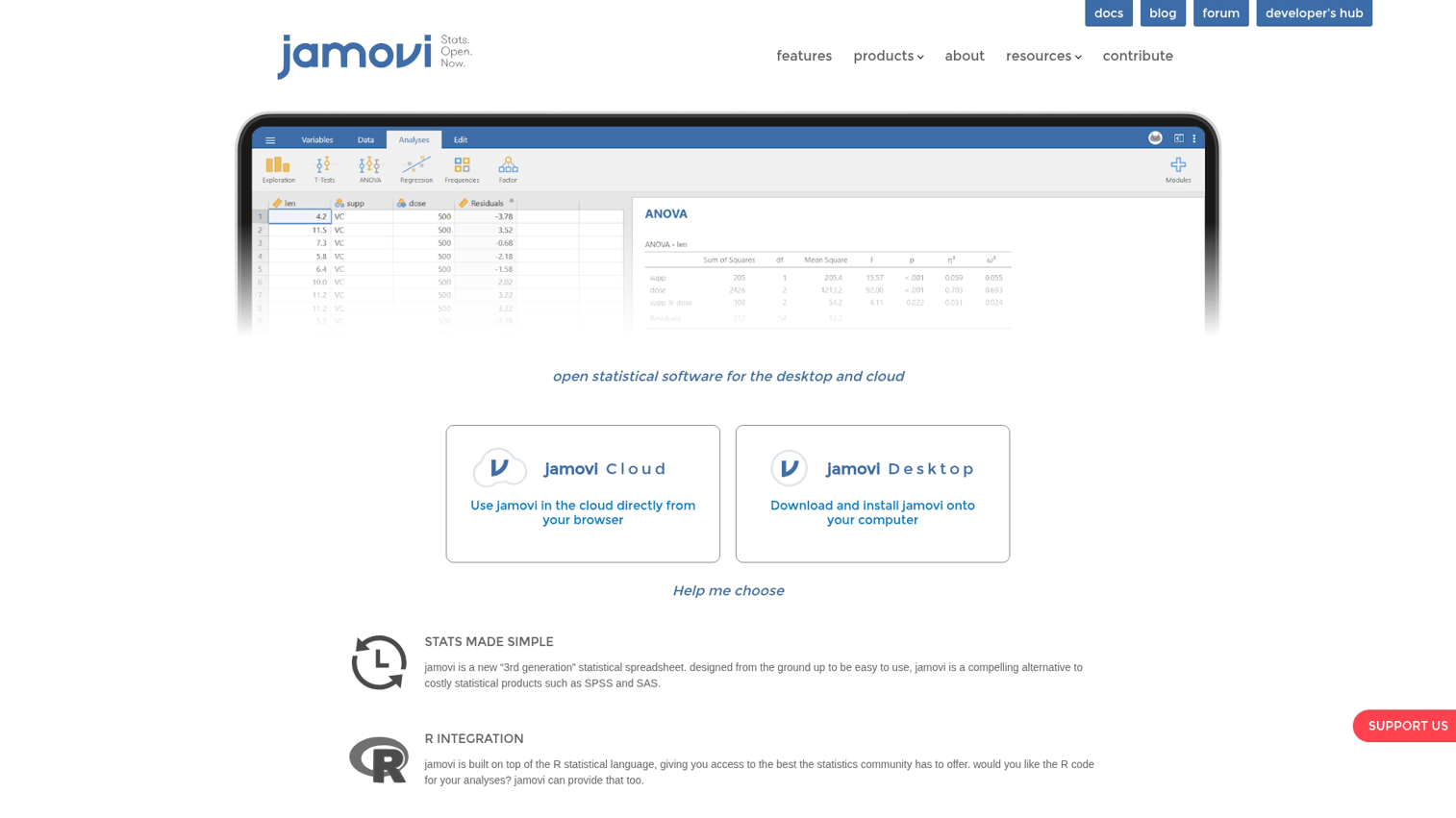
Jamovi offers SPSS-like ease with R-powered analysis at no cost. It's designed for users who want open-source without the learning curve.
Best for
Students, educators, and researchers who want SPSS-like ease with R-powered analysis at no cost.
Key strengths
- Free and open-source: No licensing barriers
- Spreadsheet-style interface: Familiar layout for Excel/SPSS users
- R integration: Built on R; access R packages via Rj module
- Live results: Output updates automatically as you modify analyses
Why choose Jamovi
Jamovi bridges the gap between wanting open-source and needing a friendly interface. It's a good entry point before learning R directly.
Pricing
Free. Supported by community contributions.
11. JASP
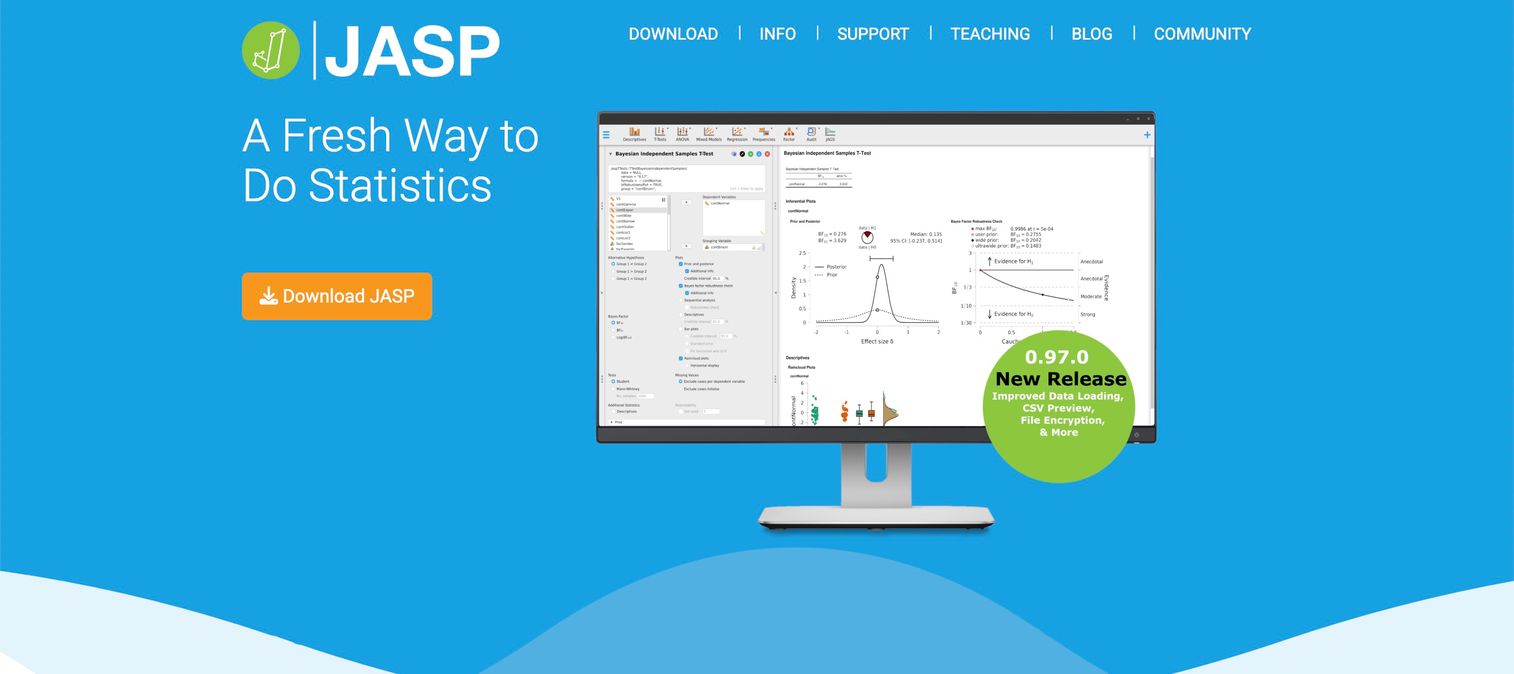
JASP specializes in Bayesian statistics with beautiful, APA-formatted output. It's funded by grants and committed to staying free forever.
Best for
Researchers interested in Bayesian methods and students learning statistics who appreciate clean, publication-ready output.
Key strengths
- Bayesian focus: Makes Bayesian analysis accessible to non-experts
- Beautiful output: APA-formatted tables ready for publication
- Free and open-source: Funded by grants, free forever commitment
- Simple interface: Clean design reduces cognitive load
Why choose JASP
JASP suits researchers wanting to incorporate Bayesian methods without deep statistical programming. Output quality exceeds most free alternatives.
Pricing
Free. Developed by University of Amsterdam with grant funding.
12. GraphPad Prism
GraphPad Prism dominates wet lab and biomedical contexts. If you want dose-response curves or publication-quality scientific figures, Prism excels.
Best for
Biomedical researchers, lab scientists, and anyone focused on curve fitting and publication-ready scientific graphs.
Key strengths
- Curve fitting excellence: Nonlinear regression and dose-response modeling
- Publication graphics: Designed for journal-quality figures
- Biostatistics focus: t-tests, ANOVA, survival analysis tuned for lab research
- Guided statistics: Helps select appropriate tests based on data type
Why choose GraphPad Prism
Prism makes sense for life sciences research where curve fitting and figure quality matter.
Pricing
Subscription model. Academic and student pricing available. Free trial offered.
13. EViews
EViews specializes in econometrics and forecasting, particularly time series analysis. Economists and financial analysts rely on it for macro forecasting.
Best for
Economists, financial analysts, and forecasters working primarily with time series and macroeconomic data.
Key strengths
- Time series focus: ARIMA, VAR, GARCH, cointegration built in
- Forecasting tools: Scenario analysis and model comparison features
- Data management: Handles economic data formats and frequencies well
- Equation estimation: Intuitive interface for specifying econometric models
Why choose EViews
EViews makes sense for dedicated econometric work, especially macro forecasting. Less general than Stata but more focused on time series.
Pricing
Perpetual and subscription licensing. Academic pricing available.
14. Statgraphics
Statgraphics offers broad statistical coverage with built-in guidance through its StatAdvisor feature, which provides plain-language interpretation of results.
Best for
Quality professionals and general analysts who want broad statistical coverage with built-in guidance.
Key strengths
- Comprehensive methods: Wide range from basic to advanced techniques
- StatAdvisor: Plain-language interpretation of results
- Six Sigma integration: Quality tools included
- Web-based option: Statgraphics Stratus runs in browser
Why choose Statgraphics
Statgraphics suits users who want breadth and guidance without coding. The StatAdvisor feature helps interpret output.
Pricing
Perpetual and subscription options. Academic discounts available.
15. XLSTAT
XLSTAT extends Excel for users committed to spreadsheets. It runs entirely within the Excel interface, adding over 250 statistical features.
Best for
Excel power users who want advanced statistical methods without leaving their familiar spreadsheet environment.
Key strengths
- Excel integration: Runs entirely within Excel interface
- Broad coverage: Over 250 statistical features available
- Modular design: Purchase only the modules you want
- Sensory analysis: Specialized tools for consumer research
Why choose XLSTAT
XLSTAT extends Excel for users whose organizations mandate spreadsheet-based workflows.
Pricing
Subscription model with tiered pricing by module. Free trial and academic pricing available.
Open source vs commercial statistical software
The free vs. paid decision involves more than license costs.
When to choose open source statistics programs
Open-source tools (R, Python, JASP, Jamovi) fit well when:
- Limited budget: Students, startups, or unfunded research
- Maximum flexibility: Customizing or extending the software
- Cutting-edge methods: Accessing newest techniques from research community
- Reproducibility priority: Open code enables full transparency
The tradeoff: you're responsible for troubleshooting, and support comes from community forums rather than vendor help desks.
When to choose proprietary statistical packages
Commercial tools (SAS, SPSS, Stata, Minitab) fit well when:
- Vendor support required: Guaranteed help desk and SLAs
- Regulatory compliance: Validated, auditable procedures
- Team standardization: Organization mandates specific tools
- Minimal learning curve: Premium on ease of use over flexibility
Factor | Open source | Commercial |
|---|---|---|
Cost | Free | Subscription or perpetual license fees |
Support | Community forums | Dedicated vendor support |
Updates | Frequent, community-driven | Scheduled vendor releases |
Validation | User responsibility | Vendor-validated procedures |
Customization | Unlimited | Limited to vendor features |
Statistical software for specific research fields
Different fields have different norms.
Academic research and university settings
Universities often provide site licenses for SPSS, SAS, or Stata. Check your institution's software portal before purchasing anything.
R and Python are increasingly taught in statistics and data science programs. Pairing these tools with survey software tools can extend your research capabilities. JASP is growing for teaching introductory statistics courses.
Healthcare and clinical trial analysis
FDA-validated software (SAS) remains the standard for regulatory submissions using version 5 XPORT format. R is gaining acceptance with proper validation documentation, but check with your regulatory affairs team.
Manufacturing quality control and Six Sigma
Minitab dominates this space. JMP and Statgraphics also serve quality professionals.
Market research and survey data analysis
SPSS historically dominated survey analysis. R with survey packages is gaining ground. For practical guidance on how to compare survey responses, modern tools offer streamlined workflows.
Financial modeling and econometrics
Stata, EViews, and R dominate econometric research. Analysts often complement these with product analytics software tools for broader data insights. Python with statsmodels is growing in quantitative finance.
How to evaluate statistical analysis software before you buy
Don't trust feature lists. Here's how to actually evaluate statistical analysis software (and how to compare products systematically). Hands-on testing of statistical analysis software reveals issues that feature lists hide.
- Download free trials: Most commercial vendors offer 14-30 day evaluations
- Run your actual analysis: Test with your real data and typical workflows
- Assess the learning curve: How long until your team is productive?
- Check community resources: Documentation, forums, and tutorials matter long-term
- Verify IT compatibility: Confirm OS support, security requirements, and deployment options
- Explore interactive product demos: Many vendors offer guided tours of key features
When evaluating software, experiencing the interface firsthand beats reading feature lists. Guideflow helps software vendors create hands-on evaluation experiences.
Considerations when selecting statistical analysis programs
Before making a final decision, work through this checklist:
- Primary analysis types: Match software strengths to your methods
- User skill level: Balance power against learning investment
- Budget constraints: Total cost includes training and support, not just licenses
- Collaboration needs: Consider how teams will share work and results
- Long-term trajectory: Factor in career portability of skills you develop
- Organizational standards: Check if your institution mandates specific tools
Start your data analysis journey today
The best statistical analysis software is the one that fits your specific context: your field, your data, your team's skills, and your budget. No single statistical analysis software suits every researcher.
If you're just starting out, try free options first. R and Python offer unlimited power at zero cost. JASP and Jamovi provide friendly interfaces without licensing barriers.
If you're evaluating commercial tools, use the free trials with your actual data. Feature comparisons only tell you so much.
Start your journey with Guideflow today! to see how interactive demos help you evaluate and present software capabilities.
Frequently asked questions about statistical analysis software
ChatGPT can explain statistical concepts, help write code, and interpret results, but it cannot directly run statistical computations on your data. Use ChatGPT alongside dedicated statistical software rather than as a replacement.
SAS targets enterprise users with massive datasets and regulatory compliance needs, while SPSS focuses on social science researchers who prefer a menu-driven interface. SAS requires more technical skill and costs significantly more.
R offers more specialized statistical packages and publication-quality graphics for pure statistics work. Python excels when statistical analysis is part of larger data engineering or machine learning pipelines. Many analysts learn both.
Most universities provide SPSS, SAS, or Stata through site licenses. R and Python are increasingly taught in statistics and data science programs. Check your institution's software portal for available options.
Costs range from free (R, Python, JASP) to several thousand dollars annually for enterprise tools like SAS. Most commercial packages offer academic pricing and free trials.
Excel's Analysis ToolPak covers basic methods like t-tests, ANOVA, and regression. It lacks advanced techniques, proper audit trails, and struggles with large datasets.
SAS is the traditional standard for FDA regulatory submissions. R with proper validation documentation is gaining acceptance. Consult your regulatory affairs team for current requirements.
Point-and-click tools (SPSS, JMP, JASP) take days to weeks for basic proficiency. Programming-based tools (R, Python) typically require months to become productive.
JASP and Jamovi offer the gentlest learning curves among free options. SPSS and JMP lead among commercial tools. All four use point-and-click interfaces that require no programming.
No. Many statistical packages (SPSS, JMP, Minitab, JASP) offer complete menu-driven interfaces. However, learning basic scripting expands your capabilities and improves reproducibility.