How to compare survey responses in SurveyMonkey
Here is how to compare survey responses in surveymonkey
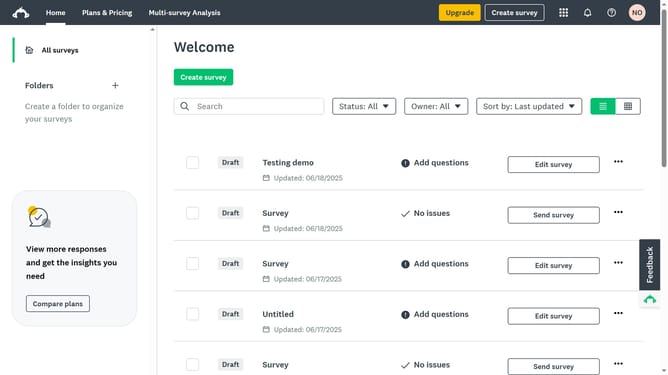
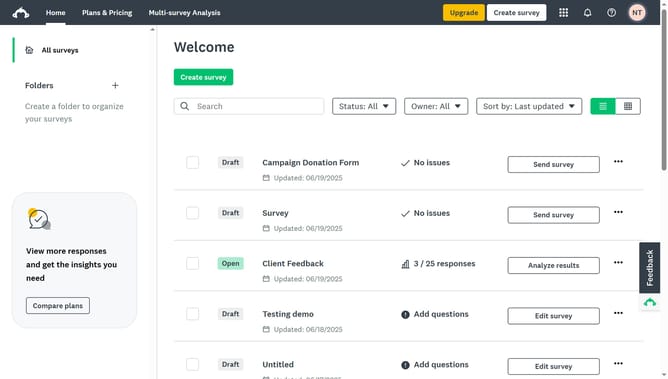
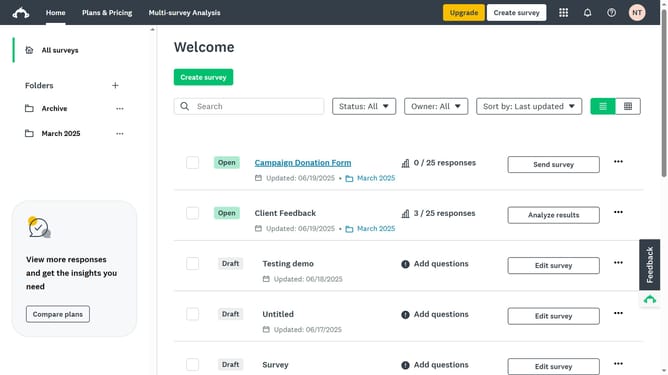
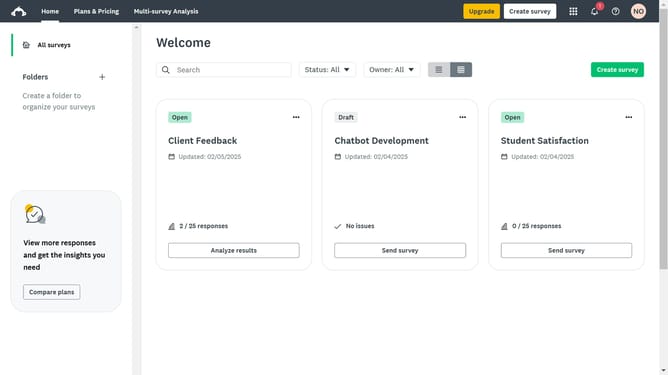
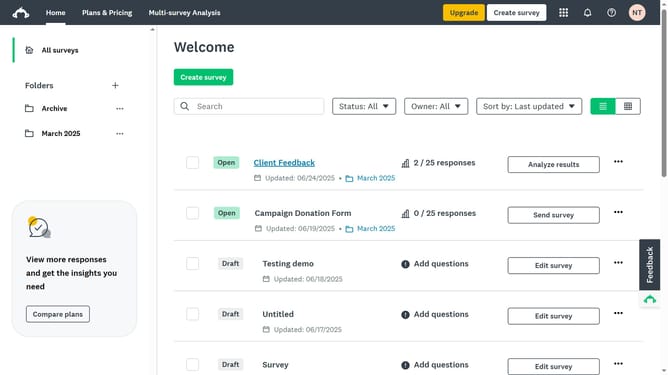
- First click the survey you want to analyze
- Then click on the "ANALYZE RESULTS" tab in the main navigation menu
- Next click on the "Rules" button in the analysis toolbar
- Then click on the "COMPARE" tab in the rules panel
- Next choose a compare option in the compare rules menu
- Select a question you want to compare
- Next choose the answers you want to compare
- Finally click on "APPLY" button to apply the selected comparison rule
Why should you compare survey responses in SurveyMonkey
SurveyMonkey is a powerful tool for creating and analyzing surveys with ease and efficiency.
One of its standout features is the ability to compare survey responses. This lets users easily examine data across various groups, making it possible to identify trends and patterns.
By utilizing this feature, you gain insights that can help tailor your approach, whether it’s improving customer satisfaction or refining products.
The ability to analyze data comparatively ensures you make informed decisions swiftly and accurately.
Last update