SurveyMonkey
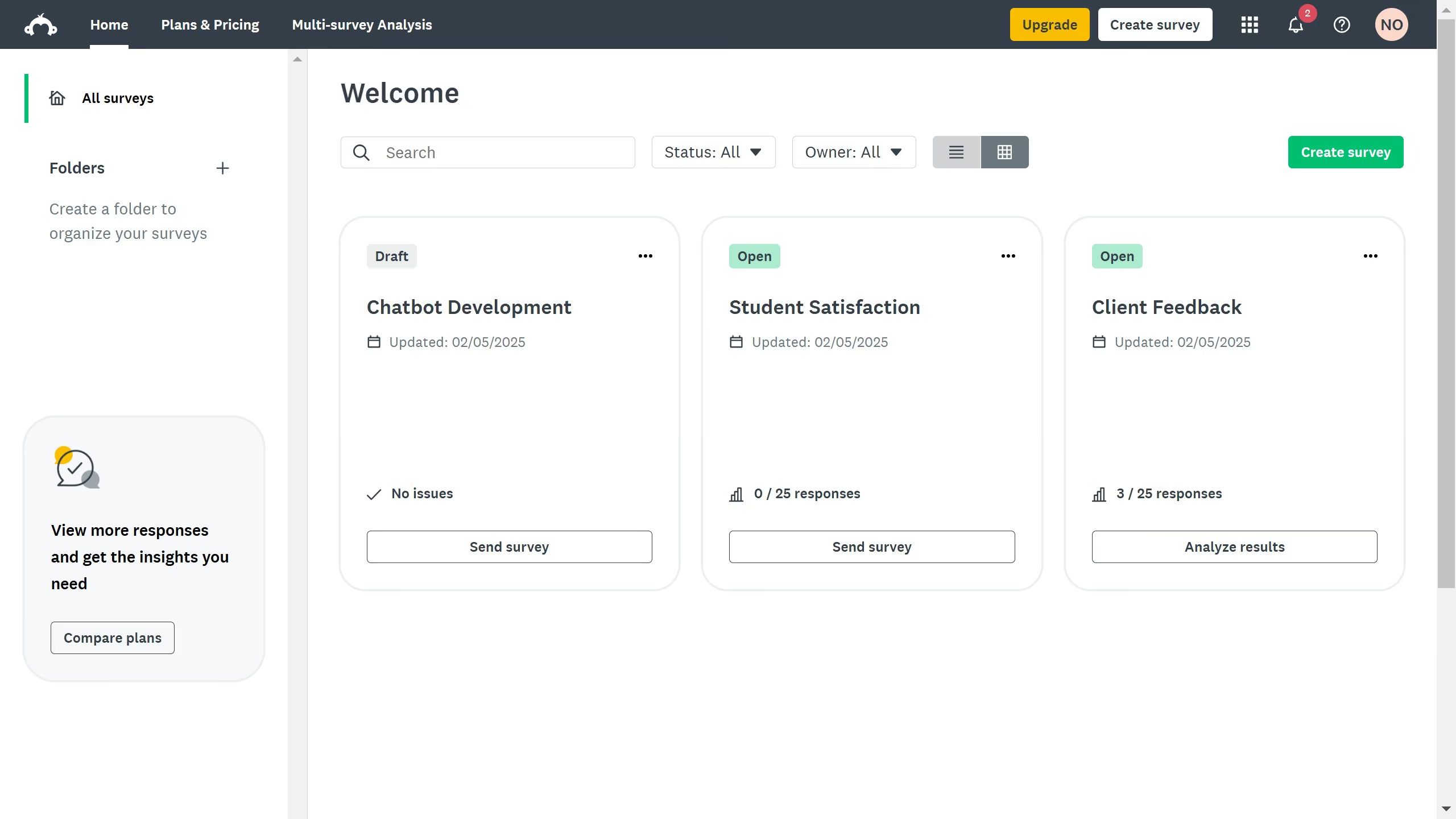
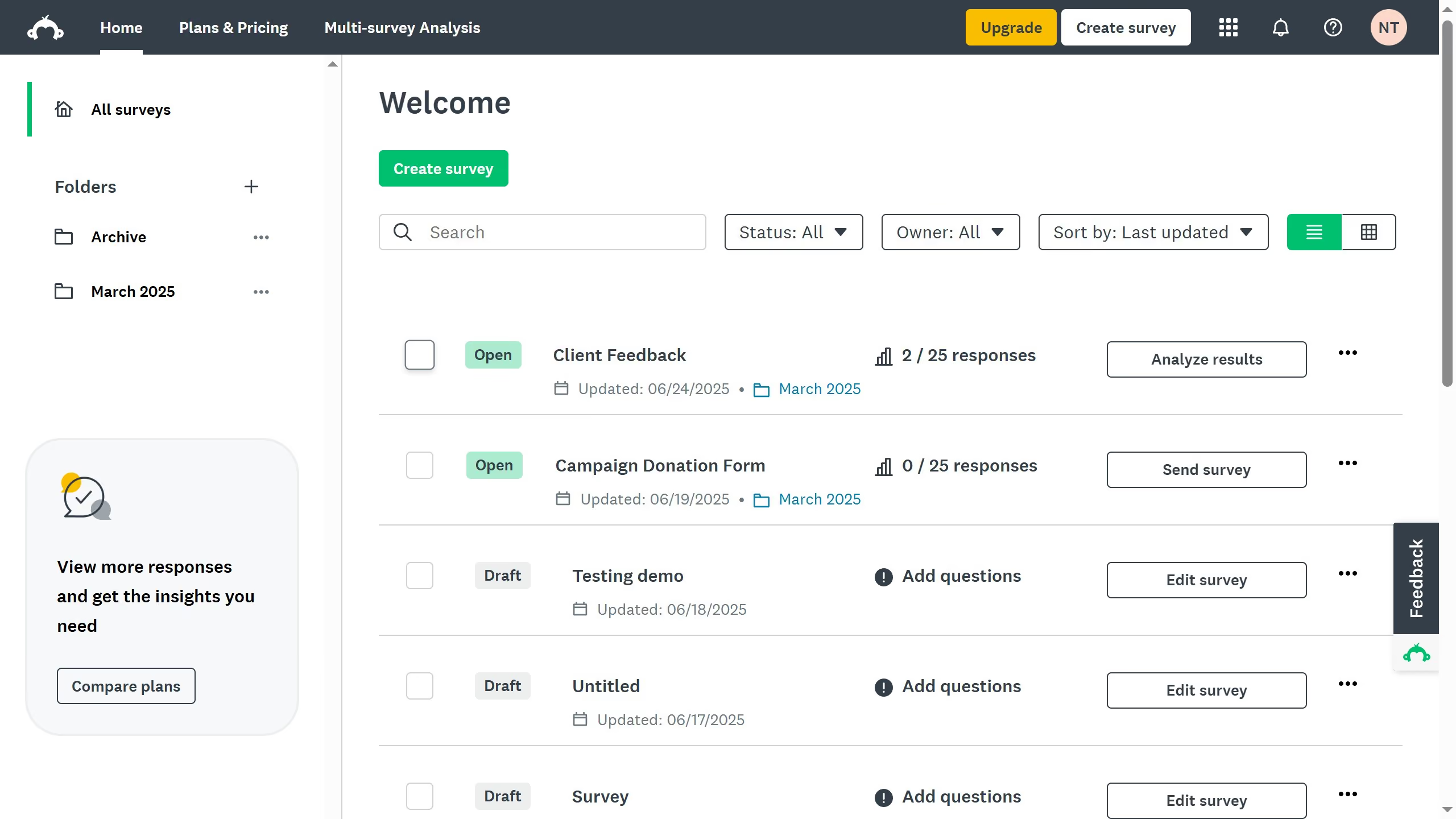
SurveyMonkey is an online survey and feedback collection platform for customer insights.
Website
Industry
Marketing
Share this article:

How to email surveys in SurveyMonkey

Here is how to email surveys in surveymonkey

  1. On your SurveyMonkey dashboard, choose the survey you want to edit from your list
  2. Click the "COLLECT RESPONSES" tab at the top
  3. Choose "Send surveys your way" as your collection method
  4. Choose "Send by Email" as your collection method

Create your own interactive guide with Guideflow

Why should you email surveys in SurveyMonkey

SurveyMonkey is a versatile tool designed to simplify the creation and distribution of surveys.

The 'email surveys' feature in SurveyMonkey offers an efficient way to reach respondents directly in their inboxes. This feature allows you to connect with your audience in a personalized manner.

Sending surveys via email enhances response rates as it comfortably fits into recipients' daily routines. Deploying surveys through email ensures participants can easily access your questionnaire at their convenience, increasing engagement and gathering more insightful data.


Last update
June 23, 2026
Cursor MariaA cursor points to a button labeled "James."

Create your first demo in less than 30 seconds.