How to share survey results in SurveyMonkey
Here is how to share survey results in surveymonkey
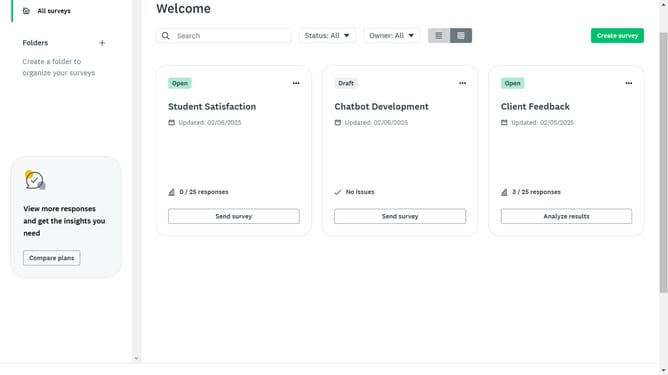
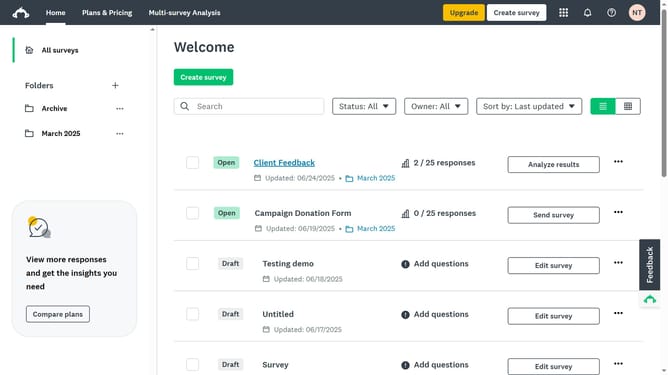
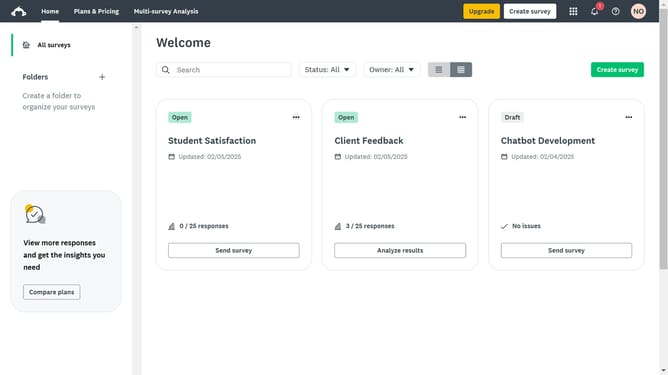
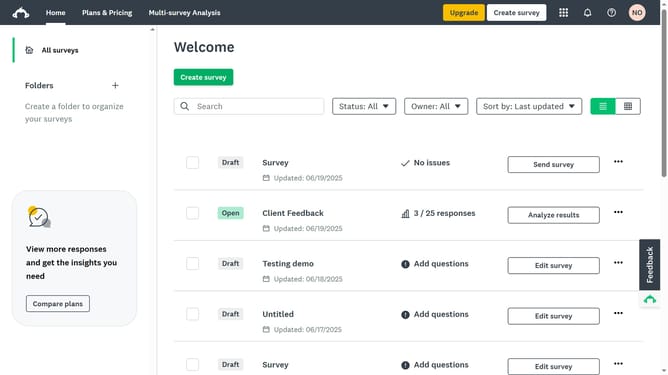
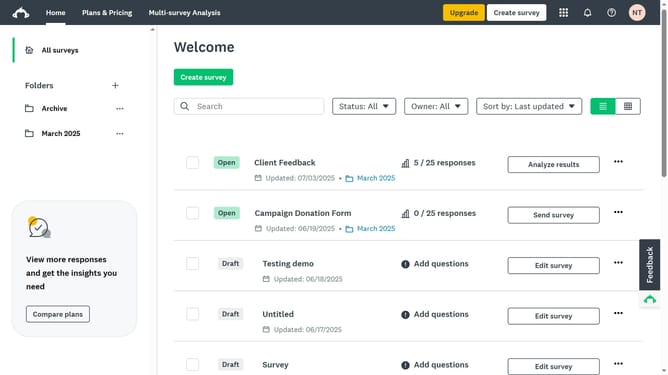
- Click the survey whose results you want to share
- Then click on "ANALYZE RESULTS" tab in the top navigation menu
- Click on the "Share" button in the toolbar
- Select "New shared data link" option from the Share dropdown menu
- Click the "Get Link" button in the Share Data dialog
- Copy the shareable link and send it directly to others to give them access to the results
- Click the "SAVE" button at the bottom of the Share Data dialog
Why should you share survey results in SurveyMonkey
SurveyMonkey is a versatile platform designed to simplify the creation and distribution of surveys.
One of the standout features is the ability to easily share survey results. Sharing results fosters transparency and encourages collaboration among team members, stakeholders, or clients. This empowers everyone involved to make informed decisions based on the data.
Additionally, this feature saves time and enhances communication, as recipients can access the results directly, facilitating discussions and strategic planning. Utilizing SurveyMonkey for sharing results thus enhances overall productivity and insight-driven decision-making in any organization.
Last update