SurveyMonkey
SurveyMonkey is an online survey and feedback collection platform for customer insights.
Website
Industry
Marketing
Share this article:

How to add page breaks in SurveyMonkey

Here is how to add page breaks in surveymonkey

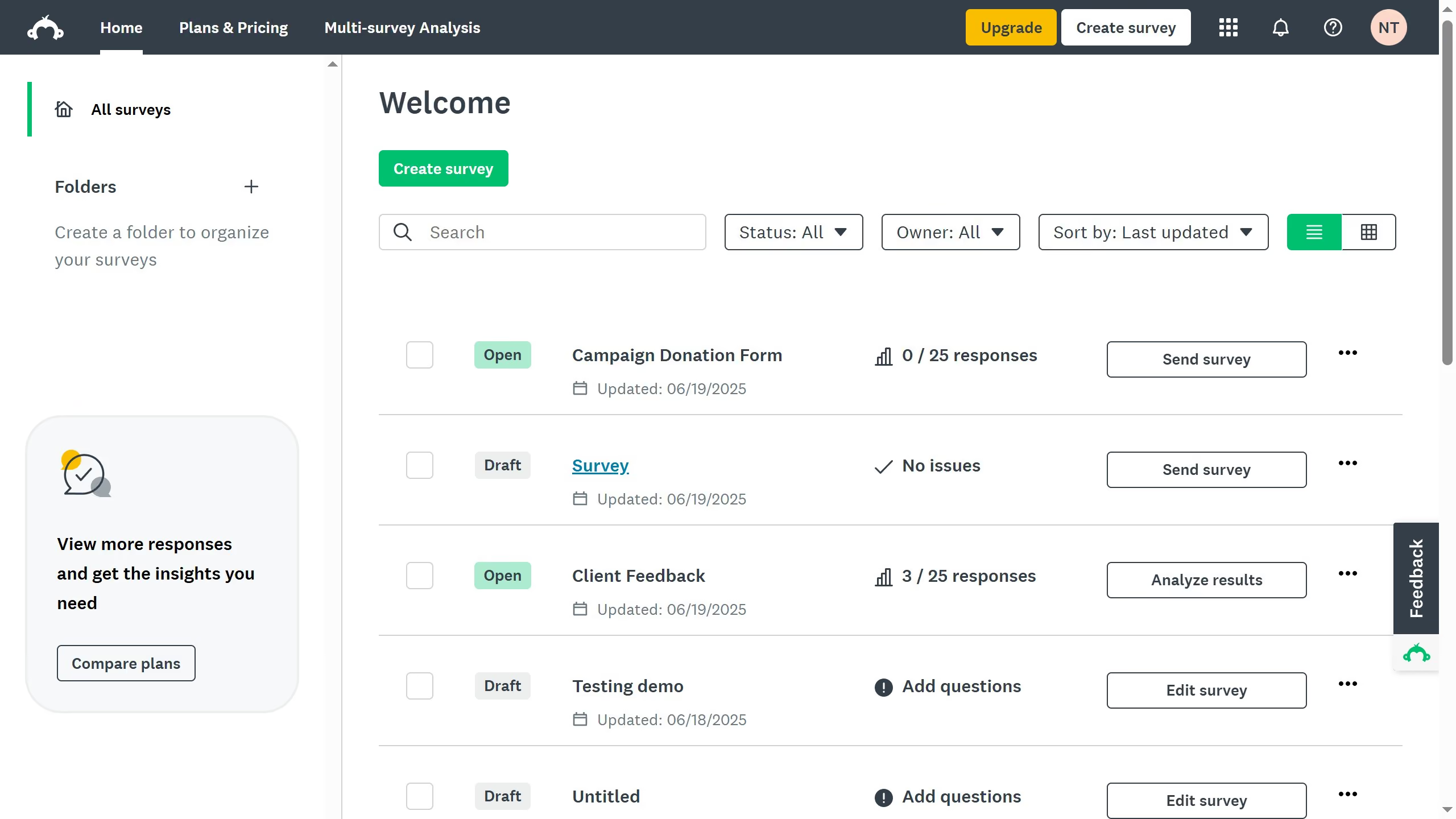
  1. On your SurveyMonkey dashboard, choose the survey you want to edit from your list
  2. Then click on "DESIGN SURVEY" tab in the survey navigation menu
  3. Hover between two questions where you want the page break
  4. Click the "+" icon that appears between them to automatically split into separate pages

Create your own interactive guide with Guideflow

Why should you add page breaks in SurveyMonkey

SurveyMonkey is a versatile tool for creating engaging and insightful surveys with ease.

One of its standout features is the ability to add page breaks, organizing surveys into digestible sections.

This feature enhances the participant's experience by preventing overwhelming blocks of information, fostering clarity and focus.

By structuring surveys with page breaks, you can improve completion rates and ensure more accurate responses, effectively gathering meaningful data.

Last update
June 23, 2026
Cursor MariaA cursor points to a button labeled "James."

Create your first demo in less than 30 seconds.