SurveyMonkey
SurveyMonkey is an online survey and feedback collection platform for customer insights.
Website
Industry
Marketing
Share this article:

How to rearrange questions in SurveyMonkey

Here is how to rearrange questions in surveymonkey

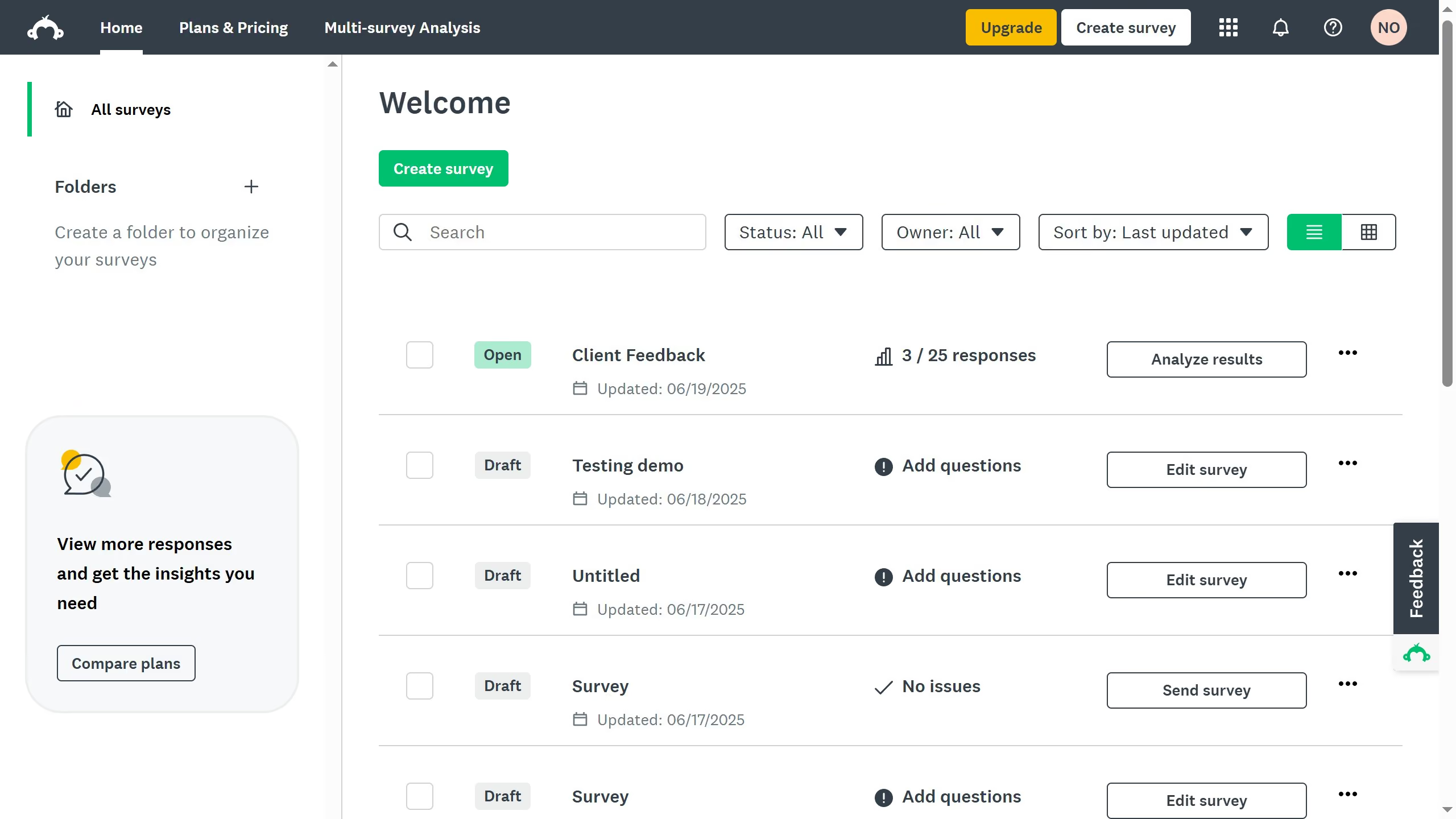
  1. On your SurveyMonkey dashboard, choose the survey you want to edit from your list
  2. Then click on "DESIGN SURVEY" tab in the survey navigation menu
  3. Click and hold the six-dot icon beside the question
  4. Drag the question to a new position in the survey and release the mouse to drop it in place

Create your own interactive guide with Guideflow

Why should you rearrange questions in SurveyMonkey

SurveyMonkey is a powerful tool designed to help you create engaging surveys with ease.

The ability to rearrange questions allows you to fine-tune the flow of your survey, ensuring a seamless and logical progression from one question to the next.

This feature is particularly beneficial for improving respondent experience, helping to keep participants engaged and focused.

By optimizing the order of questions, you can enhance the clarity and effectiveness of your survey, ultimately leading to better data collection and insightful results.


Last update
June 23, 2026
Cursor MariaA cursor points to a button labeled "James."

Create your first demo in less than 30 seconds.