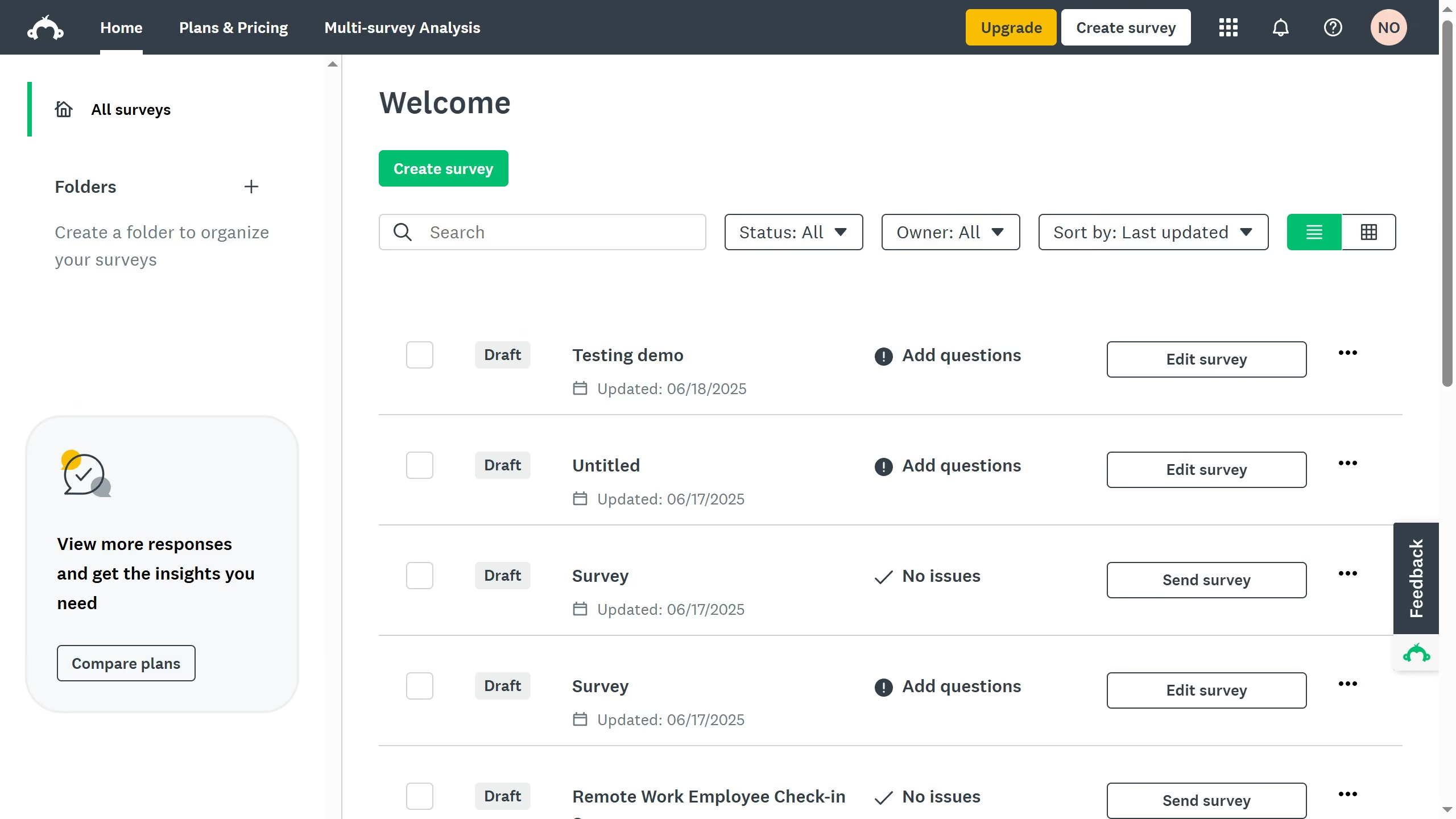
Here is how to turn on the progress bar in surveymonkey
- Locate the survey you want to update and click on its title to open it
- Then click on "DESIGN SURVEY" tab in the top navigation menu
- Next click on "Options" button in the survey design toolbar
- Then click on "Progress bar" option in the settings menu
- Finally toggle the switch on to show a progress bar in your survey