How to organize surveys in folders in SurveyMonkey
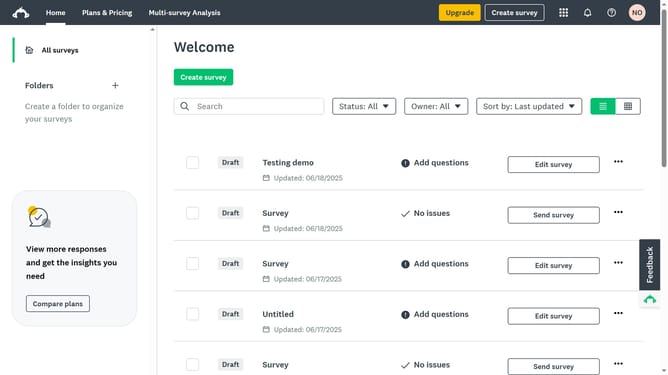
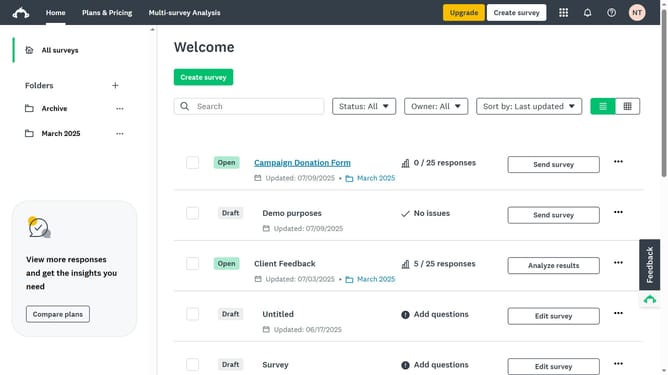
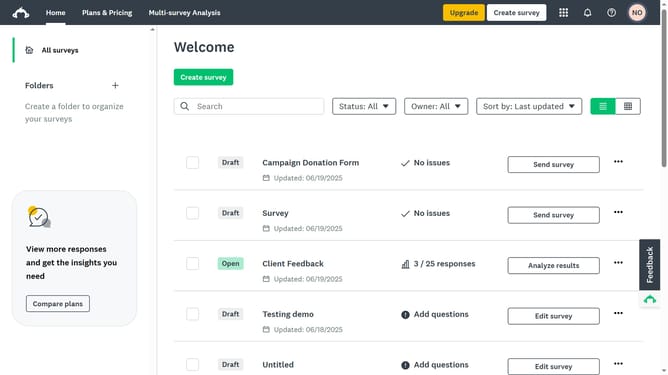
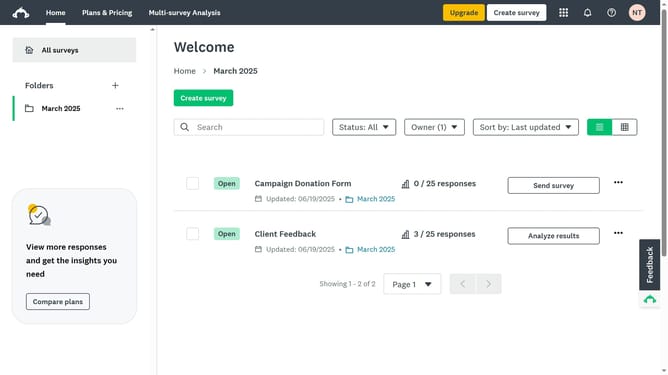
Here is how to organize surveys in folders in surveymonkey
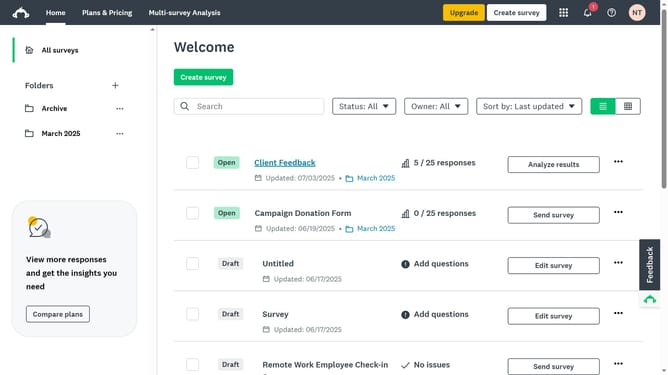
- Find the survey you want to organize and check the box next to its title
- Next click on the "Move" button in the bottom action bar
- Choose the folder where you want to move the selected survey
- Finally click on the "Move" button in the modal dialog
Why should you organize surveys in folders in SurveyMonkey
SurveyMonkey is a dynamic tool designed to simplify the creation and analysis of surveys.
One of its standout features is the ability to organize surveys in folders, streamlining document management and enhancing productivity.
By categorizing surveys into well-defined folders, users can efficiently access, sort, and manage their projects. This feature is particularly beneficial for users handling multiple surveys, as it reduces clutter and saves time.
Ultimately, organizing surveys into folders in SurveyMonkey ensures a more organized and focused workflow.
Last update