How to allow multiple responses in SurveyMonkey
Here is how to allow multiple responses in surveymonkey
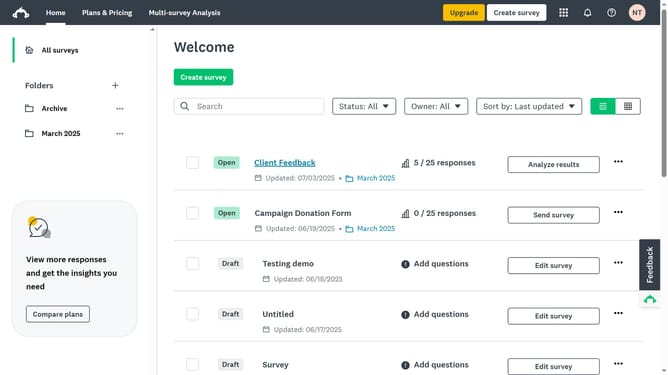
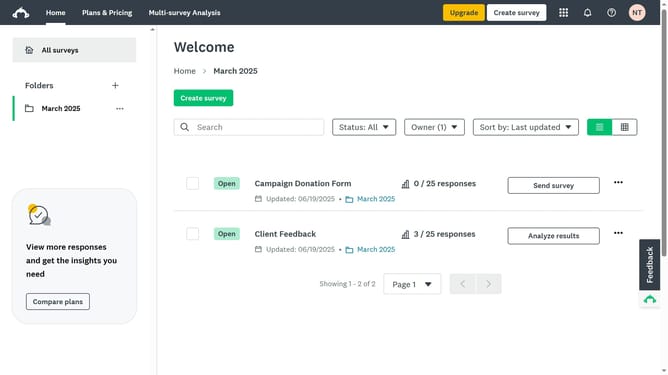
- First click the survey you want to manage
- Then click on the "COLLECT RESPONSES" tab in the survey navigation menu
- Next click on the collector in the collectors list
- Then click on "Multiple responses" option in the survey settings
- Finally toggle it on to allow respondents to submit more than one response
Why should you allow multiple responses in SurveyMonkey
SurveyMonkey is a powerful tool designed to transform user feedback into valuable insights.
One standout feature is the ability to allow multiple responses. This feature is particularly beneficial when collecting data over an extended period, enabling participants to provide more accurate and comprehensive feedback over time.
By allowing multiple responses, users can easily measure changes in opinion or behavior, providing a richer dataset for analysis. This capability empowers survey creators to gather dynamic insights, leading to more informed decisions.
Last update