How to view all surveys in SurveyMonkey
Here is how to view all surveys in surveymonkey
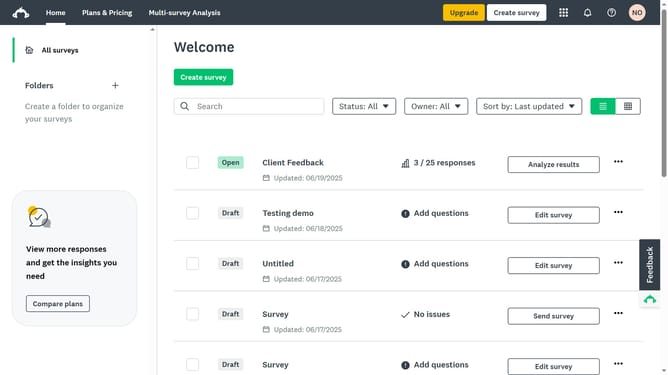
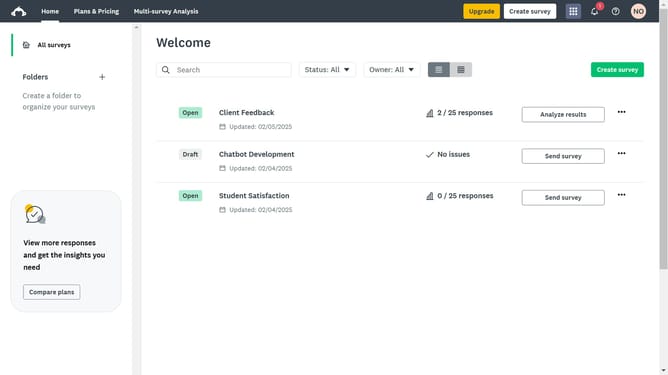
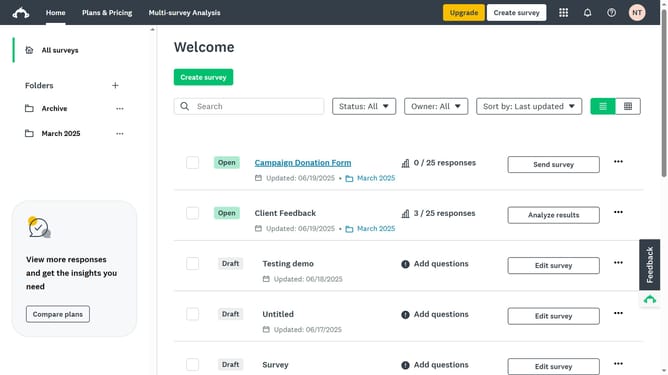
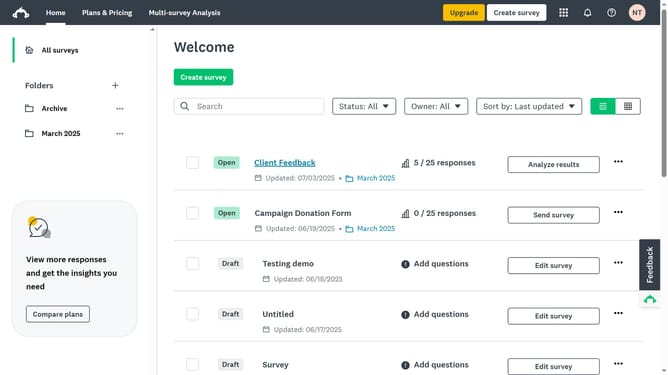
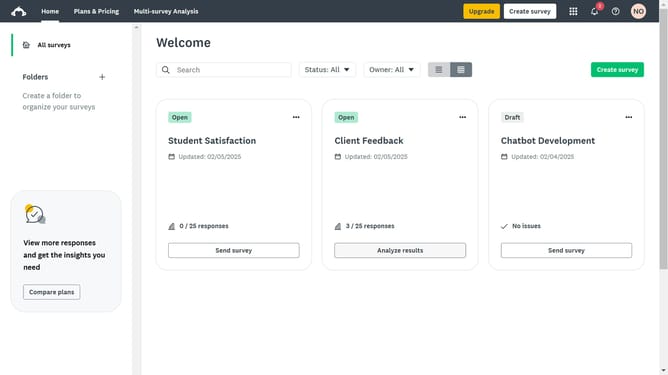
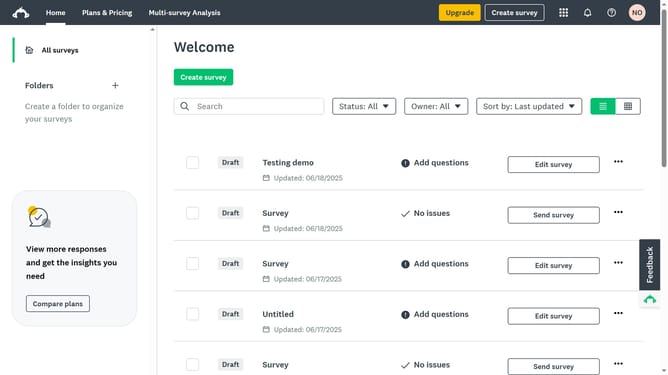
- First click on the "All surveys" option in the left sidebar to view all your surveys
- Then click on the "Owner" dropdown filter in the top toolbar
- Finally click on "Select all" option in the Owner dropdown menu
Why should you view all surveys in SurveyMonkey
SurveyMonkey is an intuitive platform designed to simplify creating, distributing, and analyzing surveys efficiently.
Viewing all surveys in SurveyMonkey offers a streamlined way to keep track of all your surveys in one place. This feature provides a comprehensive overview, allowing you to manage your data effectively.
With this accessibility, you can quickly assess survey progress, identify trends, and make informed decisions, optimizing your survey strategy. A central hub for all surveys saves time, ensures organization, and enhances productivity.
Last update