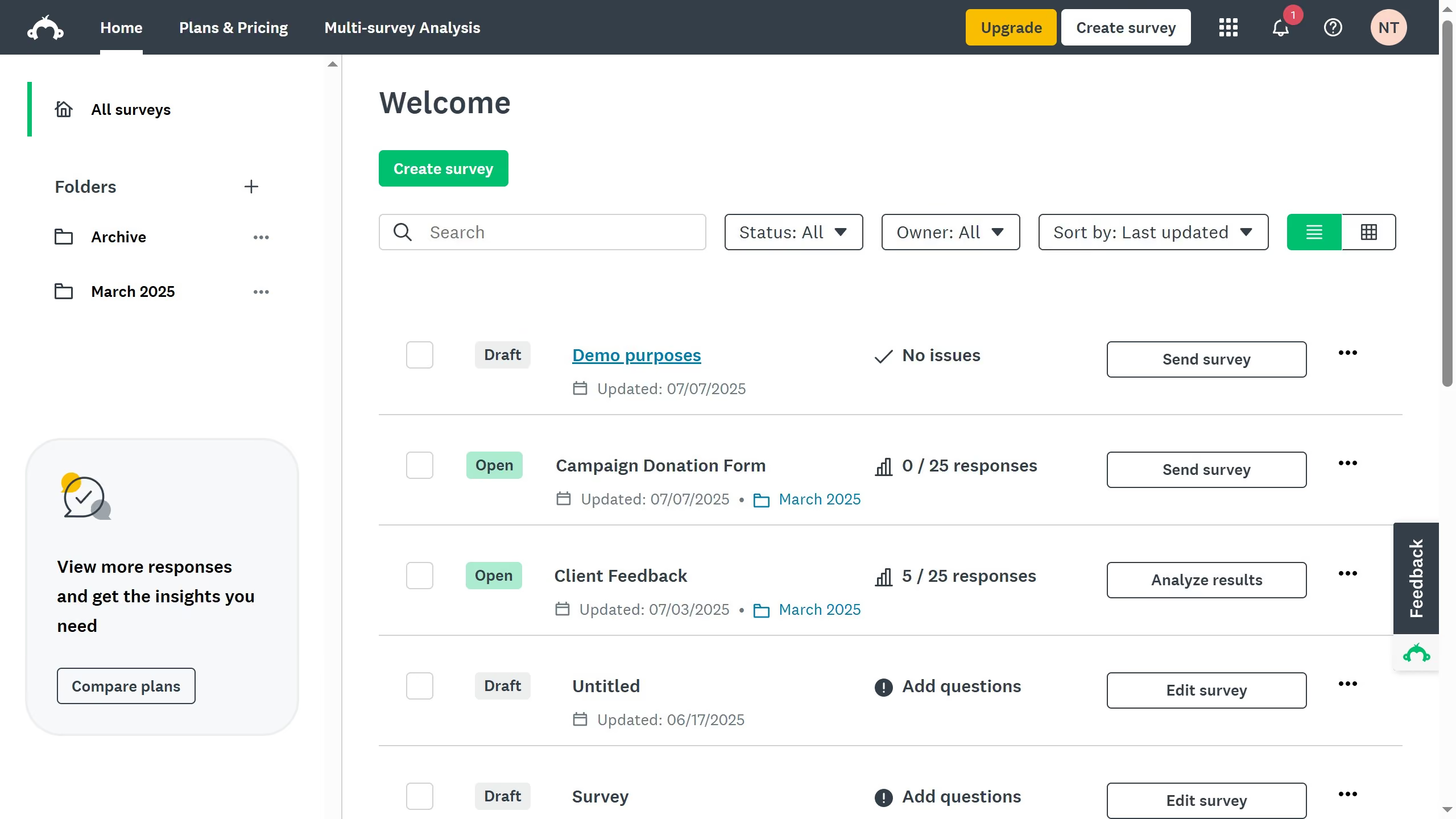
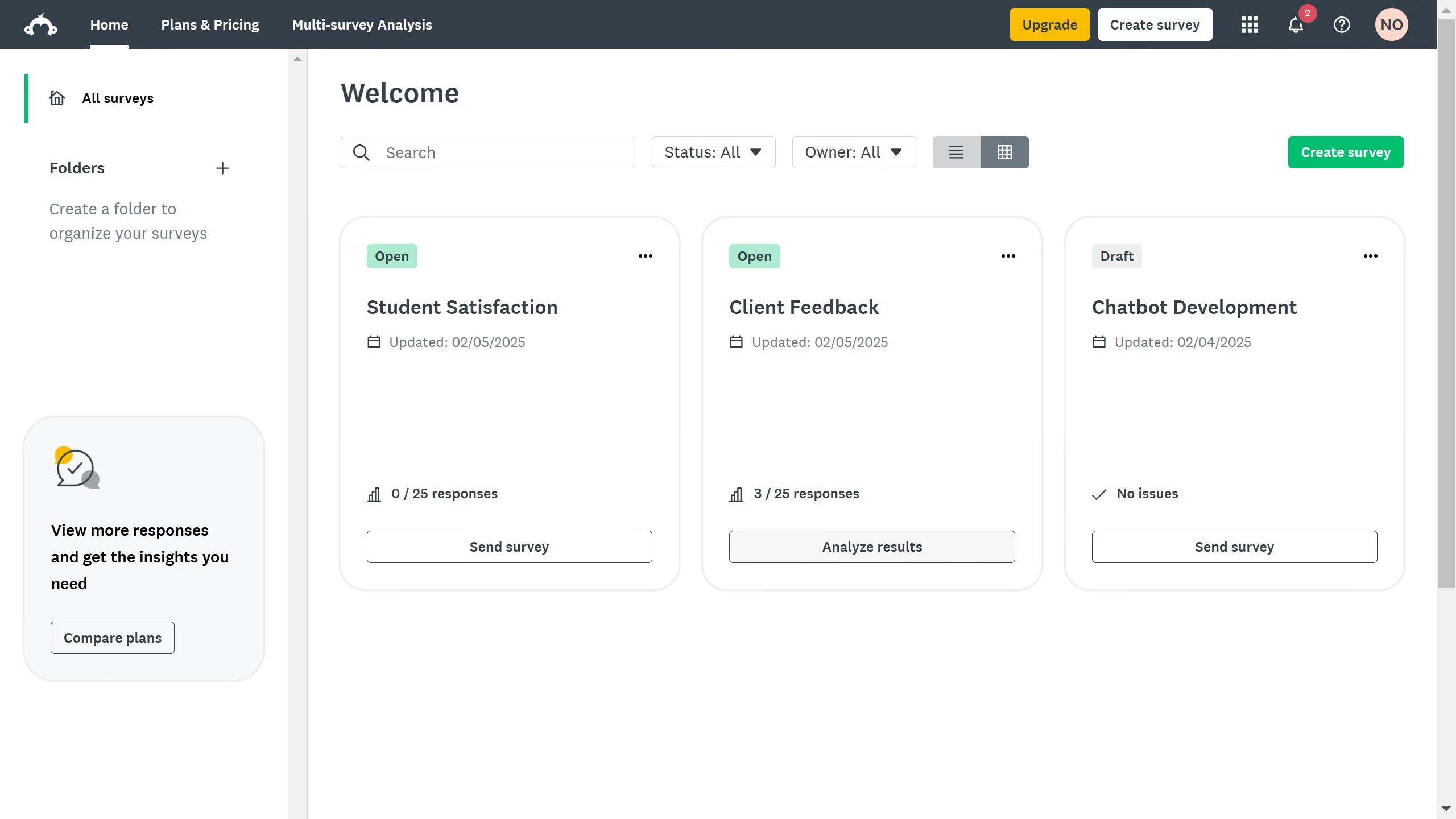
Here is how to view total responses in surveymonkey
- On your SurveyMonkey dashboard, choose the survey you want to edit from your list
- Stay on the "SUMMARY" page to view survey results
- In the "Total Responses" section, you’ll see the total count


Create your own interactive guide with Guideflow
SurveyMonkey is a versatile tool for creating and analyzing surveys to gather valuable insights.
One of its standout features is the ability to view total responses effortlessly. Understanding how many people have responded to your survey gives you a quick snapshot of your survey's reach and engagement level.
This feature is immensely beneficial for assessing the effectiveness of your survey campaign in real-time, letting you strategize further actions swiftly. With this handy feature, you can enhance decision-making processes by tracking response trends and scales.
Why leading companies build with Guideflow