How to archive a survey in SurveyMonkey
Here is how to archive a survey in surveymonkey
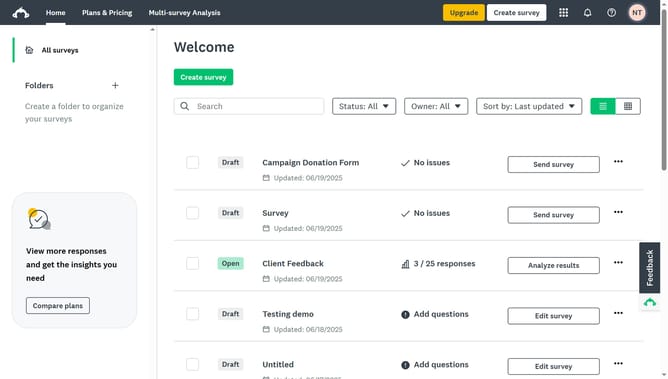
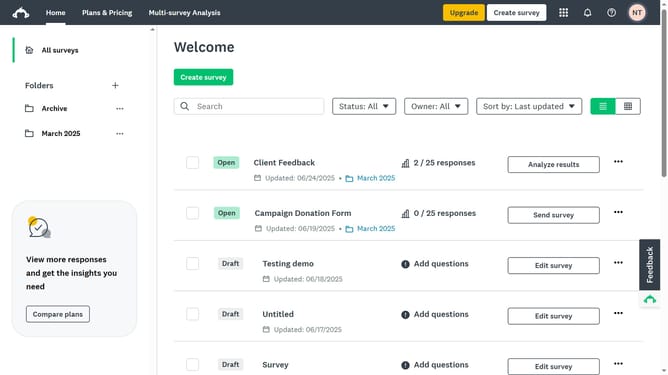
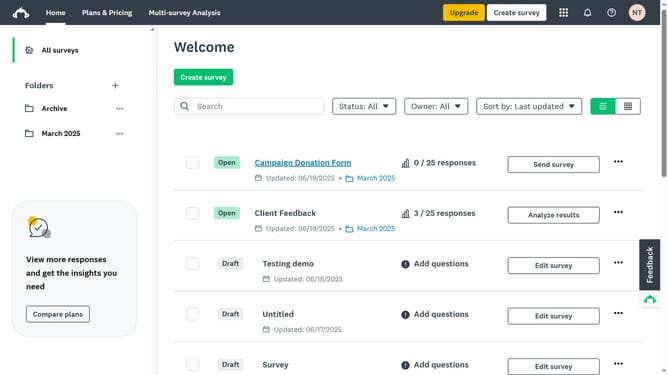
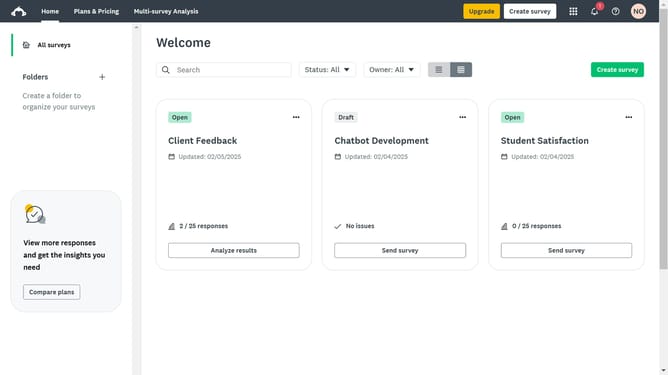
- Since there’s no built-in option to archive a survey, the best workaround is to create a folder named “Archive”
- Click in the text field and enter "Archive"
- Click the "Create" button in the folder creation dialog
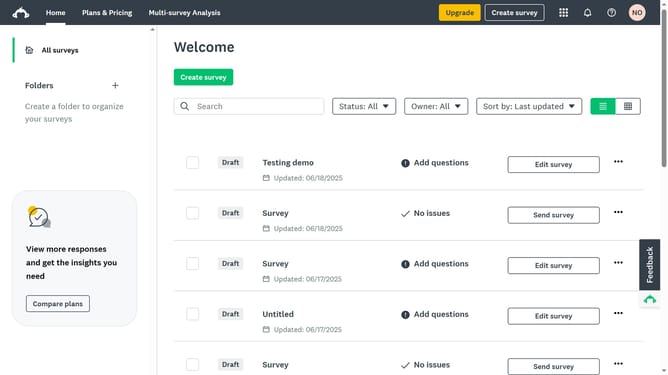
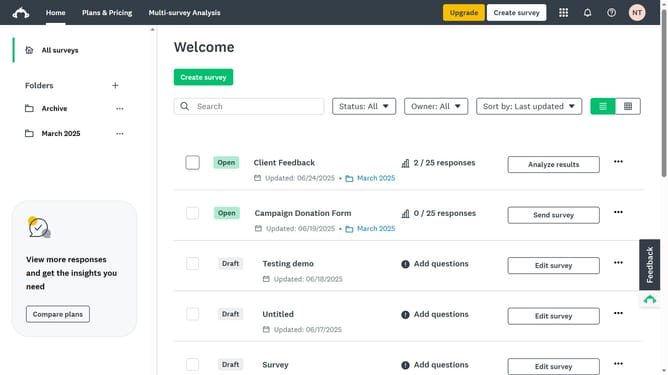
- Next click the checkbox next to the survey you want to archive
- Click the "Move" button in the bottom action bar
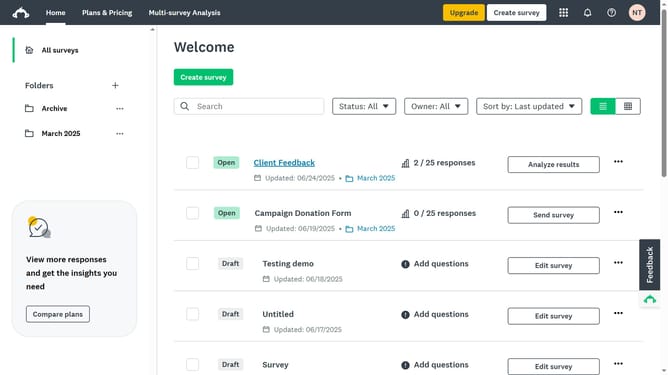
- Then select the newly created folder labeled “Archive”
- Finally click the "Move" button in the dialog after selecting "Archive" folder
Why should you archive a survey in SurveyMonkey
SurveyMonkey is a powerful tool for creating and analyzing surveys with ease.
The archiving feature in SurveyMonkey allows users to efficiently manage surveys by removing clutter without losing important data.
Archiving helps keep your dashboard organized, making it simpler to focus on active projects. This feature enhances productivity by decluttering your workspace, making important information more accessible.
Moreover, archived surveys can be easily retrieved at any time, ensuring that valuable insights are preserved for future reference.
Last update