How to manually close a survey collector in SurveyMonkey
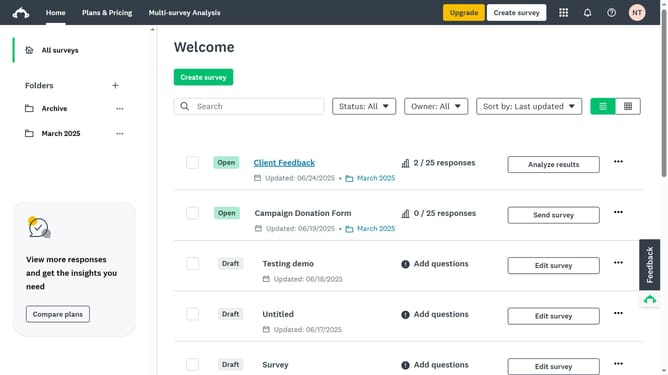
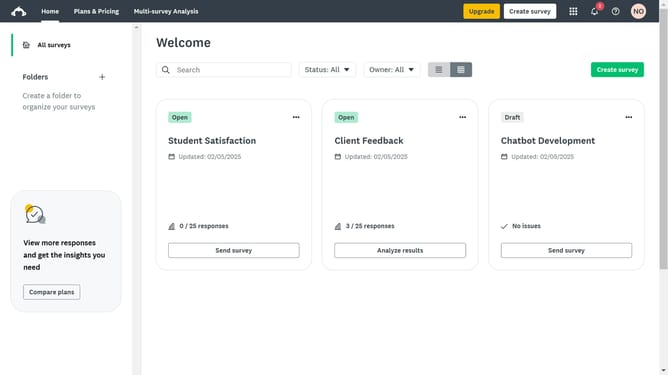
Here is how to manually close a survey collector in surveymonkey
- First open the survey you want to manage
- Then click on the "COLLECT RESPONSES" tab in the top navigation menu
- Next click on the "more options" menu (three dots) next to the collector
- Then select "Close collector" option from the dropdown menu
- Finally click on the "Close collector" button in the confirmation dialog
Why should you manually close a survey collector in SurveyMonkey
SurveyMonkey is a powerful tool designed to effortlessly create and distribute surveys for gathering valuable insights.
Manually closing a survey collector in SurveyMonkey is a beneficial feature that offers control over when you stop collecting responses. This flexibility is perfect for ensuring data collection aligns with project timelines or specific response targets.
Using this feature empowers you to maintain a streamlined process by preventing additional data skewing results after reaching the desired outcome, ultimately enhancing the accuracy and reliability of your results.
Last update