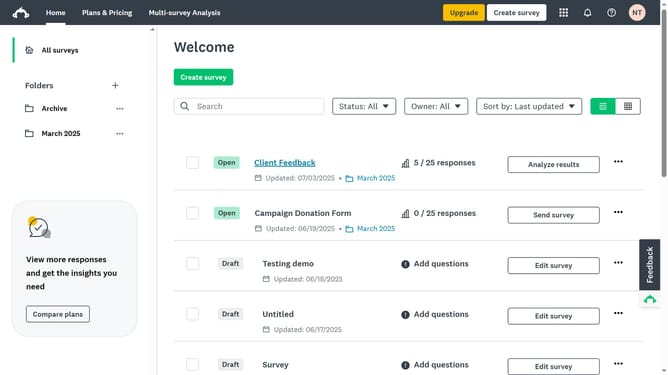
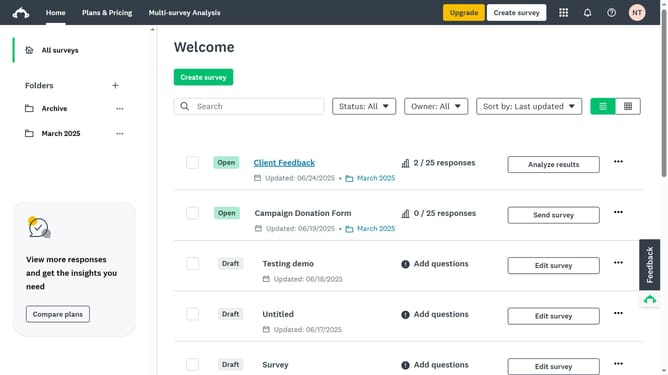
How to set a survey cutoff date in SurveyMonkey
Here is how to set a survey cutoff date in surveymonkey
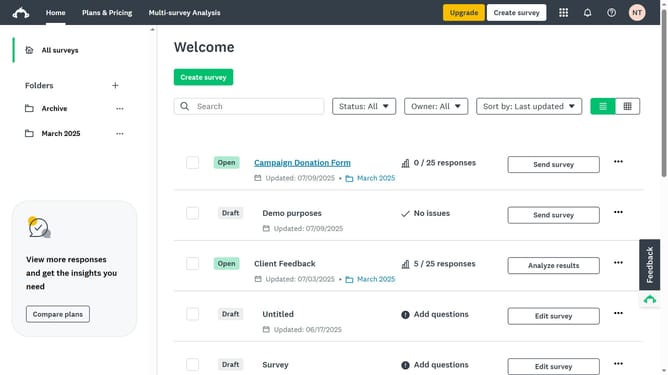
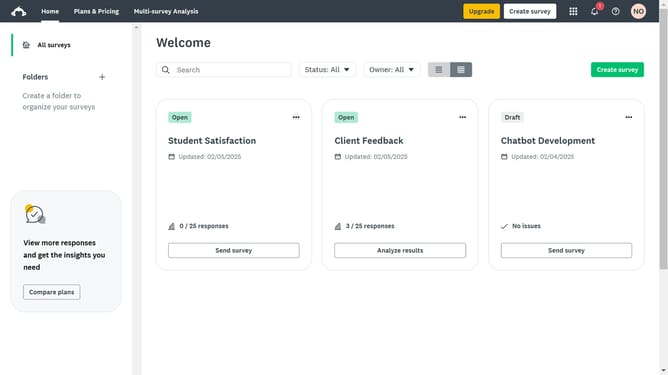
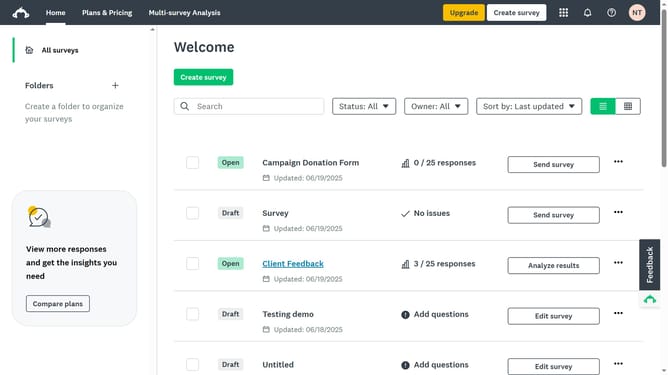
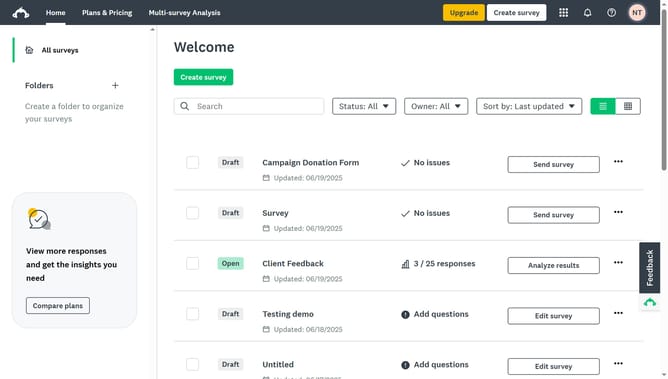
- First click the survey you want to manage
- Then click on the "COLLECT RESPONSES" tab
- Next select the collector you’re using
- Then click on "Show advanced options" link at the bottom of the settings panel
- Next click on the "Cutoff date and time" dropdown option in the advanced settings
- Then select the radio button "On, close this collector on a specified date and time"
- Enter the specific date and time you want the survey to close
Why should you set a survey cutoff date in SurveyMonkey
SurveyMonkey is a dynamic tool designed to help you create, distribute, and analyze surveys effortlessly.
One of its helpful features is setting a survey cutoff date. This ensures that responses are collected only within a specified timeframe, adding precision to your data collection process.
Setting a cutoff date enhances data reliability by curbing late responses that might skew results, and streamlines decision-making by delivering timely insights.
Last update