SurveyMonkey
SurveyMonkey is an online survey and feedback collection platform for customer insights.
Website
Industry
Marketing
Share this article:

How to disable the exit link in SurveyMonkey

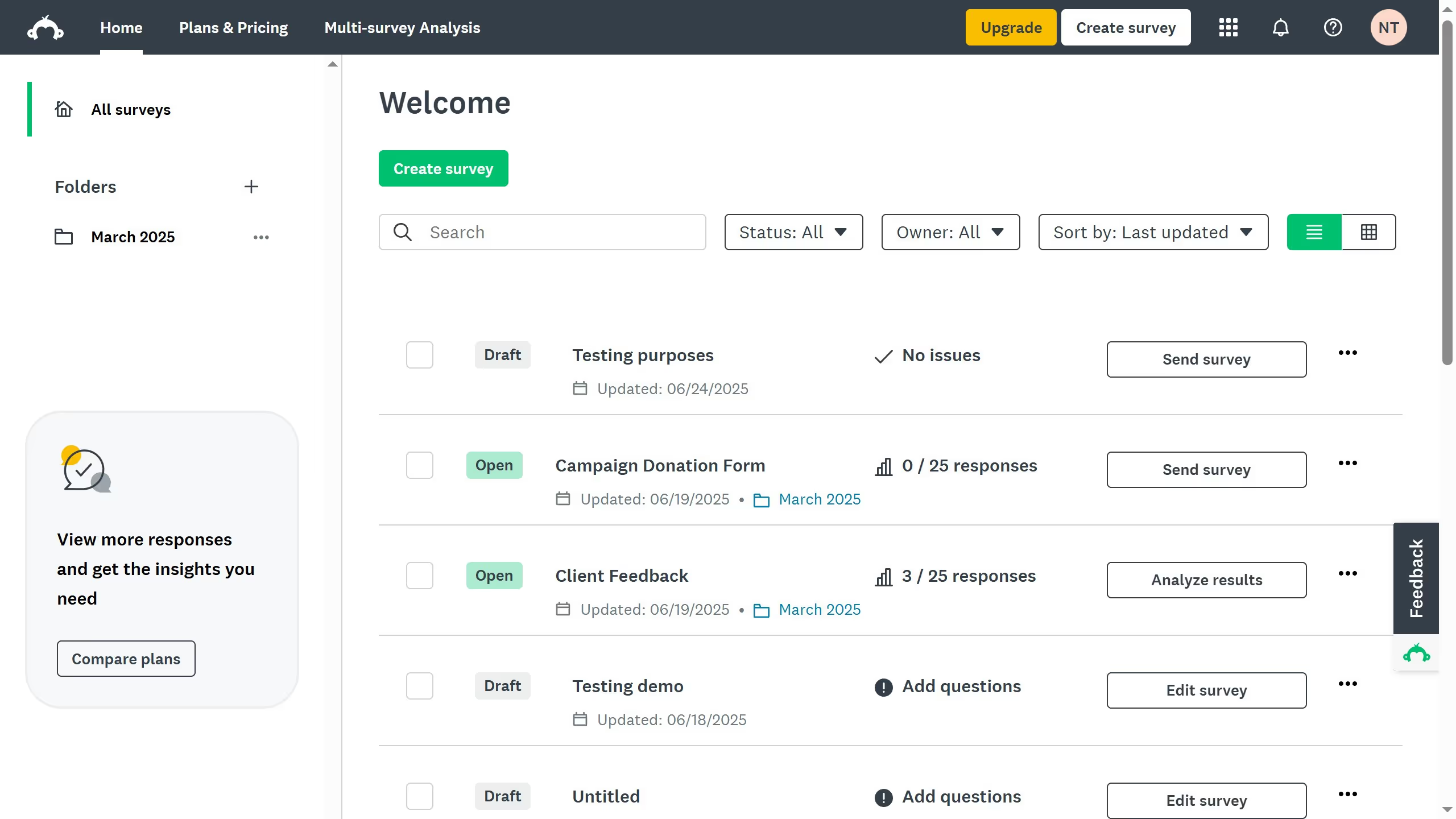
Here is how to disable the exit link in surveymonkey

  1. First click survey you want to open
  2. Then click on the "DESIGN SURVEY" tab in the top navigation menu
  3. Next click on the "Options" button in the design toolbar
  4. Toggle the switch off to remove the exit link from your survey

Create your own interactive guide with Guideflow

Why should you disable the exit link in SurveyMonkey

SurveyMonkey is a powerful tool designed for creating and conducting surveys with ease.

Disabling the exit link feature in SurveyMonkey can enhance the focus and completion rates of your surveys. By preventing respondents from leaving the survey midway, you ensure that you gather the most complete and accurate data possible.

This feature is particularly beneficial in professional or academic research, where consistent data collection is crucial. It encourages participants to finish the survey, which can lead to more reliable results and insights.

Overall, controlling this feature aids in optimizing response quality and maximizing the effectiveness of your survey efforts.


Last update
June 23, 2026
Cursor MariaA cursor points to a button labeled "James."

Create your first demo in less than 30 seconds.