SurveyMonkey
SurveyMonkey is an online survey and feedback collection platform for customer insights.
Website
Industry
Marketing
Share this article:

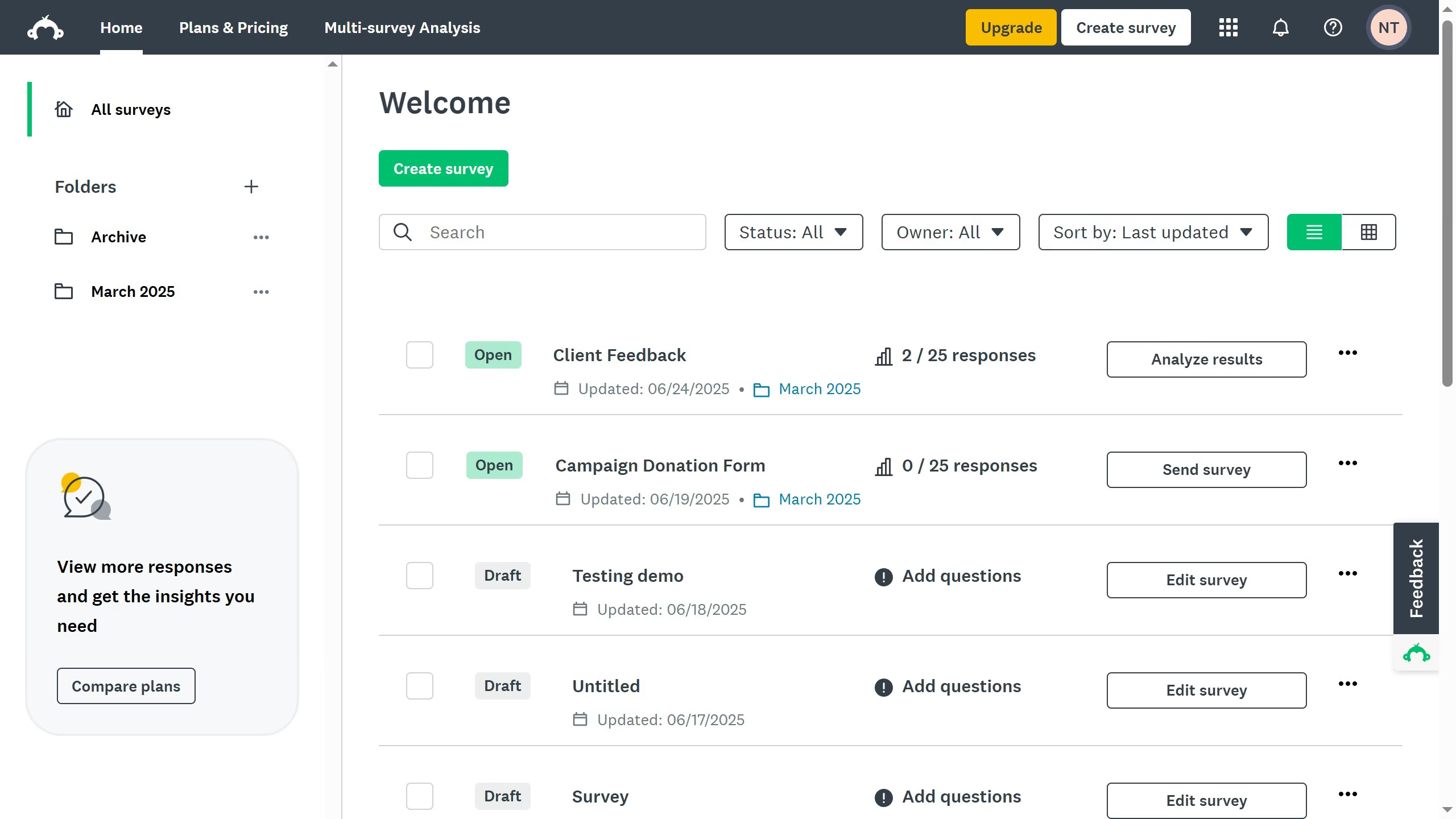
How to set a maximum number of survey responses in SurveyMonkey

Here is how to set a maximum number of survey responses in surveymonkey

  1. First open the survey you want to update
  2. Then click on the "COLLECT RESPONSES" tab in the survey navigation menu
  3. Next click the collector you want to edit
  4. Then click "Show advanced options" link in the collector settings
  5. Next click on the "Response limits" option in the advanced settings menu
  6. Toggle the setting "On" to activate a response cap
  7. Enter the maximum number of responses you want to accept

Create your own interactive guide with Guideflow

Why should you set a maximum number of survey responses in SurveyMonkey

SurveyMonkey is a versatile tool designed for creating and analyzing online surveys efficiently.

One valuable feature is the ability to set a maximum number of survey responses. This feature empowers users by providing control over data collection, ensuring only the necessary amount of feedback is gathered.

Limiting responses prevents data overload and helps maintain focus on quality insights that align with research objectives. This enhances the efficiency of data management and aids in meeting project timelines effectively.


Last update
June 23, 2026
Cursor MariaA cursor points to a button labeled "James."

Create your first demo in less than 30 seconds.