How to set a cutoff date and time for survey responses in SurveyMonkey
Here is how to set a cutoff date and time for survey responses in surveymonkey
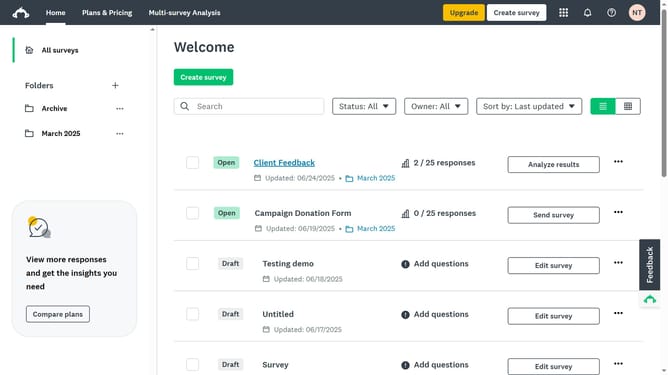
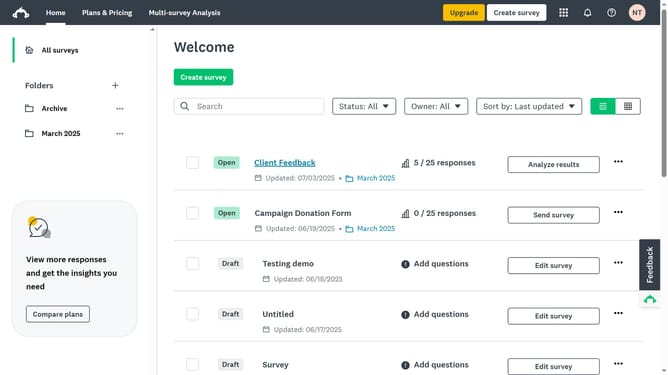
- First click the survey you want to manage
- Then click on the "COLLECT RESPONSES" tab
- Next select the collector you’re using
- Then click on "Show advanced options" link at the bottom of the settings panel
- Next click on the "Cutoff date and time" dropdown option in the advanced settings
- Then select the radio button "On, close this collector on a specified date and time"
- Select your desired date and time from the calendar and time picker
Why should you set a cutoff date and time for survey responses in SurveyMonkey
SurveyMonkey is your go-to tool for creating insightful surveys with ease.
One valuable feature is setting a cutoff date and time for survey responses. This feature ensures that you only collect data relevant for specific timeframes, thus enhancing the accuracy of your results.
Using this feature allows you to control your survey timeline effectively. It helps prevent late responses from skewing your data analysis, ensuring that your results are timely and relevant.
Overall, it aids in maintaining the integrity of your data collection process.
Last update