SurveyMonkey
SurveyMonkey is an online survey and feedback collection platform for customer insights.
Website
Industry
Marketing
Share this article:

How to reopen resolved comments in shared data views in SurveyMonkey

Here is how to reopen resolved comments in shared data views in surveymonkey

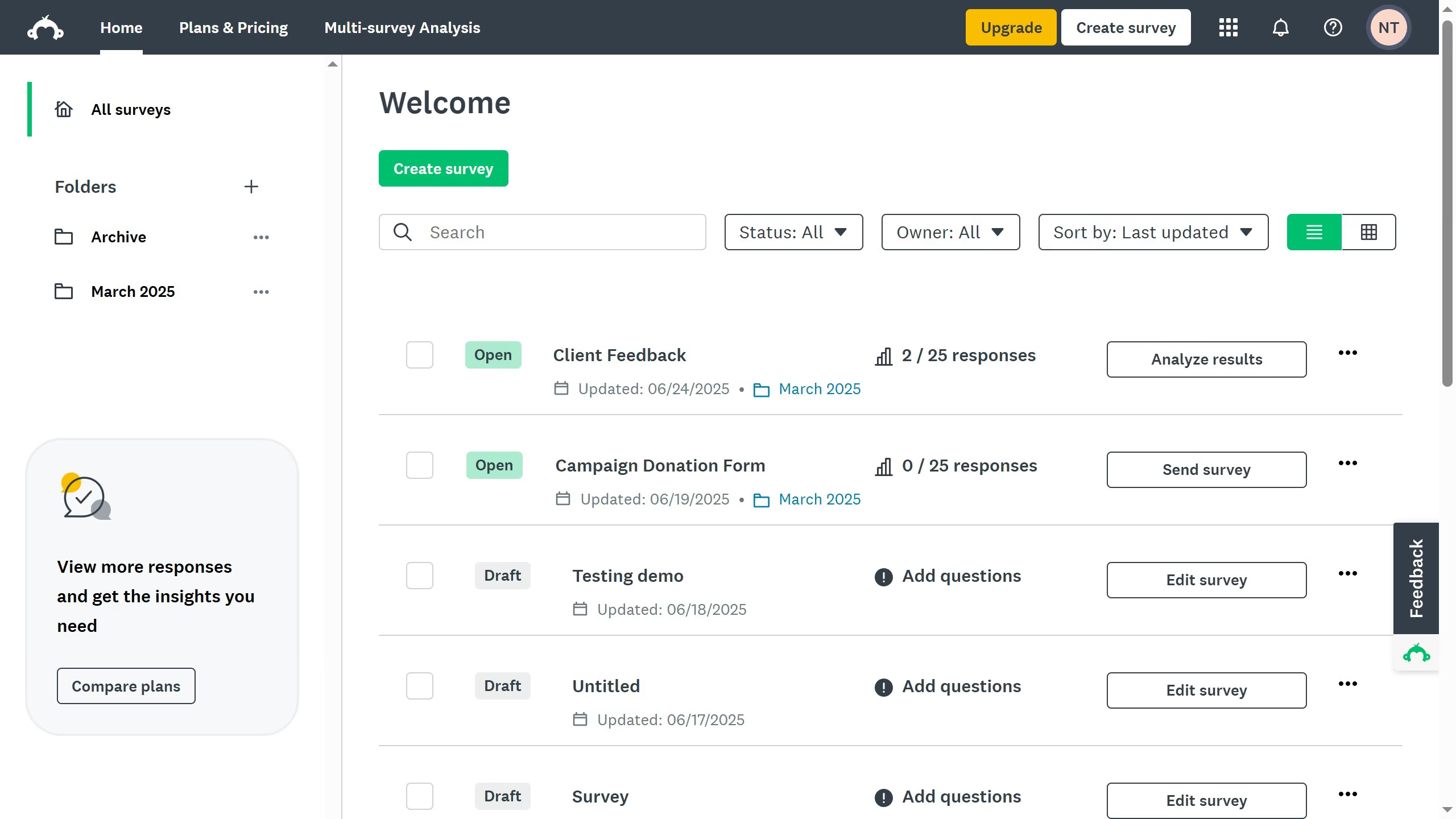
  1. First click the survey you want to edit from the survey list
  2. Then click on "ANALYZE RESULTS" tab in the survey navigation menu
  3. Next click on "Shared data" button in the analysis toolbar
  4. Click on the comment icon next to the shared data link
  5. Then click on the comment icon in the top right corner of the question with a comment
  6. Finally click the "Resolved" button next to the comment to mark it as unresolved

Create your own interactive guide with Guideflow

Why should you reopen resolved comments in shared data views in SurveyMonkey

SurveyMonkey is a versatile platform designed to simplify the process of collecting and analyzing data through surveys.

One of its valuable features is the ability to reopen resolved comments in shared data views. This feature allows team members to revisit and discuss previously addressed issues, fostering a collaborative environment where ideas can be refined further.

Reopening comments is beneficial for ensuring all viewpoints are considered, making it easier to fine-tune surveys and business decisions based on collective insights.


Last update
June 23, 2026
Cursor MariaA cursor points to a button labeled "James."

Create your first demo in less than 30 seconds.