SurveyMonkey
SurveyMonkey is an online survey and feedback collection platform for customer insights.
Website
Industry
Marketing
Share this article:

How to spot low-activity months in survey trends in SurveyMonkey

Here is how to spot low-activity months in survey trends in surveymonkey

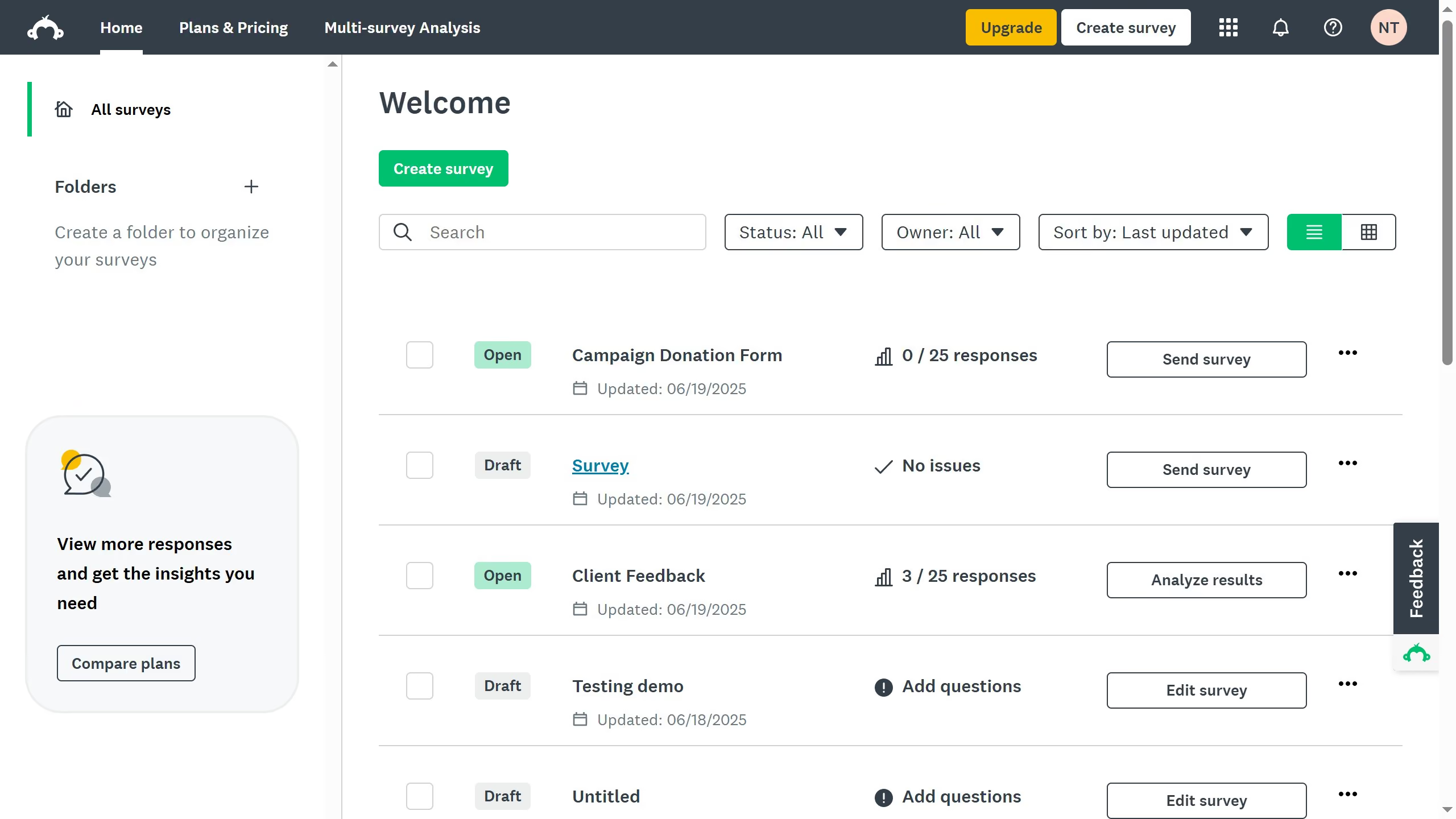
  1. First click the survey you want to analyze
  2. Then click on "ANALYZE RESULTS" tab in the survey navigation menu
  3. Next click on "Insights and Data Trends" tab in the analysis section
  4. Scroll down to the "Trends" section to see which months had low response activity

Create your own interactive guide with Guideflow

Why should you spot low-activity months in survey trends in SurveyMonkey

SurveyMonkey is a robust online tool designed to create and analyze impactful surveys with ease.

Spotting low-activity months in survey trends using SurveyMonkey features allows users to optimize engagement strategies. By examining response patterns, you can identify periods with decreased participation, allowing for a strategic focus on improving these trends.

Understanding these low-activity months ensures greater survey effectiveness and helps fine-tune outreach efforts, enhancing overall data quality and decision-making precision.


Last update
June 23, 2026
Cursor MariaA cursor points to a button labeled "James."

Create your first demo in less than 30 seconds.