How to create a folder for surveys in SurveyMonkey
Here is how to create a folder for surveys in surveymonkey
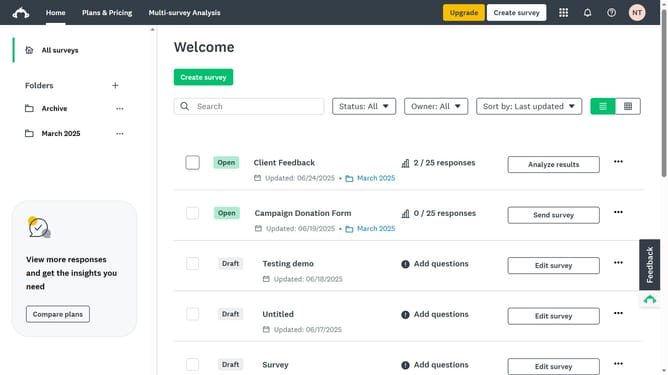
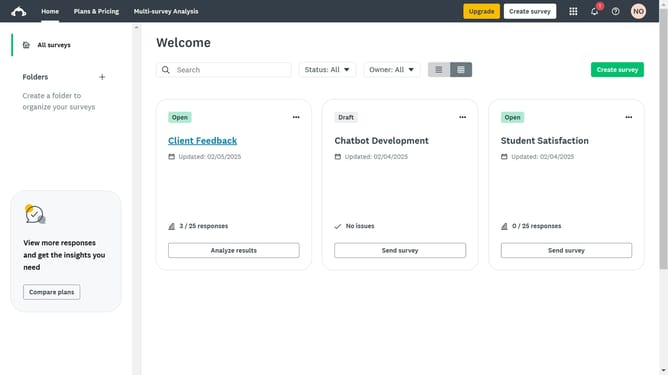
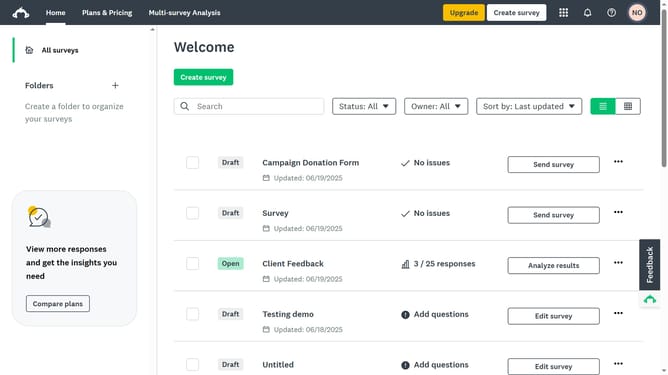
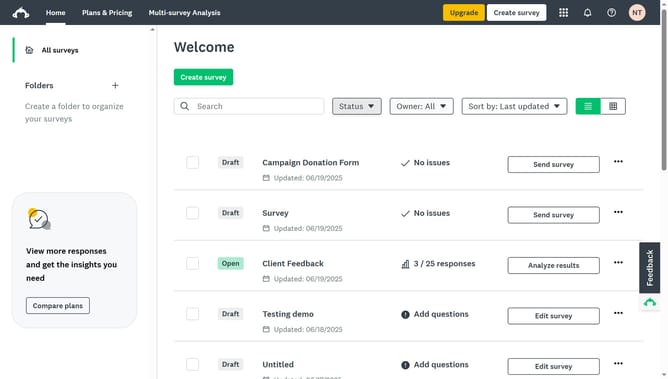
- First click on the "+" button in the left sidebar next to "Folders" label
- Then click in the "Folder name" input field to enter your new folder name
- Finally click on the "Create" button in the modal dialog to create your new folder
Why should you create a folder for surveys in SurveyMonkey
SurveyMonkey is a powerful platform designed to simplify the process of collecting feedback through surveys.
Creating folders for surveys in SurveyMonkey is an efficient feature that keeps your survey projects organized. This feature allows users to categorize surveys based on topics, projects, or deadlines, ensuring a streamlined approach to managing multiple surveys at once.
By utilizing folders, you enhance productivity and reduce the time spent searching for individual surveys, ultimately allowing more focus on analyzing feedback and making informed decisions based on insights gathered from respondents.
Last update