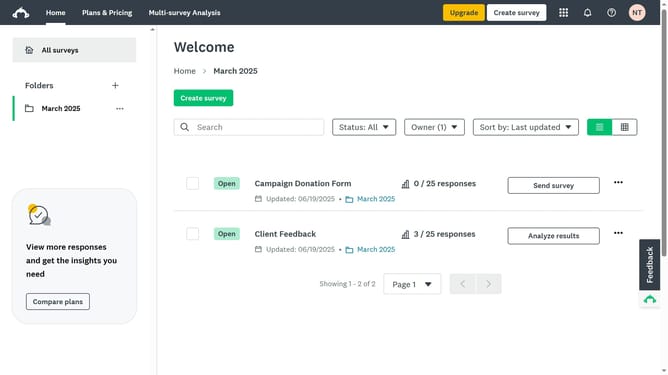
How to extend survey deadlines manually in SurveyMonkey
Here is how to extend survey deadlines manually in surveymonkey
- First click the survey you want to manage
- Then click on the "COLLECT RESPONSES" tab
- Next select the collector you’re using
- Then click on "Show advanced options" link at the bottom of the settings panel
- Next click on the "Cutoff date and time" dropdown menu to expand it
- Then click on the date input field to change the cutoff date
- Update the date and time to a later deadline using the calendar popup
Why should you extend survey deadlines manually in SurveyMonkey
SurveyMonkey is a powerful tool that enables easy creation and distribution of surveys for gathering valuable insights.
The ability to manually extend survey deadlines in SurveyMonkey ensures flexibility and maximizes participation rates.
Adjusting deadlines to accommodate more responses provides convenience and the potential for richer data collection.
Ultimately, this feature supports informed decision-making by allowing for a more comprehensive collection of feedback.
Last update