SurveyMonkey
SurveyMonkey is an online survey and feedback collection platform for customer insights.
Website
Industry
Marketing
Share this article:

How to turn off the survey title in SurveyMonkey

Here is how to turn off the survey title in surveymonkey

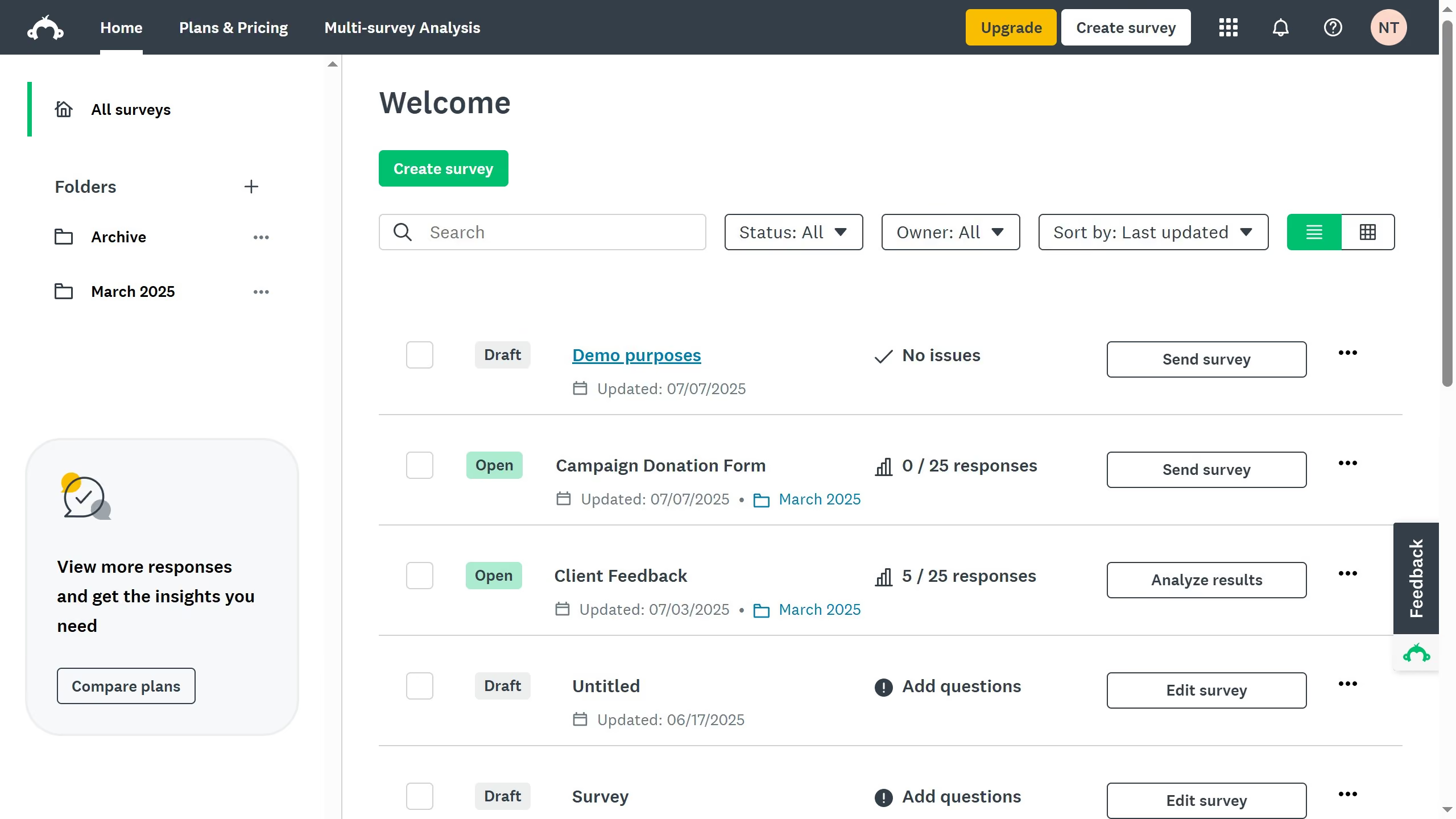
  1. First click survey you want to open
  2. Then click on the "DESIGN SURVEY" tab in the top navigation menu
  3. Next click on the "Options" button in the design toolbar
  4. Finally toggle off the "Survey title" option in the settings panel

Create your own interactive guide with Guideflow

Why should you turn off the survey title in SurveyMonkey

SurveyMonkey is a robust platform designed to simplify the process of creating and distributing surveys.

One of its nifty features is the ability to turn off the survey title.

This feature is particularly useful for those who wish to maintain a clean and focused survey design.

By opting to hide the title, you allow respondents to dive straight into the questions, fostering a seamless user experience.

Ultimately, this can lead to higher completion rates, enhancing the overall quality and effectiveness of your data collection efforts.


Last update
June 23, 2026
Cursor MariaA cursor points to a button labeled "James."

Create your first demo in less than 30 seconds.