SurveyMonkey
SurveyMonkey is an online survey and feedback collection platform for customer insights.
Website
Industry
Marketing
Share this article:

How to track when responses were last modified in SurveyMonkey

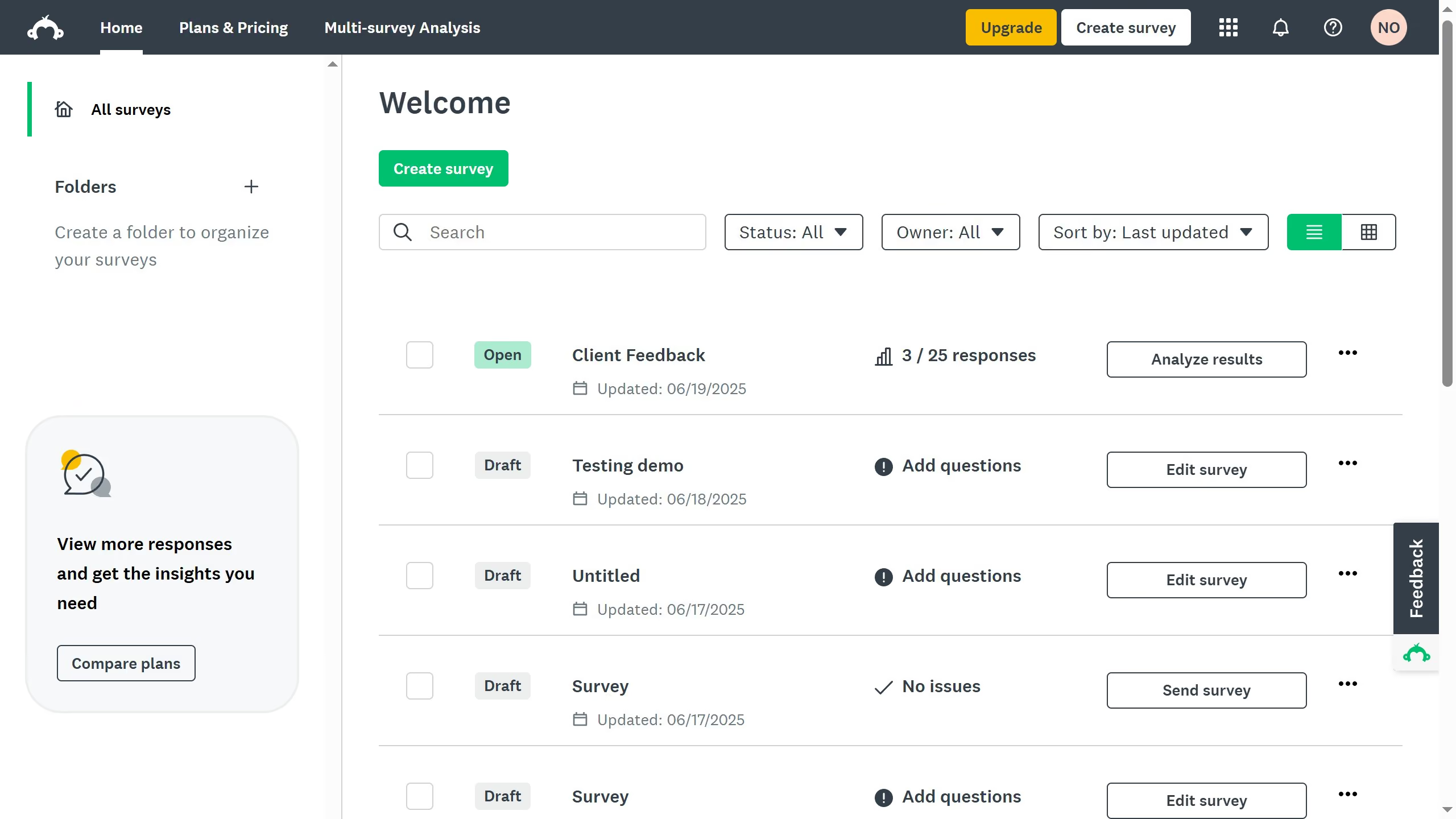
Here is how to track when responses were last modified in surveymonkey

  1. First open the survey you want to analyze
  2. Then click on the "ANALYZE RESULTS" tab
  3. Next click on the "Individual Responses" tab
  4. Check the "Last Modified" column to see the exact time each response was last updated

Create your own interactive guide with Guideflow

Why should you track when responses were last modified in SurveyMonkey

SurveyMonkey is a powerful platform that simplifies creating and analyzing surveys, helping gather insightful data.

Tracking when responses were last modified is a valuable feature in SurveyMonkey, offering clarity on any updates or changes made to survey data after initial submission.

This capability enhances data integrity by ensuring that any subsequent edits are promptly recognized, thus maintaining the accuracy of your survey results.

Using this feature, survey administrators can confidently manage follow-ups or adjustments, improving decision-making and insights based on the most current data.


Last update
June 23, 2026
Cursor MariaA cursor points to a button labeled "James."

Create your first demo in less than 30 seconds.