SurveyMonkey
SurveyMonkey is an online survey and feedback collection platform for customer insights.
Website
Industry
Marketing
Share this article:

How to connect SurveyMonkey to MailChimp

Here is how to connect surveymonkey to mailchimp

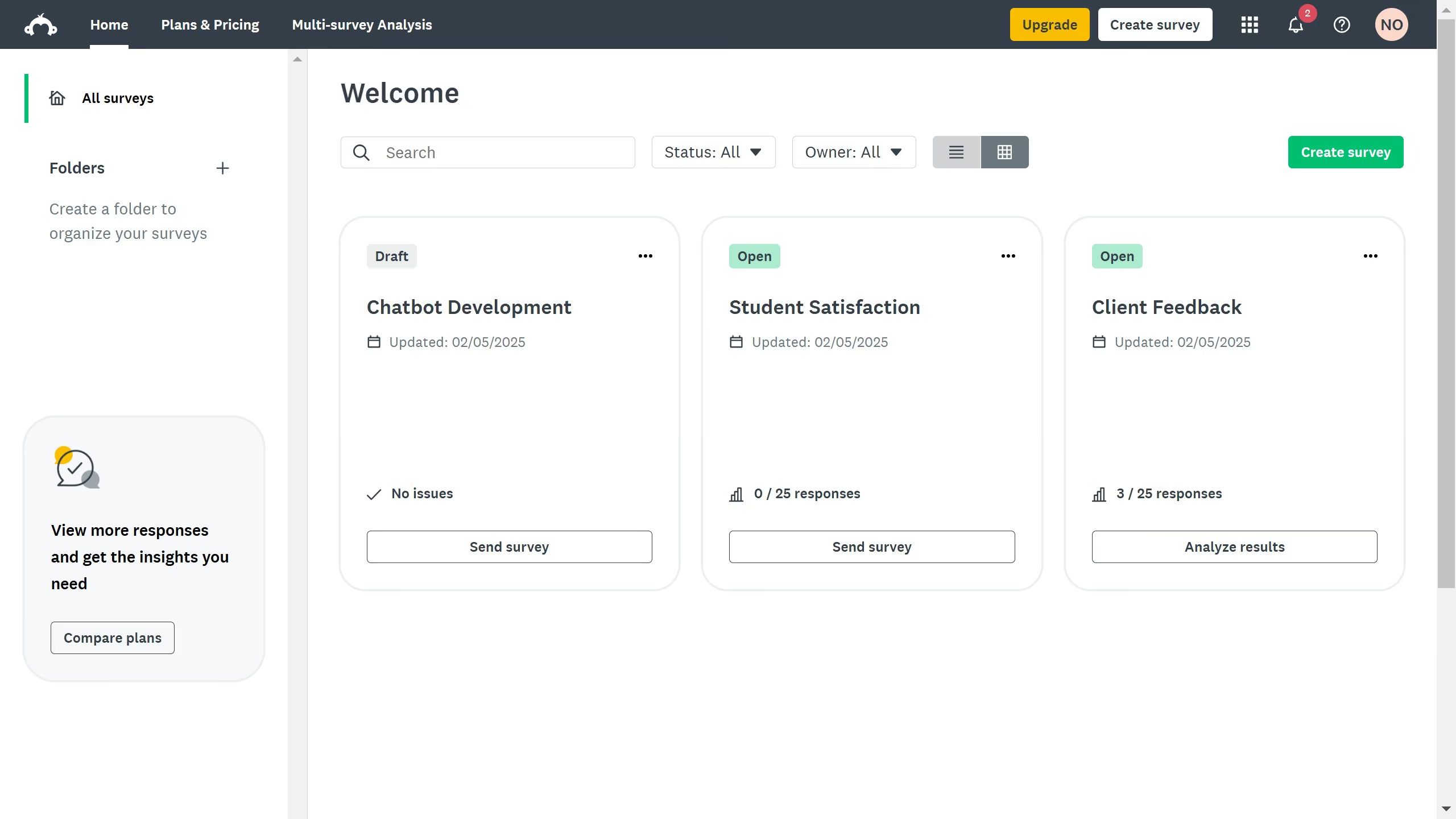
  1. First click on the app menu icon in the top navigation bar
  2. Then click on "Apps & integrations" option in the products dropdown menu
  3. Next click on the search field and enter "Mailchimp"
  4. Then click on the "Mailchimp" app card from the search results
  5. Finally click on the "Install" button on the Mailchimp app details page

Create your own interactive guide with Guideflow

Why should you connect SurveyMonkey to MailChimp

SurveyMonkey is a versatile tool designed to create intuitive surveys that capture valuable insights.

Connecting SurveyMonkey to MailChimp enhances communication by seamlessly integrating feedback collection with email campaigns.

This connection allows for the automatic synchronization of survey responses to your mailing lists, helping tailor content to audience preferences.

With these capabilities, businesses can improve engagement and refine marketing strategies, boosting overall campaign effectiveness and audience satisfaction.


Last update
June 23, 2026
Cursor MariaA cursor points to a button labeled "James."

Create your first demo in less than 30 seconds.