SurveyMonkey
SurveyMonkey is an online survey and feedback collection platform for customer insights.
Website
Industry
Marketing
Share this article:

How to reply to comments in shared data views in SurveyMonkey

Here is how to reply to comments in shared data views in surveymonkey

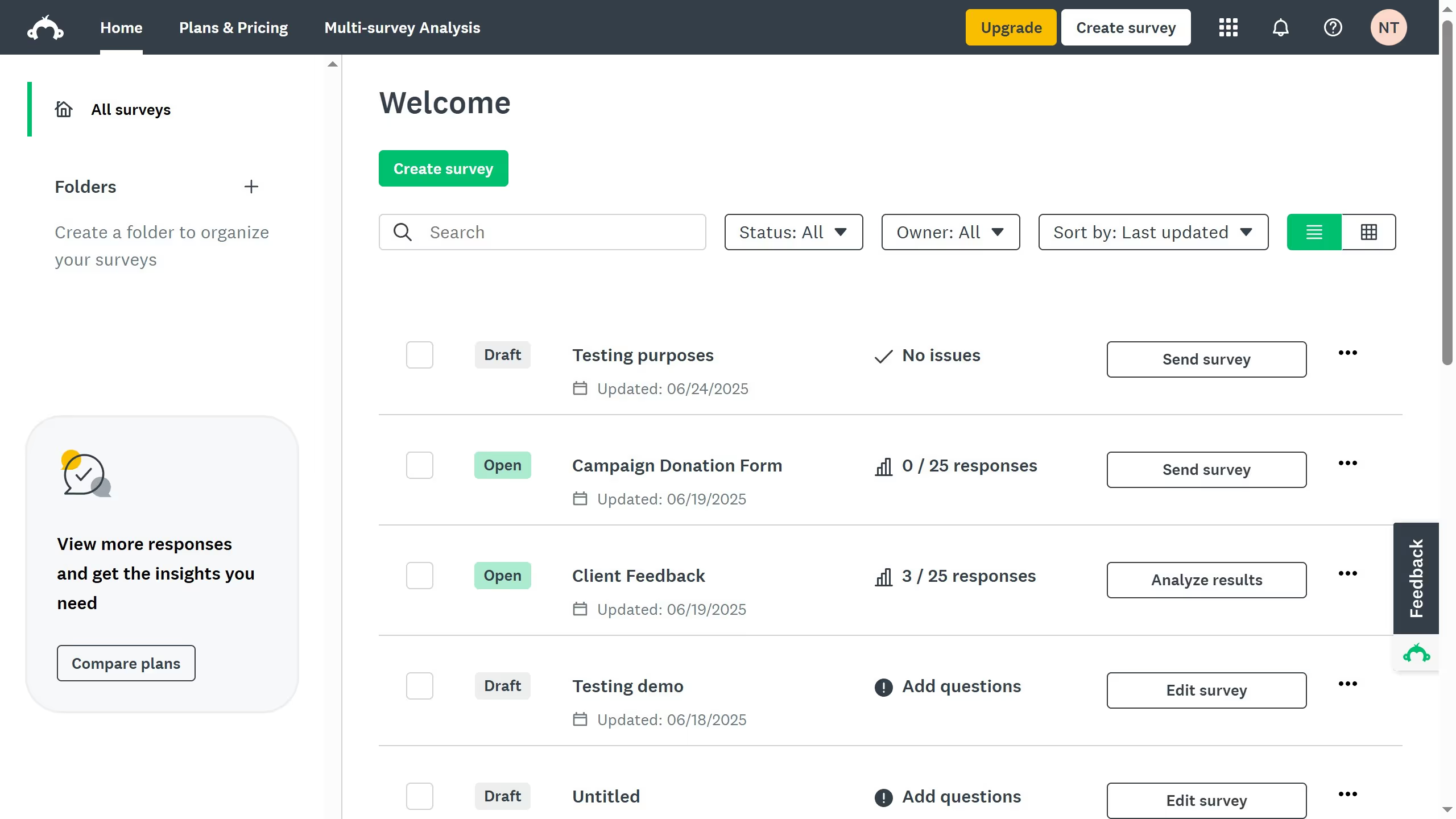
  1. First click the survey you want to edit from the survey list
  2. Then click on "ANALYZE RESULTS" tab in the survey navigation menu
  3. Next click on "Shared data" button in the analysis toolbar
  4. Click on the comment icon next to the shared data link
  5. Then click on the comment icon in the top right corner of the question with a comment
  6. Click "Reply" link under the existing comment
  7. Enter your reply text in the "Write reply..." textbox
  8. Finally click the green "REPLY" button to submit your response

Create your own interactive guide with Guideflow

Why should you reply to comments in shared data views in SurveyMonkey

SurveyMonkey, a pivotal tool for gathering insightful feedback, empowers users to enhance their decision-making process.

The ability to reply to comments in shared data views enriches collaborative analysis, fostering a dynamic space for discussion and clarity.

Engaging directly with feedback drives precise understanding and accelerates problem-solving.

Utilizing this feature ensures seamless communication, allowing for continuous insight refinement and shared understanding among stakeholders.

Last update
June 23, 2026
Cursor MariaA cursor points to a button labeled "James."

Create your first demo in less than 30 seconds.