SurveyMonkey
SurveyMonkey is an online survey and feedback collection platform for customer insights.
Website
Industry
Marketing
Share this article:

How to sort responses by completion status in SurveyMonkey

Here is how to sort responses by completion status in surveymonkey

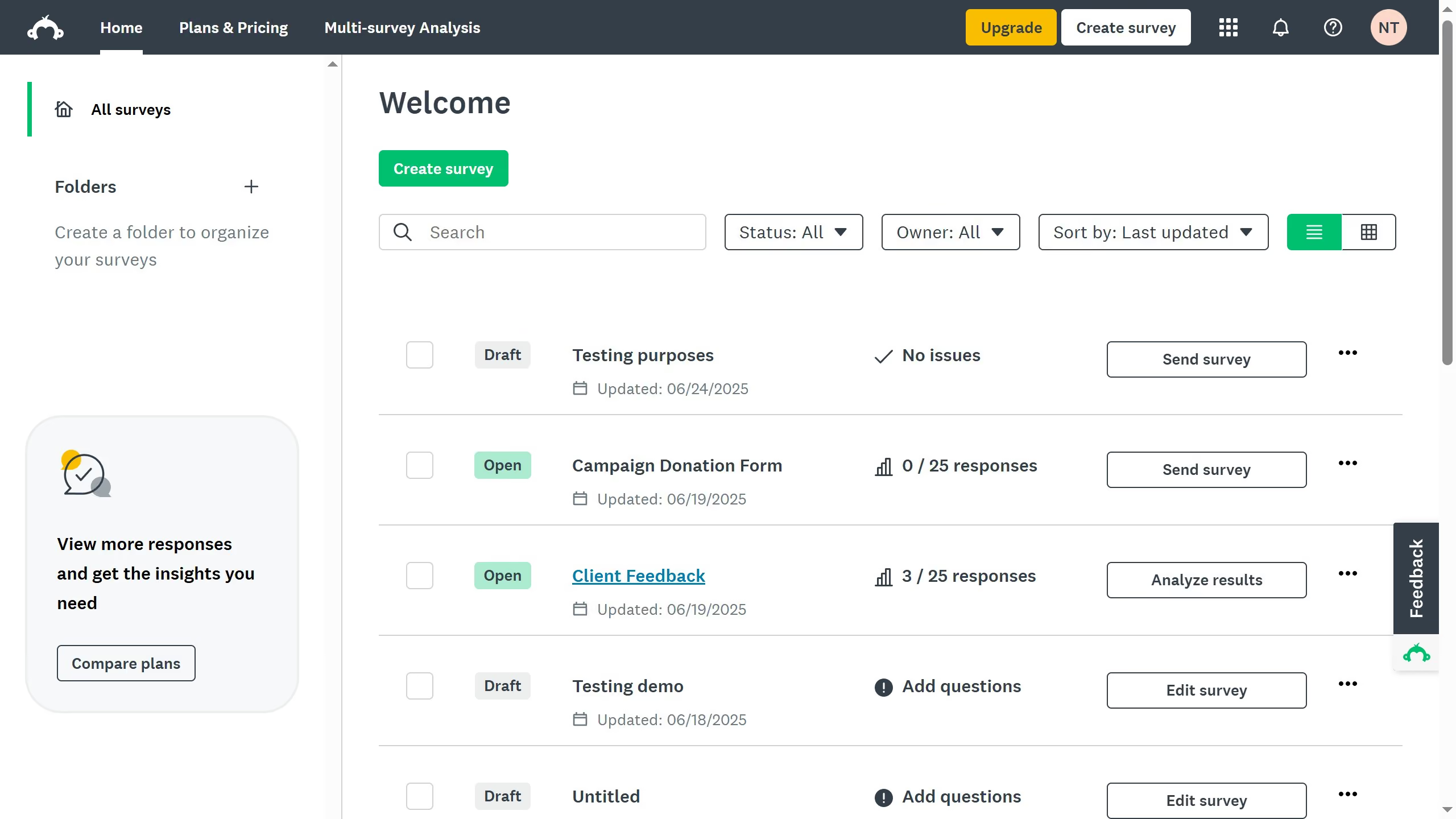
  1. First click the survey you want to open
  2. Then click on the "ANALYZE RESULTS" tab
  3. Next click on the "Individual Responses" tab in the analysis section
  4. Finally click on the "Status" column header to sort the responses table

Create your own interactive guide with Guideflow

Why should you sort responses by completion status in SurveyMonkey

SurveyMonkey is a powerful tool designed to simplify the process of creating and analyzing online surveys.

One of its standout features is the ability to sort responses by completion status. This feature allows users to efficiently organize survey data, easily distinguishing between completed and incomplete responses.

Using this feature ensures that analysis is both accurate and relevant, providing valuable insights for making informed decisions. It streamlines the data review process, saving time and enhancing productivity.


Last update
June 23, 2026
Cursor MariaA cursor points to a button labeled "James."

Create your first demo in less than 30 seconds.