SurveyMonkey
SurveyMonkey is an online survey and feedback collection platform for customer insights.
Website
Industry
Marketing
Share this article:

How to change the language settings in SurveyMonkey

Here is how to change the language settings in surveymonkey

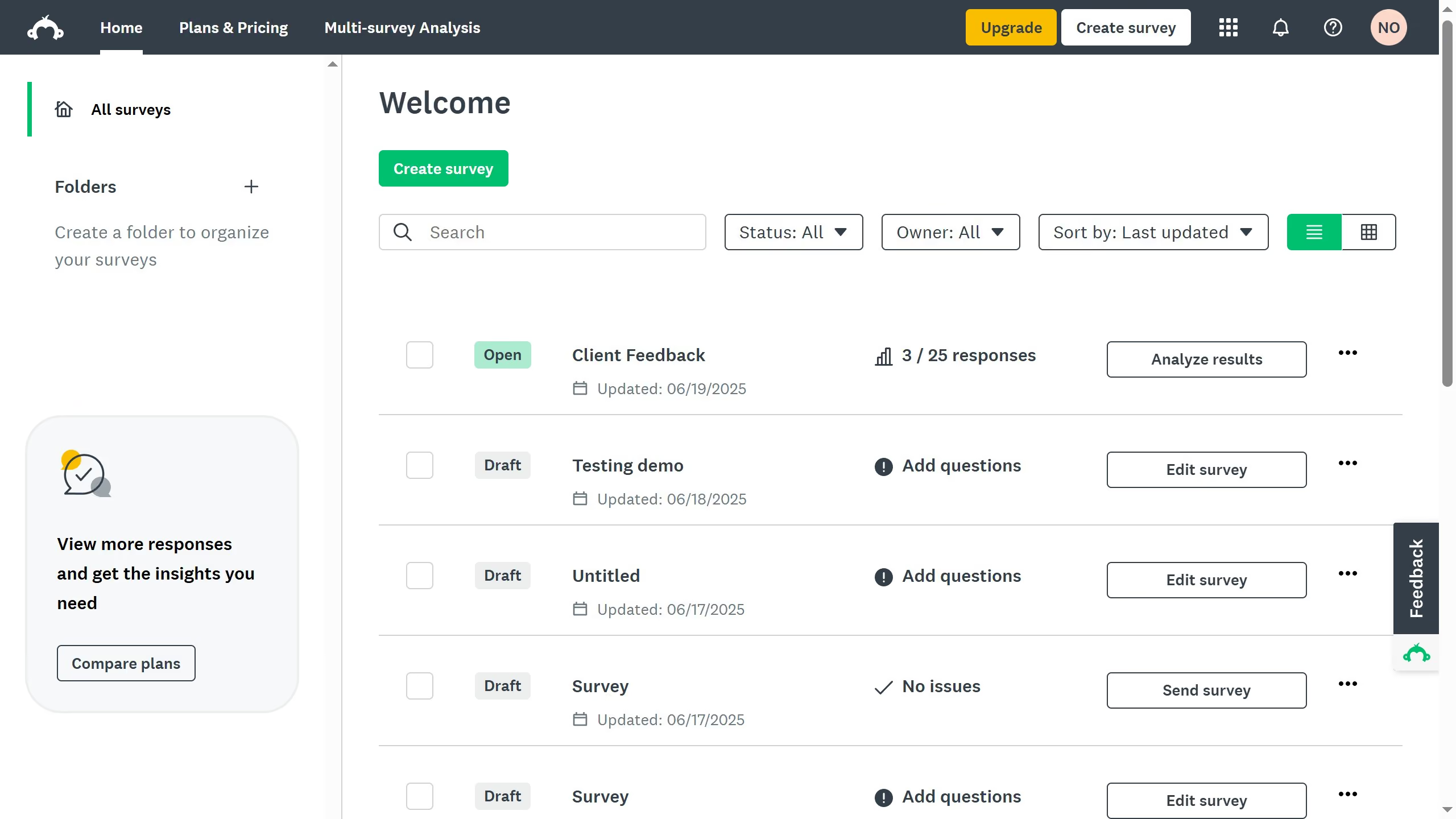
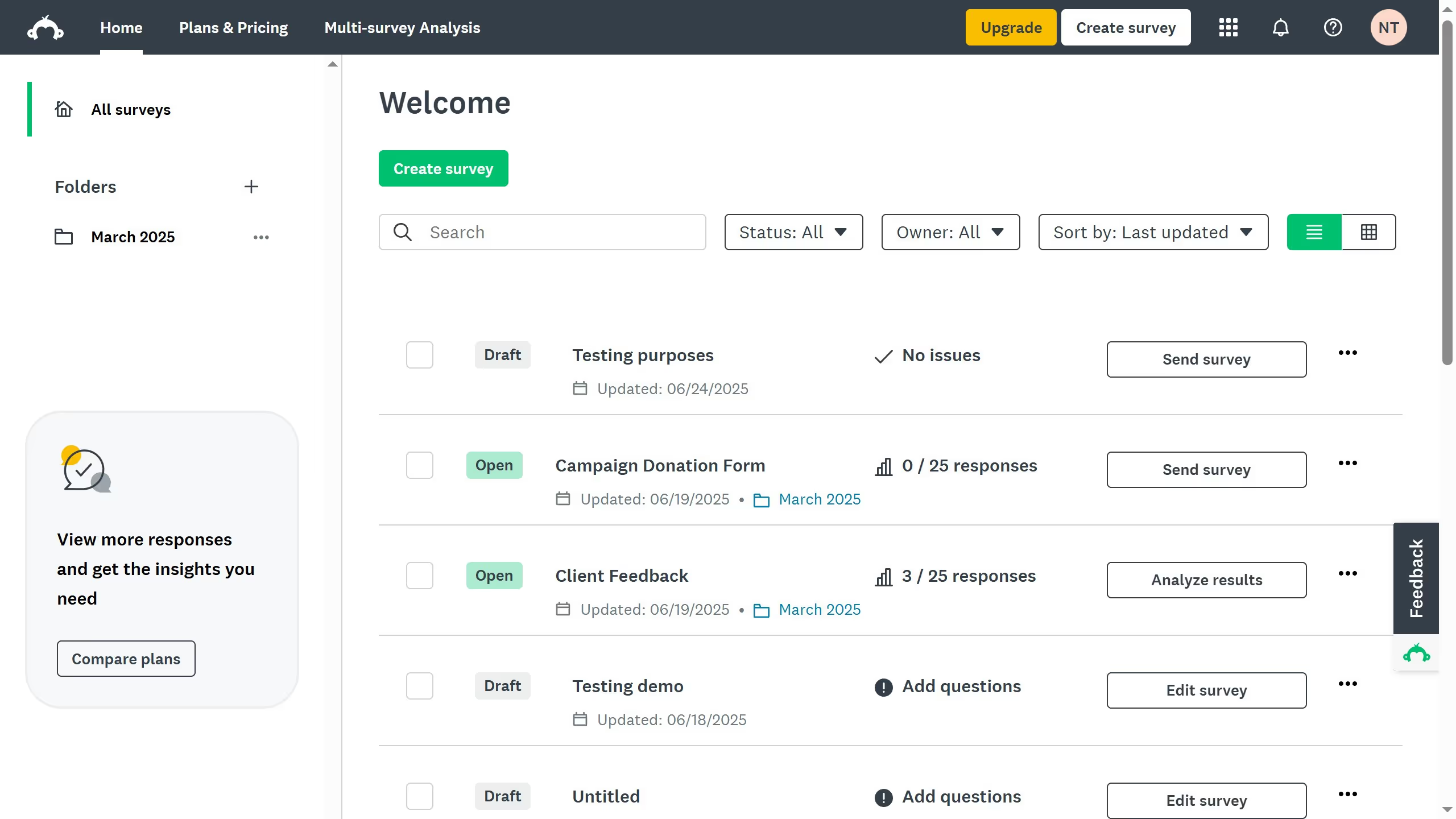
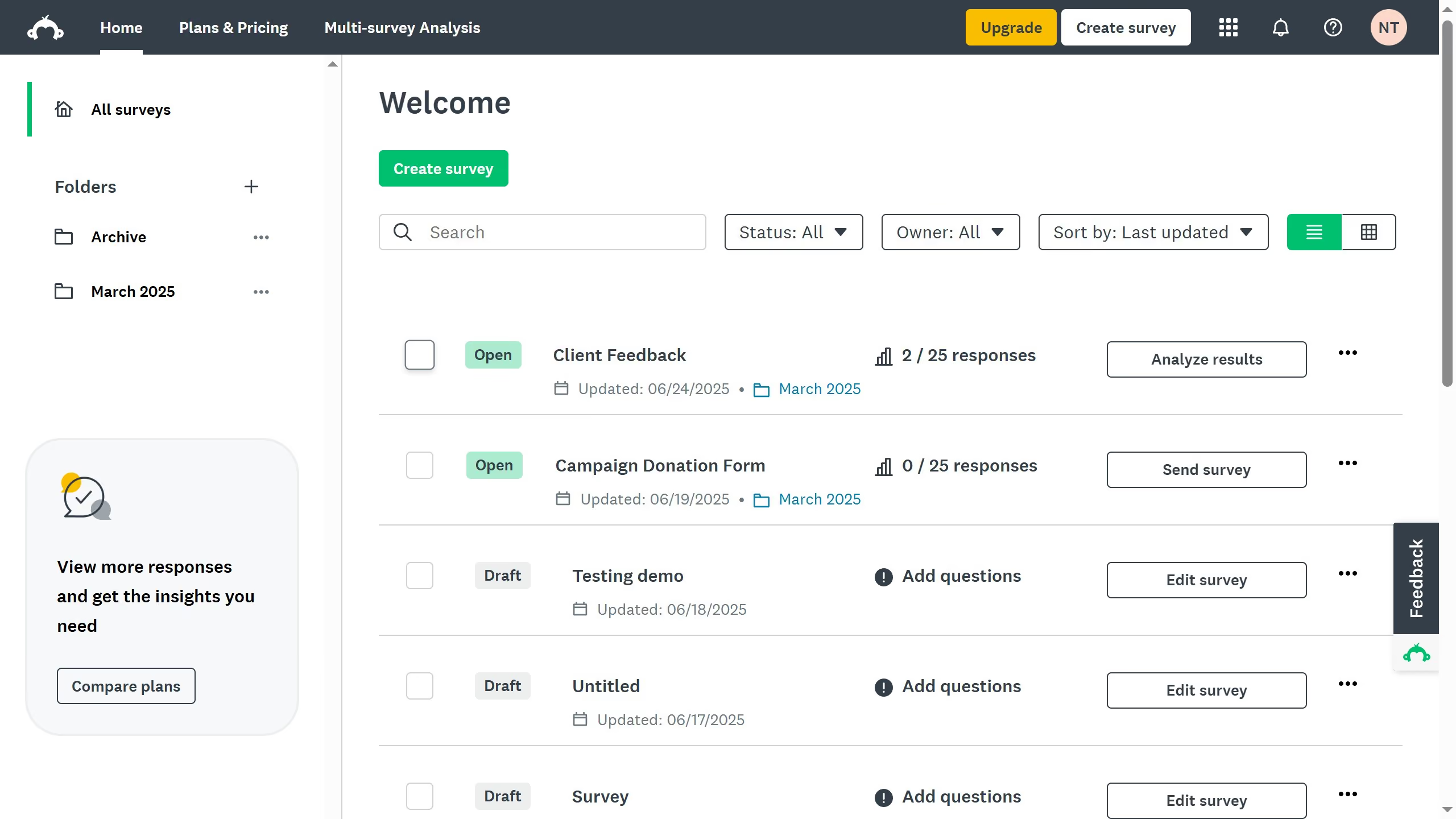
  1. First, in your dashboad click on the language selector dropdown in the footer
  2. Next, select your preferred language from the suggested options. The change will be applied instantly
  3. Alternatively, click your profile picture in the top-right corner
  4. Then click on "My Account" in the user dropdown menu
  5. Next under "General Preferences", find the "Language" option and click "Edit"
  6. Use the dropdown menu to choose your preferred language
  7. Then click "Change Language" to apply it
  8. Your account's language setting has been successfully updated
Create your own interactive guide with Guideflow

Why should you change the language settings in SurveyMonkey

SurveyMonkey is a versatile online tool designed to create and distribute surveys effortlessly.

Changing the language settings in SurveyMonkey is a crucial feature for reaching a global audience and ensuring inclusivity in your surveys.

This feature allows you to cater to diverse respondents, making it easier for participants to understand and engage with your survey.

By enabling respondents to interact in their preferred language, you enhance their experience and improve response accuracy.

Last update
June 23, 2026
Cursor MariaA cursor points to a button labeled "James."

Create your first demo in less than 30 seconds.