How to clear all responses from a survey collector in SurveyMonkey
Here is how to clear all responses from a survey collector in surveymonkey
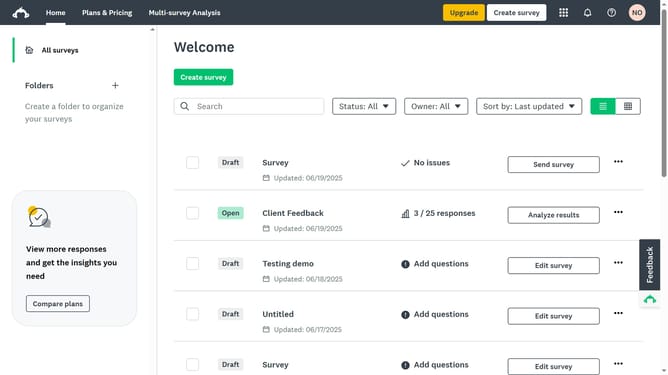
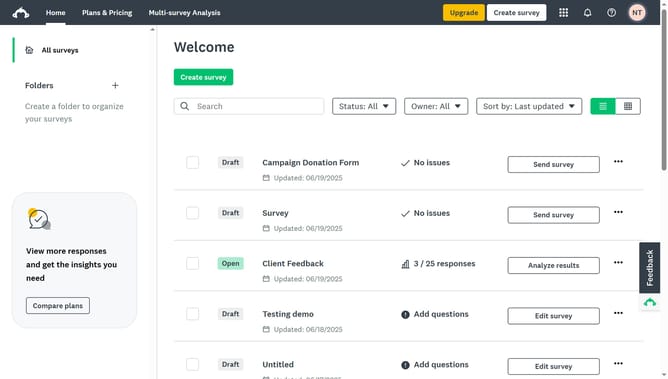
- Click the survey with the collector you want to clear all responses
- Then click on the "COLLECT RESPONSES" tab in the survey navigation menu
- Next click on the menu button ("...") for the collector in the collectors table
- Then select "Clear all responses" option from the collector's dropdown menu
- Finally click on the "CLEAR RESPONSES" button in the confirmation dialog
Why should you clear all responses from a survey collector in SurveyMonkey
SurveyMonkey is a powerful tool designed to gather insights through surveys and drive data-driven decisions.
One standout feature is the ability to clear all responses from a survey collector, ensuring fresh data collection.
This feature is invaluable for researchers and businesses aiming to reset survey data without altering the survey itself.
By clearing responses, users can effectively start a new data cycle, maintaining the integrity of their research process with ease.
Last update