SurveyMonkey
SurveyMonkey is an online survey and feedback collection platform for customer insights.
Website
Industry
Marketing
Share this article:

How to create a contact group in SurveyMonkey

Here is how to create a contact group in surveymonkey

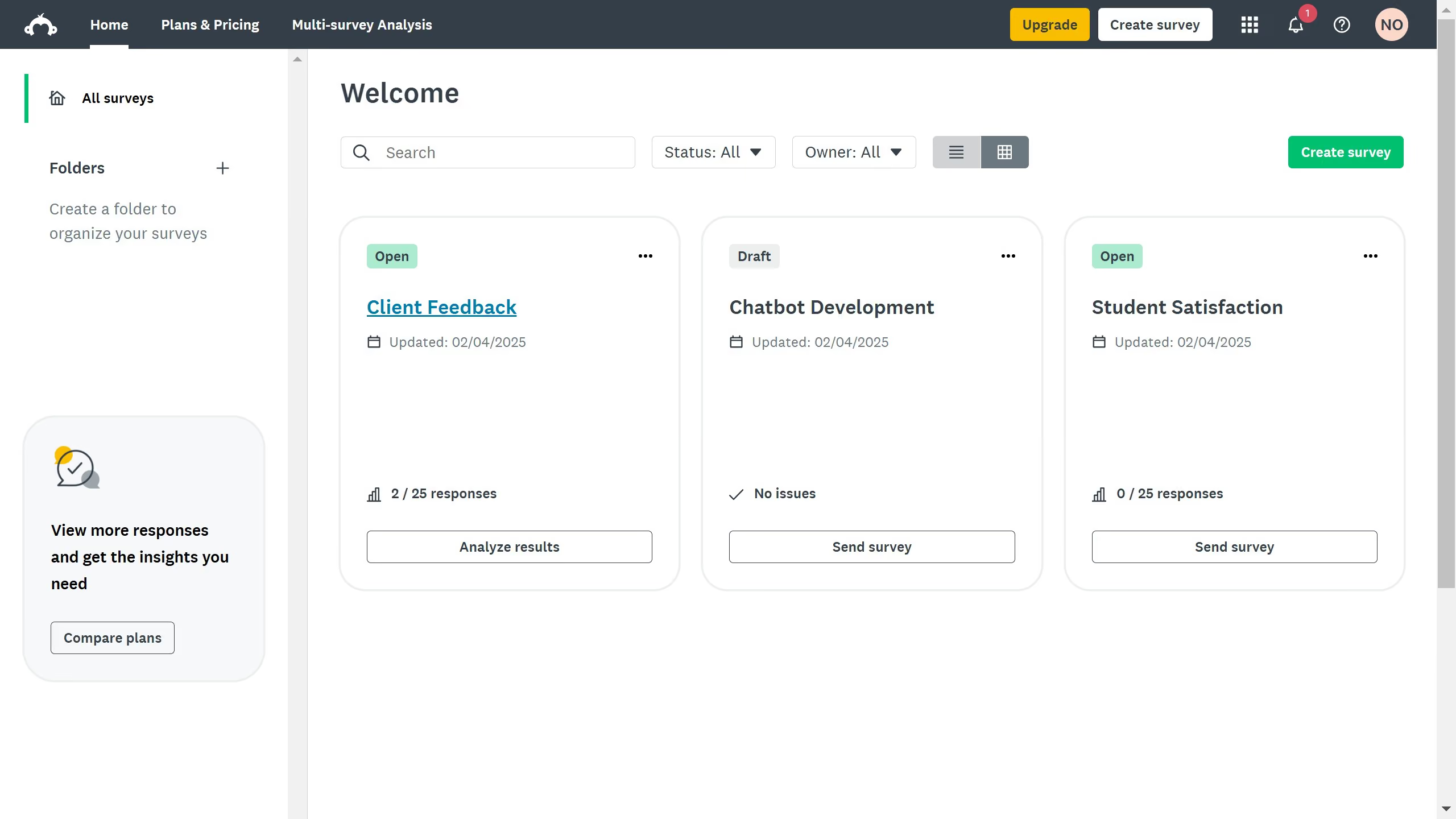
  1. On your SurveyMonkey dashboard, click your profile icon at the top right corner
  2. Click "Contacts" from the dropdown menu
  3. Click the "+ Group" button at the left 
  4. Enter your contact group name in the input field provided
  5. Finally click the "Save" button to save and finish

Create your own interactive guide with Guideflow

Why should you create a contact group in SurveyMonkey

SurveyMonkey is a versatile tool designed to streamline the process of creating and managing surveys effortlessly.

Creating a contact group in SurveyMonkey is a powerful feature that simplifies audience targeting and enhances communication efficiency.

By grouping your contacts, you can effortlessly manage specific segments, enabling more personalized outreach and ensuring your surveys reach the right people with ease.

Using contact groups not only saves time but also increases response rates, leading to more insightful data collection.


Last update
June 23, 2026
Cursor MariaA cursor points to a button labeled "James."

Create your first demo in less than 30 seconds.