SurveyMonkey
SurveyMonkey is an online survey and feedback collection platform for customer insights.
Website
Industry
Marketing
Share this article:

How to share live results in SurveyMonkey

Here is how to share live results in surveymonkey

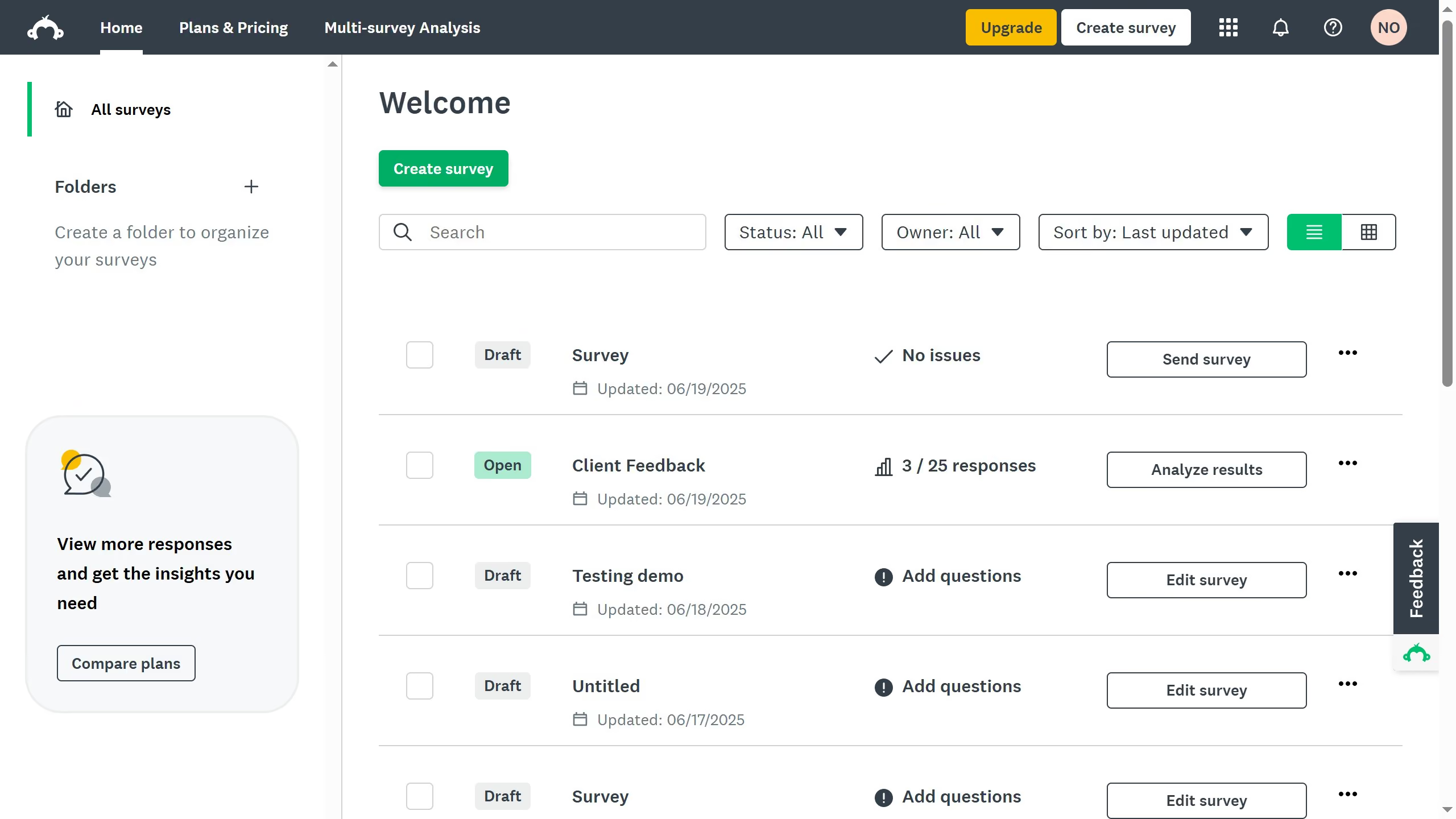
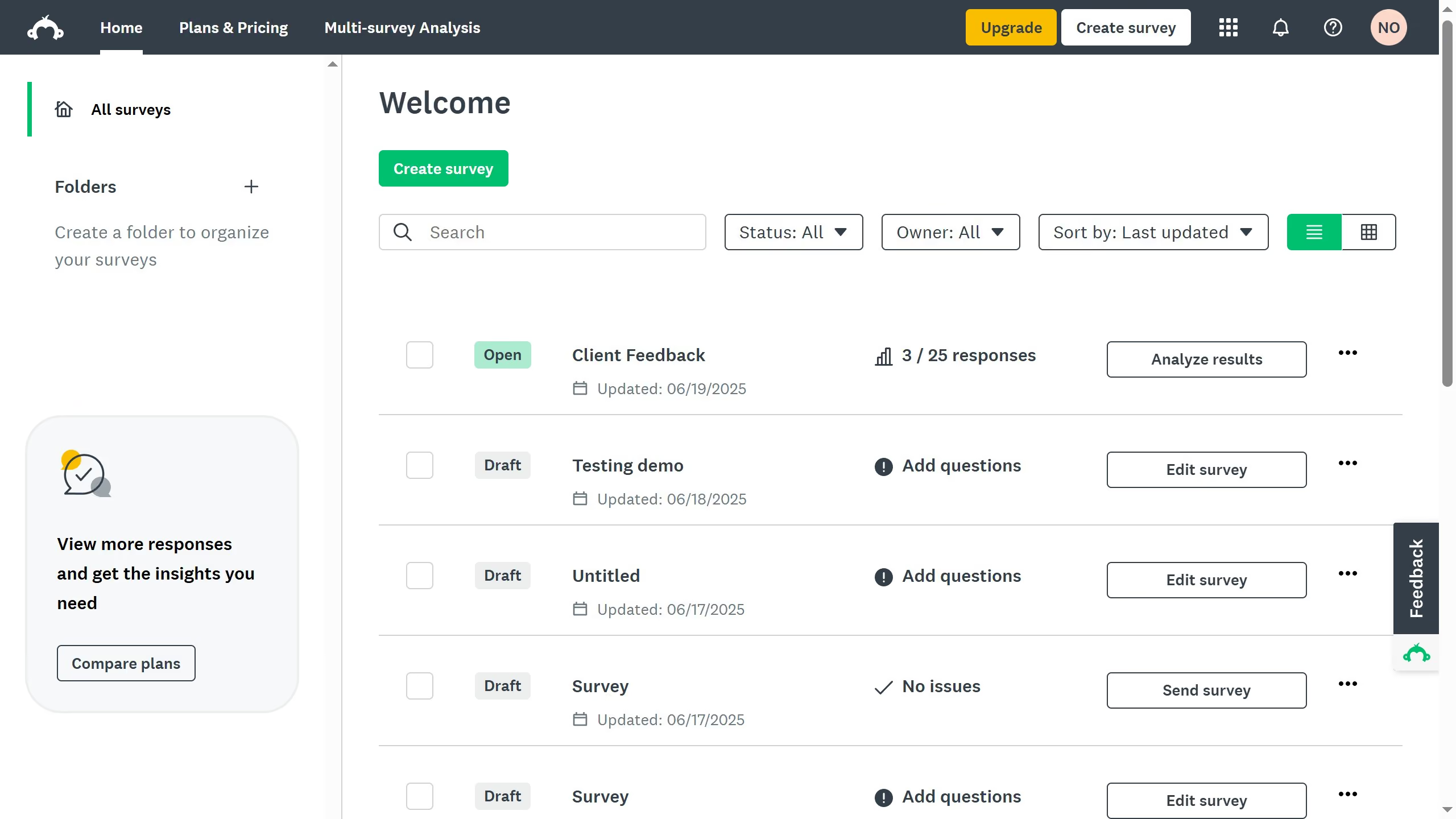
  1. First open the survey you want to share
  2. Then click on the "ANALYZE RESULTS" tab in the top navigation menu
  3. Next click on "Shared data" button in the analysis toolbar
  4. Then click on "+ Share All" button in the left sidebar panel
  5. In the Share Data modal dialog, click "GET LINK" button
  6. Finally click the "SAVE" button to complete sharing the survey data

Create your own interactive guide with Guideflow

Why should you share live results in SurveyMonkey

SurveyMonkey is a powerful tool for creating and analyzing online surveys to gather and understand valuable feedback.

One fantastic feature it offers is the ability to share live results with ease. This allows you to keep your team or stakeholders continuously updated on responses as they come in.

Sharing live results fosters transparency, encourages collaboration, and ensures everyone is on the same page which leads to more informed decision-making.

It’s a game-changer for businesses looking to react quickly and effectively to the insights gained.


Last update
June 23, 2026
Cursor MariaA cursor points to a button labeled "James."

Create your first demo in less than 30 seconds.