How to merge two pages into one in SurveyMonkey
Here is how to merge two pages into one in surveymonkey
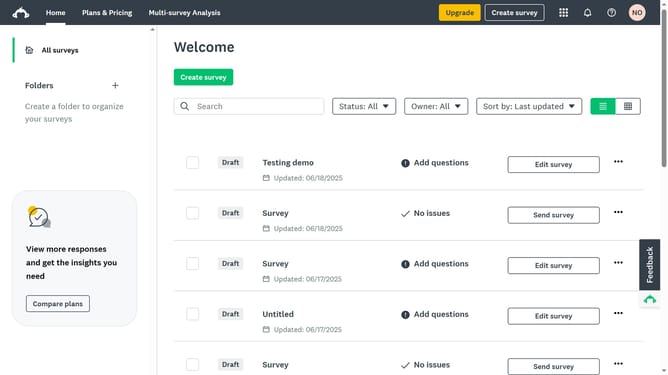
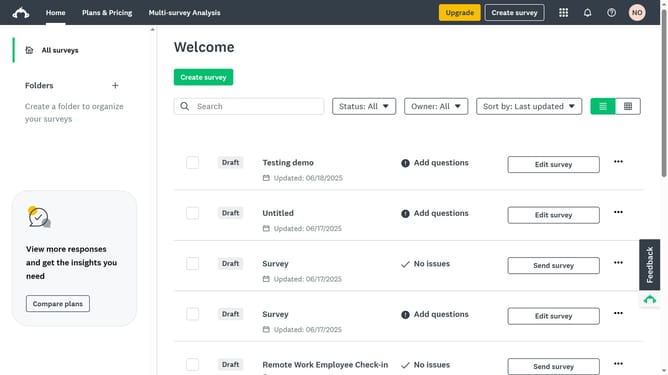
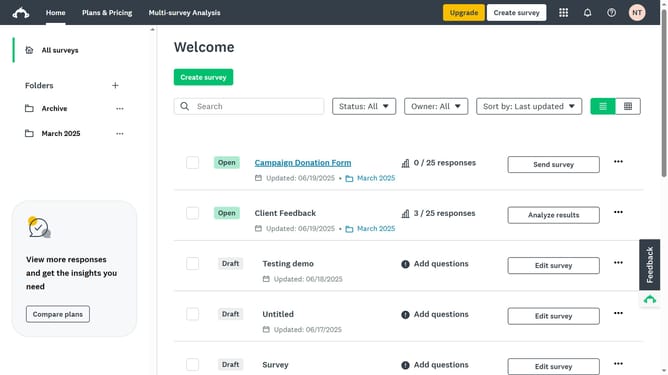
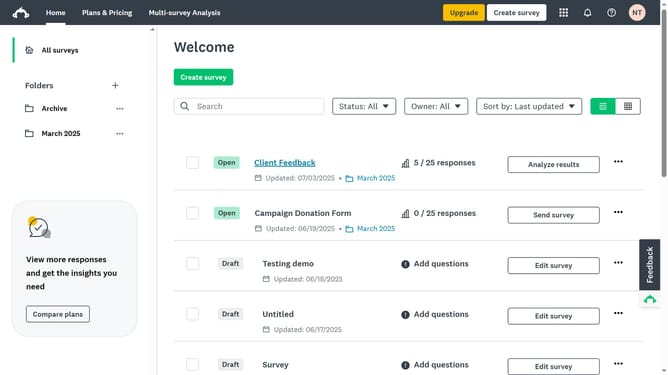
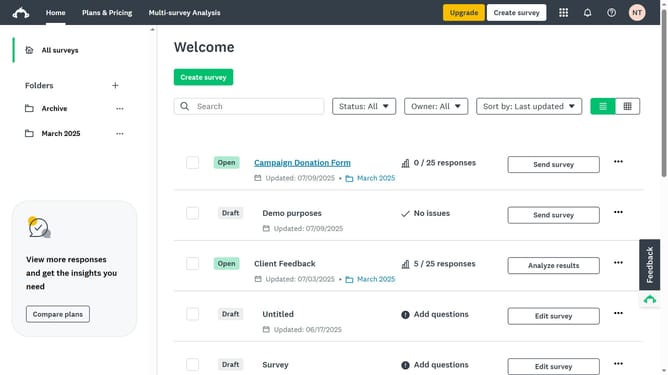
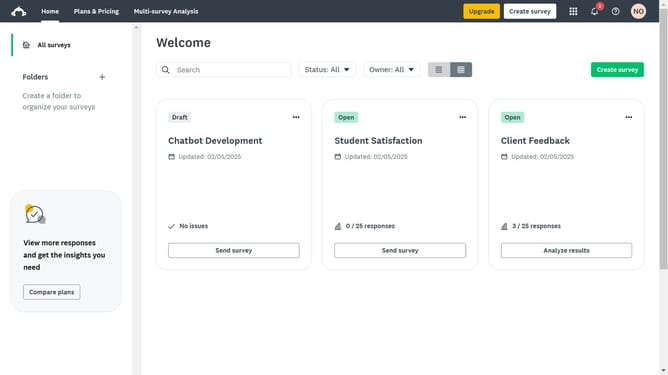
- First click the survey you want to open
- Then click on the "DESIGN SURVEY" tab in the top navigation menu
- Next click on "More actions" button in the toolbar
- Then select "Delete page" option from the dropdown menu
- Next choose "Move questions to the page above" or "below" in the delete page dialog to merge the pages
- Finally click the "Delete" button in the delete page dialog
Why should you merge two pages into one in SurveyMonkey
SurveyMonkey is a powerful tool that simplifies the process of gathering and analyzing feedback.
Merging two pages into one within SurveyMonkey enhances your survey's efficiency by creating a smoother flow for respondents.
This feature helps in combining content to reduce participant drop-off rates, fostering better completion statistics.
By streamlining data collection, this option ensures that your surveys remain concise and engaging while maintaining the depth needed for insightful analysis.
Last update