SurveyMonkey
SurveyMonkey is an online survey and feedback collection platform for customer insights.
Website
Industry
Marketing
Share this article:

How to customize trend views in SurveyMonkey

Here is how to customize trend views in surveymonkey

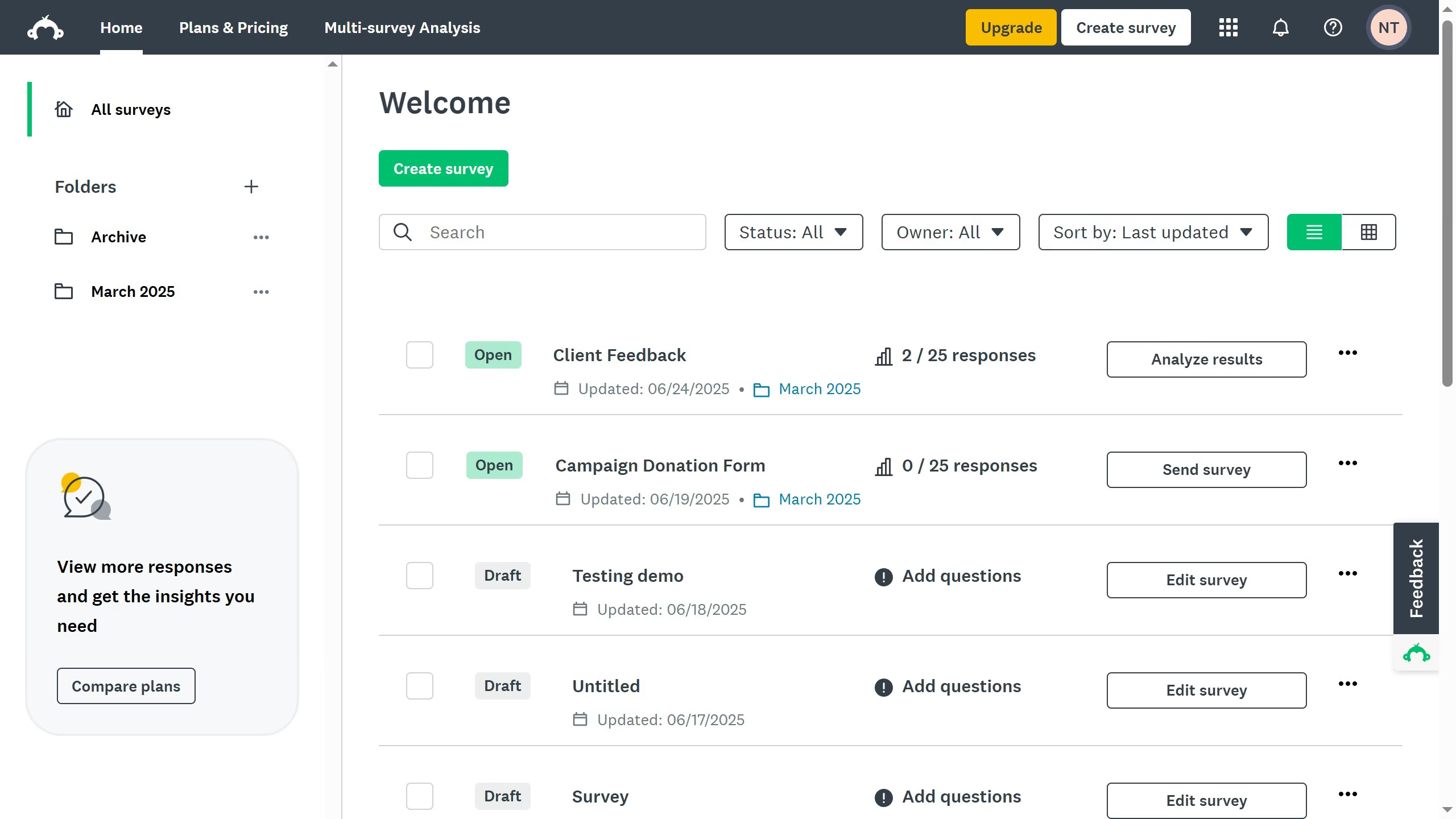
  1. First click the survey you want to analyze
  2. Then click on "ANALYZE RESULTS" tab in the survey navigation menu
  3. Next click on "Insights and Data Trends" tab in the analysis section
  4. Scroll down to the "Trends" section and use the dropdowns to change the how your chart looks

Create your own interactive guide with Guideflow

Why should you customize trend views in SurveyMonkey

SurveyMonkey, a robust platform for insightful survey creation and analysis, empowers users to make data-driven decisions.

The ability to customize trend views in SurveyMonkey enhances the user's capability to refine data analytics, offering tailored perspectives on survey results.

This feature allows you to personalize data visualization, enabling more relevant interpretation of trends over time.

By adjusting trend views, you gain deeper insights, ensuring that your strategies and decisions are informed by the most pertinent information.


Last update
June 23, 2026
Cursor MariaA cursor points to a button labeled "James."

Create your first demo in less than 30 seconds.