SurveyMonkey
SurveyMonkey is an online survey and feedback collection platform for customer insights.
Website
Industry
Marketing
Share this article:

How to enable partial response saving in SurveyMonkey

Here is how to enable partial response saving in surveymonkey

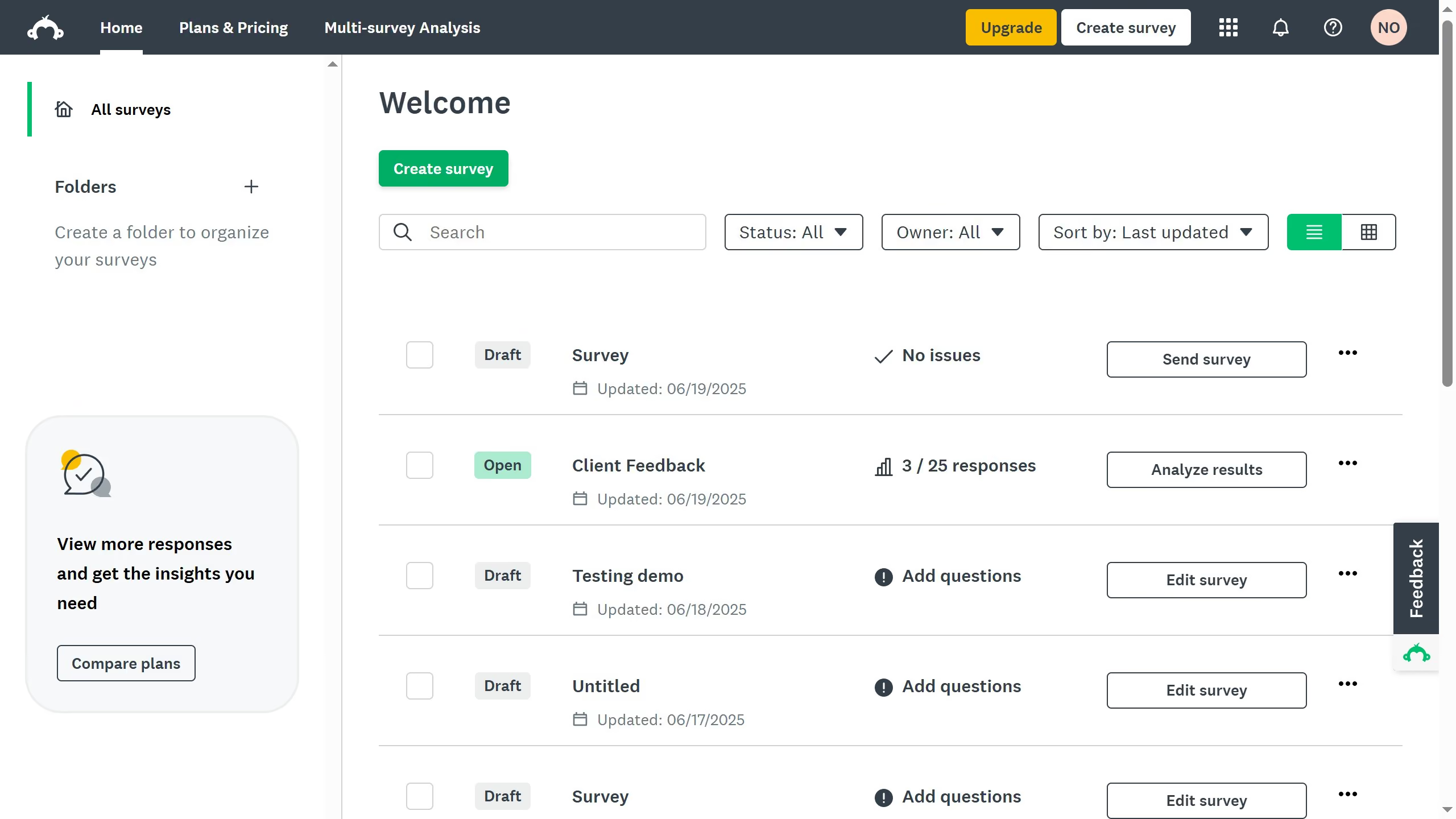
  1. First click the survey that you want to edit
  2. Then click on "COLLECT RESPONSES" tab in the survey navigation menu
  3. Next click active collector you want to edit
  4. Click on "Response editing" option in the survey settings panel
  5. Finally select the "On, respondents can change their answers even after they complete the survey" radio button in the response editing settings

Create your own interactive guide with Guideflow

Why should you enable partial response saving in SurveyMonkey

SurveyMonkey is a powerful tool designed to help you create and analyze surveys effortlessly.

Enabling partial response saving in SurveyMonkey allows respondents to save their progress and return later to complete the survey, ensuring more accurate data collection.

This feature is crucial for longer surveys, reducing dropout rates and increasing the likelihood of full participation.

By utilizing partial response saving, you enhance user experience and improve the reliability of your survey results.


Last update
June 23, 2026
Cursor MariaA cursor points to a button labeled "James."

Create your first demo in less than 30 seconds.