How to split a long page into multiple pages in SurveyMonkey
Here is how to split a long page into multiple pages in surveymonkey
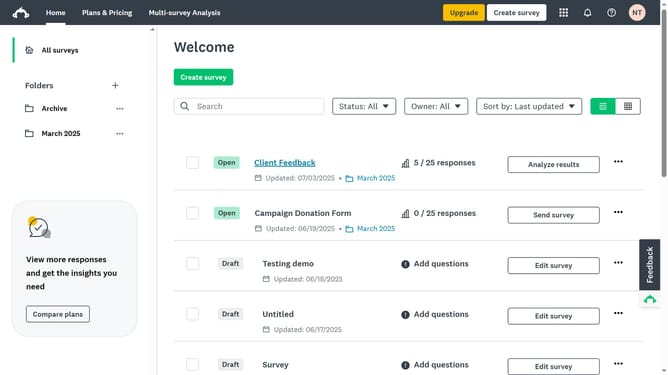
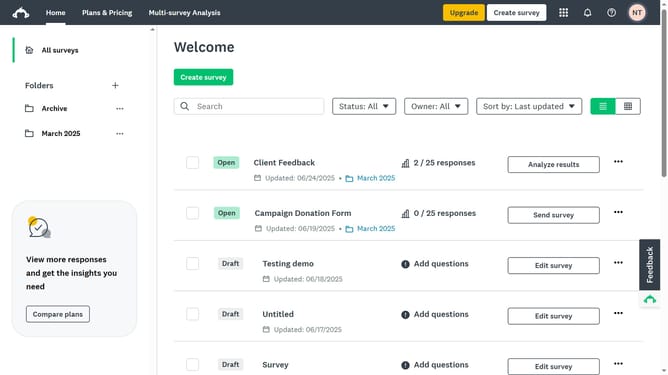
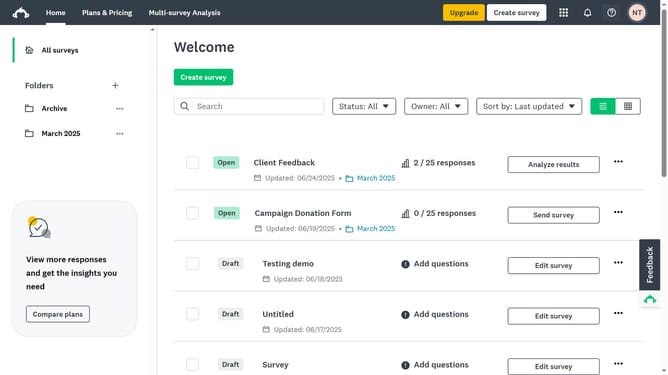
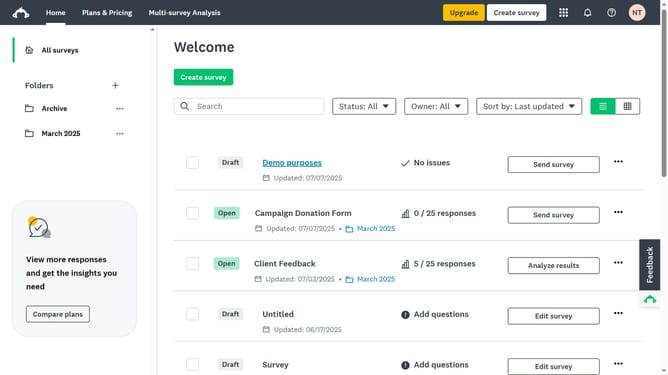
- First click the survey you want to open
- Then click on the "DESIGN SURVEY" tab in the top navigation menu
- Next click on the "Build" button in the survey editor toolbar
- Then click and hold the "Page Break" option from the Build menu
- Finally drag and drop the Page Break element to the desired location in the survey form
Why should you split a long page into multiple pages in SurveyMonkey
SurveyMonkey is a leading online tool for creating and analyzing surveys to gain valuable insights.
One of its standout features is the ability to split a long page into multiple pages, enhancing user experience.
By segmenting lengthy content, participants remain engaged, reducing dropout rates and increasing data quality.
This feature also allows for better organization and flow of questions, ensuring that your survey captures comprehensive and accurate responses.
Last update