SurveyMonkey
SurveyMonkey is an online survey and feedback collection platform for customer insights.
Website
Industry
Marketing
Share this article:

How to manually remove contacts in SurveyMonkey

Here is how to manually remove contacts in surveymonkey

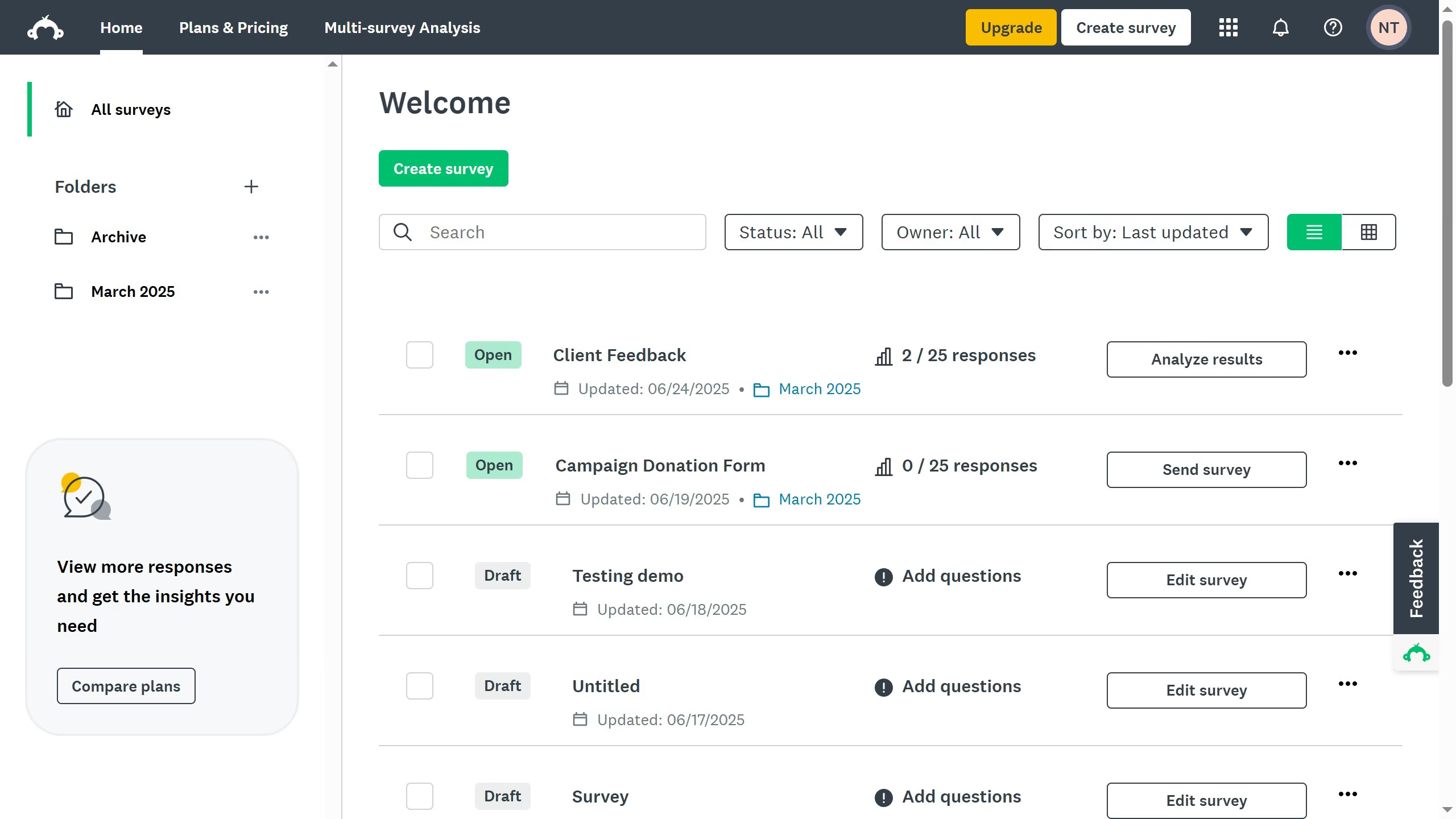
  1. First click on the user profile menu button in the top-right corner of the header
  2. Then click on the "Contacts" option in the dropdown menu
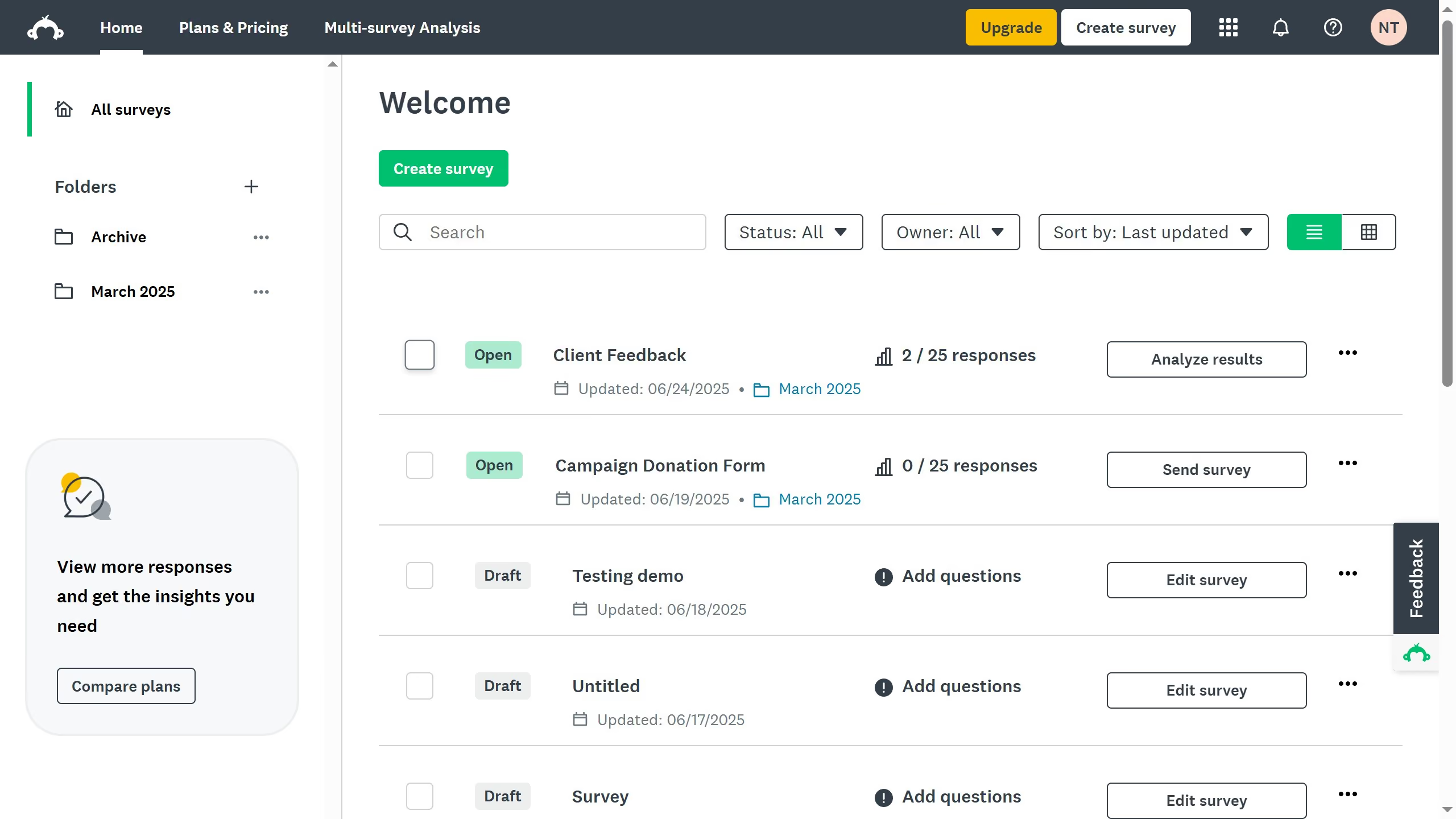
  3. Next click on the checkbox next to the contact you want to delete
  4. Then click on the "DELETE PERMANENTLY" button in the top action bar
  5. Finally click on the "OK" button in the delete confirmation dialog

Create your own interactive guide with Guideflow

Why should you manually remove contacts in SurveyMonkey

SurveyMonkey is a dynamic platform designed to streamline and enhance survey creation and analysis.

The manual contact removal feature in SurveyMonkey is essential for maintaining clean and organized contact lists, ensuring effective communication.

By removing outdated or incorrect contact information, you can improve survey distribution and response accuracy.

This feature supports data management, allowing for a more streamlined approach to contacting relevant participants and enhancing overall efficiency.


Last update
June 23, 2026
Cursor MariaA cursor points to a button labeled "James."

Create your first demo in less than 30 seconds.