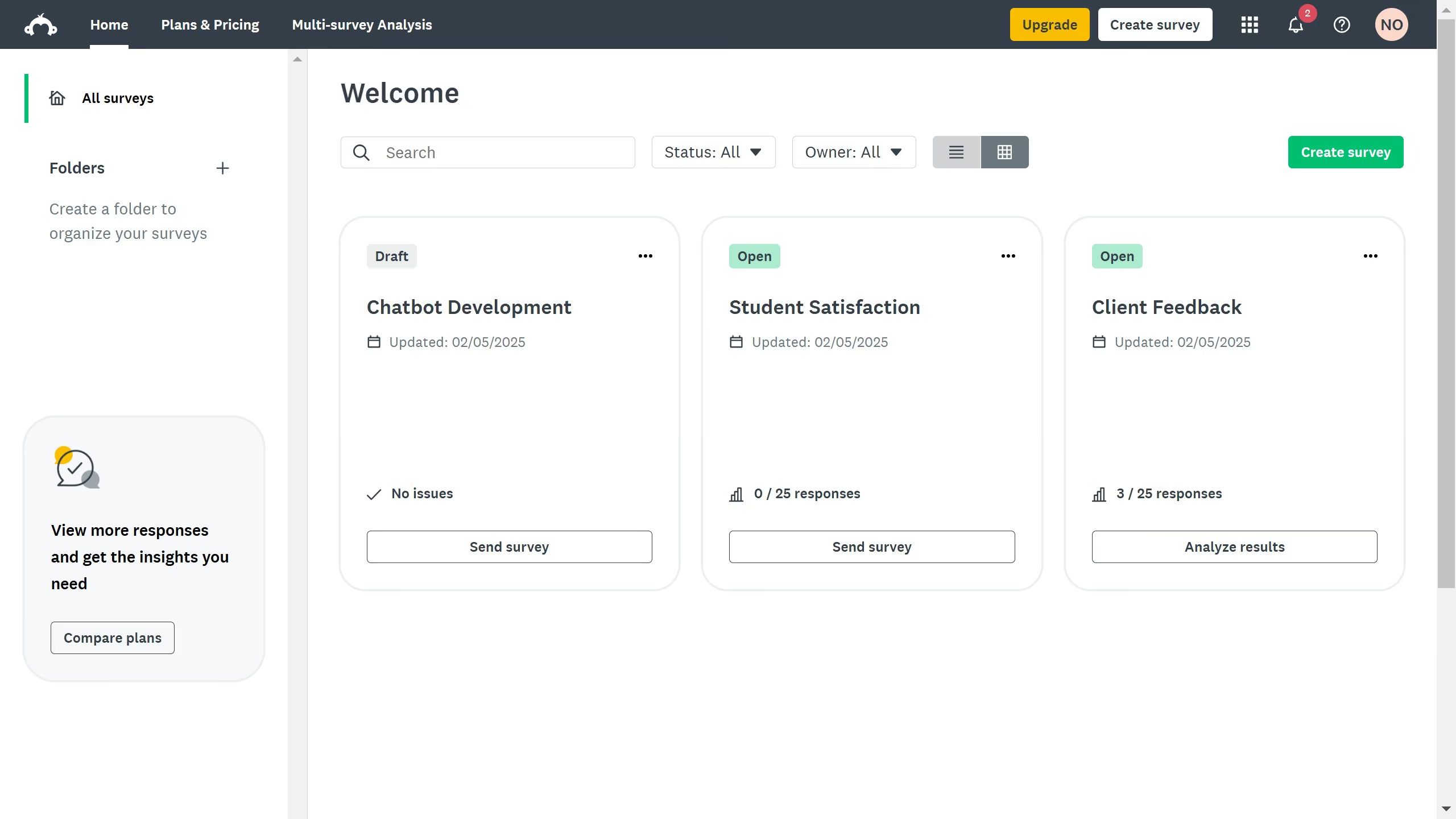
Here is how to check response rates in surveymonkey
- First click the survey you want to review
- Then click on the "COLLECT RESPONSES" tab in the survey navigation menu
- Under the "Response" section, you’ll see how many responses each collector received


Create your own interactive guide with Guideflow
SurveyMonkey is a powerful tool that empowers users to create insightful surveys with ease.
One of the key features is checking response rates, offering a clear snapshot of engagement levels in your survey.
This feature allows you to gauge the effectiveness of your survey distribution strategies and make data-driven decisions.
Understanding response rates can lead to enhanced survey optimization, ensuring your questions resonate and garner the desired feedback.
Why leading companies build with Guideflow