Here is how to delete comments in shared data views in surveymonkey
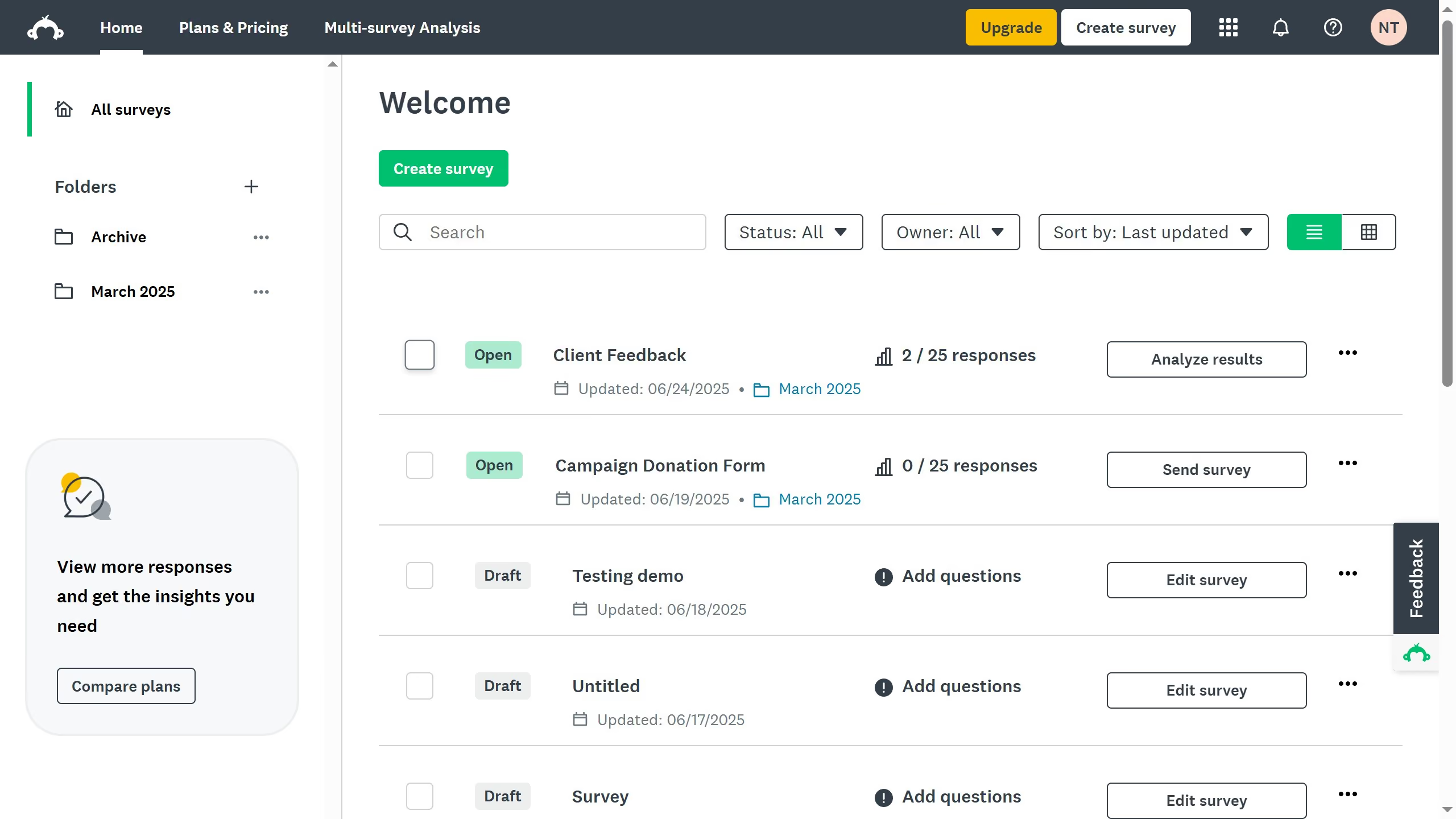
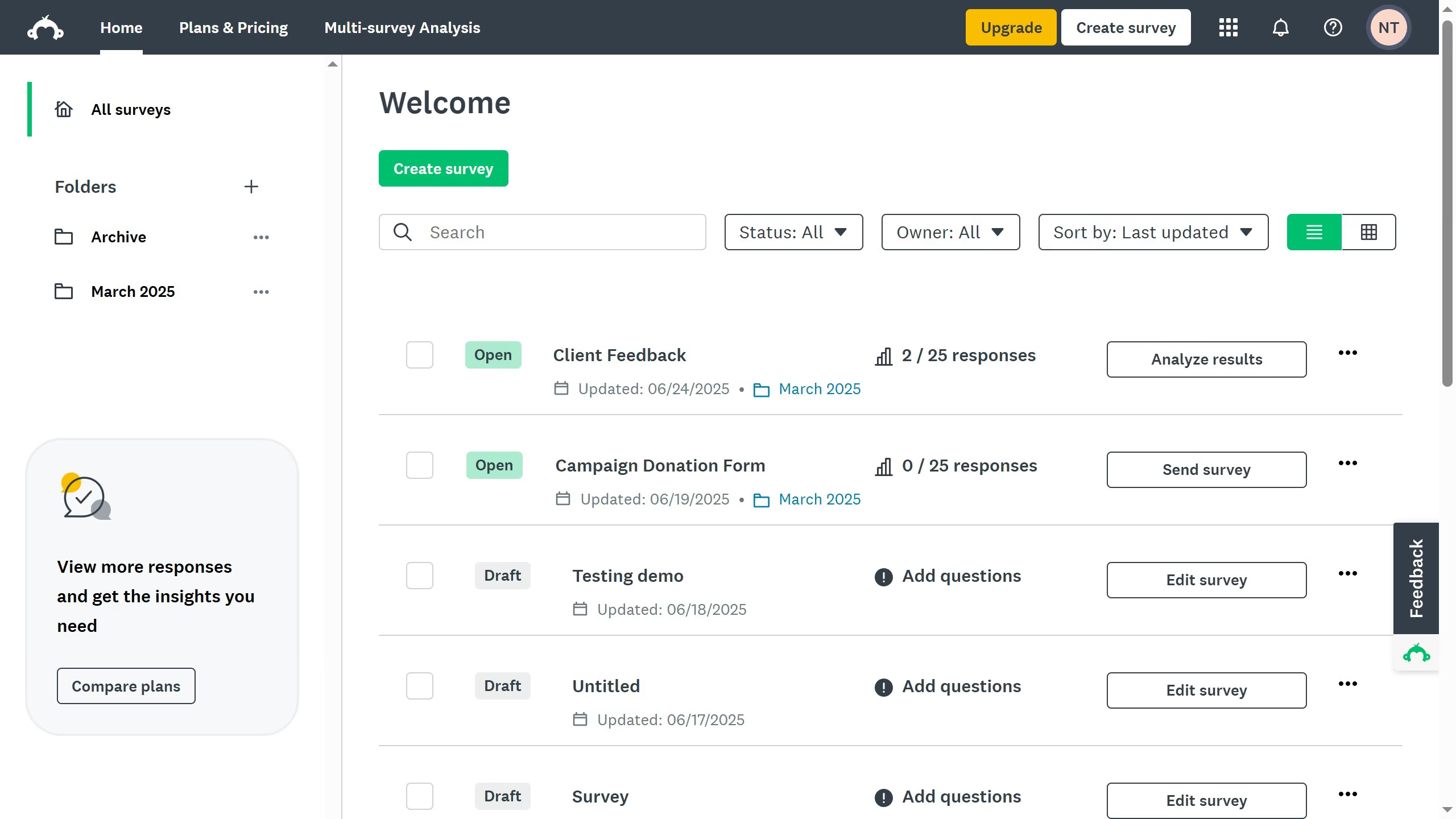
- First click the survey you want to edit from the survey list
- Then click on "ANALYZE RESULTS" tab in the survey navigation menu
- Next click on "Shared data" button in the analysis toolbar
- Click on the comment icon next to the shared data link
- Then click on the comment icon in the top right corner of the question with a comment
- Finally click the "Delete" link under the existing comment