SurveyMonkey
SurveyMonkey is an online survey and feedback collection platform for customer insights.
Website
Industry
Marketing
Share this article:

How to close a survey in SurveyMonkey

Here is how to close a survey in surveymonkey

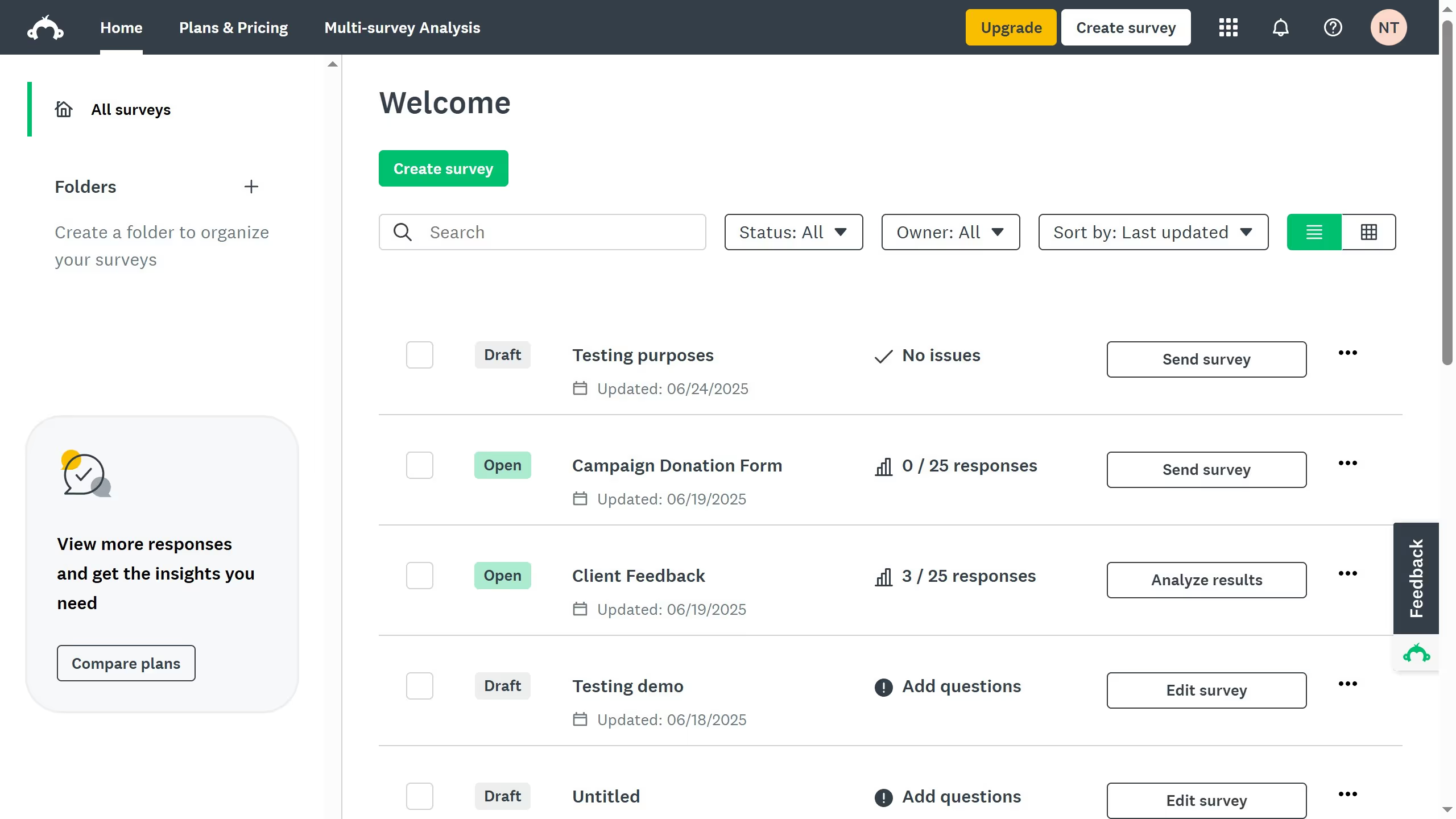
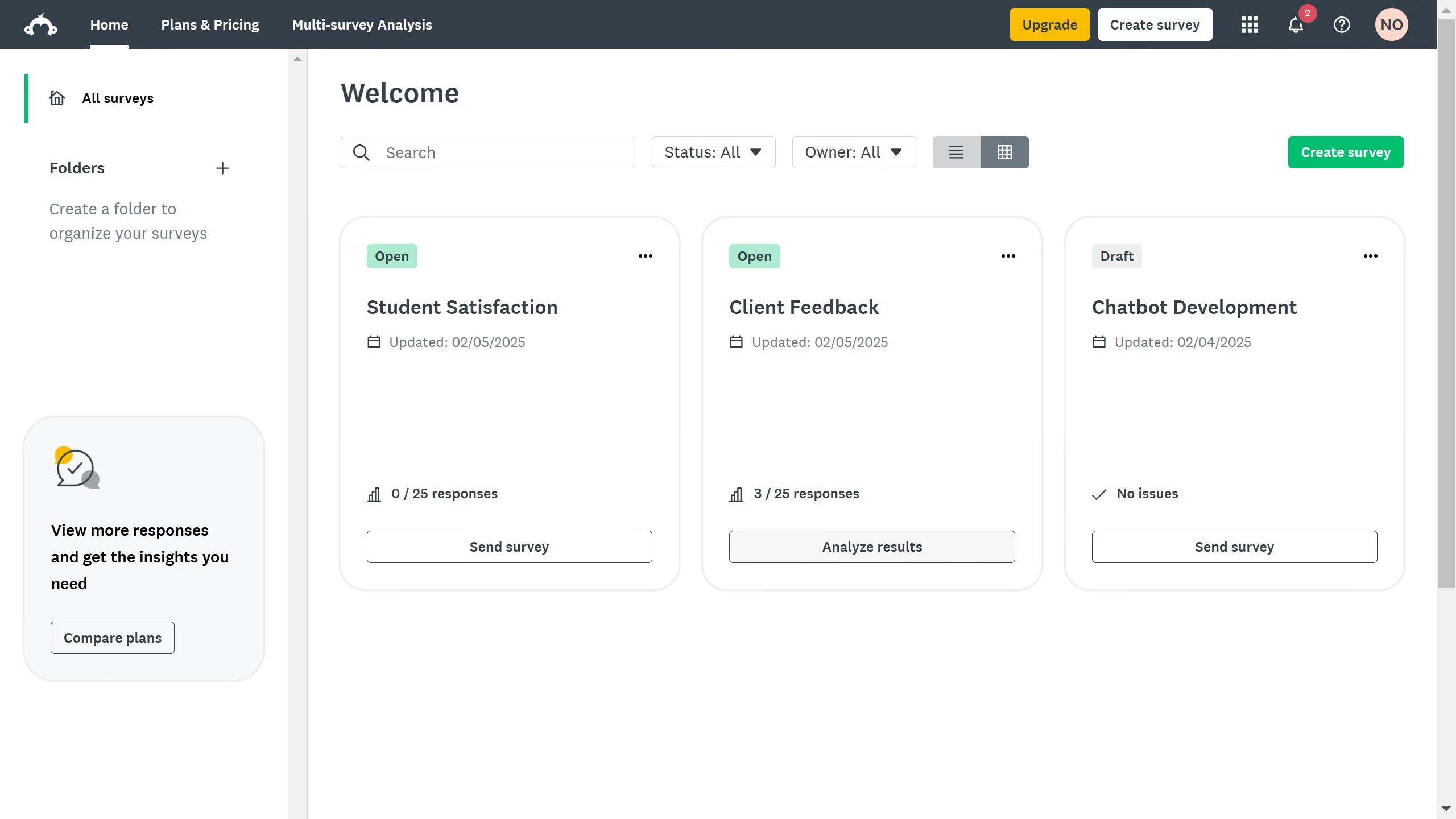
  1. On your SurveyMonkey dashboard, choose the survey you want to edit from your list
  2. Go to the "COLLECTOR RESPONSES" tab at the top
  3. Find the collector you used to send your survey
  4. Click the "..." at the right side to open its options
  5. Then click the "Close collector" status
  6. Finally click the "Close collector" button to close the survey

Create your own interactive guide with Guideflow

Why should you close a survey in SurveyMonkey

SurveyMonkey is a powerful online tool designed to simplify the creation and analysis of surveys.

The ability to close a survey in SurveyMonkey is a key feature that ensures your data collection process is wrapped up neatly. By closing your survey, you strategically conclude the data-gathering phase, allowing for focused analysis without new inputs disrupting the results.

This feature helps in maintaining data integrity and provides a definitive endpoint, making it easier to shift resources from data collection to insight generation.


Last update
June 23, 2026
Cursor MariaA cursor points to a button labeled "James."

Create your first demo in less than 30 seconds.