SurveyMonkey
SurveyMonkey is an online survey and feedback collection platform for customer insights.
Website
Industry
Marketing
Share this article:

How to share a survey link in SurveyMonkey

Here is how to share a survey link in surveymonkey

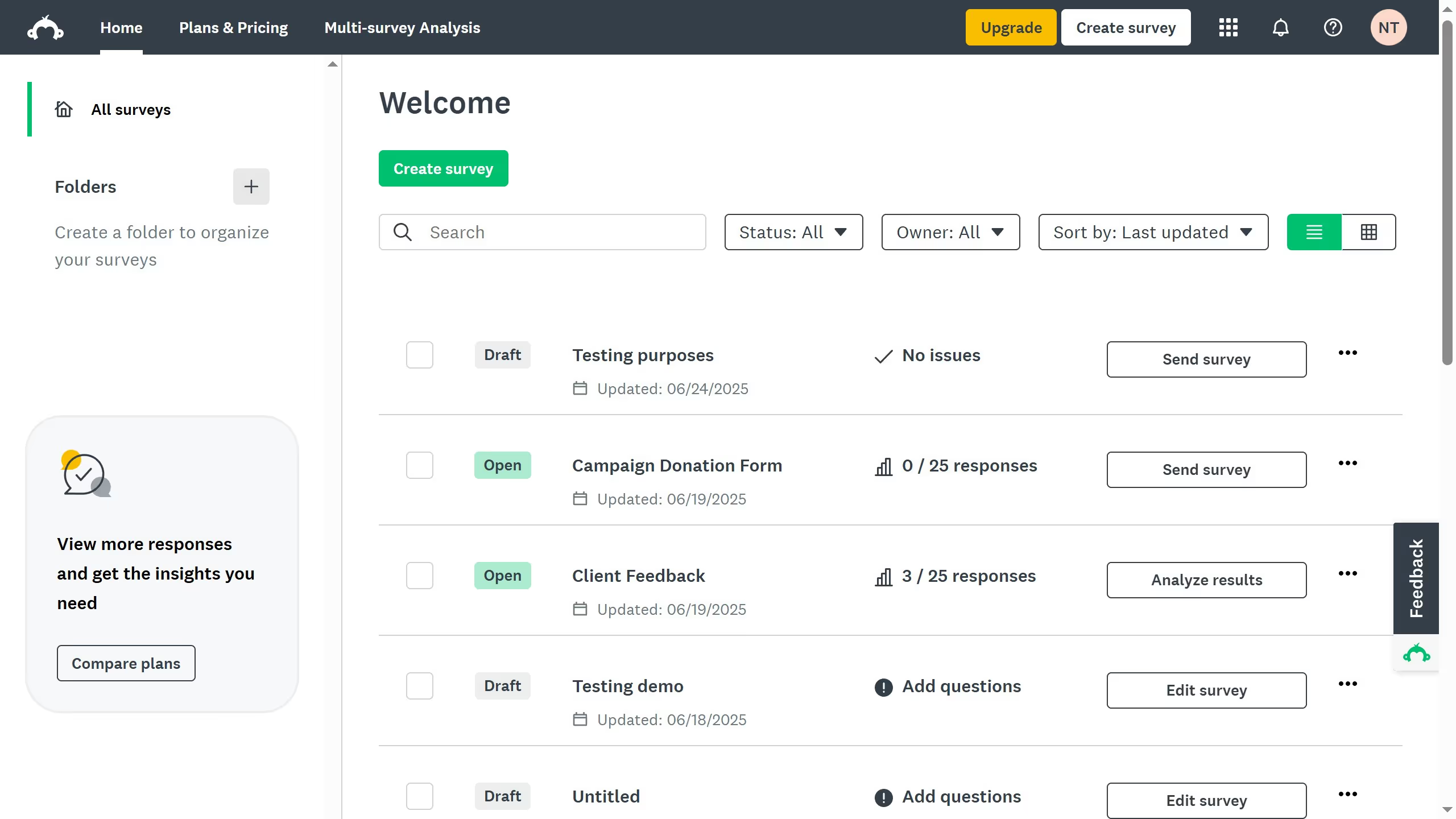
  1. On your SurveyMonkey dashboard, choose the survey you want to edit from your list
  2. Click the "COLLECT RESPONSES" tab at the top
  3. Choose "Send surveys your way" as your collection method
  4. Click the "Share a survey link" tab to the generated survey link

Create your own interactive guide with Guideflow

Why should you share a survey link in SurveyMonkey

SurveyMonkey empowers individuals and businesses to effortlessly collect opinions and data through customizable surveys.

The feature to share a survey link is particularly advantageous, offering seamless distribution and easy accessibility to participants.

This ability ensures that gathering diverse responses is efficient, promoting a comprehensive understanding of the surveyed topics.

By using SurveyMonkey’s sharing feature, users can rapidly expand their survey reach, harnessing the potential for richer, more varied insights.


Last update
June 23, 2026
Cursor MariaA cursor points to a button labeled "James."

Create your first demo in less than 30 seconds.